
Create and reuse a component
A component is a reusable model for an element such as a card, an introduction or a group of buttons. It avoids rebuilding the same design on every page.
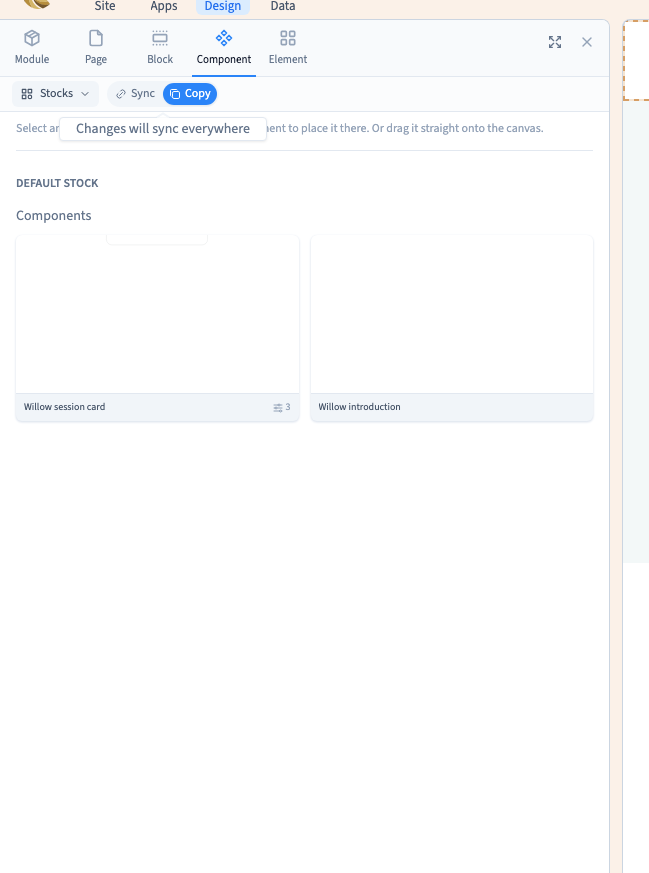
Synchronize keeps a link to the model. Copy creates independent elements. Choose according to how future edits should behave.
1. Prepare the right element
In Expert, select the element you want to reuse. For a whole card, select the group containing its image, text and button. Selecting only the heading saves only that heading.
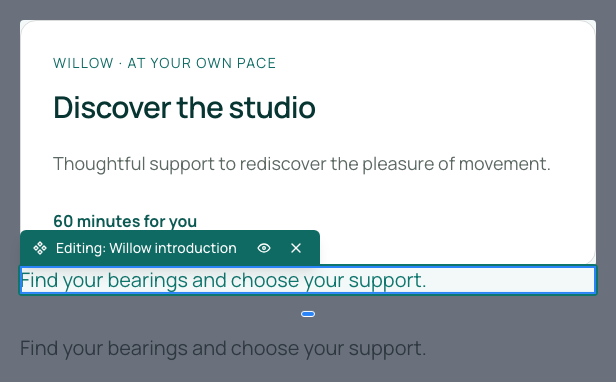
Check content, links and phone layout first. The demonstration uses a short Willow introduction with fixed text, without CMS data or content properties.
2. Save it to a stock
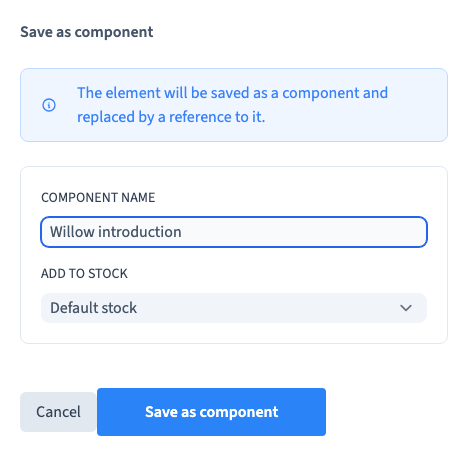
Right-click and choose Save as component. Give it a recognisable name, such as Willow introduction, and select a stock. A stock is a library of reusable designs in your site. Create a separate stock only when it helps organise your work.
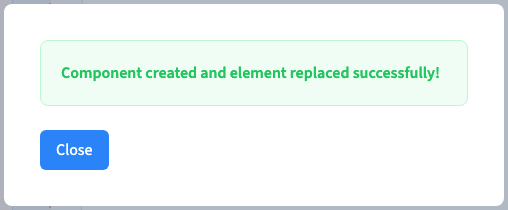
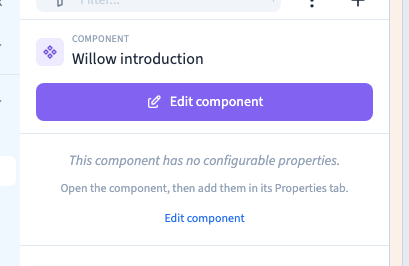
Confirm with Save as component, then close the success message. The content remains on the page, now as an instance of the model. Its panel displays the component name. Save and reload to check it.
Could not play. Try the video controls.
3. Insert a synchronised instance
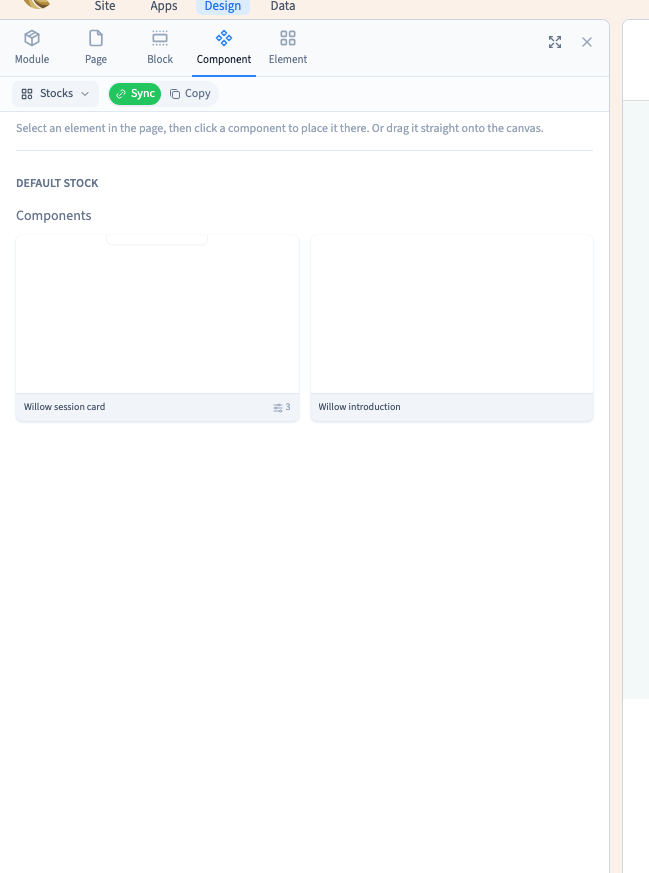
Open the destination page, select a nearby reference element and open Add > Component > Stocks. Find your model, choose Synchronize, then click its card.
The click inserts after the selected element. Use Layers to adjust the position. Dragging is another insertion command; the recording uses clicks to make the mode choice clear.
Editing the shared model's design updates its synchronised instances, including on other pages. Changing an instance property changes that instance's content and does not detach its design.
4. Insert an independent copy
Choose Copy before clicking the component card. The builder copies its elements into the page without retaining the link to the model. Their design can then change independently.
The demonstration places both kinds on another page. A colour change to the shared model updates the synchronised instance and the original use; the independent copy keeps its colour.
| Need | Choice |
|---|---|
| Maintain a common design across pages | Synchronize |
| Start from a model and freely change its design | Copy |
| Change one card's content | Instance properties, when provided |
The filmed example uses fixed text. After copying a model with properties, CMS data or nested components, also check those dependencies.
Could not play. Try the video controls.
5. Understand the stock's scope
The stocks shown belong to the current site. They do not grant access to a project or provide automatic synchronisation between unrelated projects.
Community publication of stocks is reserved to Communik administration. For reuse between separate sites, prepare and verify an appropriate transfer rather than treating a private stock as a public library.
6. Verify both pages
Save and reload both pages. Check content, colours, links and layout at desktop and phone widths. Identify a model's uses before changing it for everyone.