
Create a website for your architecture practice
Describe your business.
The AI writes your site.
Free to build. No card. Hosting included.
Run your site from the chat.
A photo, an address, a page: no expert to pay.
Write what you want changed, the way you would send a text. The chat makes the change on your site.
Change our address: 14 rue des Lilas, Nantes.
Done. The new address is on the home page, the contact page and the footer.
Add this photo to my gallery.
Drop it here, I will put it in the gallery.
Create a page for home extensions.
The page is ready, with a link in your menu.
Easy mode: you click, you change it.
The AI does what you do not know how to do.
Easy mode
Click a text or a picture in the preview of your site and change it right there.
Rewrite my page for home extensions in a warmer tone.
The AI does the rest
Rewrite a page, add a section, change the colours: describe it, the AI builds it.
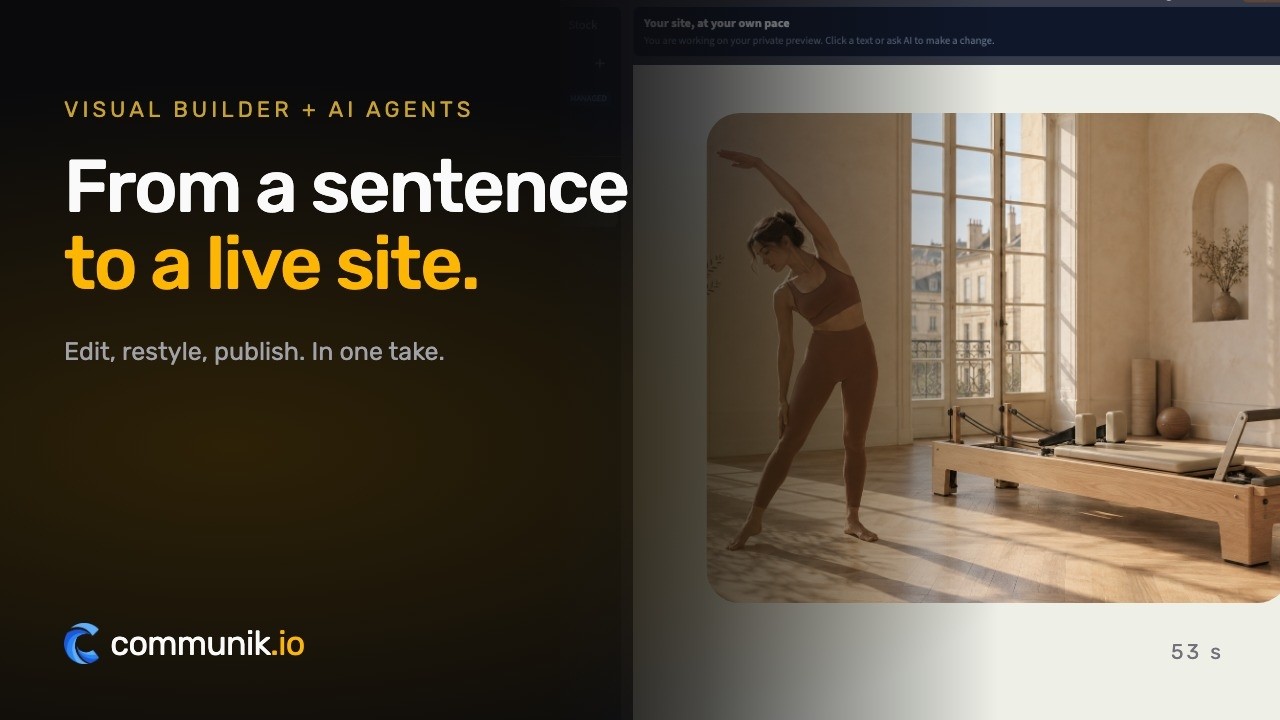
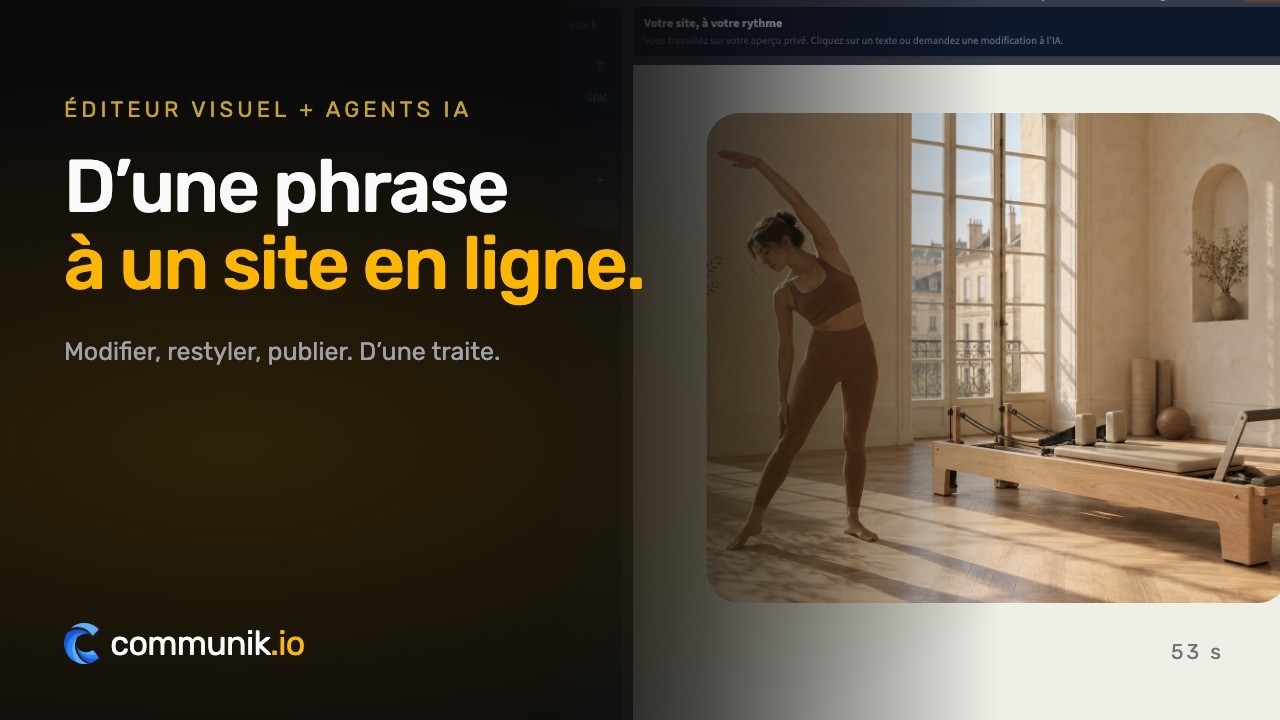
One minute to see how it works.
From the first sentence to the site online.
Your customers book online.
A first meeting on the plot, a site visit, a project review.
You set your hours, customers pick a slot on your site, the booking lands in your calendar.
A site that works while you work.
Four things that turn a visitor into a customer, in place from the first day.
Enquiries for the projects you want
New houses, extensions, renovations, interiors, shops: each mission has its own page, found by people planning exactly that work in your area. The site is built in an evening, without an agency.
See your site before you sign up
Pick a design, type your practice name and phone number, and the preview on this page updates as you go. You only create an account if you like what you see.
Your built work, shown properly
Each project with its photo, town, year, materials and time on site. Ten designs, from a dark monograph of built houses to a drawing sheet with its title block, so the site looks like your practice.
Your fees and your process, in writing
Each mission shows a starting fee and a typical duration, which you can hide. The site explains how a project unfolds and what protects your client, and the enquiry form asks for the address of the plot and the project.
What your websitemust contain.
The sections that actually bring in enquiries, and the ones you can skip.
An architecture website has one job: let someone planning a house, an extension or a renovation decide that your practice is the one to write to. Six sections do almost all of that work.
Built work, with captions
Your projects are the first thing people look at. Under each photo, give the place, the year, the materials and how long the works took. A caption turns a beautiful picture into evidence that you have built something like their project, in a place like theirs.
Missions in plain words
Feasibility study, building permit application, full mission, site supervision, interior work: one page each, written the way your clients search for them. Say what you deliver at each stage, so nobody has to ask what a sketch includes.
How you charge
A starting fee, a percentage of the works or a fixed price for short missions: whatever your rule is, say it. A visitor who finds no word about fees rarely calls to ask.
The process, step by step
First meeting, sketch, permit, choice of builders, works, handover. Laid out in order, the process answers the question your clients find hardest to ask: what happens next, and when.
Your credentials
Your registration, your professional insurance, the written contract you sign before starting. They reassure people who are about to commit a large budget.
An enquiry form that asks for the site address
- the address of the plot or the building;
- the kind of project: new build, extension, renovation;
- a rough surface and budget;
- the timing they have in mind.
With those, your first reply can already say what is possible and what comes next.
What it reallycosts.
Real figures, including what you pay elsewhere and what you no longer pay here.
Three routes, and the honest version of where a site builder sits among them.
An agency
A site designed for your practice, quoted per project, usually with a maintenance contract on top. You get a designer and someone to call. You also wait for each change, and every new project on the site goes through them.
A freelancer
Often cheaper than an agency, and often very good. The risk comes afterwards: when you want to add the house you handed over last month, your freelancer may be on another job.
Building it yourself
An evening to start, then a few minutes for each new project. You keep control of every change, which matters in a trade where the portfolio is the whole argument.
What you are actually paying for
- Hosting and SSL: included in the Communik subscription.
- A domain name: paid each year to a registrar, whichever route you take.
- Adding a project: a row and a photo, done yourself, as often as you like.
- Photos: your own site photos cost nothing; a photographer for a finished house is an investment worth making once.
On Communik, building costs nothing and needs no card. You pay when you publish on your own domain: €14 excl. VAT a month billed annually, or €19 monthly. If you would rather have it done for you, a done-for-you site starts at €1,200 excl. VAT.
The mistakes thatcost you clients.
Seen on hundreds of sites in this trade, and each one is cheap to fix.
A portfolio without captions
Twenty beautiful photos and not a word underneath. The visitor cannot tell whether it is a house, an extension or a competition entry, where it is, or when it was built. Three lines per project change everything.
Renders presented as built work
Renders have their place, labelled as projects. Mixed with built work, they make people doubt the rest. Say which is which.
No word about fees
Every client wonders how much an architect costs. A site that never mentions it sends them to the practice that explains how it charges.
A contact form that asks for nothing
A name and a message, then three emails to find out where the plot is and what they want to build. Ask for the address, the type of project and the timing in the form itself.
Images that take ages to load
Architecture photos straight from the camera weigh several megabytes each. Resized properly, the same photos load at once and keep their sharpness.
A site frozen on the day it went live
Your latest project is the one people want to see. A portfolio that stops three years ago suggests the practice did too.
€14 a month, once your site is live.
Building it costs nothing.
Prices excluding VAT. €14 a month billed yearly, or €19 month to month. Cancel whenever you like.
- Your site on your own domain name
- Hosting and SSL certificate included
- The chat and the AI: 2,000 credits a month
Online booking
Option, add it whenever you want
No card to start. You choose your plan when you publish.
No time? We do it all for you.
From €1,200 excl. VAT.
Your showcase site and your modules installed: we create every page that presents your services and put the site online. You send us your photos, texts and business details, and that is what makes a site accurate.
- Every service you offer, with its own page
- Your modules installed and set up, online booking included
- Your domain name connected, the site published
- Everything stays editable afterwards
An exact quote after a first conversation. You provide the photos, texts and information about your business.
Tell us about your projectWe get back to you to scope it together. No obligation.
A question? Write to me, I will answer.
I founded Communik and I read every request. Tell me about your business: we look at it together and I tell you plainly what you need, whether you build the site yourself or we build it for you.
Before you start.Everything else, just ask.
What people ask before they get going.
Can I show my built projects?
Yes: each project has its photo, its town, its year, its materials and its time on site. You add one in a minute, like a row in a table, and the sample projects are replaced with yours.
Do I have to publish my fees?
No. Each mission can show a starting fee and a typical duration; one option removes the fees from every page, and the site then says that fees are set in the contract.
What does the enquiry form ask for?
Name, phone, email, the address of the plot or the building, and the project. It sits on the home page, on every mission page and on the projects page.
Can I share drawings with my clients?
Communik has an optional client files module: private folders open only to the people you invite, or through a link with an optional password, with downloads and an end date.
How much does it cost?
Building it is free; publishing on your domain starts at €14/month, hosting and SSL included.
Is the website mine?
Yes. Your text, your photos and your domain name stay yours, and the subscription is monthly: you can cancel whenever you like.
Try it for real, the risk is on us
You saw your site above. Creating the account just makes it yours.
Free to build
Your site is generated and online at its own address at no cost. You pay only when you publish it on your own domain.
No commitment
Monthly subscription, cancel whenever you want. No setup fee, no 12-month contract, no sales call.
Everything included
Hosting, SSL, updates, contact and quote forms, reviews and local SEO structure. Nothing to install.
Another trade?
Each one comes with its own live demo site you can browse before you start: same editor, same price, content already written for that job.