
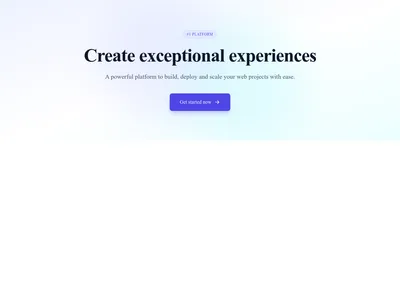
Hero Simple Centered
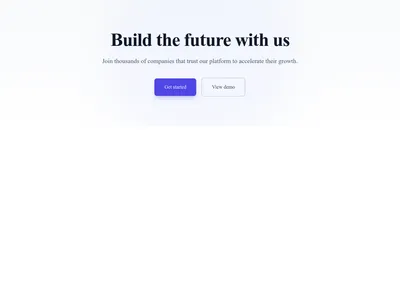
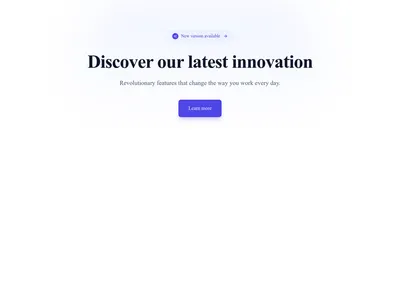
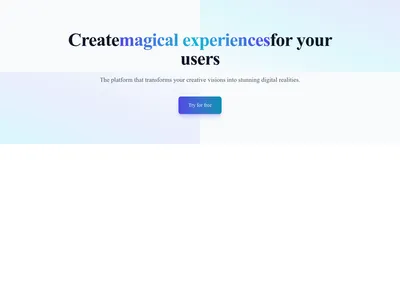
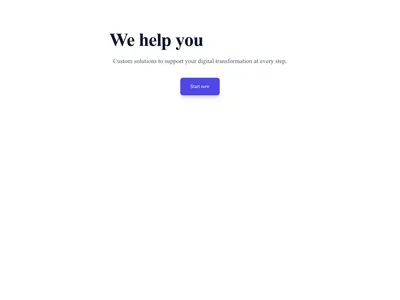
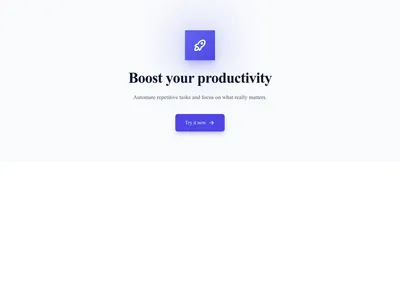
Centered hero with heading, subheading, and call-to-action button on a soft gradient
Hero
Full-width building blocks that stack together to form complete pages. Each section is self-contained, responsive, and designed to integrate seamlessly with other sections.
596 items
Centered hero with heading, subheading, and call-to-action button on a soft gradient
Hero
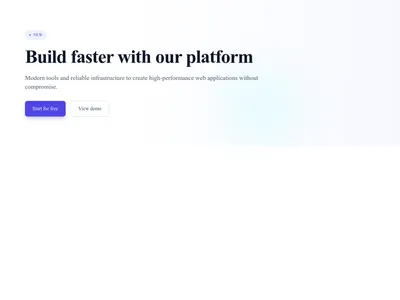
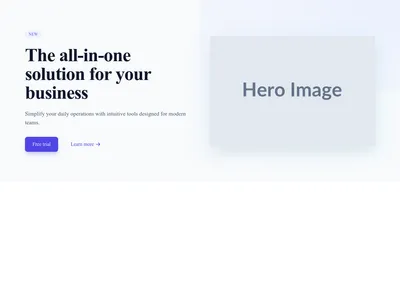
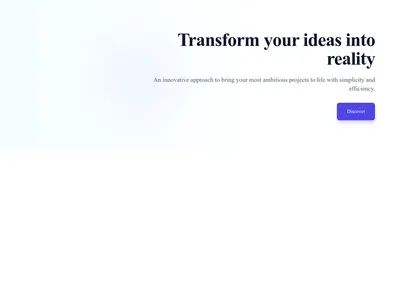
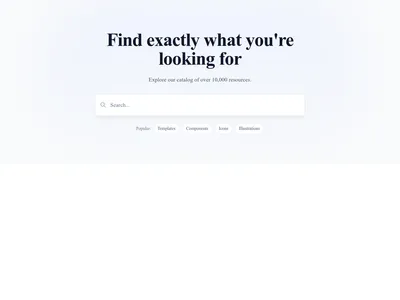
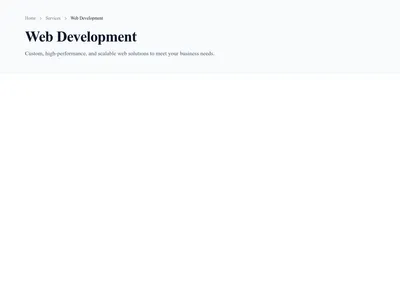
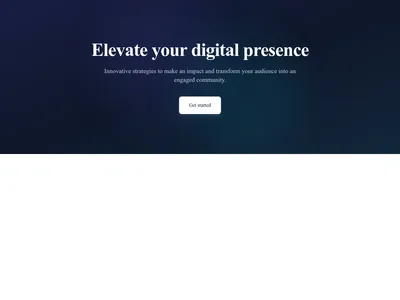
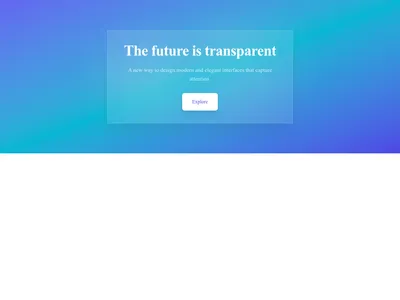
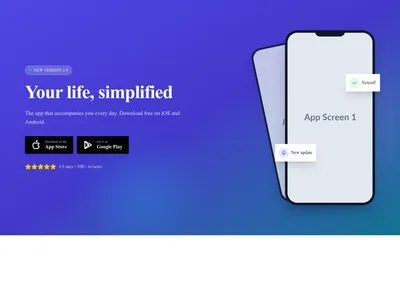
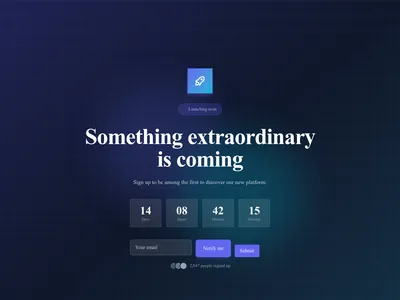
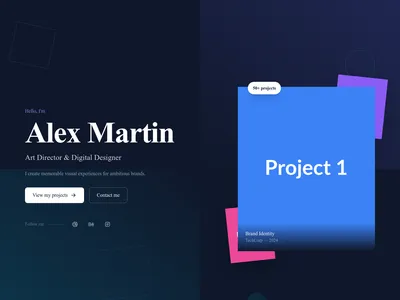
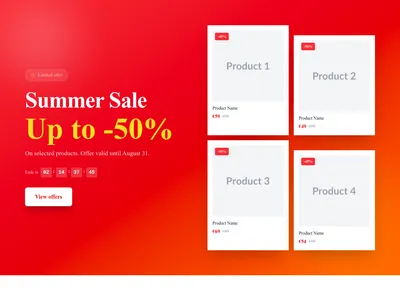
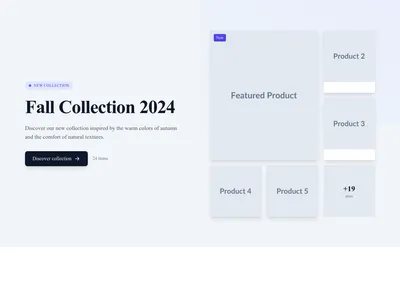
Online store hero promoting a sale or seasonal discount with a shopping call to action
Hero
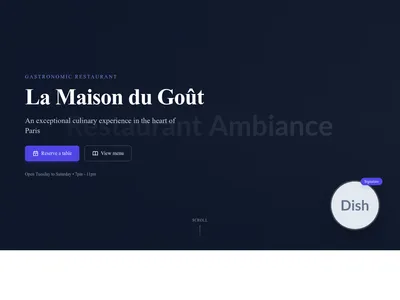

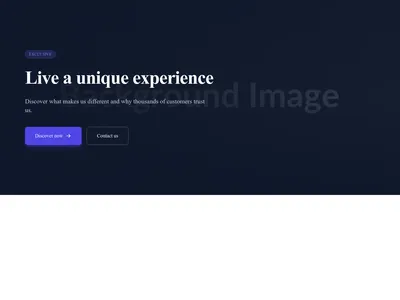
Event hero presenting a conference with its date, venue and registration button
Hero
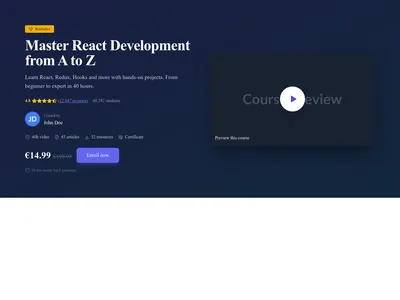
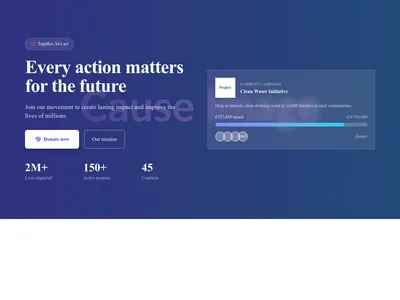
Nonprofit hero presenting a cause with an emotional message and a donation button
Hero
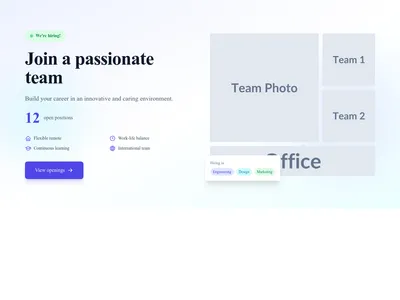
Careers page hero inviting candidates to browse open positions and join the team
Hero

Webinar hero with session details and a registration form to save a seat
Hero






Left-aligned text section in a classic article layout designed for comfortable reading
Content
Structured text layout for legal pages such as privacy policies and terms of service
Content
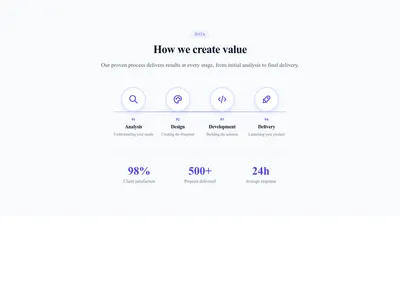
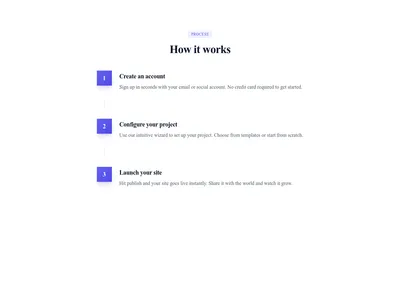
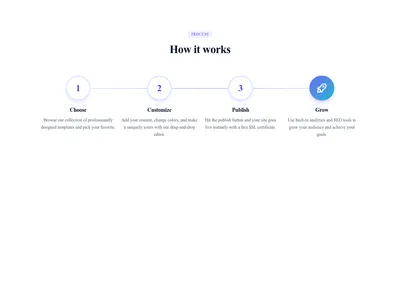
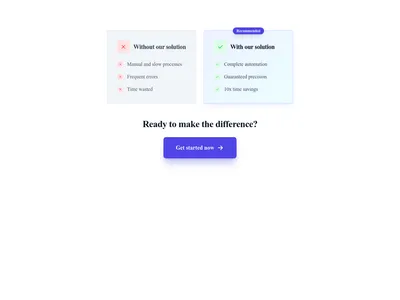
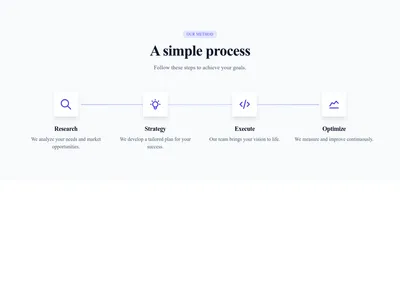
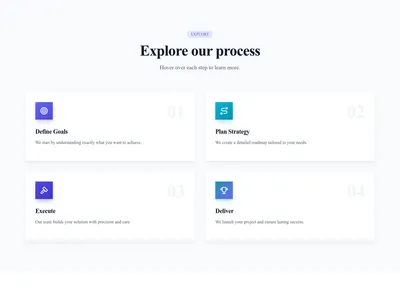
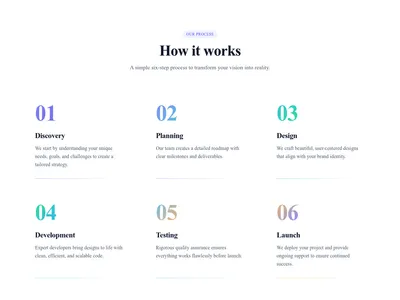
Horizontal numbered steps that explain a process flow in a clear sequence
Content
Large pull quote that puts a single striking statement center stage
Content
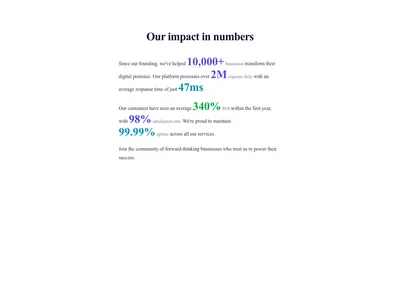
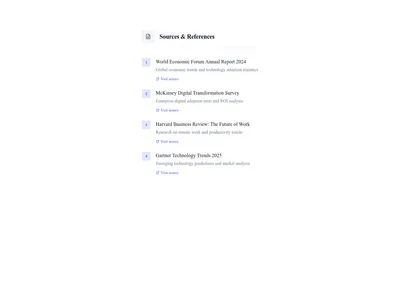
Section listing sources and bibliographic references that support an article
Content
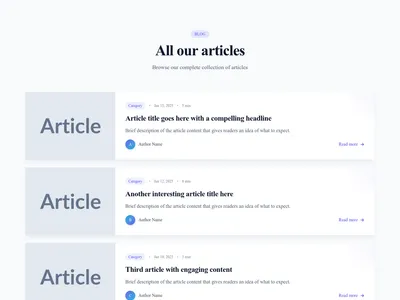
Blog article list with the image on the left and title, excerpt and details on the right
Blog
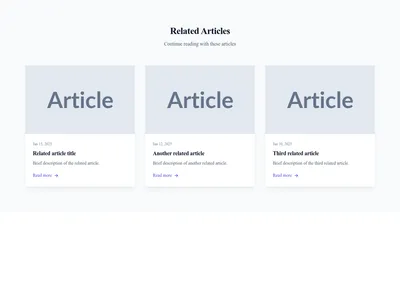
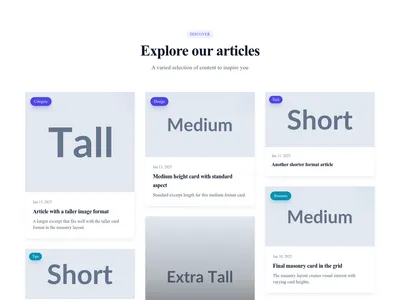
Vertical blog post card with cover image, title, excerpt and publication details
Blog

Wide blog post card with the image on the left and article text on the right
Blog

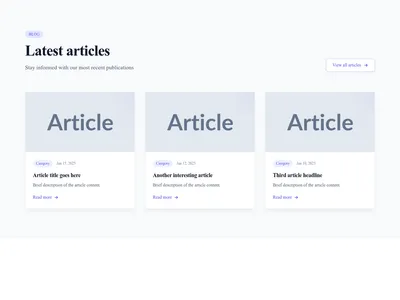
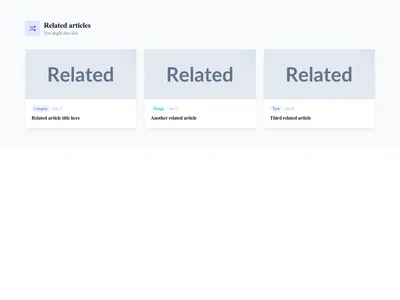
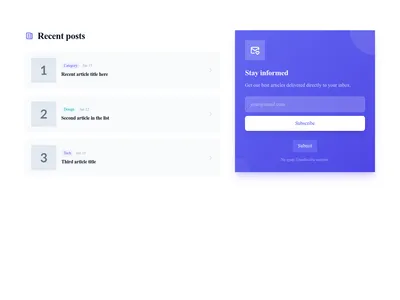
Section combining recent blog posts with a newsletter signup call to action
Blog
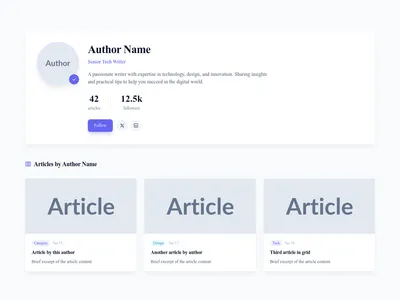

Full-width hero section spotlighting one featured blog article with image and summary
Blog
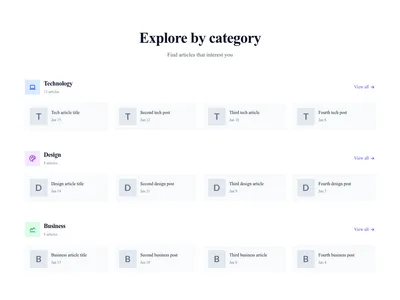
Blog comment section with reader replies, avatars and a form to join the discussion
Blog

Portfolio with project cards including image, title, category, and description
Gallery






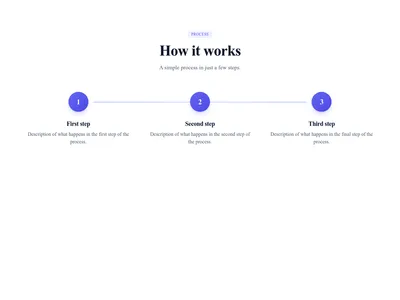
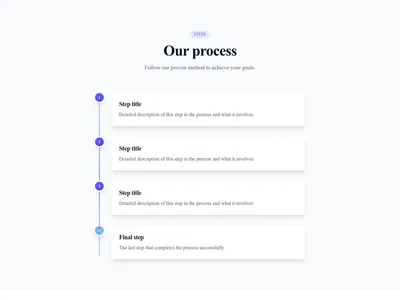
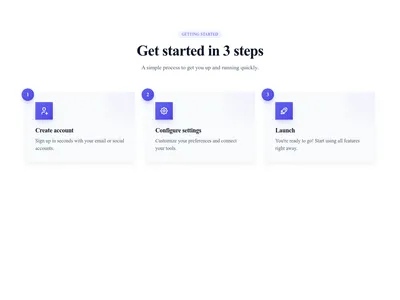
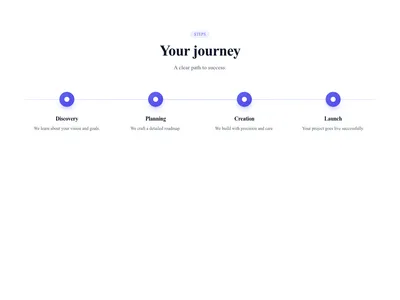
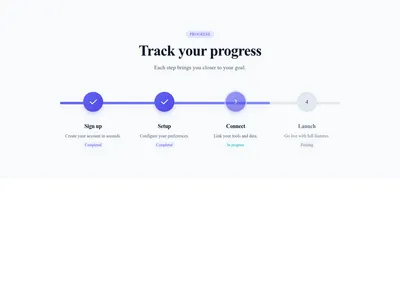
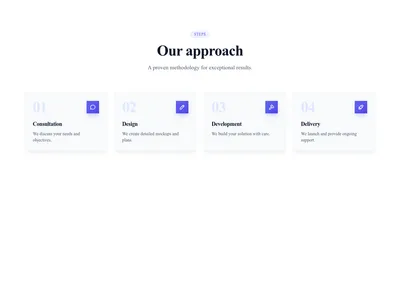
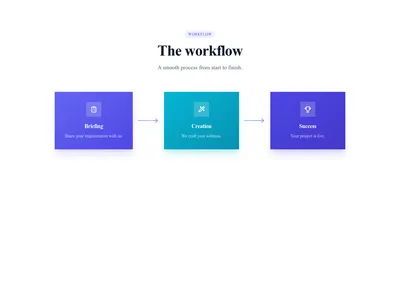
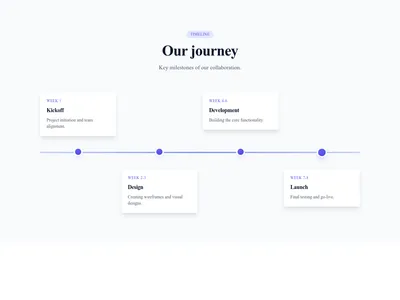
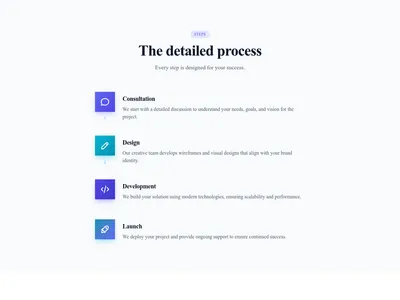
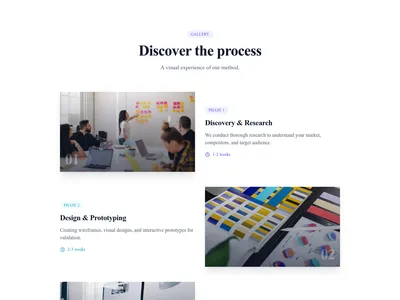
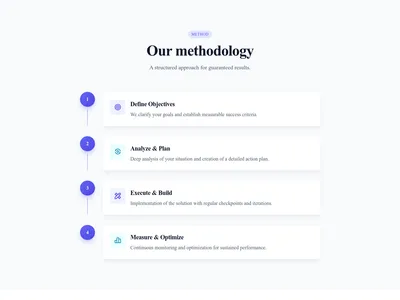
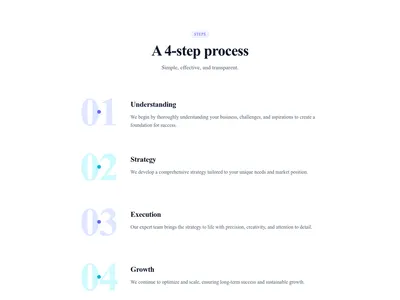
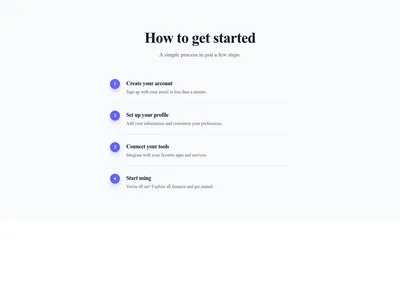
Simple vertical list of numbered steps that walks visitors through a process
Steps & process
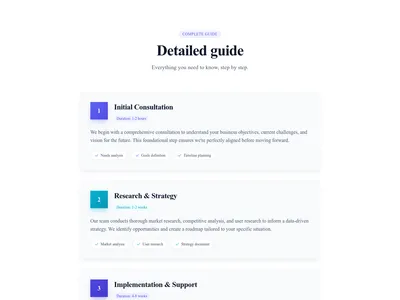
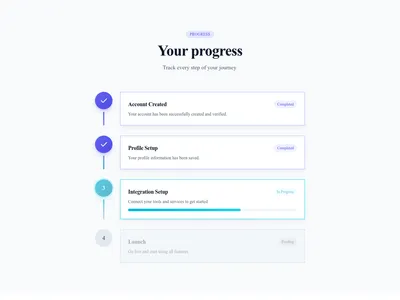
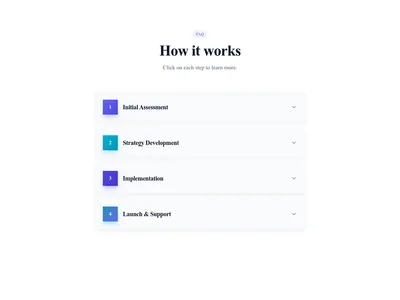
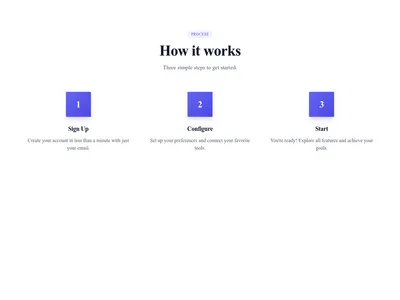
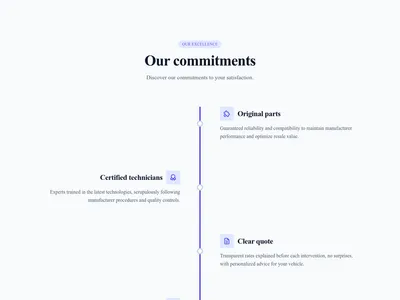
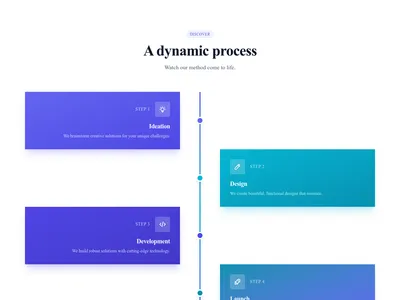
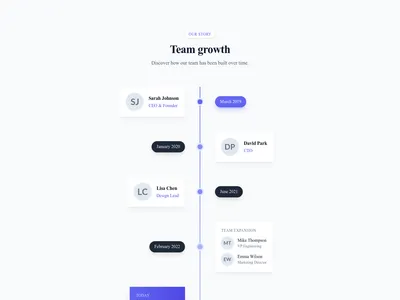
Vertical timeline with animated scroll progress and alternating content
Steps & process
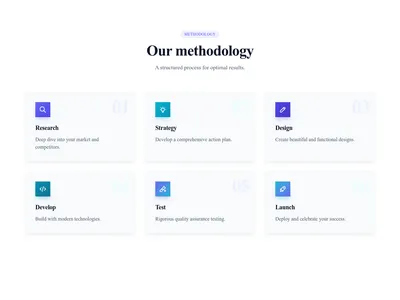
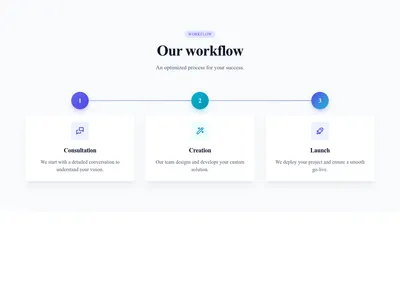
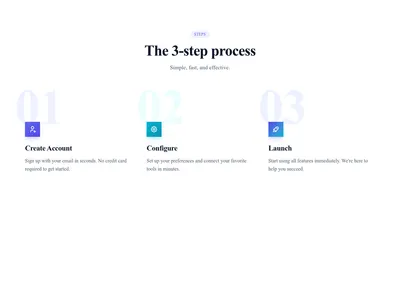
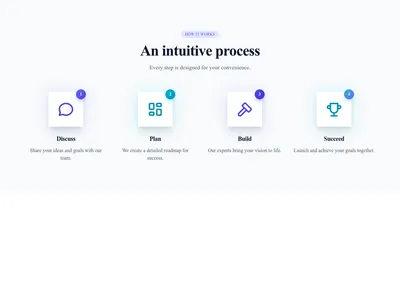
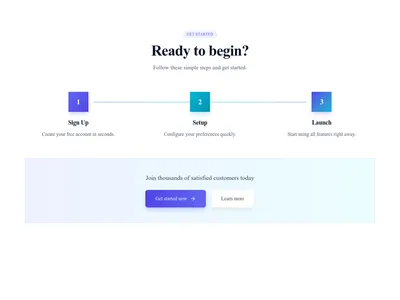
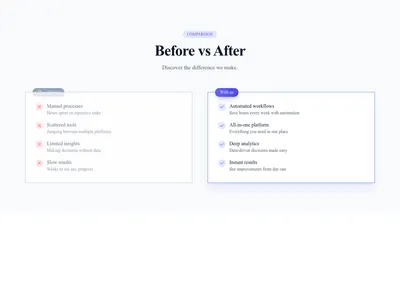
Section comparing the situation before and after following your process
Steps & process
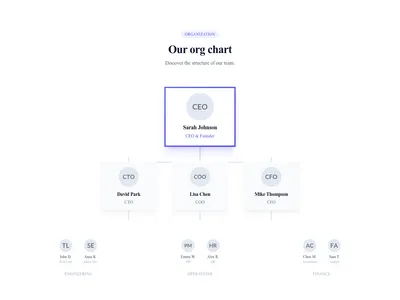
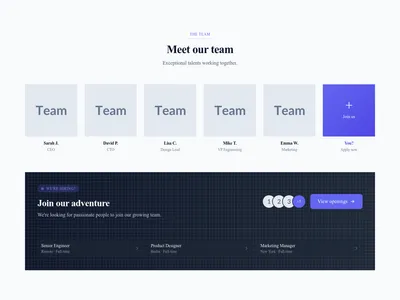
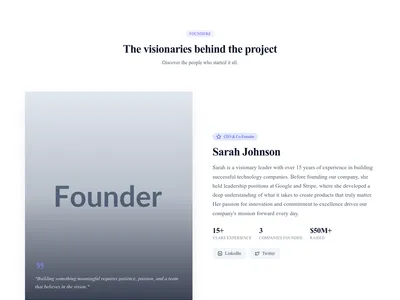
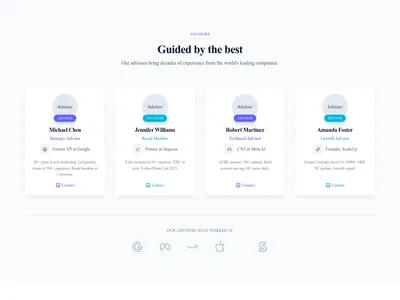
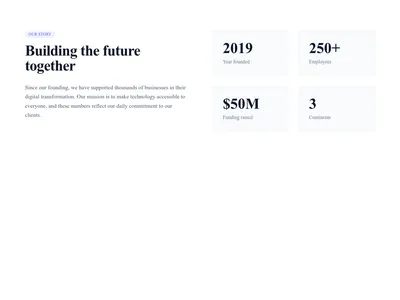
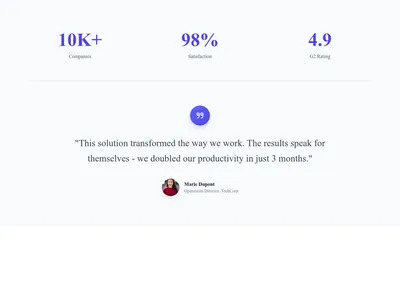
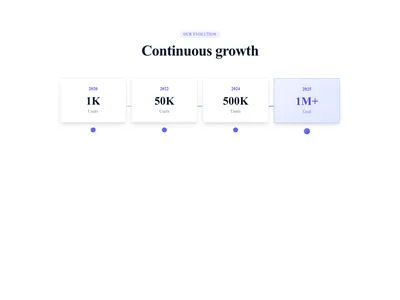
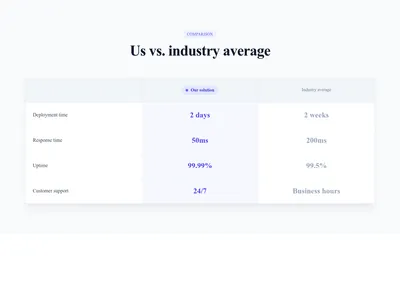
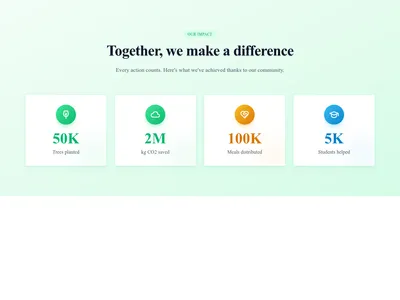

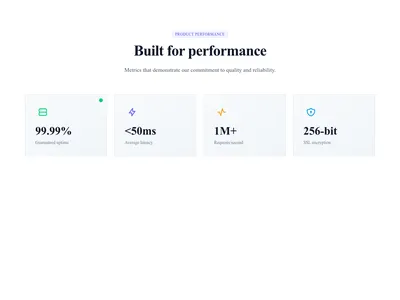
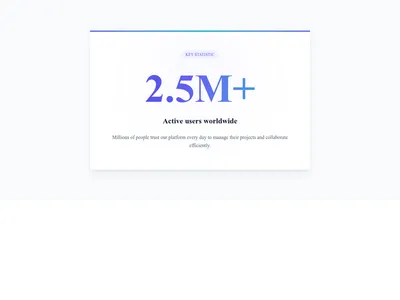
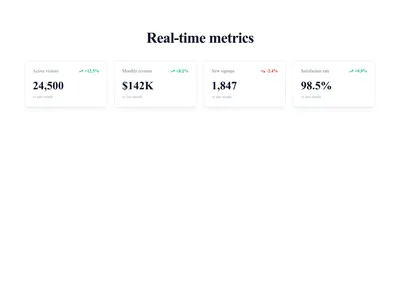
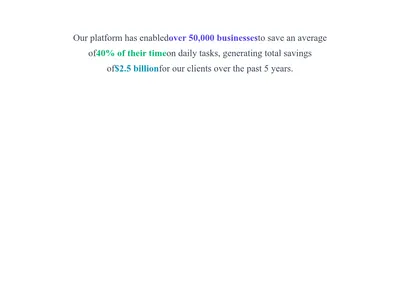
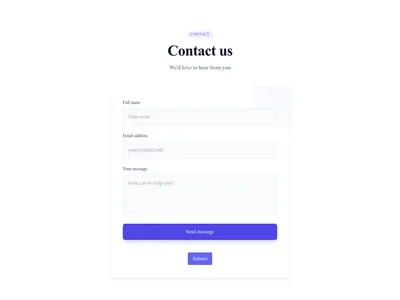
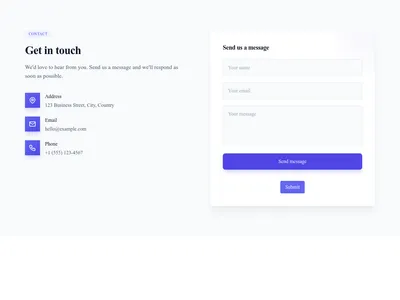
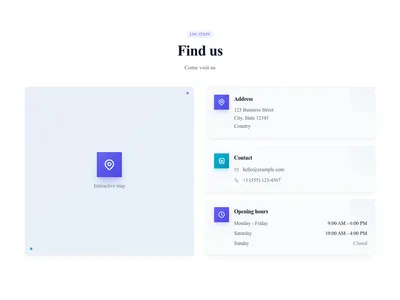
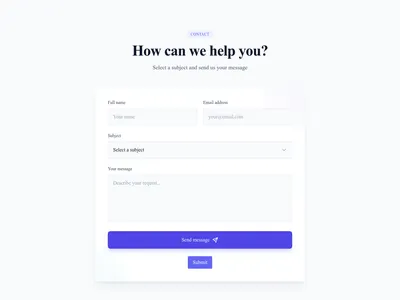
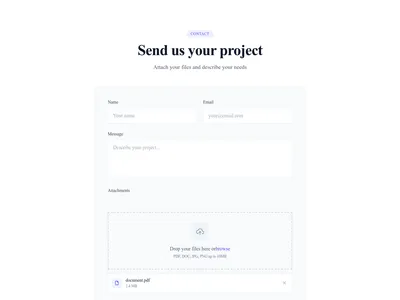
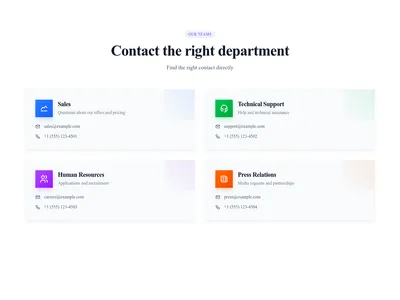
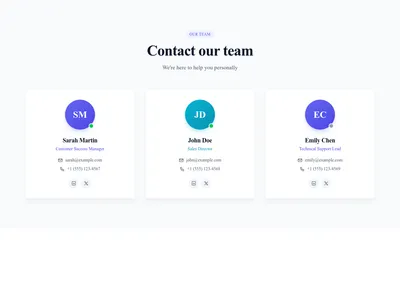

Testimonial card with the customer photo on the left and the quote on the right
Testimonials
Minimal testimonial card showing only the quote and the customer name
Testimonials
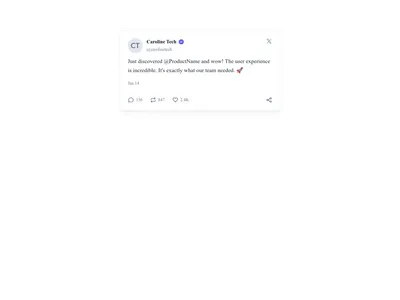
Testimonial card styled like a social media post with avatar, handle and message
Testimonials
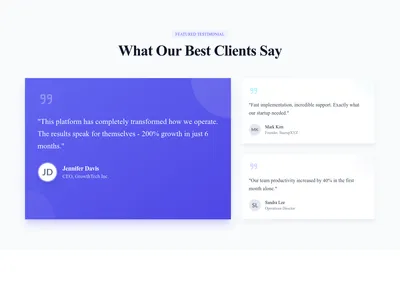
Testimonial grid with one large featured review and two smaller supporting ones
Testimonials
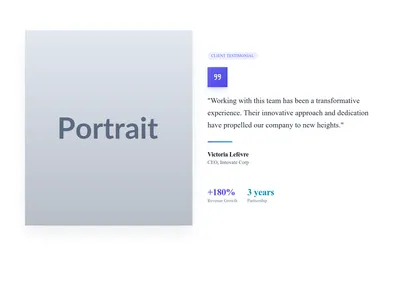
Split testimonial section with a customer photo on one side and the quote on the other
Testimonials
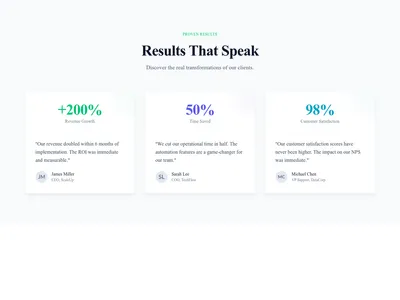
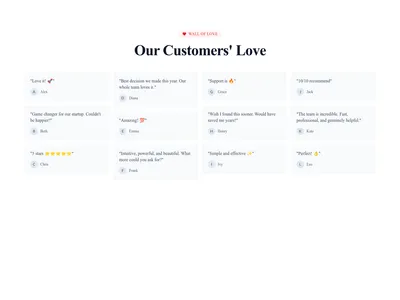
Wall of love packed with short customer testimonials to build social proof
Testimonials
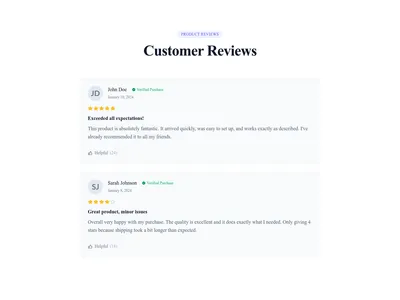
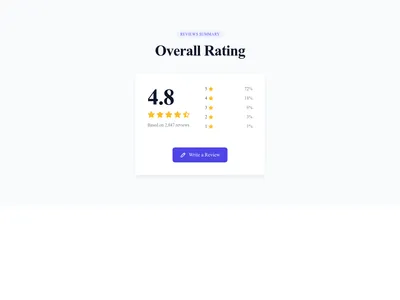
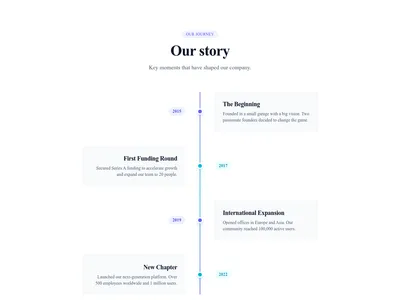
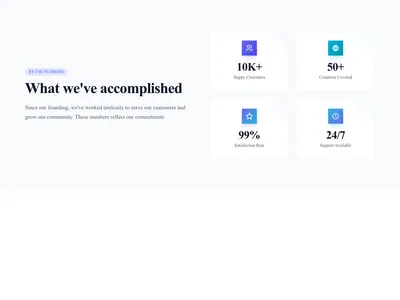
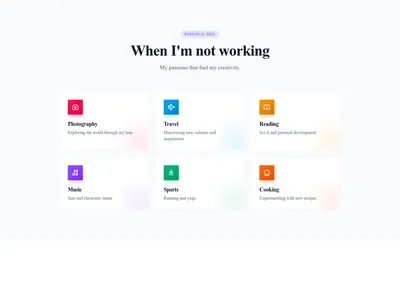
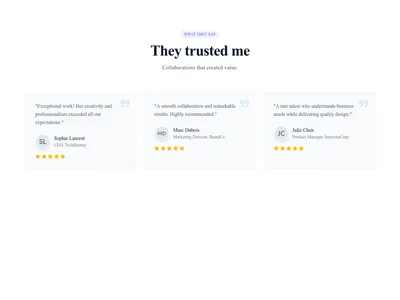
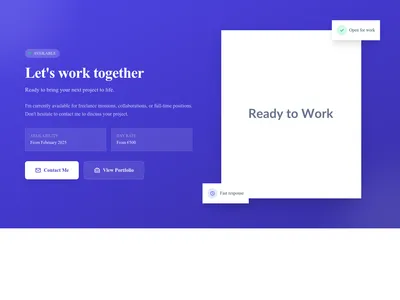
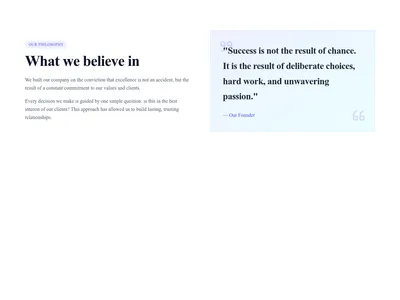
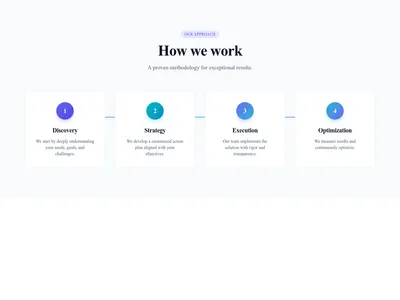
Section explaining how the company works, with its methodology and step-by-step approach
About
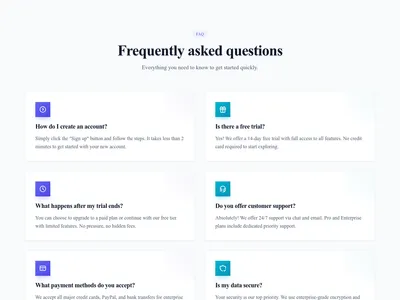
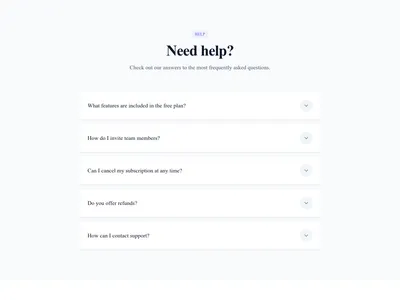
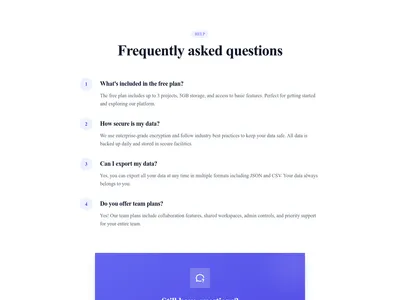
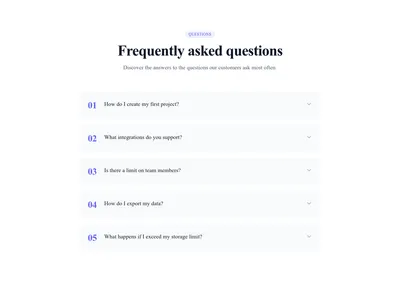

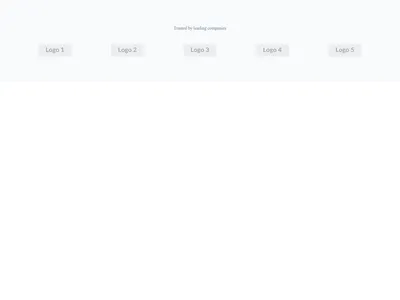
Auto-scroll carousel that pauses on hover for better readability
Logo clouds




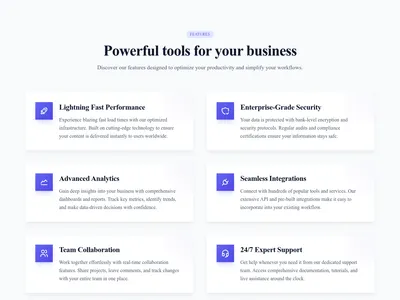
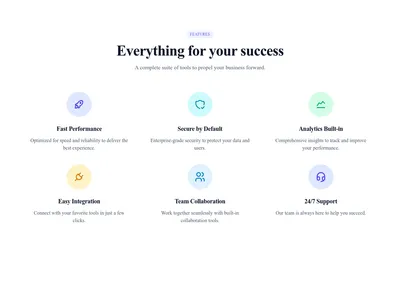
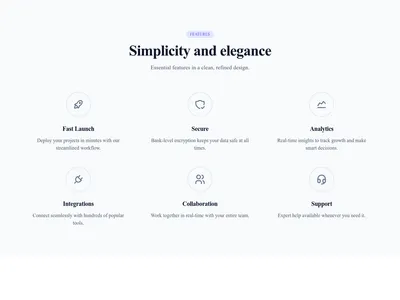
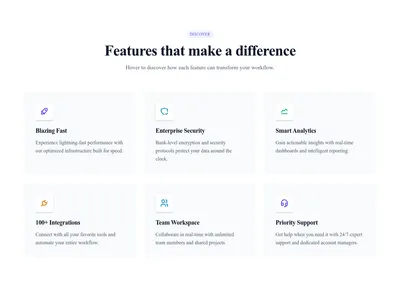
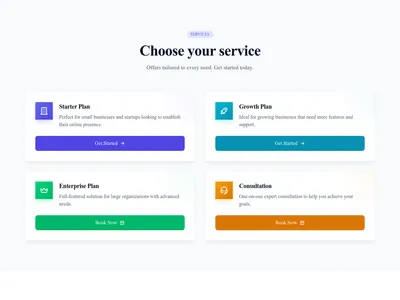
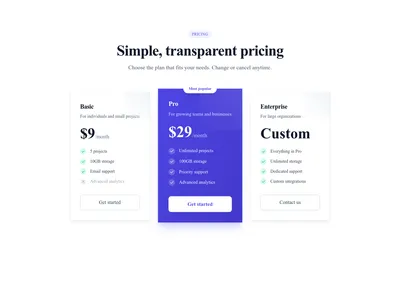
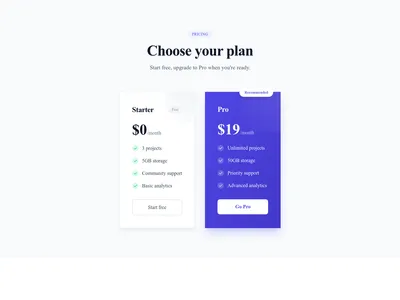
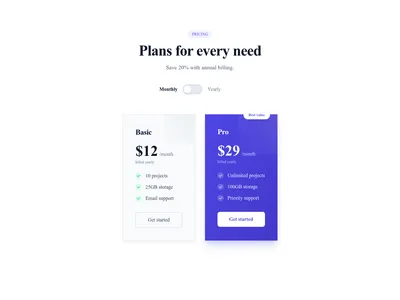
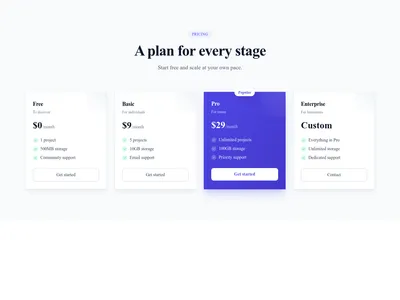
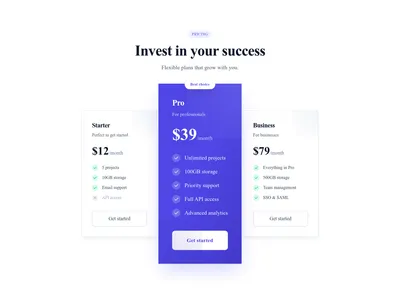
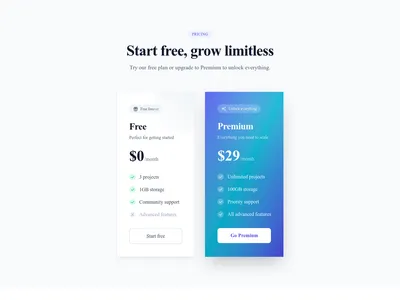
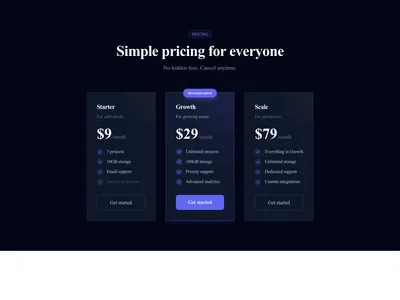
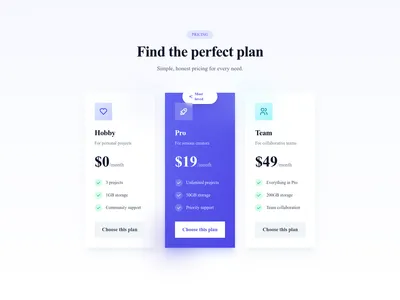
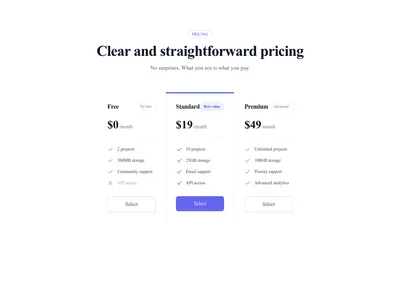
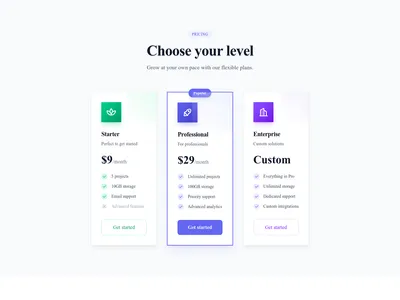
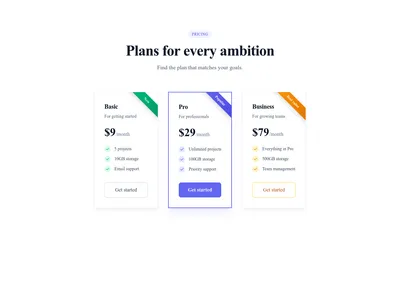
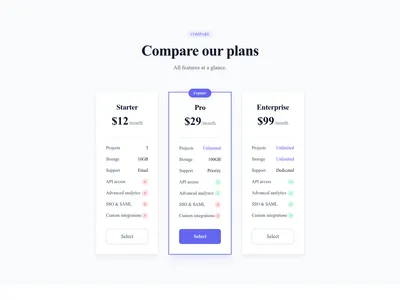
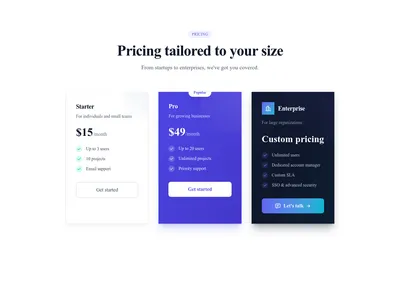
Pricing table with Enterprise plan "Contact us" without fixed price
Pricing
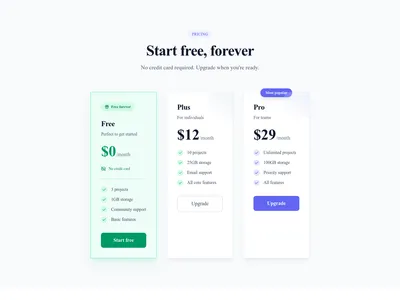
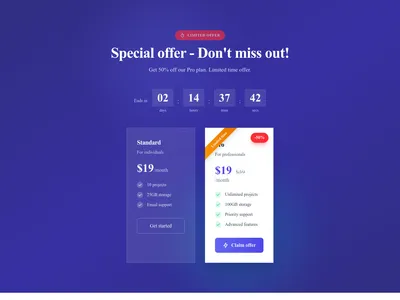
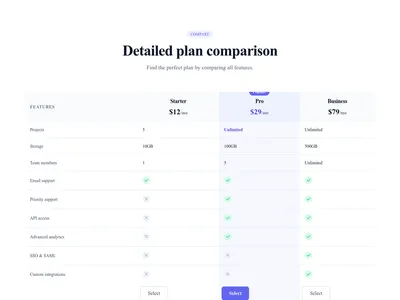
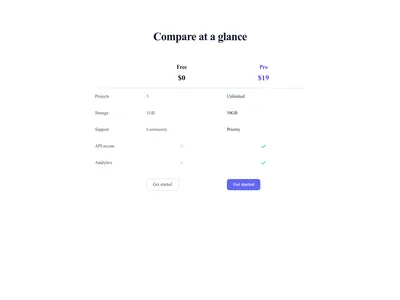
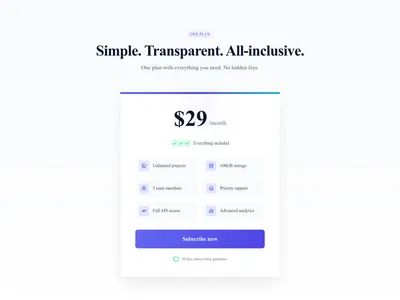
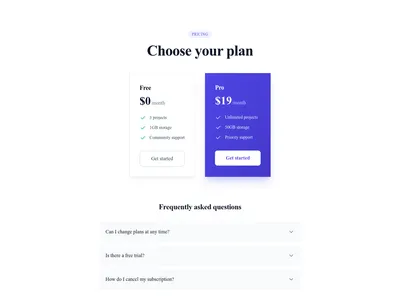
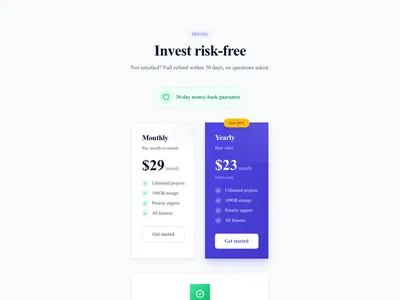
Pricing section with featured satisfaction guarantee or money-back
Pricing
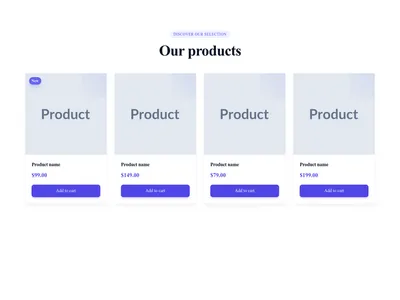
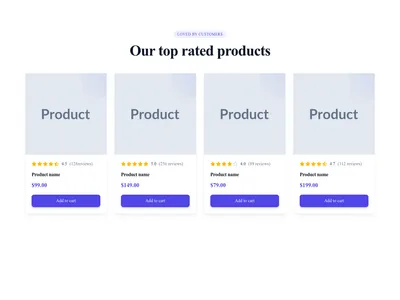
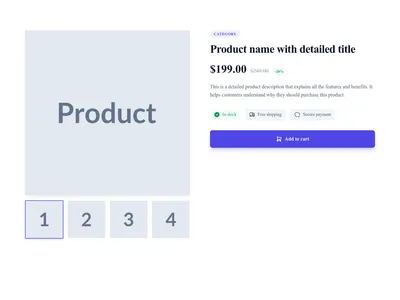
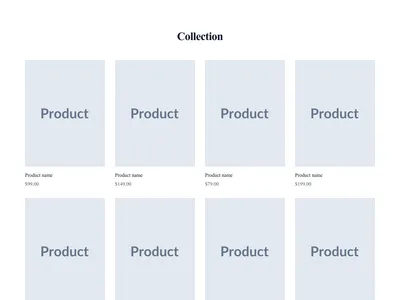
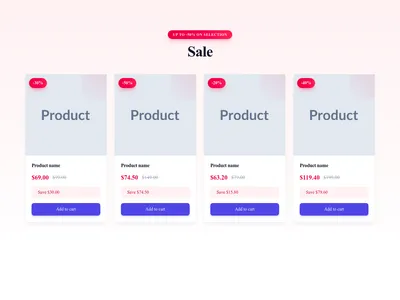
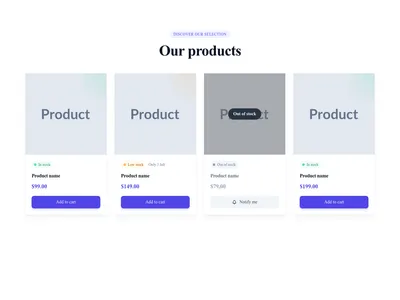
Product grid with stock indicator (available/out of stock)
E-commerce
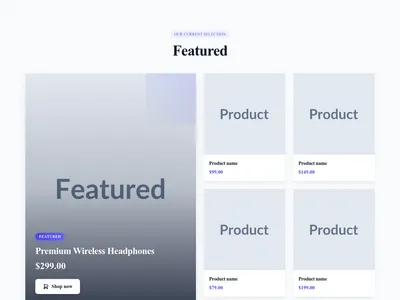
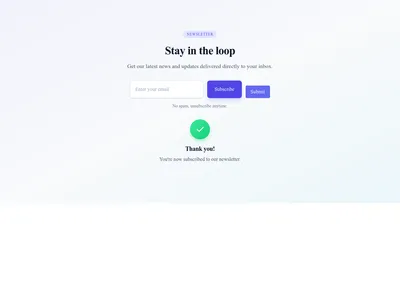

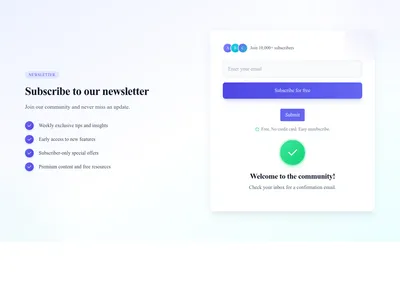
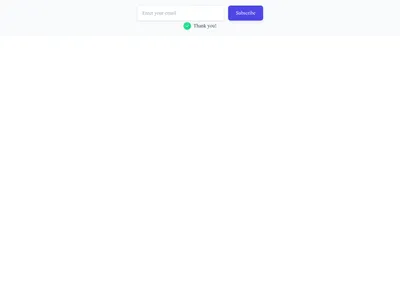
Compact inline newsletter form with input and button side-by-side
Newsletter
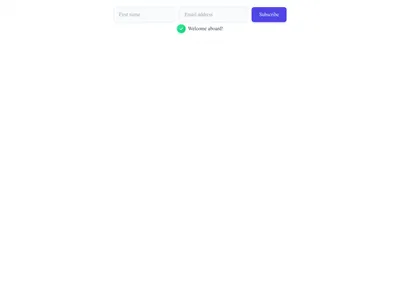
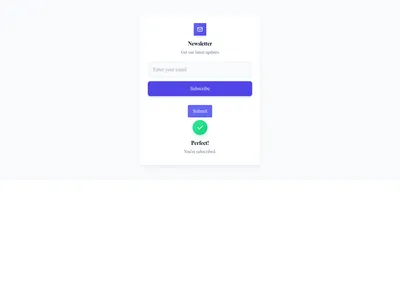
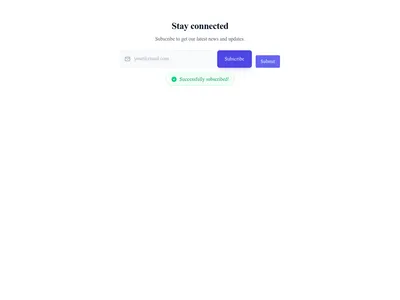
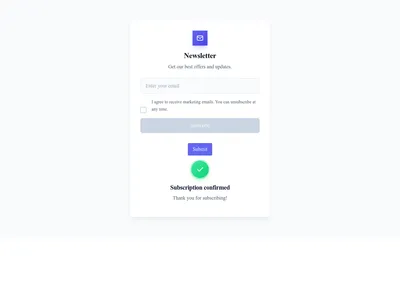
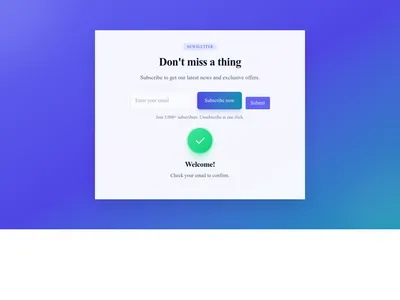
Newsletter section with vibrant gradient background and modern design
Newsletter
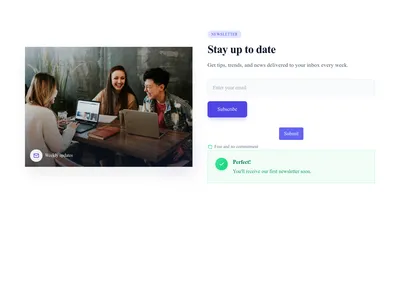
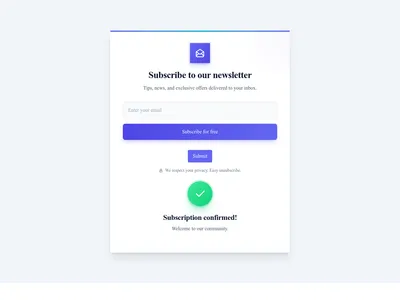
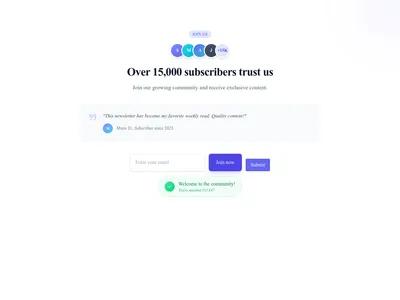
Newsletter section with social proof and subscriber counter
Newsletter
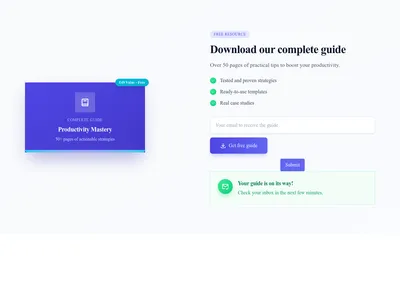
Newsletter section with lead magnet (ebook, guide, free resource)
Newsletter


Heart button that lets shoppers add or remove a product from their favorites
Commerce


Nothing matches this filter.
Guide
Website sections are the full-width building blocks that make up every page on the web. Instead of designing from a blank canvas, pick the sections you need, arrange them in order, and customize the content. Our library contains over 800 section templates covering every common website pattern — from attention-grabbing heroes to informative footers.
Start with a striking hero section to capture attention above the fold. Add a features section to explain what you offer in a visual grid. Build trust with customer testimonials featuring quotes, photos, and star ratings. Present plans with a pricing table that supports monthly and annual toggling. Close with a persuasive call to action that drives visitors to sign up, buy, or get in touch. Don't forget the essentials: a professional header with navigation and a comprehensive footer tie everything together across your entire site.
Full-page templates from the page library are great when you need a quick start, but sections give you granular control. Mix a dark-mode hero with a light pricing table. Swap a carousel testimonial for a masonry grid. Replace a simple contact form with a map-integrated version from the Google Maps templates. Sections let you build truly unique pages while keeping the polish of professional design. Each section is self-contained with its own styles, so they never conflict with one another.
Each section is optimized for fast rendering: minimal DOM nodes, lazy-loaded images, and efficient CSS following Google's rendering best practices. They slot naturally into Communik's page builder, but the underlying HTML and Tailwind CSS classes work in any modern framework. Browse the contact sections or the FAQ sections to see for yourself how clean and performant the markup is.
A section is a full-width block that occupies an entire row of the page — like a hero banner, pricing table, or footer. A component is a smaller, reusable UI element — like a card, button, or badge — that lives inside a section.
Yes. Each section is self-contained with its own color and spacing definitions. Communik's theme system automatically harmonizes colors and typography across sections so they look cohesive.
Open the page builder, click "Add Section," browse or search the library, and click to insert. You can reorder sections with drag-and-drop and customize every element visually.
Yes. After customizing a section, save it to your personal library. It becomes available across all your projects, preserving your edits, content, and styling.
Every section, component, page and module in this library is ready inside the Communik editor, styled with your brand.
Free to start. No credit card.