
Sections · FAQ
Two-Column FAQ
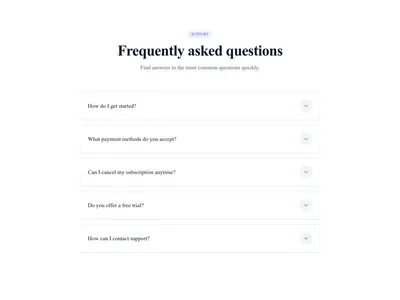
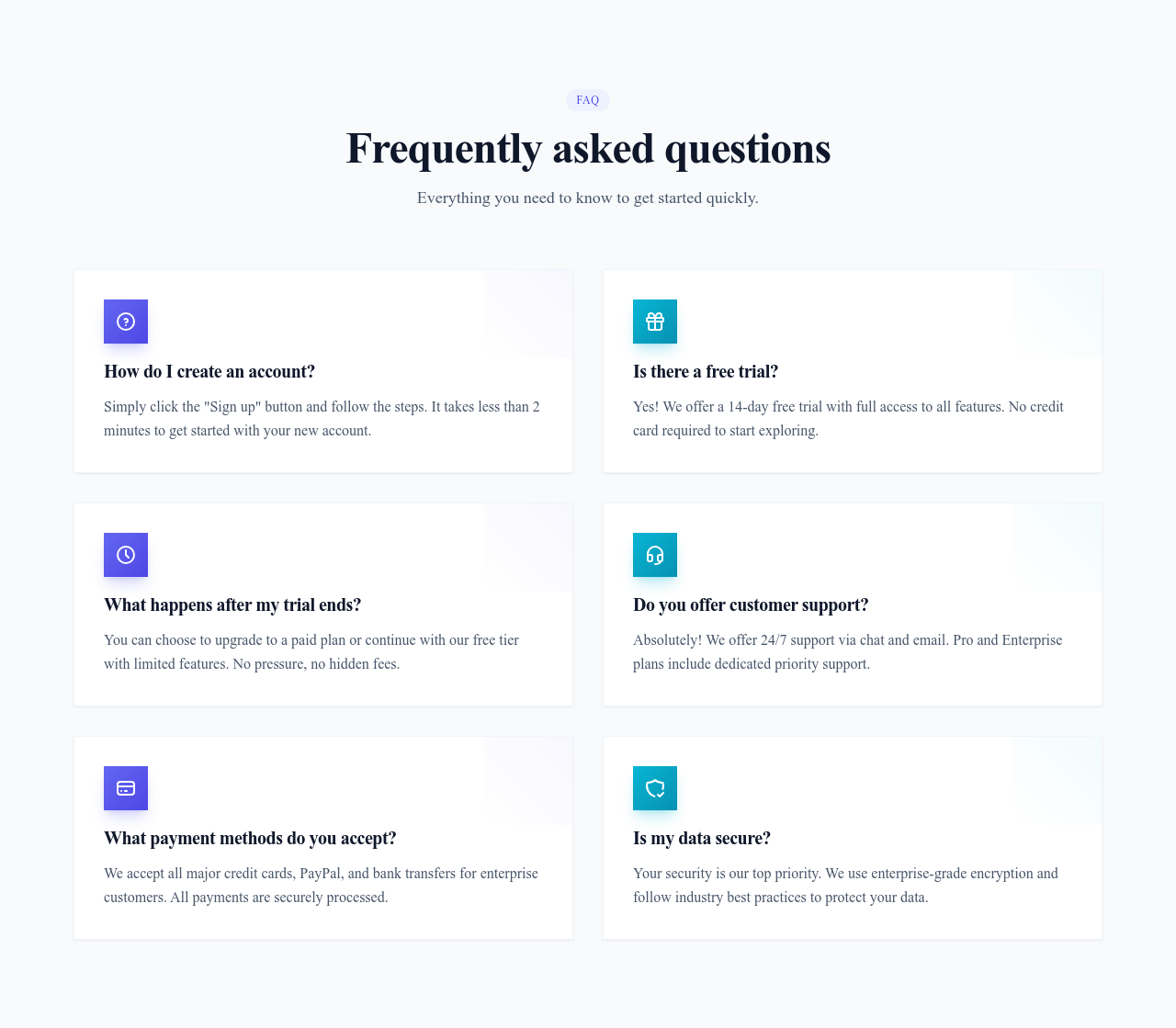
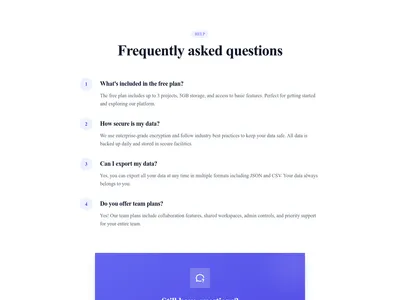
All questions and answers visible at once, in two columns with icons — no clicks required, ideal for short high-value FAQs.
What this block contains
FAQ Two Columns is a section from the FAQ category made of 7 headings, 7 text paragraphs and 6 icons. On desktop its content is laid out in 2 columns, stacked on mobile. Its copy ships in 3 languages (German, Spanish and French).
- 7 headings
- 7 text paragraphs
- 6 icons
- 2-column grid
Details
- Category
- FAQ
- Type
- Section (full width)
- Editing
- Visual editor, no code
- Keywords
- columnsquestionsgridicons
Use it in three steps
- 1 Open your siteCreate a free Communik site, or open one you already have.
- 2 Insert itIt lands on your page with your fonts and brand colors applied.
- 3 Make it yoursEdit text, images and colors visually, then publish when ready.
More in FAQ
See all FAQ
Guide
Sometimes hiding answers behind clicks costs more than it saves. The two-column FAQ shows everything at a glance: four to eight short answers, each with an icon, arranged in a scannable grid. It suits confident, concise messaging — pricing pages, service pages, landing pages.
Icons come from the built-in library and every text is editable in the Communik builder. On mobile the columns stack into a single readable flow.
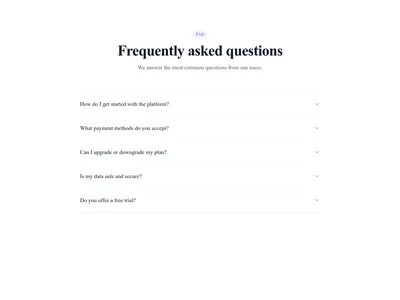
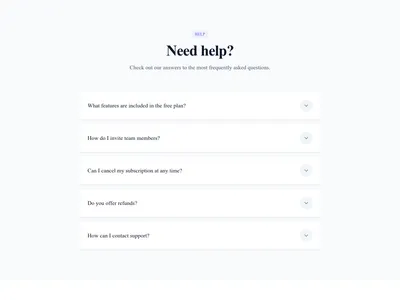
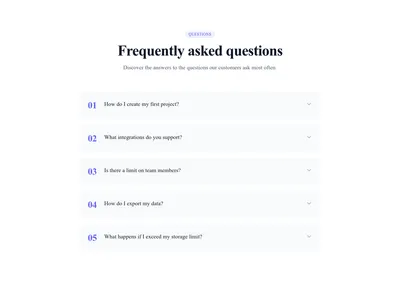
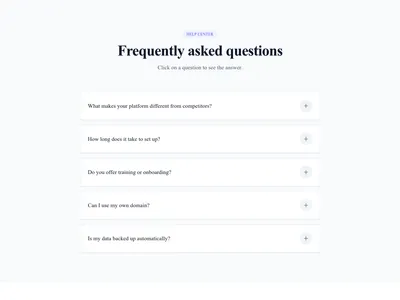
Longer answers? Prefer the accordion. Browse all FAQ layouts to compare.
Questions
Accordion or two columns?
Two columns when answers are short (2-3 sentences) and few; accordion when answers are long or numerous.
How many items fit well?
Four, six or eight — even counts keep the two columns balanced.
Are the icons required?
No — remove them in one click for a text-only look, or swap each one from the icon library.
Keep exploring
About Sections
Browse about sections templates
Blog Sections
Browse blog sections templates
Call to action Sections
Browse call to action sections templates
Blog Module
Complete blog feature with multiple design variants
About Page Templates
Full page layouts in the about category
Templates for Portfolio
Templates designed for portfolio businesses
Instagram Templates
Templates with Instagram integration support
Your next site starts here.
Everything here is one click away.
Every section, component, page and module in this library is ready inside the Communik editor, styled with your brand.
Free to start. No credit card.