
Sections · FAQ
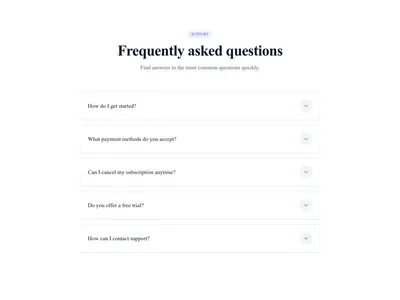
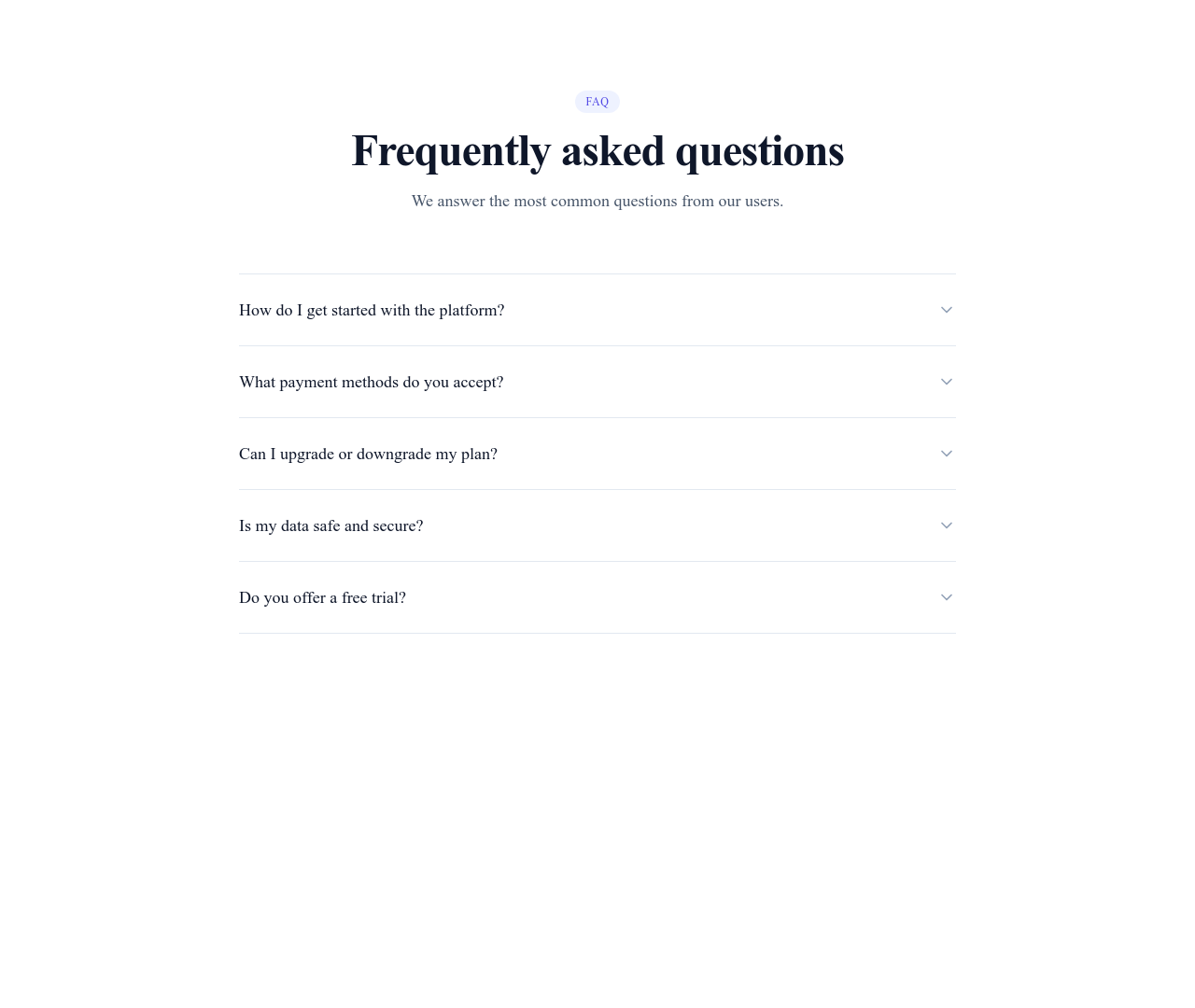
Bordered FAQ Accordion
An accordion with clean separator lines between questions — the more structured look, ideal for longer FAQs.
What this block contains
FAQ Accordion Bordered is a section from the FAQ category made of 1 heading, 6 text paragraphs, 5 buttons and 5 icons. It includes expandable panels (accordion). Its copy ships in 3 languages (German, Spanish and French).
- 1 heading
- 6 text paragraphs
- 5 buttons
- 5 icons
- expandable panels (accordion)
Details
- Category
- FAQ
- Type
- Section (full width)
- Editing
- Visual editor, no code
- Keywords
- accordionborderedquestionsminimal
Use it in three steps
- 1 Open your siteCreate a free Communik site, or open one you already have.
- 2 Insert itIt lands on your page with your fonts and brand colors applied.
- 3 Make it yoursEdit text, images and colors visually, then publish when ready.
More in FAQ
See all FAQ
Guide
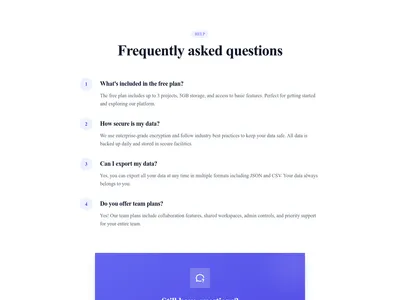
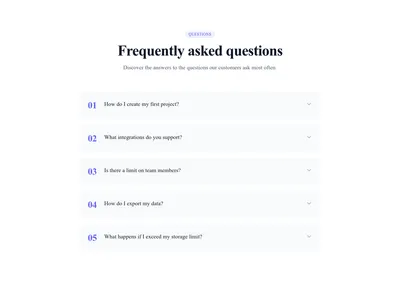
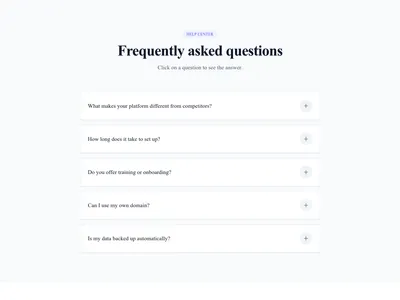
Borders give a FAQ rhythm: each question sits in its own delimited row, which keeps long lists readable and makes the open item visually obvious. If your FAQ runs past six entries, this variant stays tidier than the borderless one.
Border color and thickness follow your theme and can be adjusted per block in the Communik builder. Questions and answers are plain editable text — no code anywhere.
See the borderless accordion for a lighter look, or all FAQ sections.
Questions
When choose the bordered variant?
For FAQs with many entries or pages with several sections stacked: the lines keep the structure legible.
Can I match the borders to my brand?
Yes — border color, thickness and radius inherit your theme and remain editable per block.
Does it behave the same as the classic accordion?
Yes — same smooth animation and same single/multi-open configuration; only the visual structure differs.
Keep exploring
About Sections
Browse about sections templates
Blog Sections
Browse blog sections templates
Call to action Sections
Browse call to action sections templates
Blog Module
Complete blog feature with multiple design variants
About Page Templates
Full page layouts in the about category
Templates for SaaS
Templates designed for saas businesses
Mailchimp Templates
Templates with Mailchimp integration support
Your next site starts here.
Everything here is one click away.
Every section, component, page and module in this library is ready inside the Communik editor, styled with your brand.
Free to start. No credit card.