
Templates · 55 items
SaaS Website Templates for Startups and Software Products
Templates built for software companies: feature showcases, pricing comparisons, integration displays, onboarding flows, and dashboard previews. Clean, modern, and conversion-focused.
Browse · Categories
SaaS Website Templates for Startups and Software Products
55 items
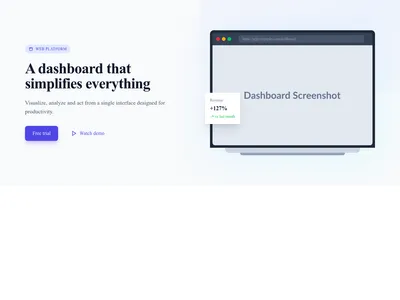
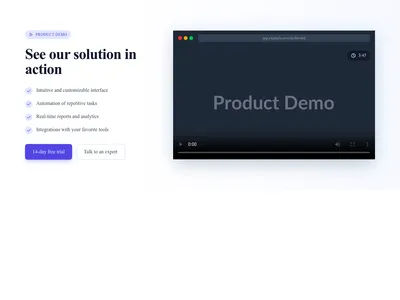
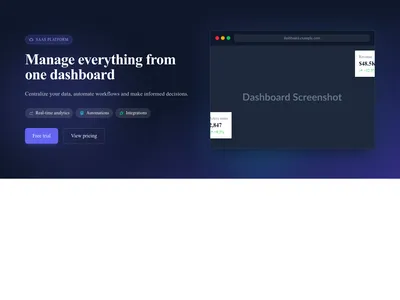
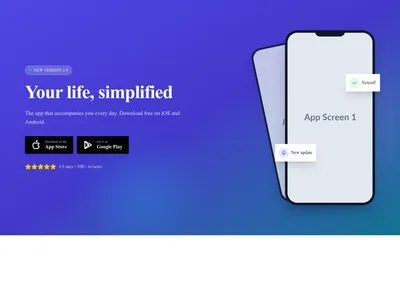
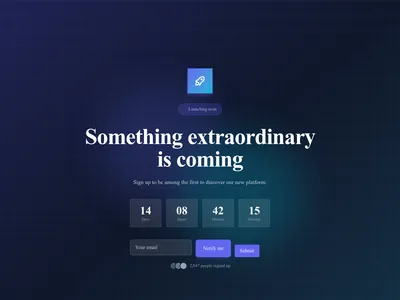
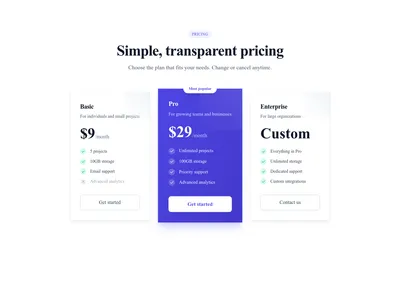
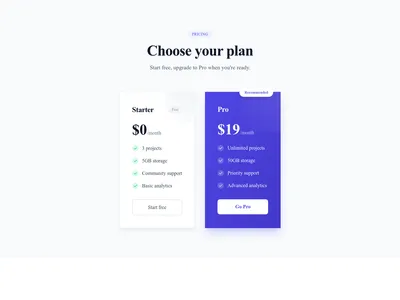
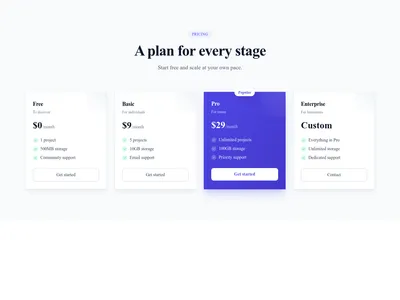
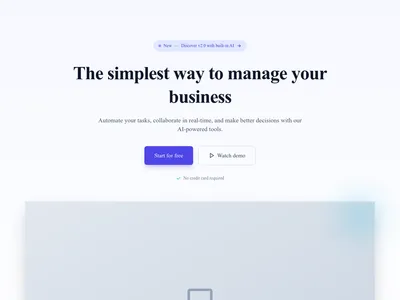
SaaS Modern
Minimalist and modern SaaS homepage with hero, features, pricing, and testimonials
Landing · 9 sections


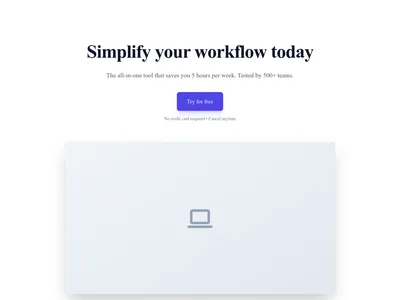

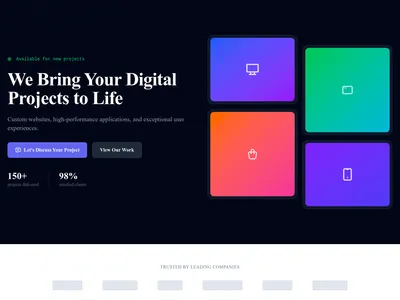
AI Product
Homepage for AI/ML product with futuristic design, interactive demo and modern effects
Landing · 9 sections
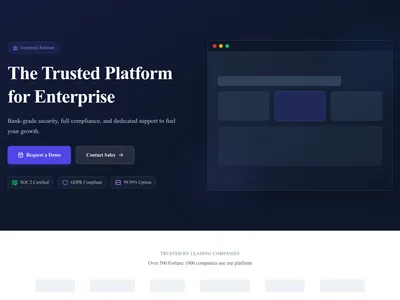
SaaS Enterprise
SaaS landing page for enterprise with security, compliance and integrations
Landing · 9 sections
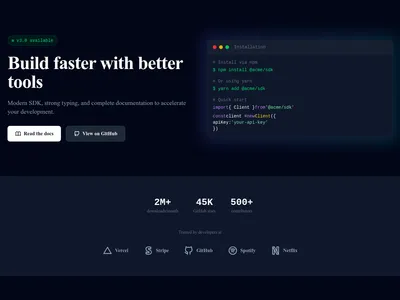
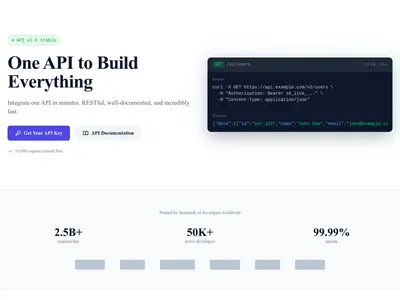
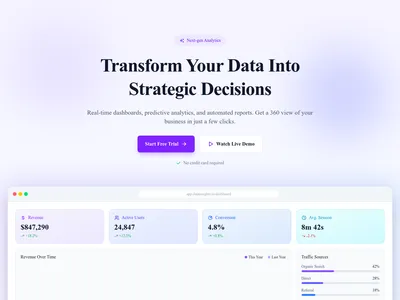
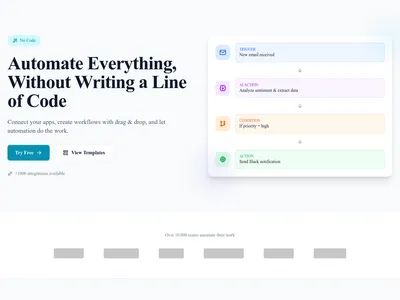
SaaS Analytics
Landing page for analytics product with dashboard preview, integrations and use cases
Landing · 9 sections
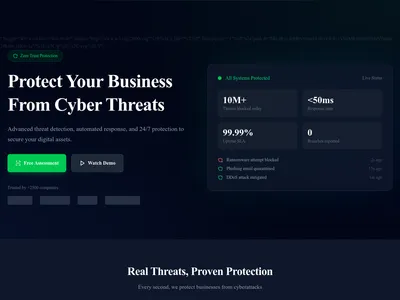
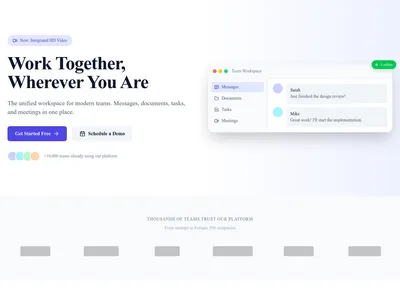
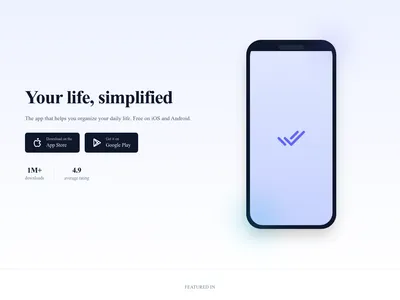
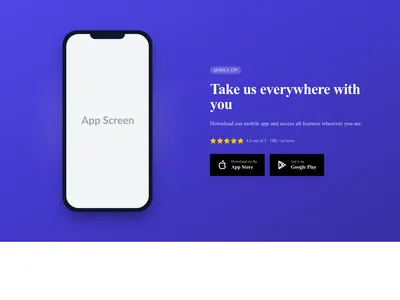
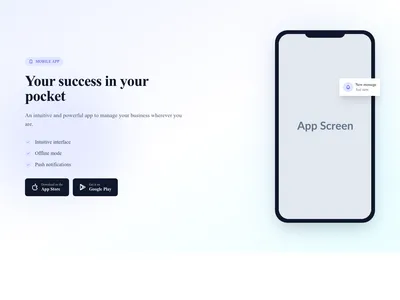
Mobile App
Complete homepage for mobile app with mockups, features and download
Landing · 9 sections
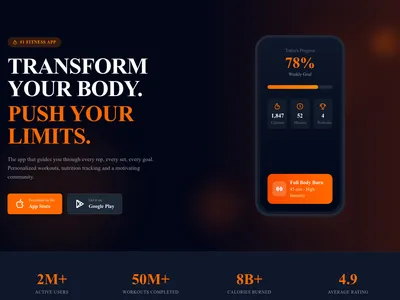
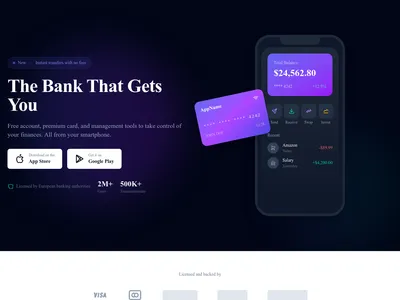
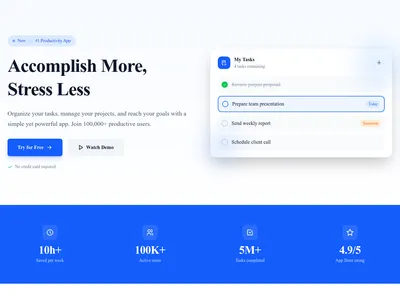
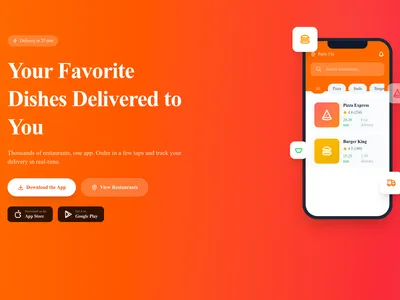

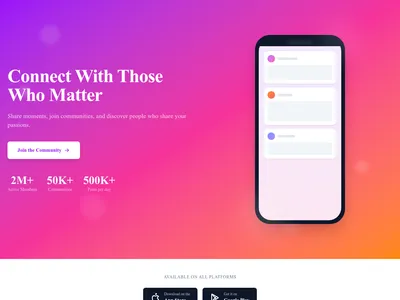
Social App
Complete landing page for social network app with community and engagement
Landing · 10 sections

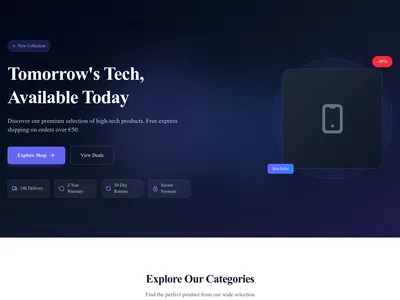
Electronics Store
Homepage for electronics and high-tech boutique with modern style
Landing · 9 sections
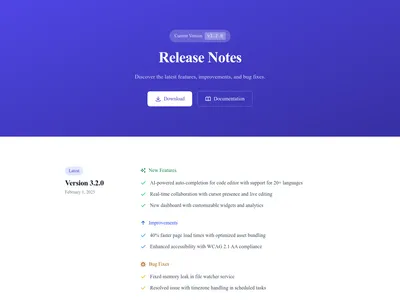

Changelog
Display product updates and release notes with tags. Perfect for SaaS and software products.
3 designs · 2 pages

Features
Present your product features with categories, icons, and full details. Ideal for SaaS product pages.
3 designs · 3 pages

Pricing
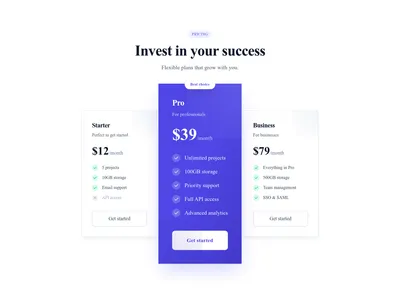
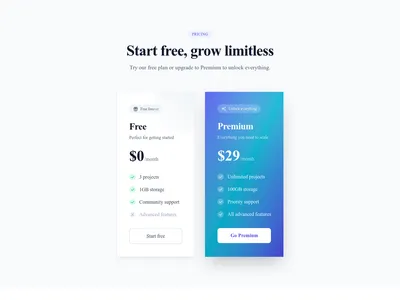
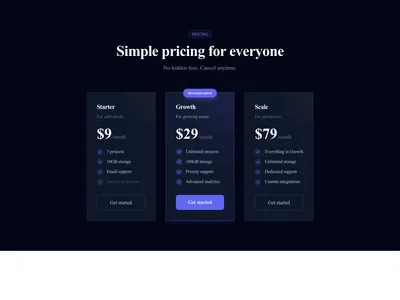
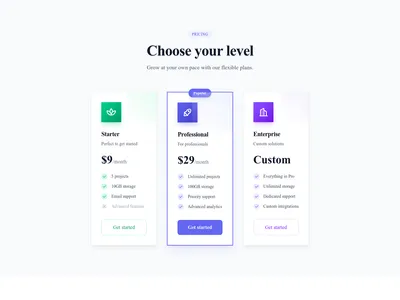
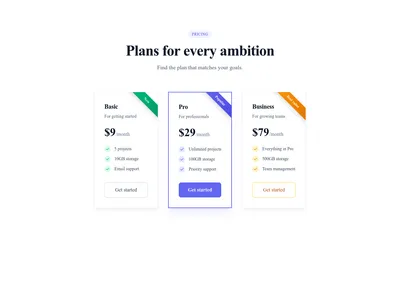
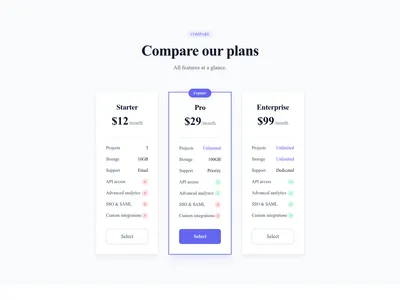
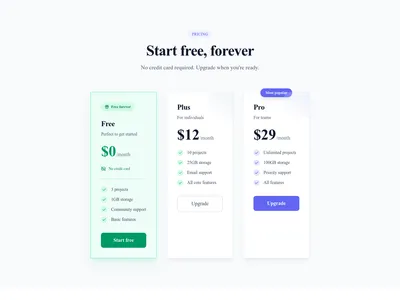
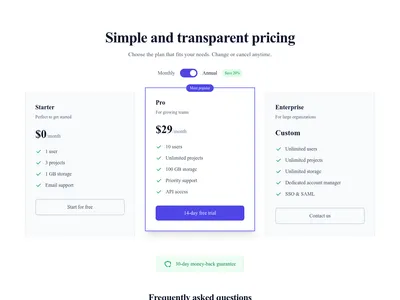
Display pricing plans with monthly/yearly toggle, feature comparison, and FAQ section. Perfect for SaaS and subscription-based products.
3 designs · 1 pages
Nothing matches this filter.
Guide
SaaS websites need to do more than look good — they need to explain complex products clearly, convert free-trial signups at scale, and evolve with your product. Our SaaS templates are designed by founders and growth marketers who understand the software buying journey from first click to subscription.
Key SaaS Page Patterns
The homepage follows a proven SaaS structure: a hero with product screenshot and signup CTA, a feature grid with icons and brief descriptions, an integration logo cloud showing compatibility with popular tools, customer testimonials with company logos and specific metrics, a pricing table with free/pro/enterprise tiers, and an FAQ section addressing common objections about security, data ownership, and billing.
Beyond the Homepage
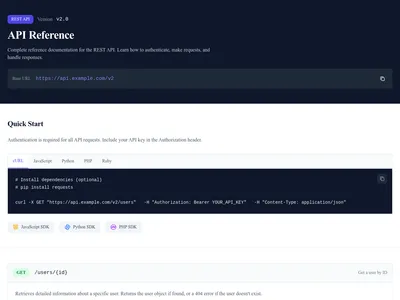
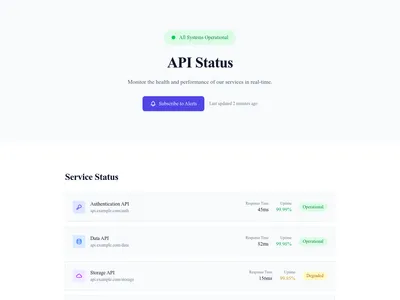
SaaS sites need more than a single landing page. Our templates include changelog pages for product updates, documentation layouts with sidebar navigation, API reference pages with code examples, status pages for uptime monitoring, and customer story pages with case study formats. Use the blog module for content marketing and thought leadership — companies that blog get 55% more visitors than those that don't. The product catalog module can present merchandise or add-ons alongside your software.
Design Principles for SaaS
Clean layouts with generous whitespace let product screenshots breathe. Use a clear visual hierarchy: heading, subtext, then screenshot or illustration. Gradient backgrounds and subtle animations add polish without distraction. Dark mode variants are popular for developer tools and technical products, while minimal styles suit productivity and business software. Plan buttons can point to your signup page or to a Stripe Payment Link for subscriptions.
Questions
What pages does a SaaS website need?
Essential SaaS pages: homepage (hero, features, pricing, testimonials), pricing page, about page, blog, documentation, changelog, and contact/support page. Optional: status page, integrations directory, and customer stories.
How should I structure my SaaS pricing page?
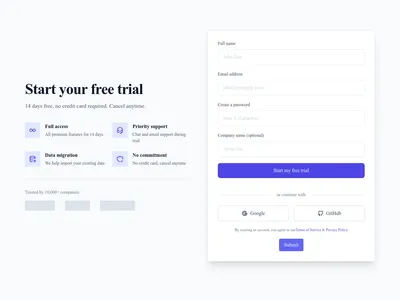
Show 3 tiers side by side with the recommended plan highlighted. Include a monthly/annual toggle, feature comparison checkmarks, and a clear CTA on each plan. Add an FAQ below for billing questions and a testimonial for trust.
Do SaaS templates support dark mode?
Yes. Many SaaS templates include a dark mode variant. You can also apply a dark theme globally from the style settings. Dark mode is especially popular for developer tools and technical products.
Can I show product screenshots in the templates?
Yes. SaaS templates include browser mockup frames, mobile device frames, and floating screenshot placeholders. Drop in your own screenshots and they'll display with appropriate shadows, borders, and perspective effects.
Your next site starts here.
Everything here is one click away.
Every section, component, page and module in this library is ready inside the Communik editor, styled with your brand.
Free to start. No credit card.