
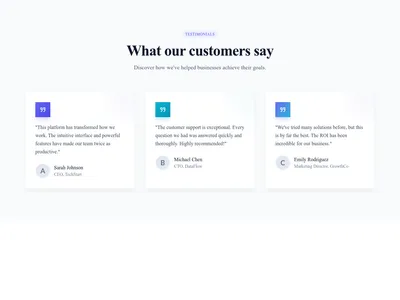
Sections · 29 items
Testimonial Sections That Build Trust and Drive Sales
Social proof sections designed to build credibility. Quote cards, star rating displays, video testimonials, masonry grids, and carousel sliders — all optimized for conversion.
Browse · Categories
Testimonial Sections That Build Trust and Drive Sales
29 items

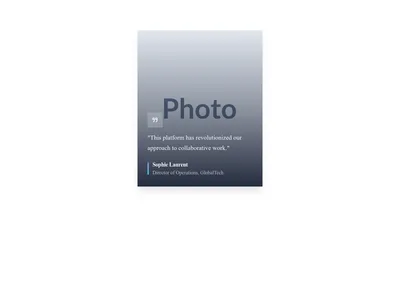
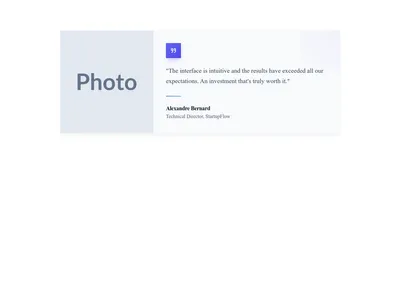
Testimonial Card Photo Side
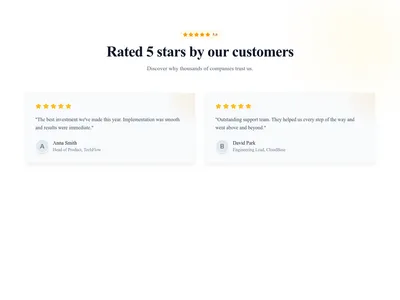
Testimonial card with the customer photo on the left and the quote on the right
Testimonials
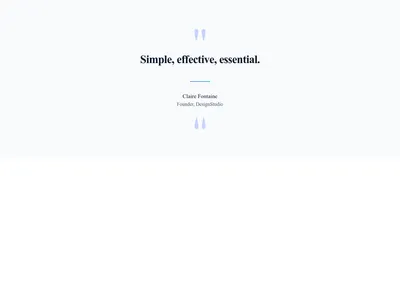
Testimonial Card Minimal
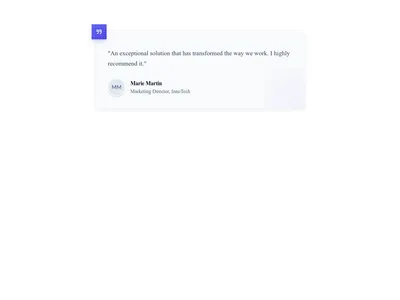
Minimal testimonial card showing only the quote and the customer name
Testimonials
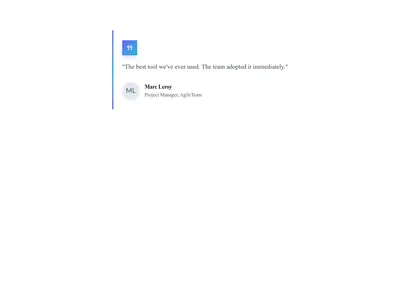
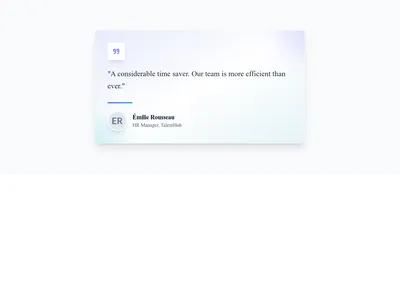
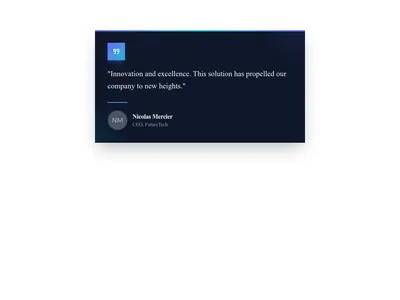
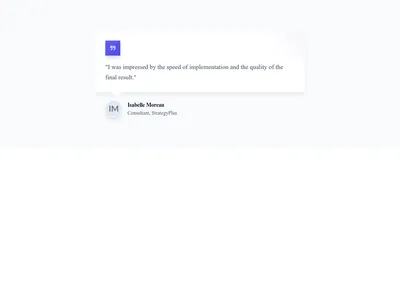
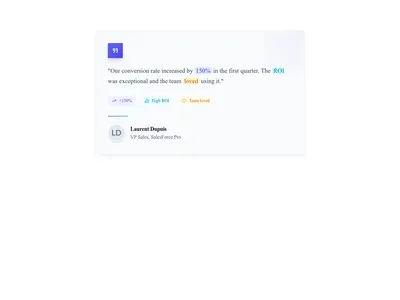
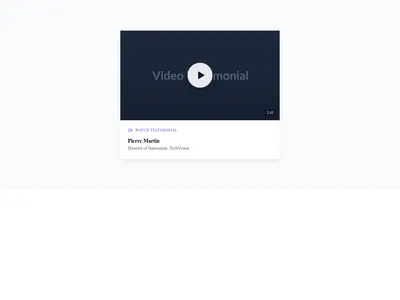

Testimonial Card Social
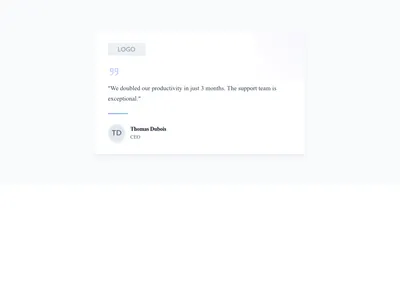
Testimonial card styled like a social media post with avatar, handle and message
Testimonials
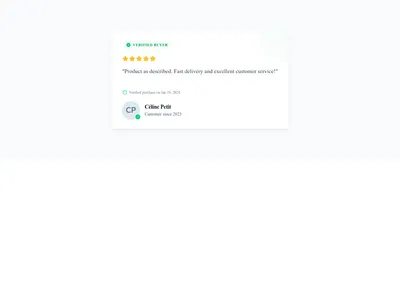
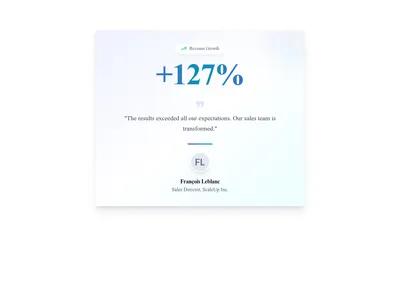
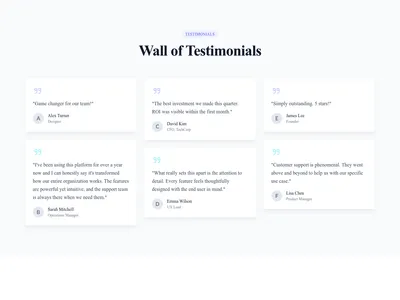
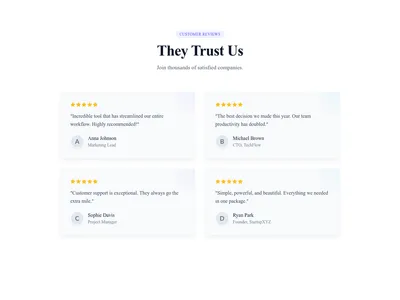
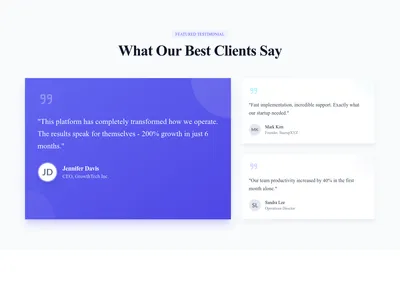
Testimonials Grid Featured
Testimonial grid with one large featured review and two smaller supporting ones
Testimonials
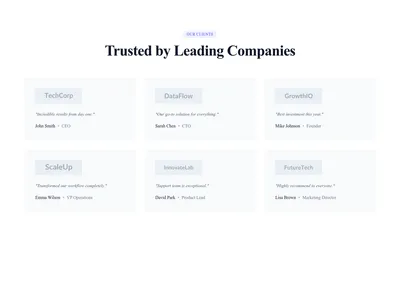
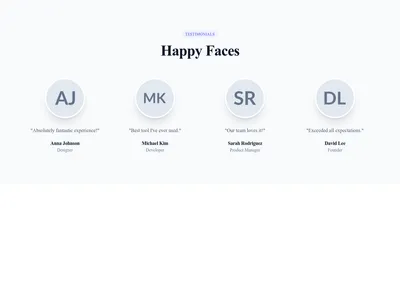
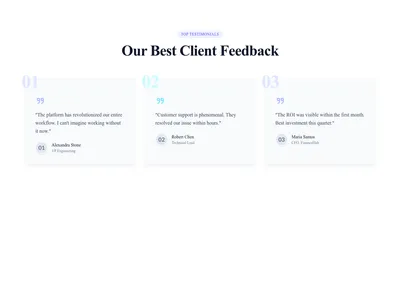
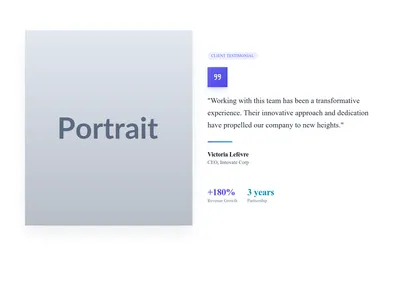
Testimonials Section Split
Split testimonial section with a customer photo on one side and the quote on the other
Testimonials
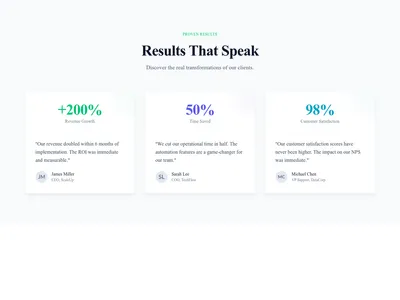
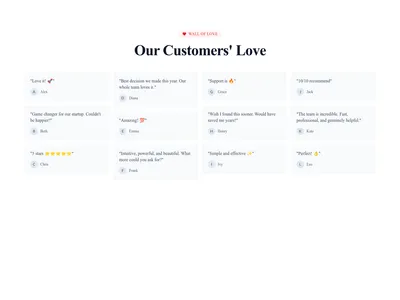
Testimonials Section Wall
Wall of love packed with short customer testimonials to build social proof
Testimonials
Nothing matches this filter.
Guide
According to BrightLocal's research, ninety-two percent of consumers read online reviews before making a purchase. Testimonials are one of the most powerful persuasion tools you can add to a website, yet many sites either hide them at the bottom of the page or display them in a bland, forgettable layout. Our 29 testimonial section designs make social proof visually compelling and strategically effective, giving visitors the confidence they need to convert.
Testimonial Layout Options
Simple quote cards work well when you have 3-4 strong testimonials — display them side by side in a grid for quick scanning. Carousel sliders let you showcase many testimonials in a compact space with swipe support for mobile users. Masonry grids are ideal for varying-length quotes, creating a dynamic, authentic feel reminiscent of a wall of praise. For maximum impact, use video testimonial templates that embed a short customer clip alongside a pull quote and the customer's name and company.
Pairing Testimonials With Other Sections
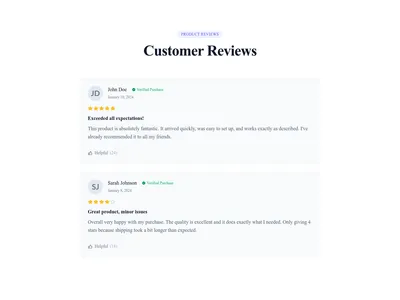
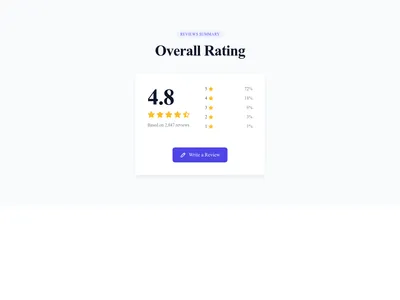
Position testimonials immediately after a pricing table to reduce purchase anxiety at the moment of decision. Place them right below a hero section for instant trust before the visitor even scrolls. Combine them with a logo cloud showing recognizable brand logos your customers work for — this one-two punch of company logos plus individual quotes is extremely effective. Adding star ratings next to testimonials increases perceived credibility by making the praise quantifiable.
Writing Effective Testimonials
The best testimonials include a specific result ("increased conversions by 40%"), the customer's full name and company, and a real photo. Keep them under 80 words for card layouts and under 150 for featured testimonials. Avoid generic praise like "great product" — specificity builds trust. Our templates include placeholders for all these elements. Browse our SaaS templates to see testimonials in context on a complete landing page, or explore CTA sections to close the deal immediately after the social proof. For e-commerce sites, product-specific reviews near the buy button are especially powerful.
Questions
Where should I place testimonials on my page?
Place testimonials after you've explained your offer (features or pricing section) and before your final call to action. This positions social proof at the moment visitors are evaluating whether to convert.
How many testimonials should I display?
Show 3-6 testimonials for a static layout, or use a carousel for larger collections. Quality matters more than quantity — three compelling, specific testimonials outperform twenty generic ones.
Should I use photos in testimonials?
Yes. A real face makes a quote more believable than text alone. Use actual customer photos rather than stock images for authenticity.
Are video testimonials more effective than text?
Video testimonials often hold attention better. They convey emotion and authenticity better than text. Keep them under 90 seconds and provide a text summary below for visitors who prefer reading.
Keep exploring
About Sections
Browse about sections templates
Blog Sections
Browse blog sections templates
Call to action Sections
Browse call to action sections templates
Blog Module
Complete blog feature with multiple design variants
About Page Templates
Full page layouts in the about category
Templates for Education
Templates designed for education businesses
WhatsApp Templates
Templates with WhatsApp integration support
Your next site starts here.
Everything here is one click away.
Every section, component, page and module in this library is ready inside the Communik editor, styled with your brand.
Free to start. No credit card.