

Sections · 9 items
Footer Design Templates for a Polished Finish
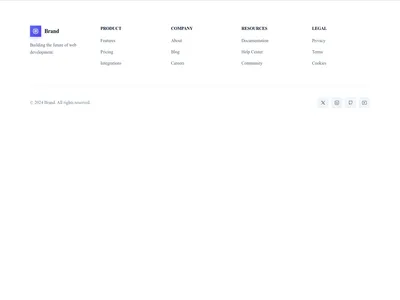
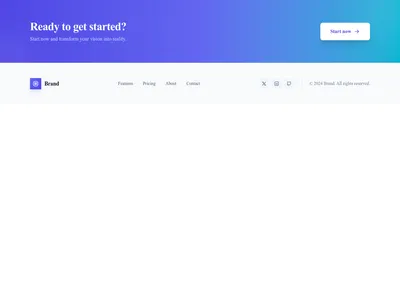
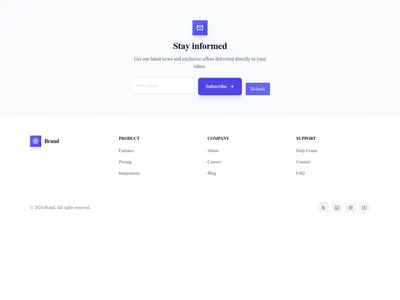
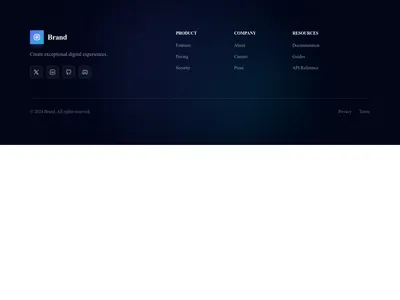
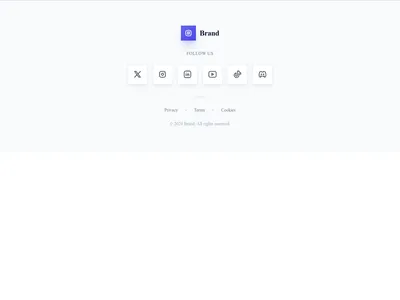
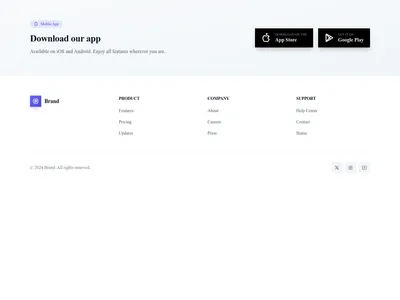
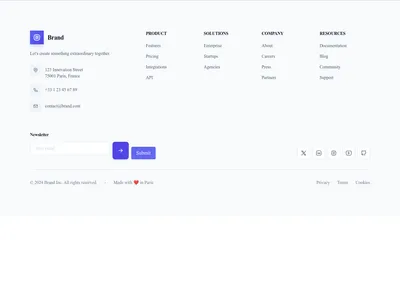
Clean, informative footer layouts with multi-column link structures, newsletter signup forms, social media icons, copyright notices, and responsive mobile stacking.
Browse · Categories
Footer Design Templates for a Polished Finish
9 items
Nothing matches this filter.
Guide
The footer is more than a copyright notice at the bottom of the page — it is the utility belt of your website. Visitors who scroll to the bottom are highly engaged and actively looking for specific information: contact details, legal pages, social links, or secondary navigation they could not find in the header. A well-designed footer turns that intent into action.
Footer Anatomy
Great footers have four distinct layers. The primary zone contains organized link columns — about, products, resources, and support. A secondary zone holds a newsletter signup form or a short company description with your value proposition. Social icons and app store badges occupy a slim bar for quick access. Finally, the legal bar lists copyright, contact info, and links to privacy policy and terms of service pages.
Design Patterns
Multi-column footers are the industry standard, giving visitors a clear sitemap at a glance — typically 3-5 columns. Fat footers add imagery, a newsletter form, a mini call to action, and even a map. Minimalist footers suit clean designs with just a copyright line, social links, and essential legal links. Dark footers are the most common choice across the web because they signal "end of page" with strong visual contrast, even on otherwise light sites.
Footer Best Practices
Mirror your header navigation structure in the footer for consistency — visitors expect to find the same links in both places. Include a contact email or phone number so visitors don't have to scroll back up. Add schema markup for your organization to boost local SEO. On mobile, stack columns vertically with collapsible accordions to save scroll space. Browse our restaurant templates for examples of footers with location maps and opening hours built in. Every footer template adapts to mobile screens automatically.
Questions
What should a website footer include?
Essential footer elements include: navigation links organized by topic, contact information (email, phone, address), social media icons, legal links (privacy policy, terms of service), and a copyright notice. Optional additions include newsletter signups and app download badges.
Should the footer match the header?
The footer should complement the header but doesn't need to be identical. Use the same font family and brand colors. Many sites use a darker footer for contrast, even with a light header — this signals the end of the page visually.
How do I make footers work on mobile?
Stack footer columns vertically on mobile screens. Use collapsible accordion menus for link groups to reduce scroll length. Keep the legal bar and social icons in a single row. All our footer templates handle this responsive behavior automatically.
Keep exploring
About Sections
Browse about sections templates
Blog Sections
Browse blog sections templates
Call to action Sections
Browse call to action sections templates
Blog Module
Complete blog feature with multiple design variants
About Page Templates
Full page layouts in the about category
Templates for E-commerce
Templates designed for e-commerce businesses
Google Maps Templates
Templates with Google Maps integration support
Your next site starts here.
Everything here is one click away.
Every section, component, page and module in this library is ready inside the Communik editor, styled with your brand.
Free to start. No credit card.