
Sections · 20 items
Pricing Table Templates That Convert Visitors to Customers
Clear, conversion-optimized pricing presentations with comparison tables, monthly/annual toggles, feature checklists, and highlighted recommended plans.
Browse · Categories
Pricing Table Templates That Convert Visitors to Customers
20 items
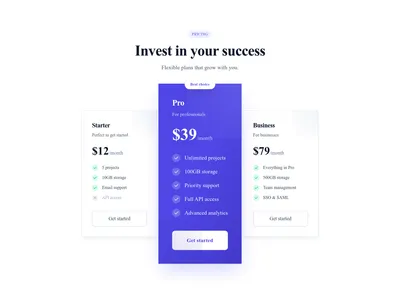
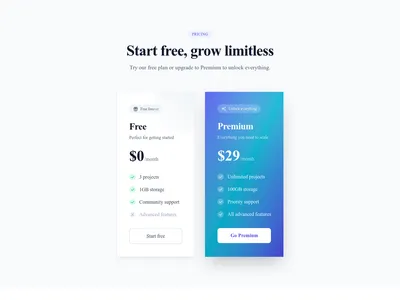
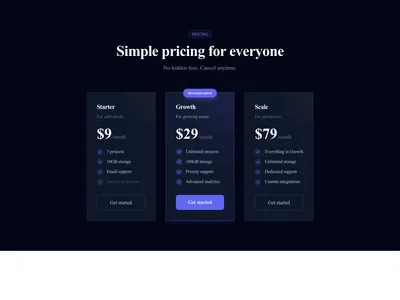
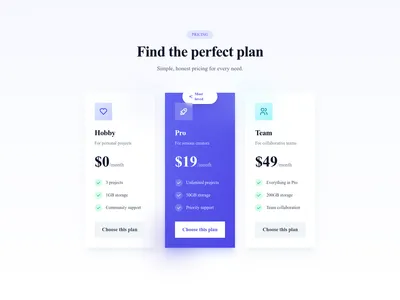
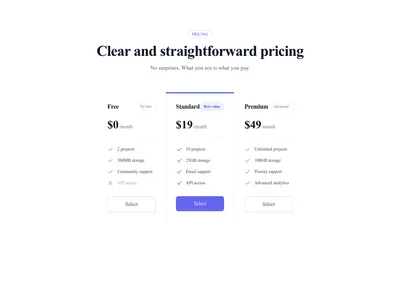
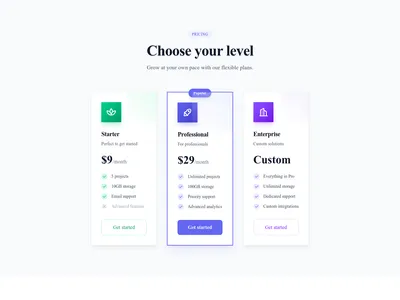
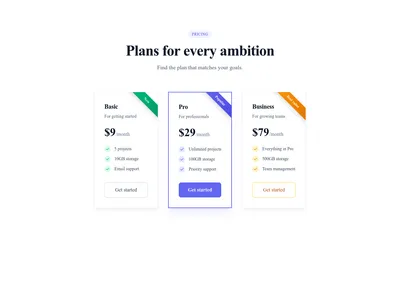
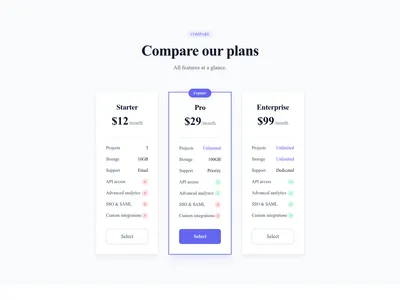
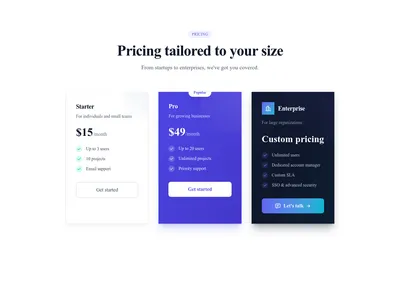
Pricing Cards Enterprise Contact
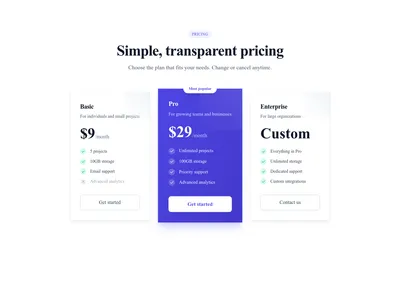
Pricing table with Enterprise plan "Contact us" without fixed price
Pricing
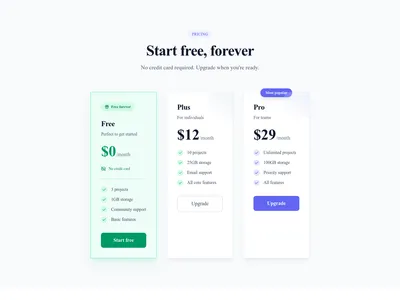
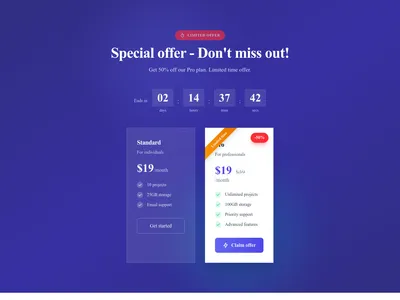
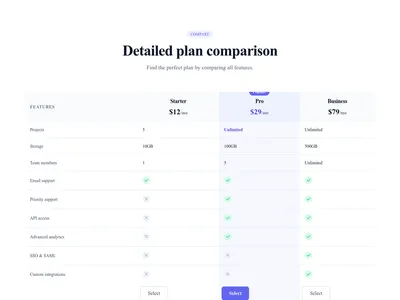
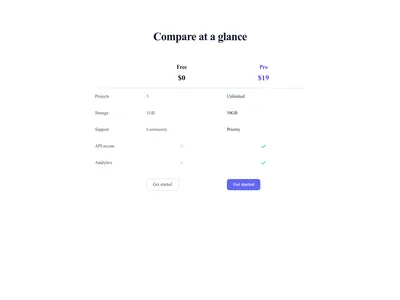
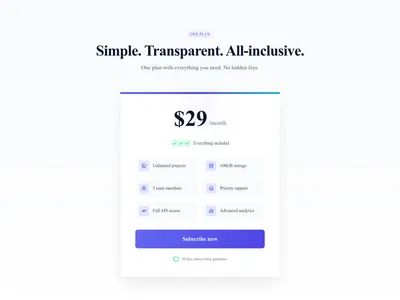
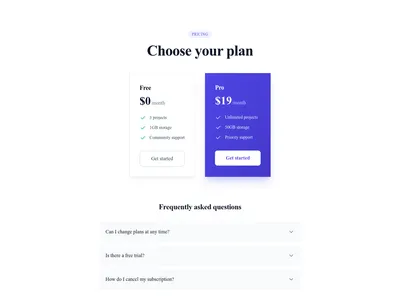
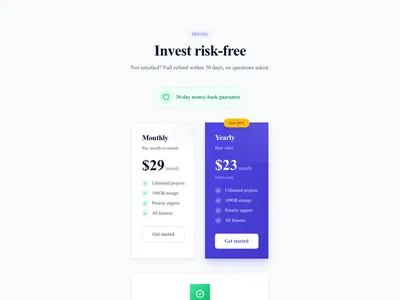
Pricing Section with Guarantee
Pricing section with featured satisfaction guarantee or money-back
Pricing
Nothing matches this filter.
Guide
A well-designed pricing table can be the difference between a bounce and a conversion, as highlighted in Nielsen Norman Group's pricing page research. Visitors arrive at your pricing page ready to buy — your job is to make the decision easy and transparent. These 20 pricing table templates present plans side by side with clear feature comparison, visual hierarchy, and prominent calls to action optimized for click-through.
Pricing Table Patterns That Work
The three-column comparison is the most popular layout: a free or basic plan on the left, a highlighted "recommended" plan in the center, and an enterprise option on the right. Our templates support monthly/annual toggle switches with discounted annual pricing, feature checklists with checkmarks and crosses for quick scanning, and custom badges like "Most Popular" or "Best Value." For more complex products, tabbed pricing tables let you display different product tiers or geographic regions without overwhelming the user. Horizontal pricing tables work well on landing pages where vertical space is limited.
Optimizing for Conversions
Highlight your target plan with color, scale, or a badge to guide the visitor's eye — our templates include pre-built emphasis styles. Keep feature lists to 5-8 items, because too many creates decision fatigue. Place a strong call to action button on each column, not just the recommended plan. If you offer a free trial, say so prominently on the button itself. Combine your pricing section with testimonial blocks right below for social proof at the moment of decision, and add an FAQ section to address billing objections like refund policies and cancellation terms.
Linking Plans to the Next Step
Each plan button is a regular link: point it to a contact form, a quote request, a signup page, or a Stripe Payment Link hosted by Stripe. Each template also works as a standalone section you can add to any page. For SaaS businesses, pair the pricing table with a feature comparison matrix and a final closing CTA to seal the deal.
Questions
How many pricing tiers should I display?
Three tiers is the sweet spot for most businesses: a basic plan, a recommended mid-tier, and a premium option. Fewer than three leaves money on the table; more than four creates choice paralysis.
Should I show monthly or annual pricing first?
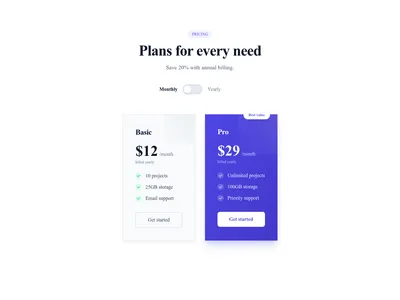
Show annual pricing first if you want to anchor on the lower per-month cost. Use a toggle so visitors can compare both. Most templates include this toggle out of the box.
Can I add a free trial mention to the pricing table?
Yes. All pricing templates support customizable badges, subtext, and CTA labels. Adding "Start Free Trial" as the button text is a common high-conversion pattern.
How do I highlight the recommended plan?
Use visual differentiation: a contrasting background color, a "Most Popular" badge, a slight scale increase, or an elevated shadow. Our templates include pre-built highlight styles you can toggle on any column.
Keep exploring
About Sections
Browse about sections templates
Blog Sections
Browse blog sections templates
Call to action Sections
Browse call to action sections templates
Blog Module
Complete blog feature with multiple design variants
About Page Templates
Full page layouts in the about category
Templates for Education
Templates designed for education businesses
WhatsApp Templates
Templates with WhatsApp integration support
Your next site starts here.
Everything here is one click away.
Every section, component, page and module in this library is ready inside the Communik editor, styled with your brand.
Free to start. No credit card.