
Sections · Pricing
3-Tier Pricing Table
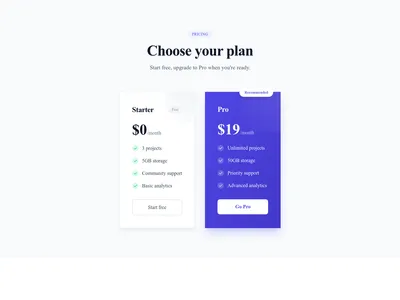
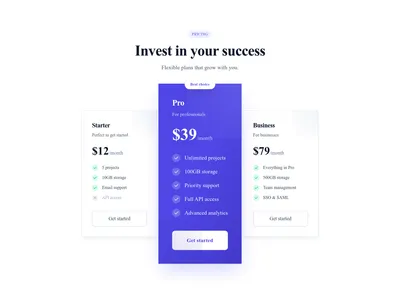
The classic three-plan pricing table with a highlighted “most popular” tier — the layout visitors already know how to read.
What this block contains
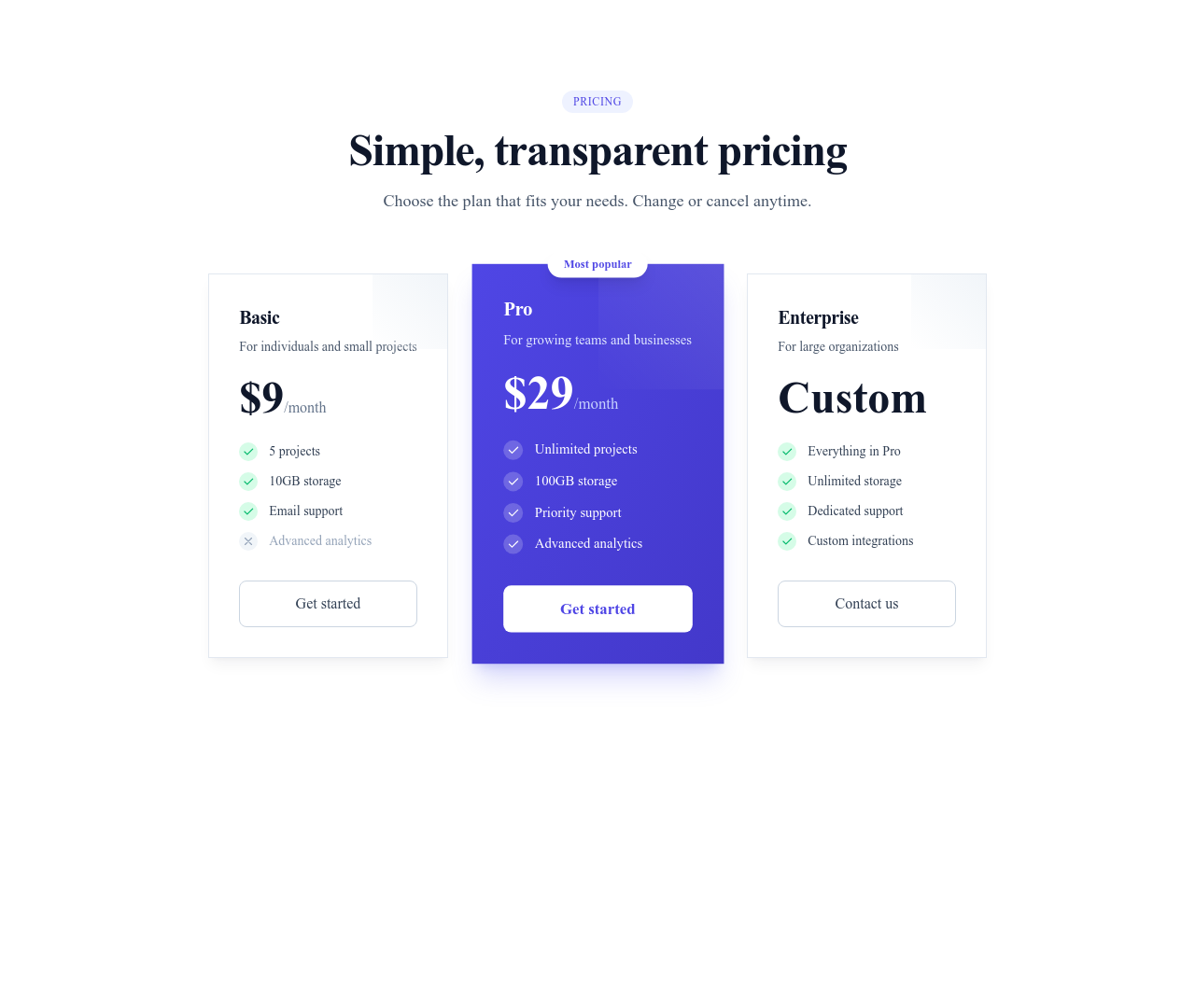
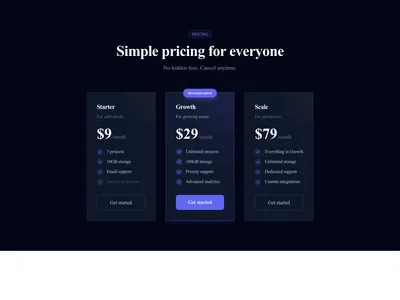
Pricing Cards 3 Tiers is a section from the Pricing category made of 4 headings, 4 text paragraphs, 3 buttons, 12 icons and 3 links. On desktop its content is laid out in 3 columns, stacked on mobile. Its copy ships in 3 languages (German, Spanish and French).
- 4 headings
- 4 text paragraphs
- 3 buttons
- 12 icons
- 3 links
- 3-column grid
Details
- Category
- Pricing
- Type
- Section (full width)
- Editing
- Visual editor, no code
- Keywords
- cardstierssaassubscription
Use it in three steps
- 1 Open your siteCreate a free Communik site, or open one you already have.
- 2 Insert itIt lands on your page with your fonts and brand colors applied.
- 3 Make it yoursEdit text, images and colors visually, then publish when ready.
More in Pricing
See all Pricing
Guide
Three plans with the middle one highlighted is the most battle-tested pricing pattern on the web: it anchors expectations, guides undecided buyers toward your preferred plan, and keeps comparison effortless. If you sell subscriptions or service packages, start here.
Each card lists features with checkmarks, and every price, label and feature line is editable in the Communik builder. Connect the buttons to a contact form, a signup page or a Stripe Payment Link.
See also the monthly/yearly toggle variant or browse all pricing sections and FAQ blocks — pricing pages convert better with a FAQ right below.
Questions
Which plan should I highlight?
The one you want most customers on — usually the middle tier. The highlight (color, badge, slight scale) draws the eye without hiding the alternatives.
Can I add or remove a plan?
Yes. Duplicate or delete a card in the editor; the grid re-balances automatically, including on mobile.
Do I need three plans?
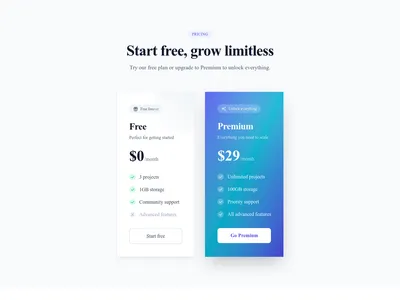
No — if you have two offers, use the 2-tier variant. Three works best when you have a clear entry, core and premium offer.
Keep exploring
About Sections
Browse about sections templates
Blog Sections
Browse blog sections templates
Call to action Sections
Browse call to action sections templates
Blog Module
Complete blog feature with multiple design variants
About Page Templates
Full page layouts in the about category
Templates for E-commerce
Templates designed for e-commerce businesses
Google Maps Templates
Templates with Google Maps integration support
Your next site starts here.
Everything here is one click away.
Every section, component, page and module in this library is ready inside the Communik editor, styled with your brand.
Free to start. No credit card.