
Sections · 25 items
FAQ Section Templates to Reduce Support Requests
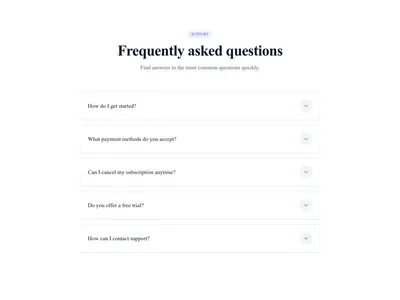
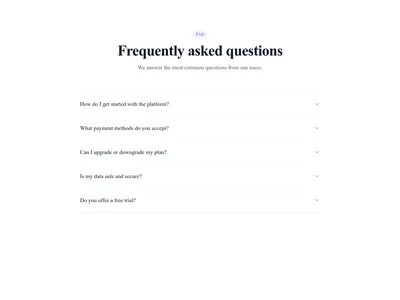
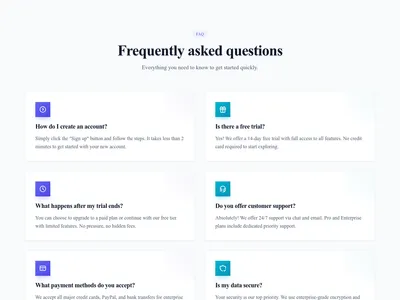
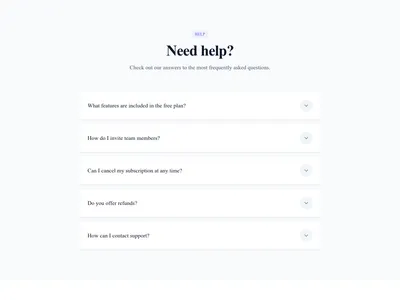
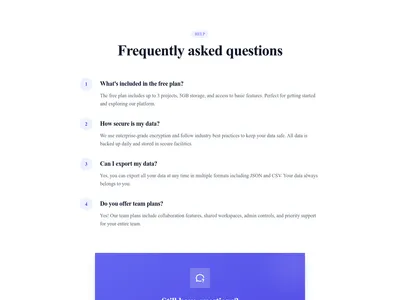
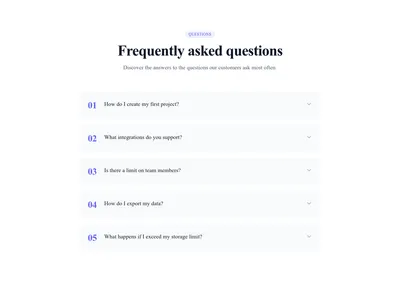
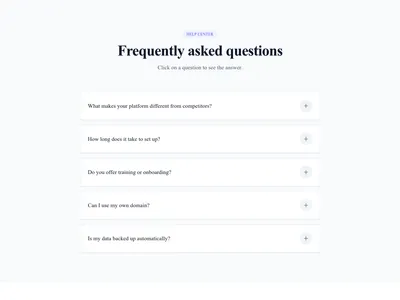
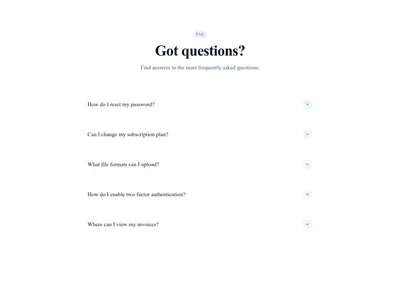
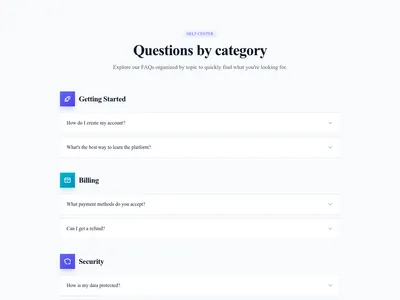
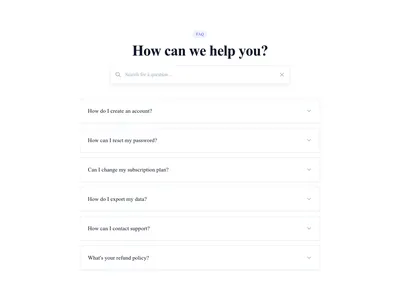
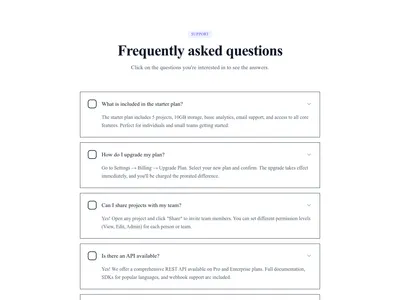
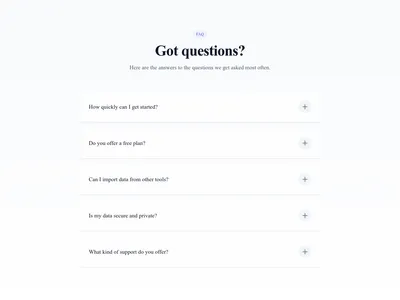
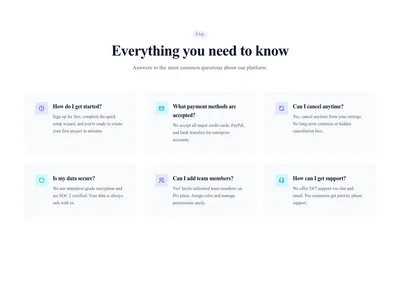
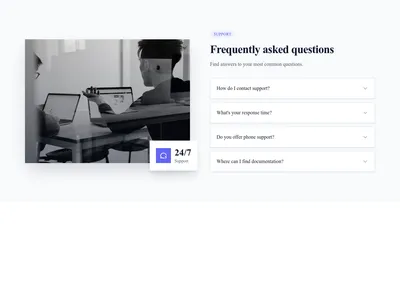
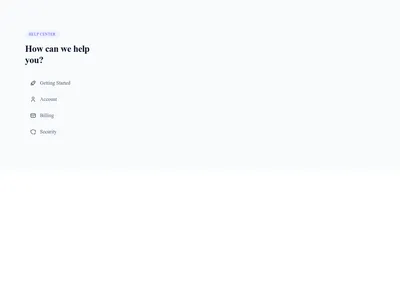
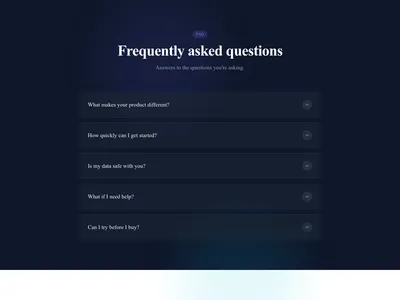
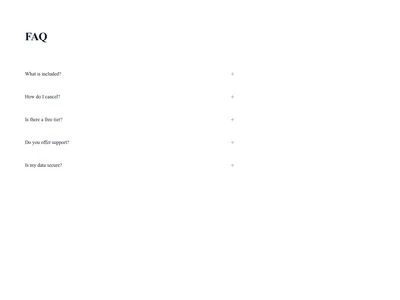
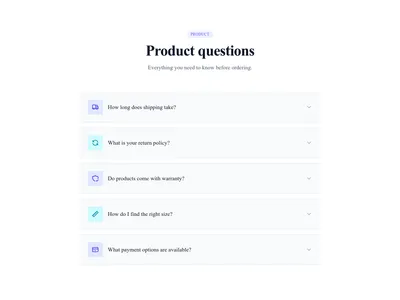
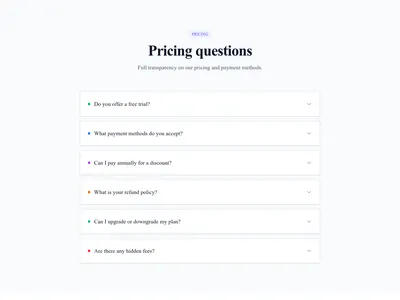
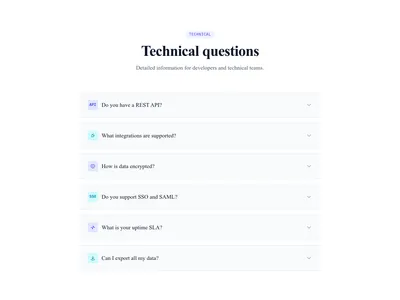
Organized FAQ sections that reduce support volume and improve user experience. Accordion-style answers, two-column layouts, searchable lists, and category-based groupings.
Browse · Categories
FAQ Section Templates to Reduce Support Requests
25 items
Nothing matches this filter.
Guide
A well-structured FAQ section does two things simultaneously: it answers visitor questions instantly and reduces the load on your support team. Many customers would rather find an answer on your site than write to support. Our 25 FAQ templates turn a plain list of questions and answers into an engaging, scannable section that visitors actually use and appreciate.
Accordion vs. Grid: Picking the Right Layout
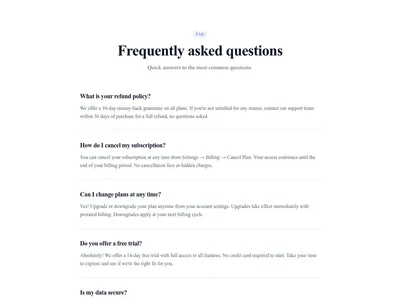
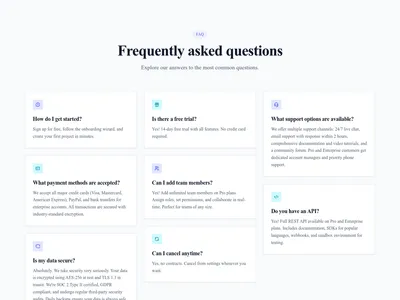
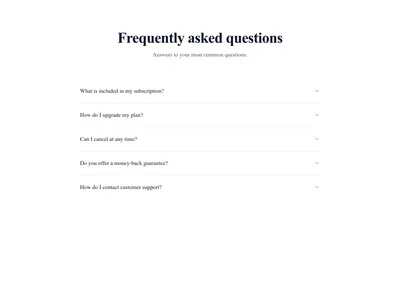
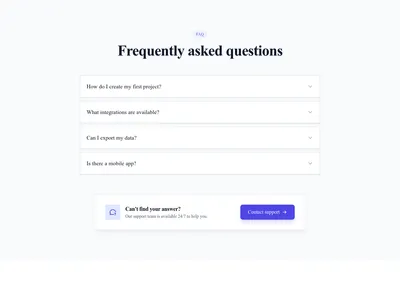
Accordion FAQs reveal one answer at a time, keeping the section compact and focused. They are the best choice when you have 5-15 questions with varying-length answers — visitors can quickly scan the questions and expand only what interests them. Two-column grid layouts display questions and answers side by side, which works well for short, consistent answers and looks polished on wide screens. Searchable FAQ sections add a filter input at the top — ideal when you have 20+ questions and want visitors to find answers without endless scrolling.
SEO Benefits of FAQ Sections
FAQ sections are goldmines for search engine optimization. They naturally target long-tail keywords ("How do I change my plan?", "What payment methods do you accept?"), and Google can display them as rich results using the FAQ structured data schema. Our templates generate FAQ structured data automatically when used with Communik, increasing your chances of appearing in featured snippets. Pair your FAQ with a contact form below for visitors whose question isn't listed, and link relevant answers to your blog articles for deeper information.
FAQ Placement Strategy
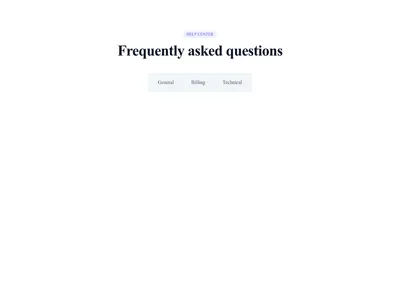
On product and landing pages, place the FAQ near the bottom — after pricing and testimonials — to address last-minute objections before the final call to action. On documentation or support pages, make the FAQ the primary content above the fold. Use 5-8 questions per section; if you need more, split them into categorized tabs or create a dedicated FAQ page.
Questions
How many questions should an FAQ section have?
Display 5-8 questions per section for optimal readability. If you have more, use categorized tabs or a searchable layout to prevent the section from becoming overwhelming.
Do FAQ sections help with SEO?
Yes. FAQ sections naturally target question-based search queries (long-tail keywords). With proper FAQ schema markup, Google may display your answers as rich results, increasing your click-through rate from search.
Can I use FAQ sections on any page type?
Absolutely. FAQs work on landing pages (to address objections), product pages (to explain features), pricing pages (to clarify plans), and support pages (to reduce ticket volume). The key is tailoring the questions to the page context.
Keep exploring
About Sections
Browse about sections templates
Blog Sections
Browse blog sections templates
Call to action Sections
Browse call to action sections templates
Blog Module
Complete blog feature with multiple design variants
About Page Templates
Full page layouts in the about category
Templates for Education
Templates designed for education businesses
WhatsApp Templates
Templates with WhatsApp integration support
Your next site starts here.
Everything here is one click away.
Every section, component, page and module in this library is ready inside the Communik editor, styled with your brand.
Free to start. No credit card.