
Sections · 29 items
Contact Form Sections That Make Getting in Touch Easy
Professional contact sections with multi-field forms, embedded maps, office information, and split-layout designs. Built to maximize inquiry submissions.
Browse · Categories
Contact Form Sections That Make Getting in Touch Easy
29 items


Nothing matches this filter.
Guide
Your contact section is where interest turns into conversation. A confusing or intimidating form costs you leads — our 29 contact form templates are designed to minimize friction and maximize submissions. Every template balances essential fields with visual appeal so visitors feel confident reaching out, whether they are asking about a service, requesting a quote, or reporting an issue.
Contact Section Layouts
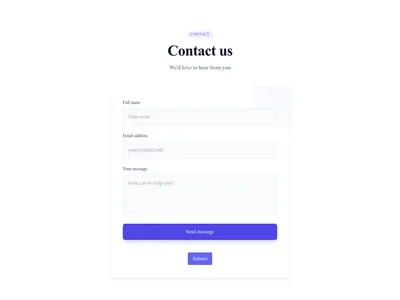
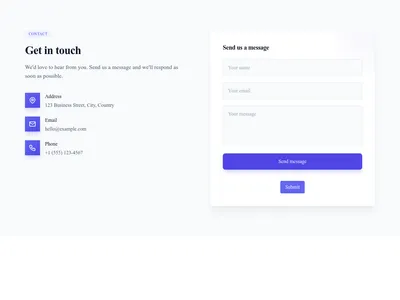
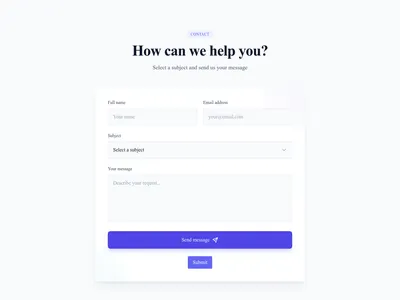
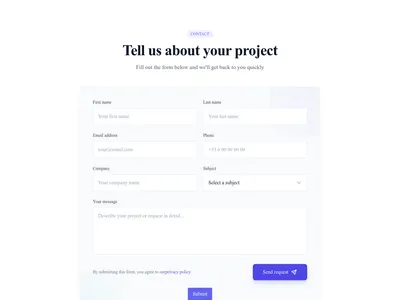
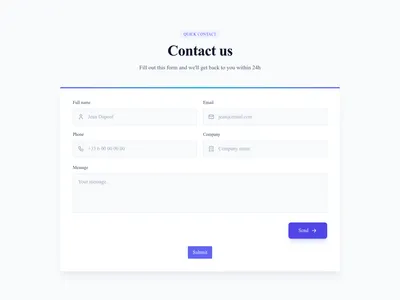
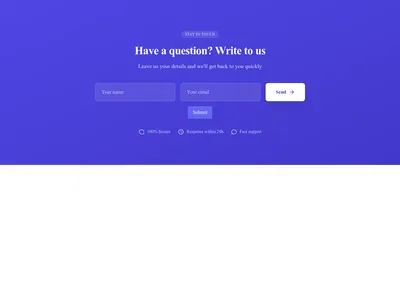
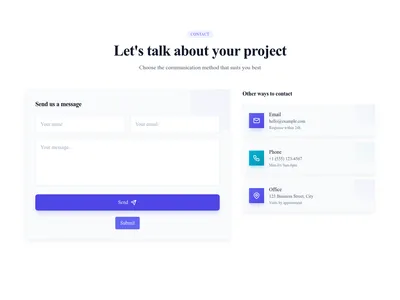
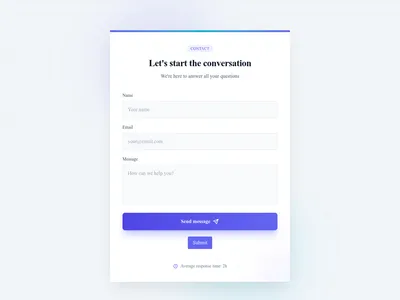
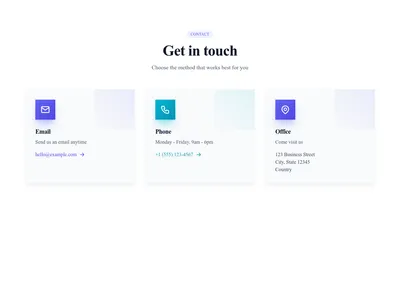
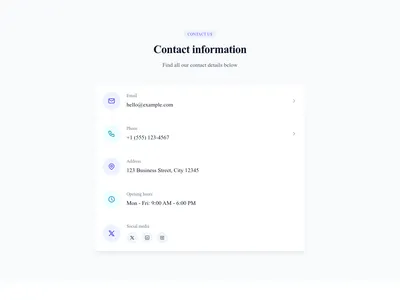
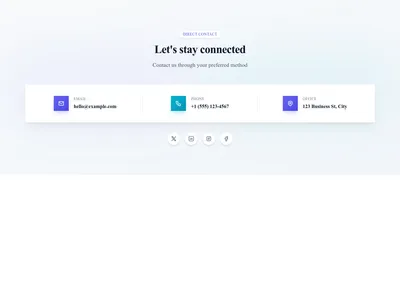
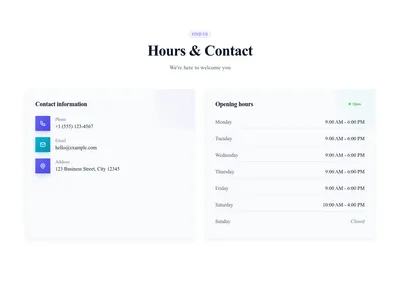
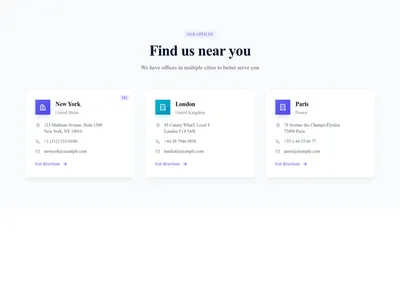
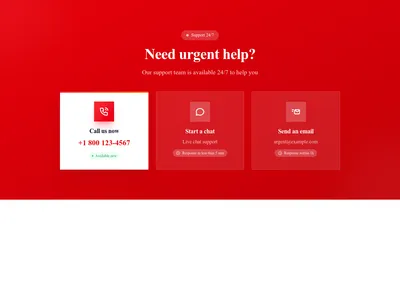
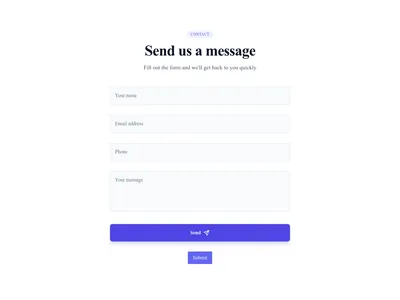
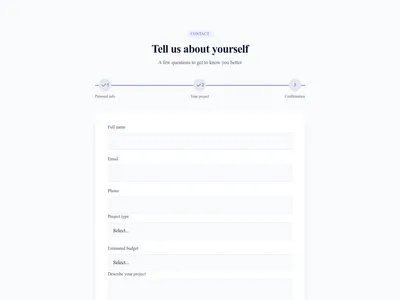
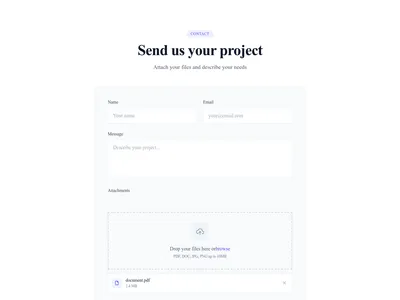
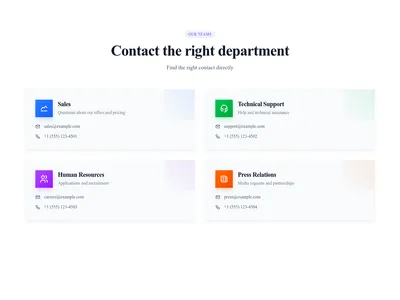
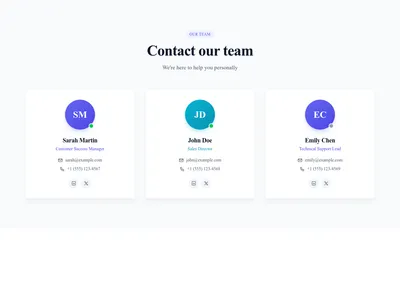
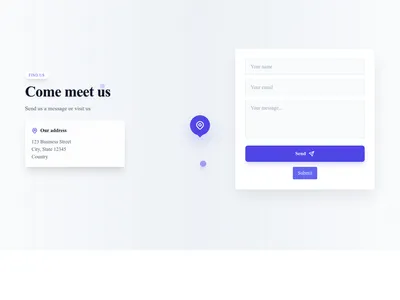
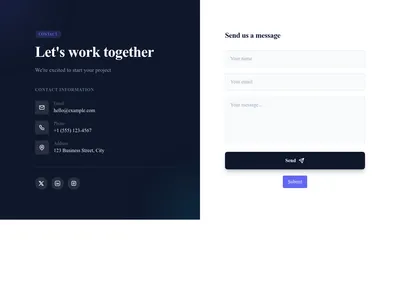
The classic single-column form keeps things simple: name, email, message, and send. Split-layout forms pair the form with your office address, phone number, and operating hours on one side — ideal for businesses with physical locations like restaurants and retail stores. Use the Google Maps integration to embed an interactive map right next to the form. Multi-column forms work well when you need multiple fields (department, subject, phone number) without making the form look intimidatingly long.
Increasing Form Submissions
Keep fields to the minimum you need: every extra field is one more reason to give up. Use placeholder text inside inputs to guide what visitors should type. Add a clear privacy note ("We'll never share your email") near the submit button to build trust. For service businesses, include a dropdown to select the inquiry type so responses reach the right team without back-and-forth.
Complementary Sections
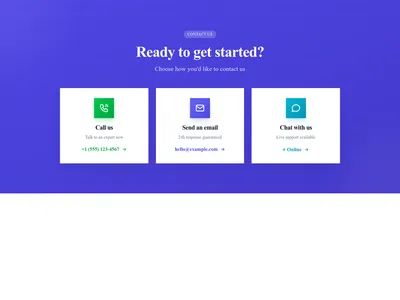
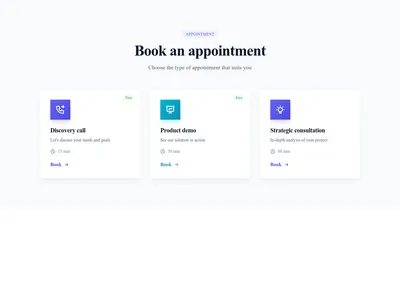
Pair your contact form with an FAQ section above it to answer common questions before they are asked — this reduces form submissions for repetitive queries and lets your team focus on genuine leads. Add a testimonial section nearby for trust. If you offer appointment booking, consider a CTA block linking to your scheduling tool. For full context, see how contact sections are used in our landing page templates alongside hero banners.
Questions
How many fields should a contact form have?
Three to five fields is optimal for most contact forms: name, email, and message are essential. Add phone or subject only if genuinely needed. Each extra field adds friction and can lower completion.
Should I include a phone number alongside the form?
Yes. Displaying a phone number builds trust and gives visitors an alternative channel. Even if most inquiries come through the form, seeing a phone number reassures visitors that a real team is behind the site.
Can I embed a map in the contact section?
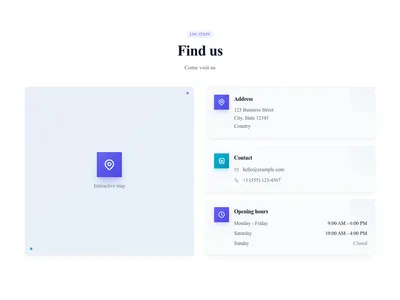
Absolutely. Many of our contact templates include a map placeholder. You can embed Google Maps, Mapbox, or any iframe-based map. Templates with map support are tagged accordingly in the library.
Keep exploring
About Sections
Browse about sections templates
Blog Sections
Browse blog sections templates
Call to action Sections
Browse call to action sections templates
Blog Module
Complete blog feature with multiple design variants
About Page Templates
Full page layouts in the about category
Templates for SaaS
Templates designed for saas businesses
WhatsApp Templates
Templates with WhatsApp integration support
Your next site starts here.
Everything here is one click away.
Every section, component, page and module in this library is ready inside the Communik editor, styled with your brand.
Free to start. No credit card.