
Integrations · 50 items
Google Maps Templates for Your Contact and Access Pages
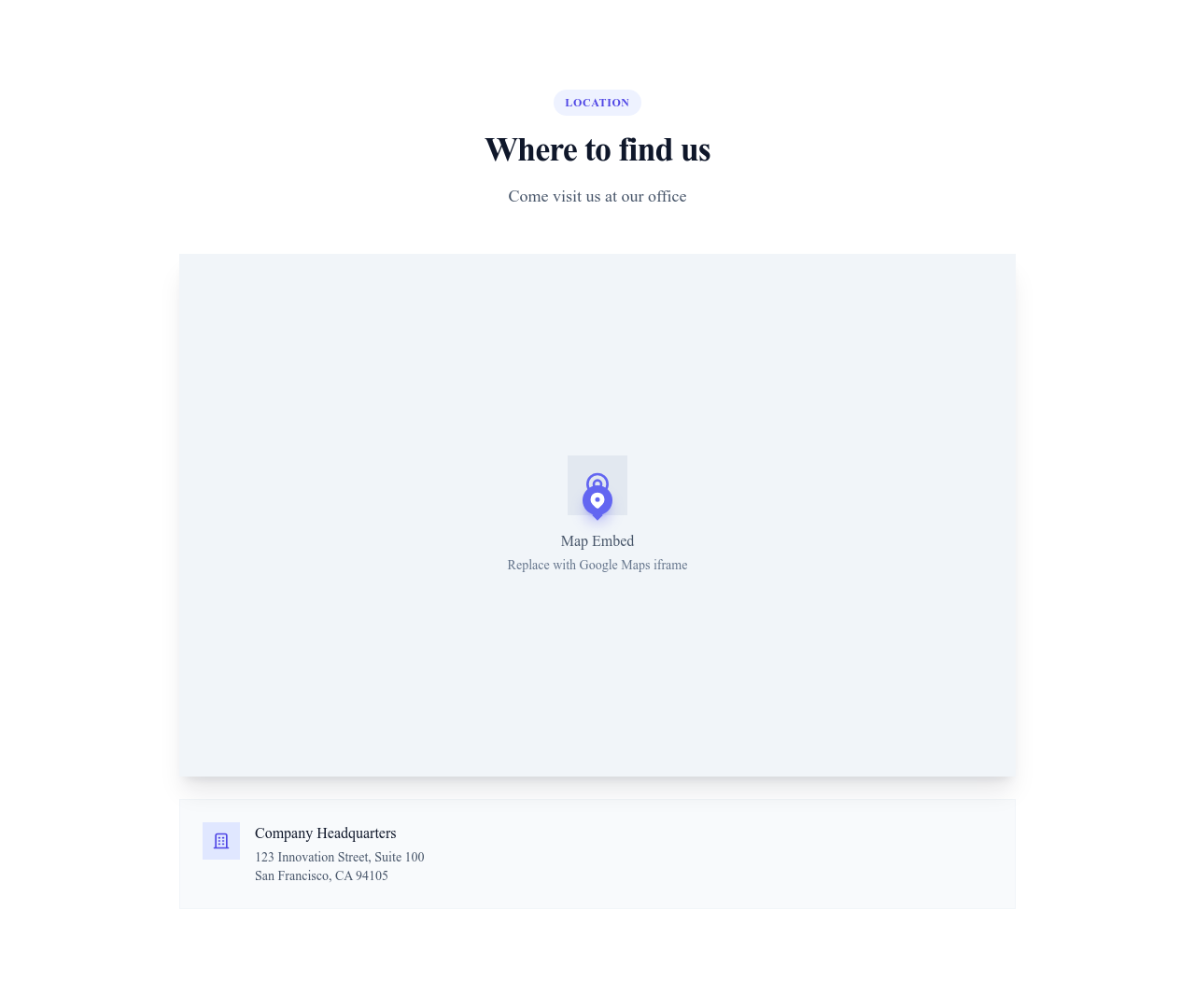
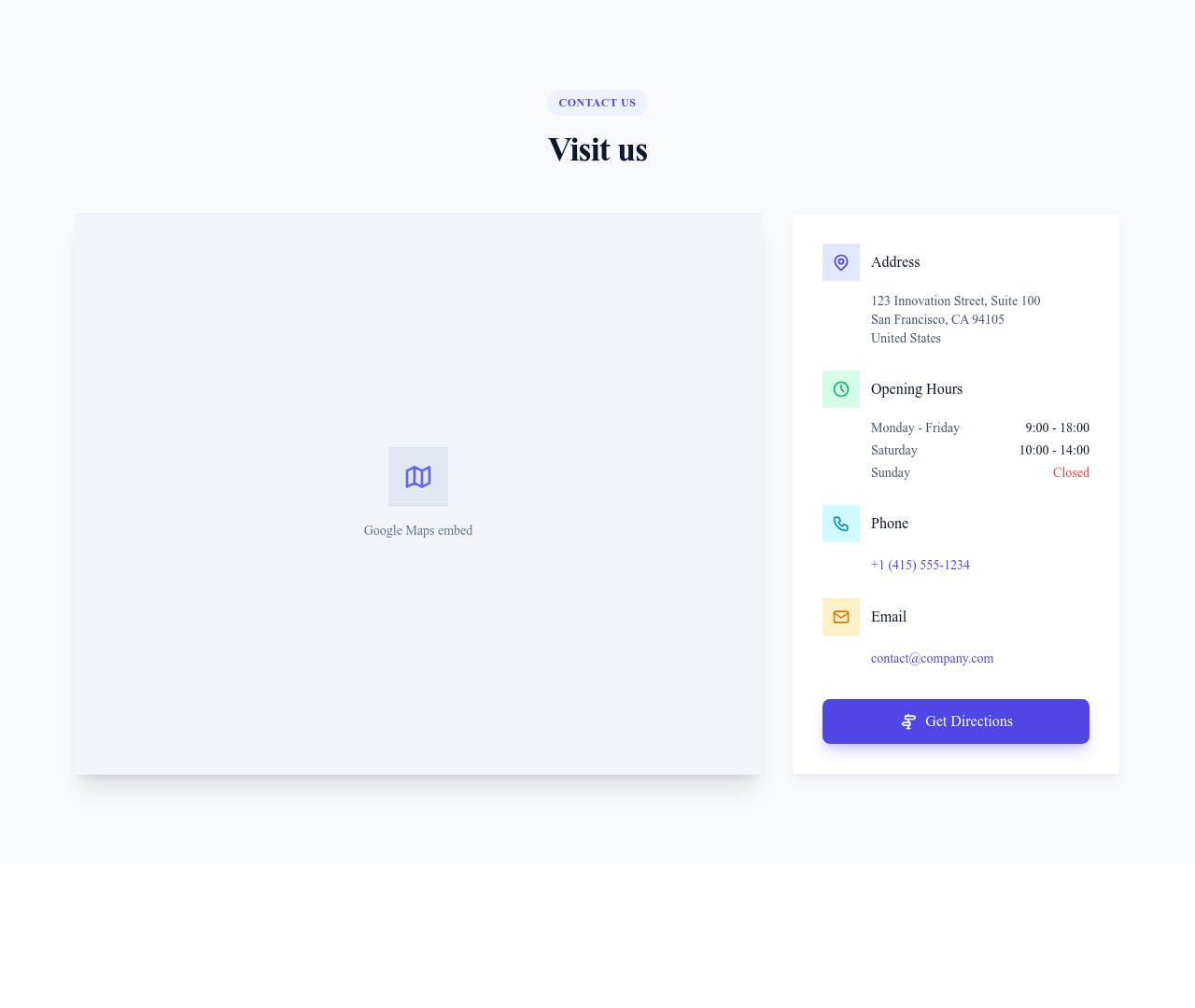
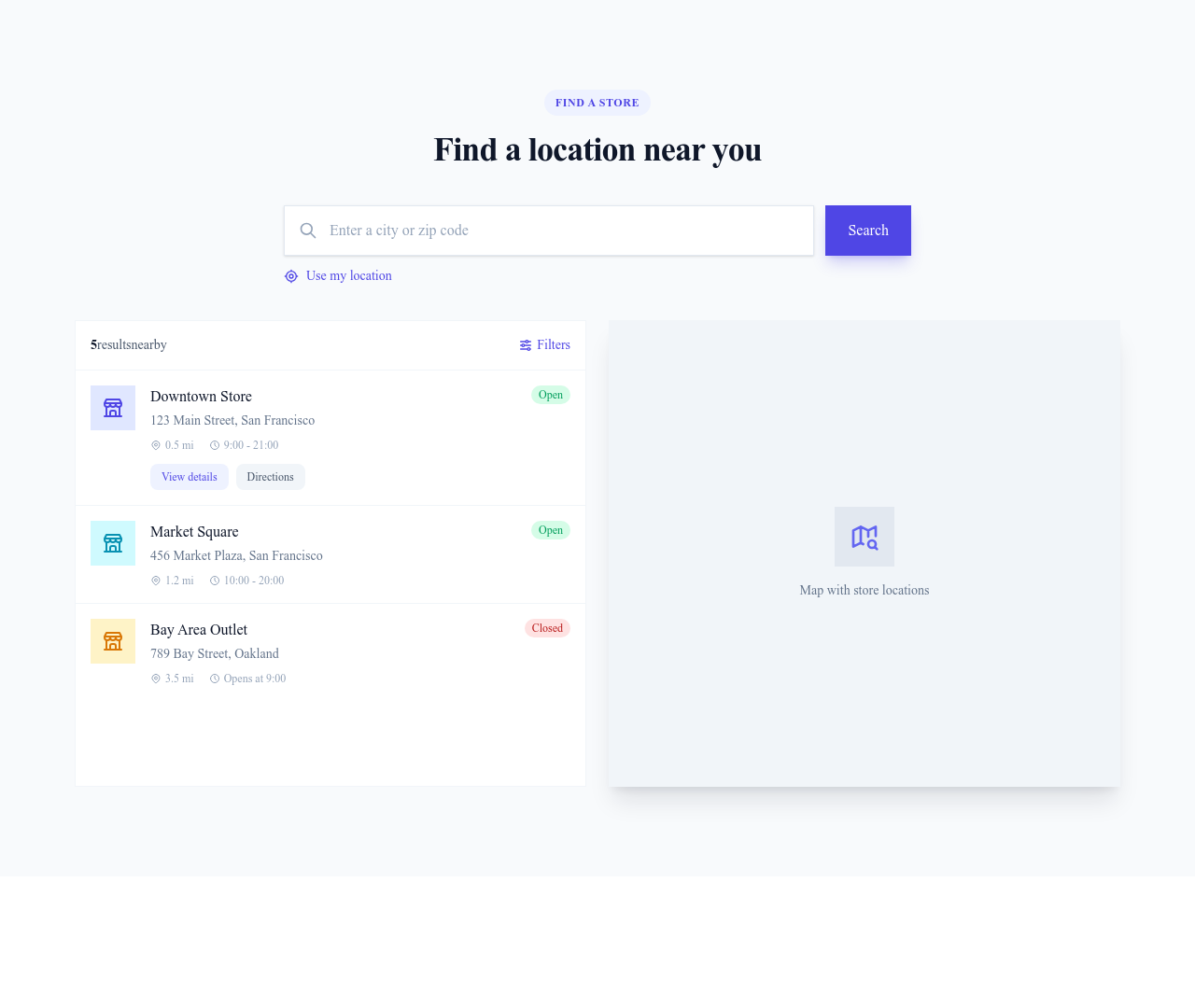
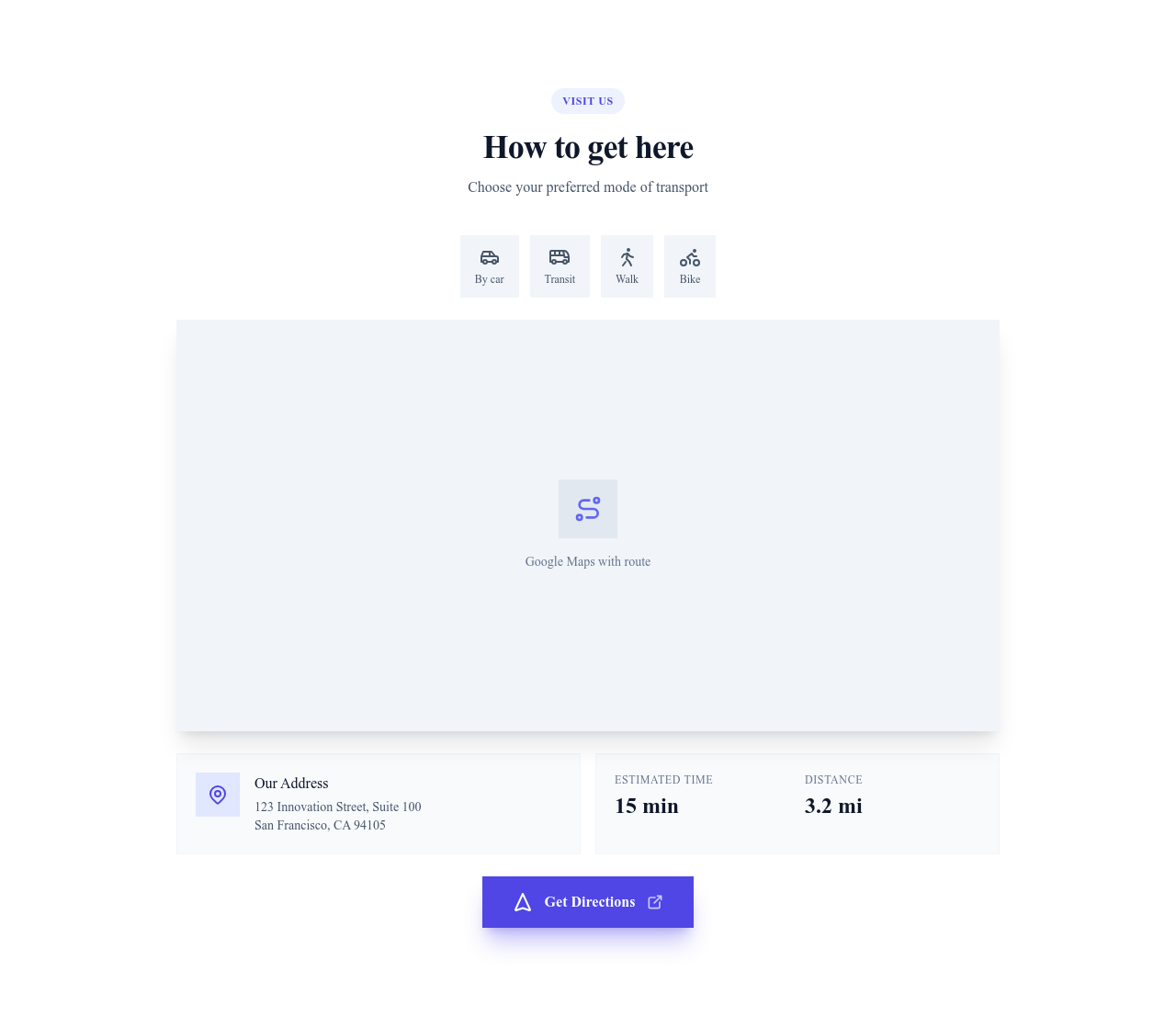
Sections that display a Google Maps embed of your address, alone or next to your contact details, directions and opening hours.
Browse · Categories
Google Maps Templates for Your Contact and Access Pages
50 items
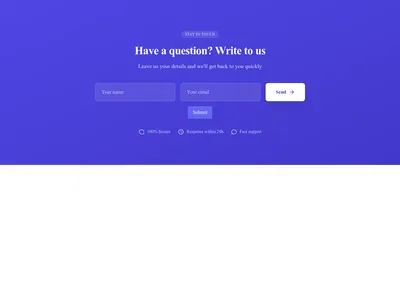
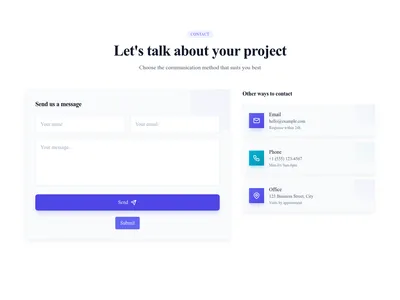
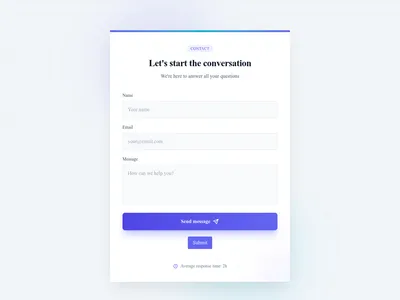
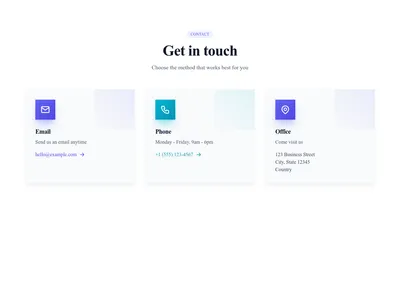
Pricing Cards Enterprise Contact
Pricing table with Enterprise plan "Contact us" without fixed price
Pricing
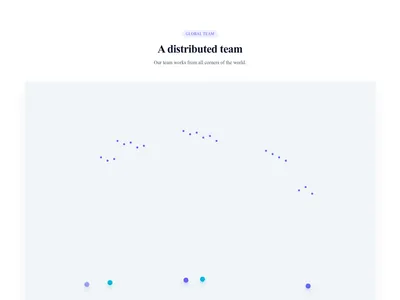
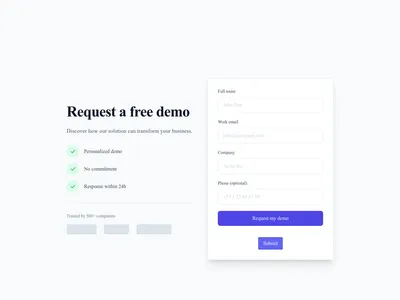
Simple Lead Capture
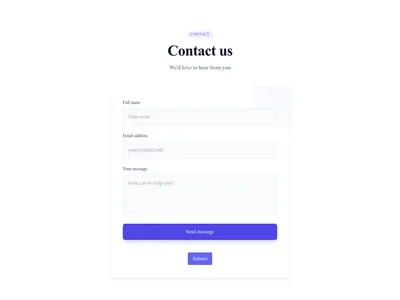
Simple lead capture page with form and value proposition
Conversion · 1 sections
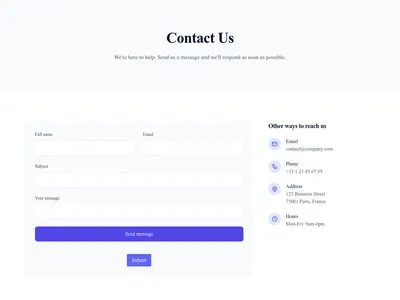
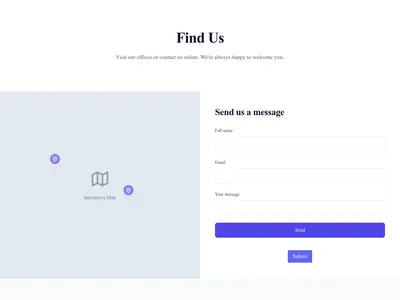
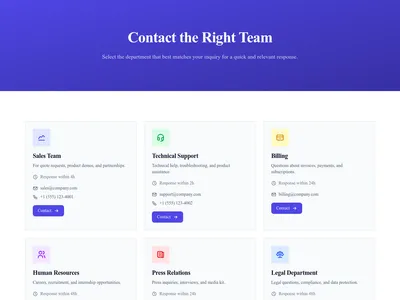
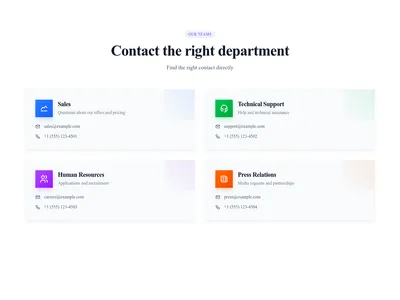
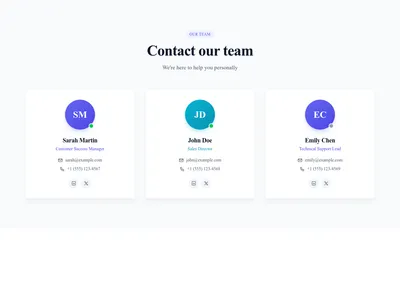
Contact Team Members
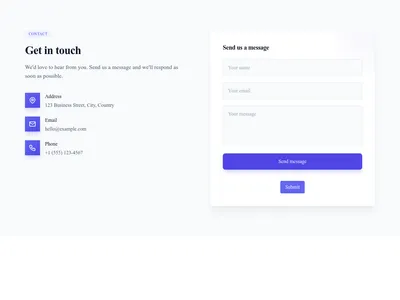
Contact page to reach specific team members or departments
Utility · 3 sections

Locations
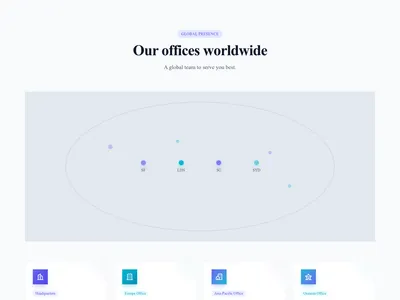
Offices and locations with addresses, hours, and contact information. Perfect for multi-site businesses.
3 designs · 2 pages
Nothing matches this filter.
Guide
For any business that welcomes customers, showing where to find you saves them a phone call. Whether you run a restaurant, a shop or an office, these templates show a Google Maps map of your address directly on your site.
What the Templates Contain
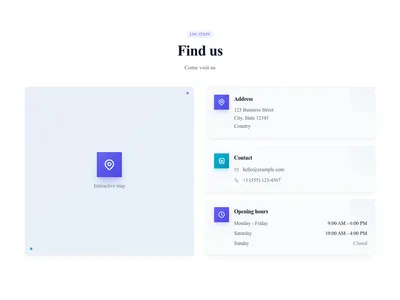
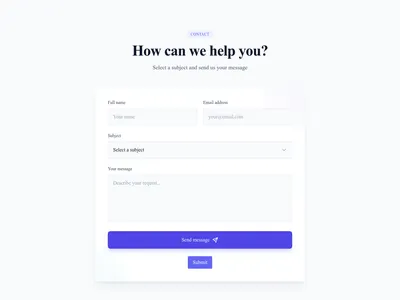
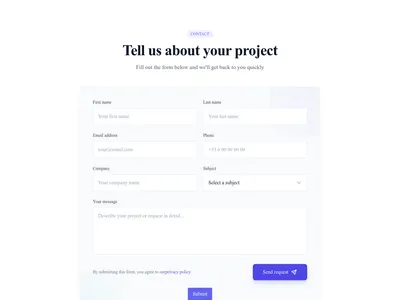
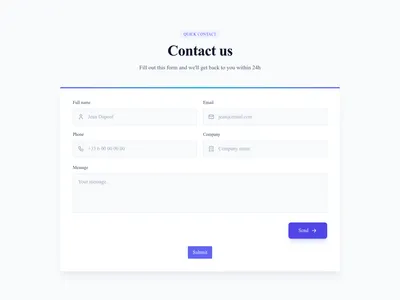
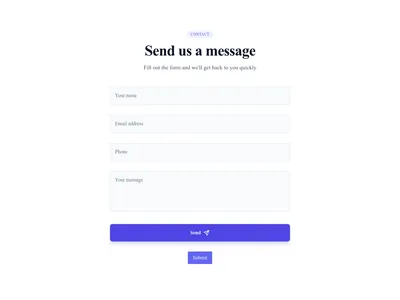
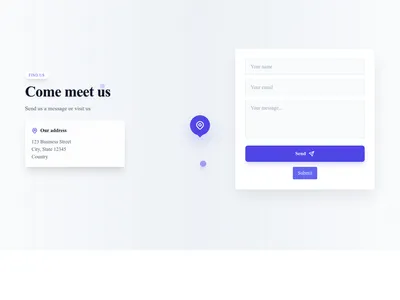
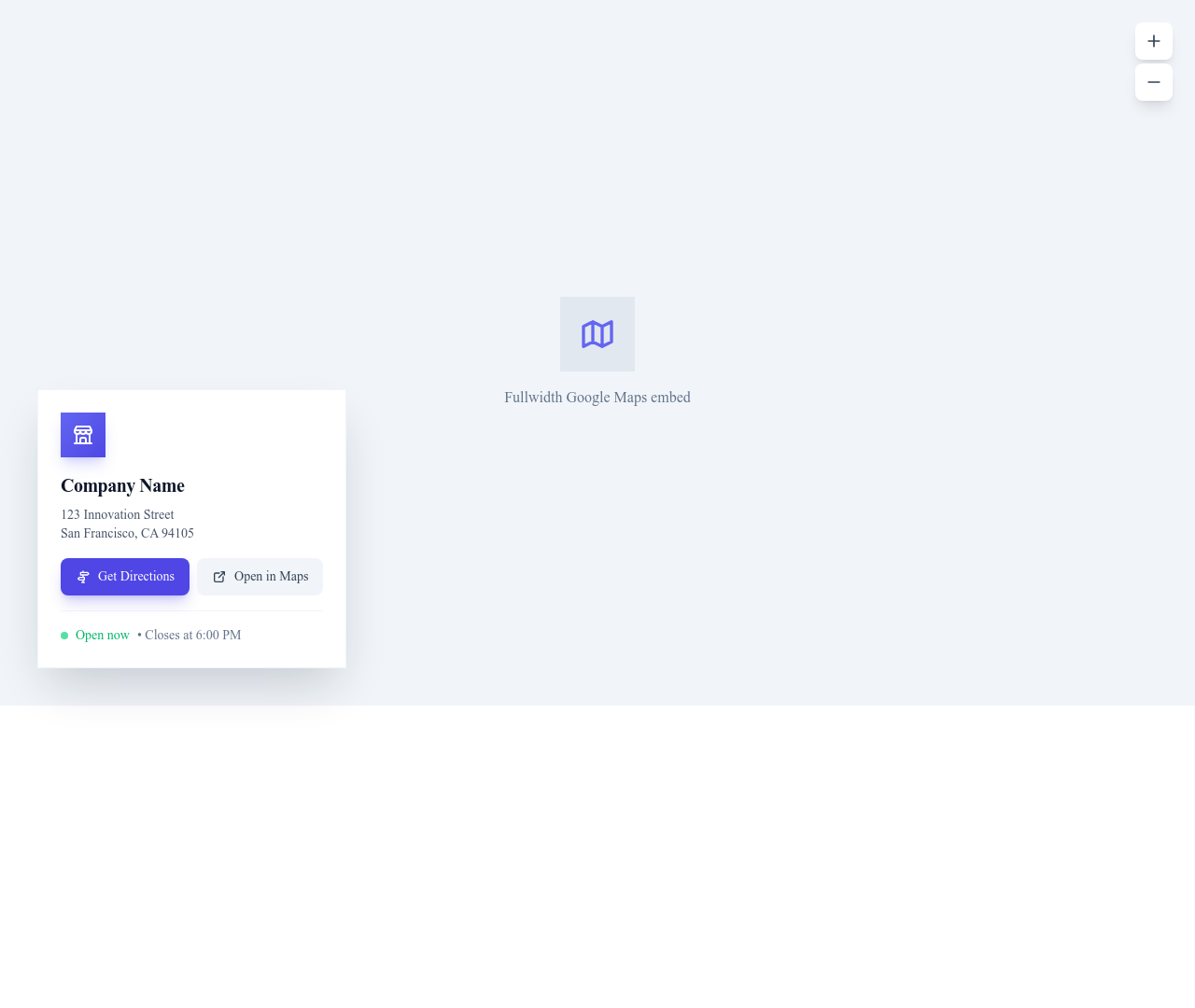
The map sections display a Google Maps embed: a map alone with a title and a caption, or a map next to an address card, directions and opening hours. The contact templates listed here pair a form or your contact details with that map.
Setting Up Your Map
In Google Maps, search for your address, choose Share, then Embed a map, and copy the link shown. Paste it as the map address in the template. The embedded map needs no API key and no Google Cloud account. It keeps Google's own look, zoom and controls, and adapts to the width of the screen.
Where to Place the Map
Put the map in your contact section, next to a form, so visitors see where you are while writing to you. You can also add it to your footer area or to an access page. For restaurants and hospitality sites, place it near the booking form, since many visitors check the route before they come. Combine it with a hero section showing your storefront and testimonials for a complete local page.
Questions
Do I need a Google Maps API key?
No. The templates use the embed link that Google Maps gives you through Share, then Embed a map. You paste that link into the template.
Can I show several addresses?
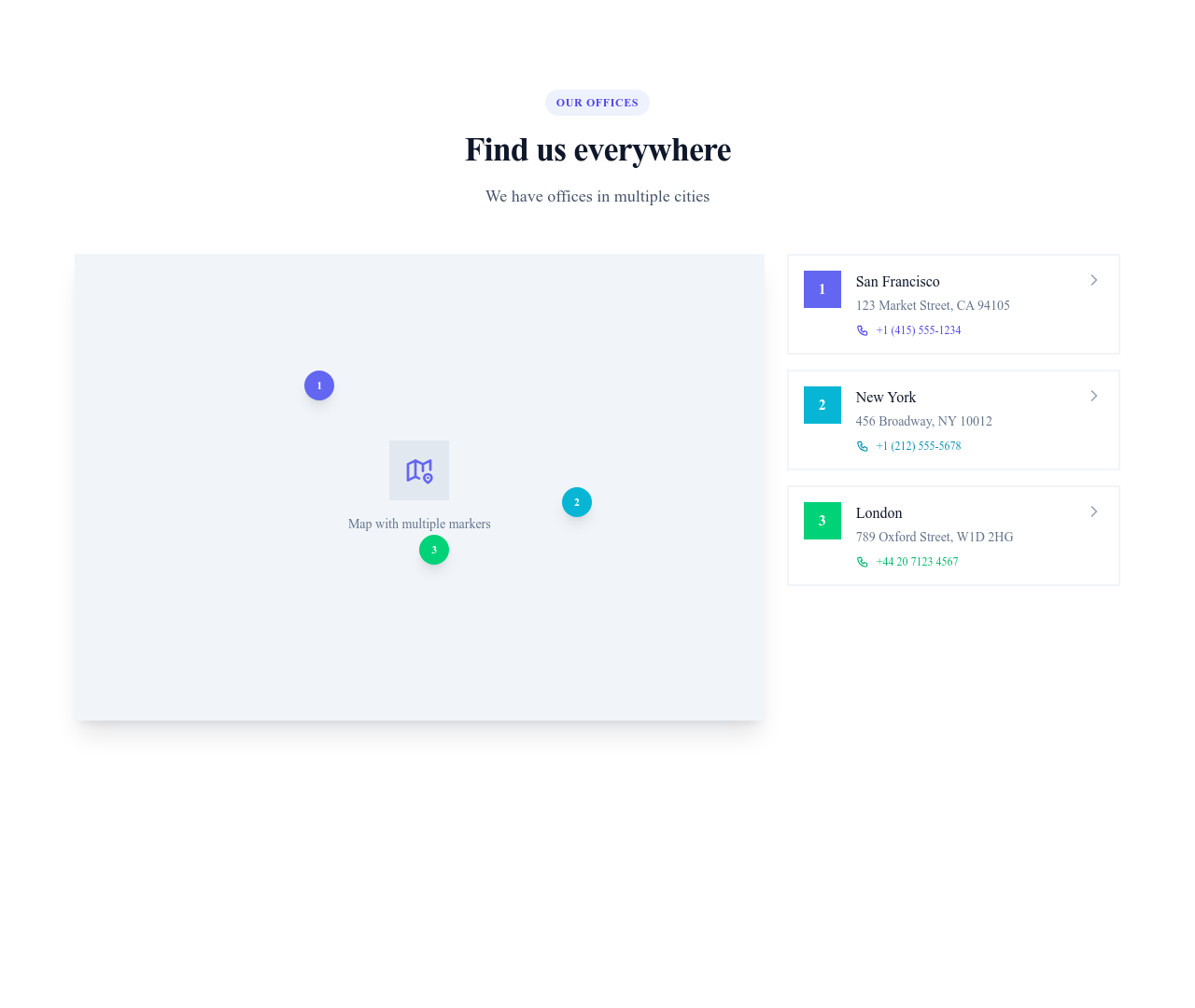
Each map shows the place in its embed link. For several addresses, add one map section per location, or create a map with your places in Google My Maps and embed it.
Do maps work on mobile?
Yes. The embedded map adapts to the screen width and stays interactive with touch gestures, as on Google Maps.
Can I change the map style?
The embed keeps the Google Maps look. You control the size, the corners and the surroundings of the map, which follow your site theme.
Your next site starts here.
Everything here is one click away.
Every section, component, page and module in this library is ready inside the Communik editor, styled with your brand.
Free to start. No credit card.