
Pages · Utility
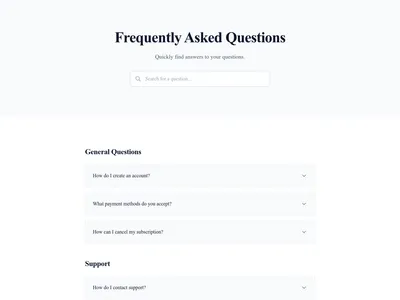
Simple Contact
Simple contact page with form and contact information
Page structure
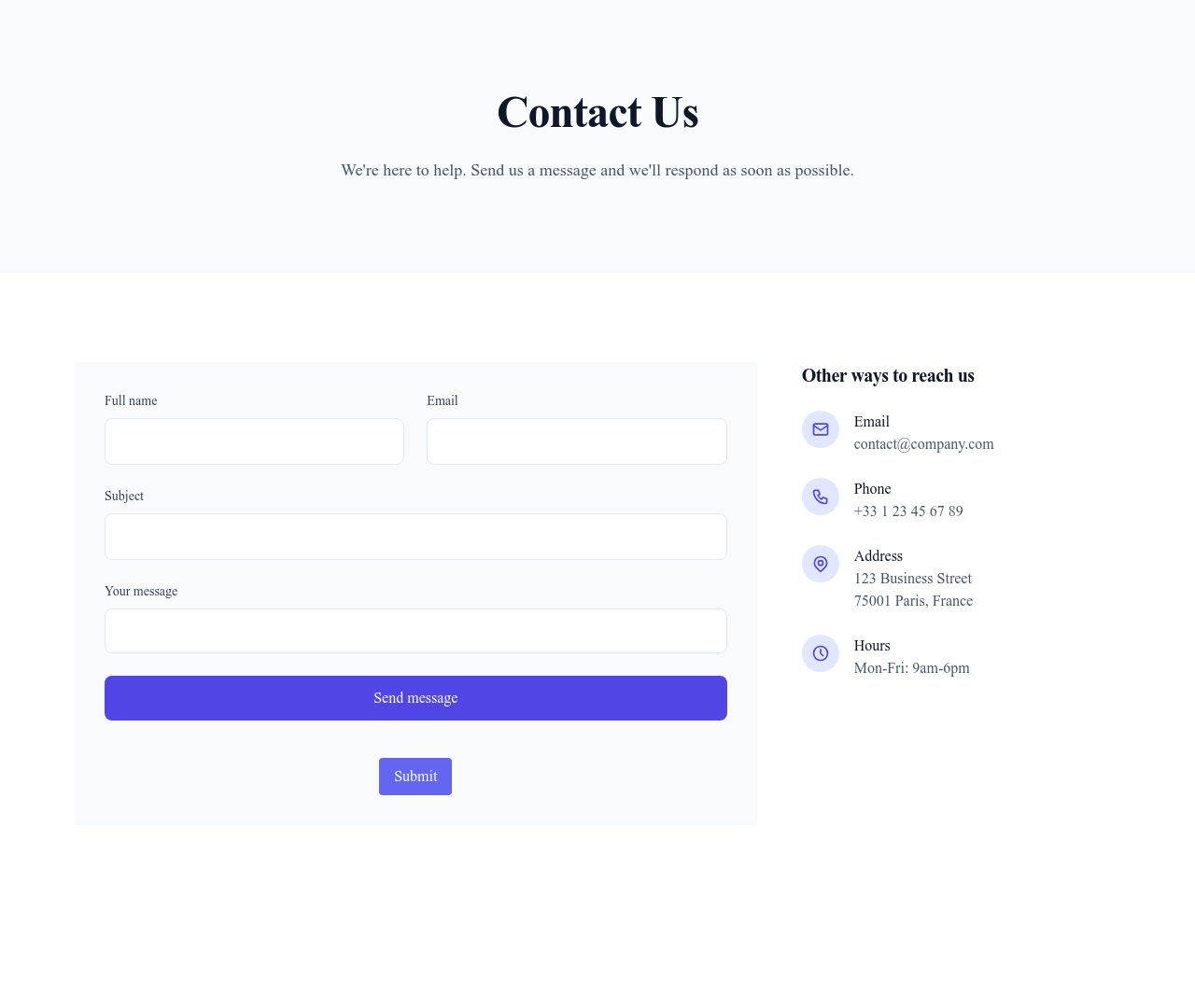
This template puts together 2 sections, from “Contact Hero” to “Contact Form & Info”. Each one is edited in the visual editor, and you can remove or add sections.
- 1 Contact Hero
- 2 Contact Form & Info
Details
- Category
- Utility
- Type
- Full page
- Sections
- 2
- Theme
- Light & dark
- Editing
- Visual editor, no code
Use it in three steps
- 1 Open your siteCreate a free Communik site, or open one you already have.
- 2 Insert itThe page is created with all its sections, ready to edit.
- 3 Make it yoursEdit text, images and colors visually, then publish when ready.
More in Utility
See all Utility
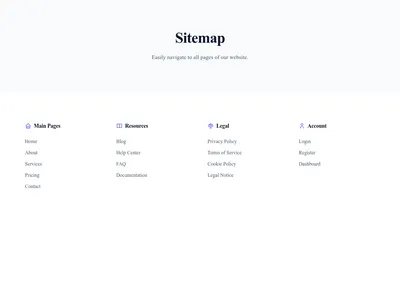
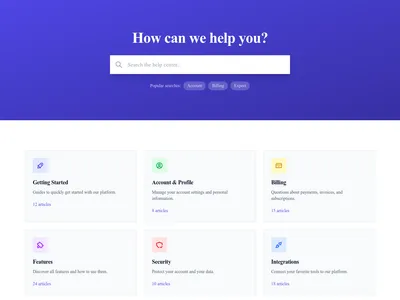
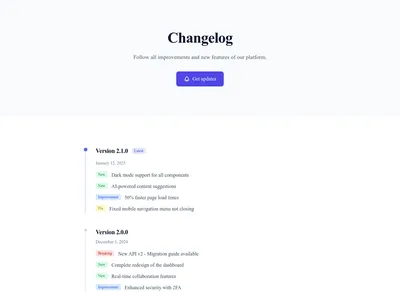
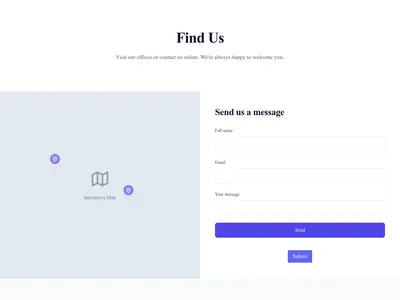
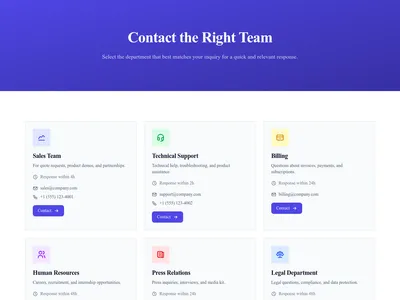
Contact Team Members
Contact page to reach specific team members or departments
Utility · 3 sections
Keep exploring
About Pages
Browse about page templates
Auth Pages
Browse auth page templates
Content list Pages
Browse content list page templates
Hero Sections
Individual hero section blocks
Feature Modules
Complete features with multiple pages and design variants
Templates for Healthcare
Templates designed for healthcare businesses
Stripe Templates
Templates with Stripe integration support
Your next site starts here.
Everything here is one click away.
Every section, component, page and module in this library is ready inside the Communik editor, styled with your brand.
Free to start. No credit card.