Integrations · 99 items

Stripe With Communik: Booking Payments and Payment Links

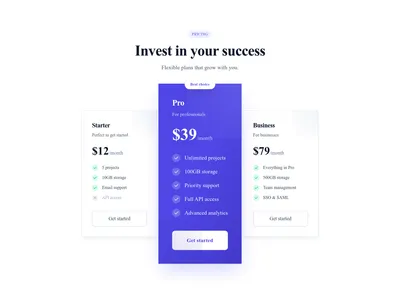
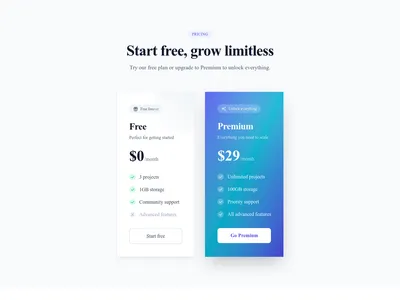
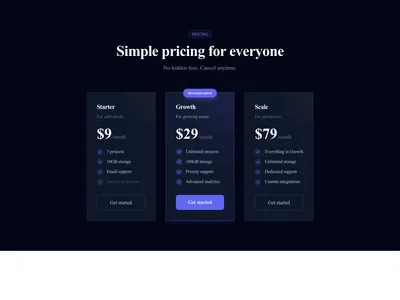
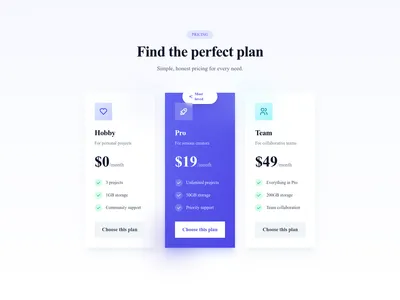
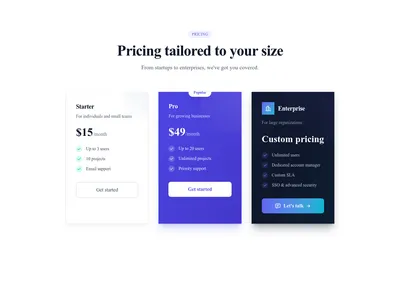
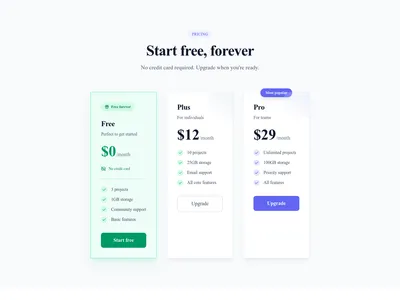
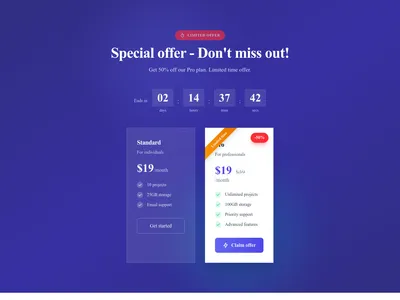
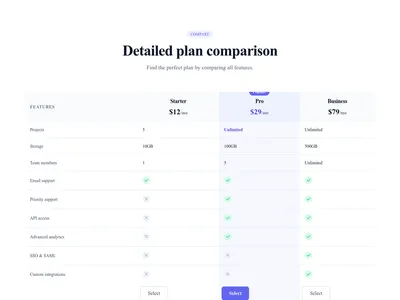
Connect your Stripe account in one click to take deposits and payments for bookings, or point pricing and call-to-action buttons to a Stripe Payment Link.

Browse · Categories

Stripe With Communik: Booking Payments and Payment Links

99 items
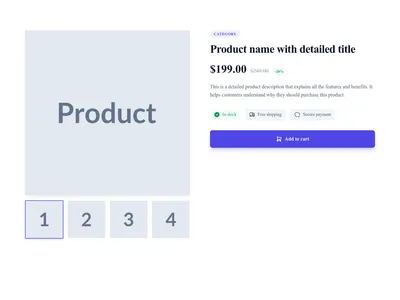
Screenshot of Product Detail template

Product Detail

Premium product detail page with gallery and full information

E-commerce

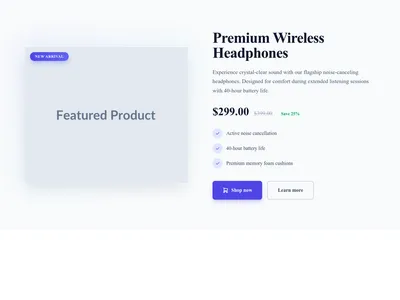
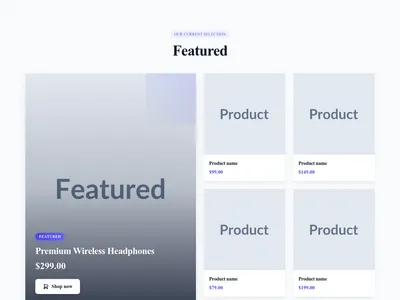
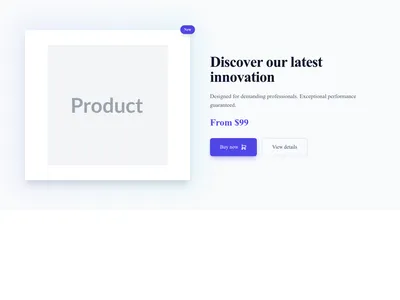
Screenshot of Product Featured template

Product Featured

Featured premium product with full details and CTA

E-commerce

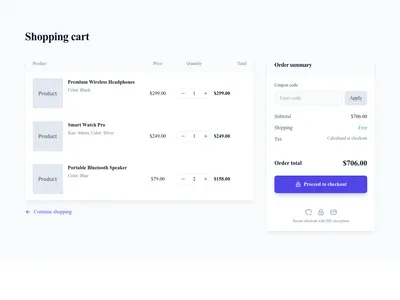
Screenshot of Cart Page Full template

Cart Page Full

Full cart page with detailed list and summary

E-commerce

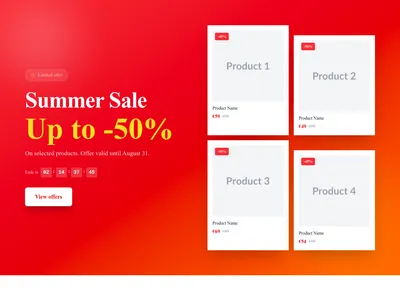
Screenshot of Hero Ecommerce Sale template

Hero Ecommerce Sale

Online store hero promoting a sale or seasonal discount with a shopping call to action

Hero
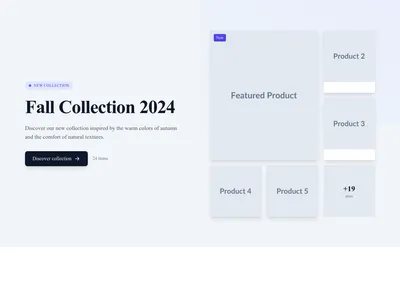
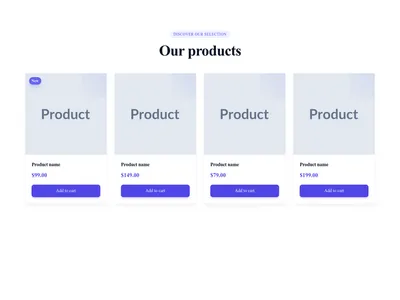
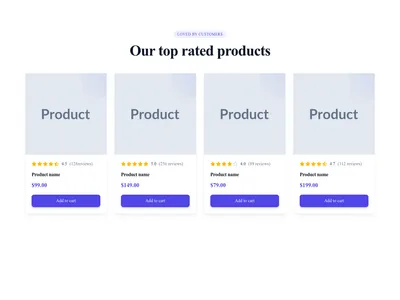
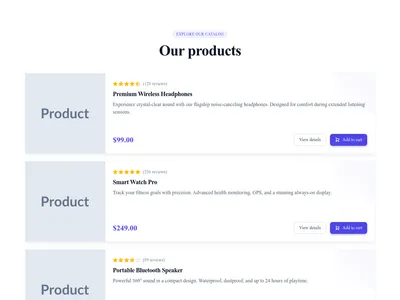
Screenshot of List Products template

List Products

Product list with image, name, price, and buy button

Lists

Screenshot of List Transactions template

List Transactions

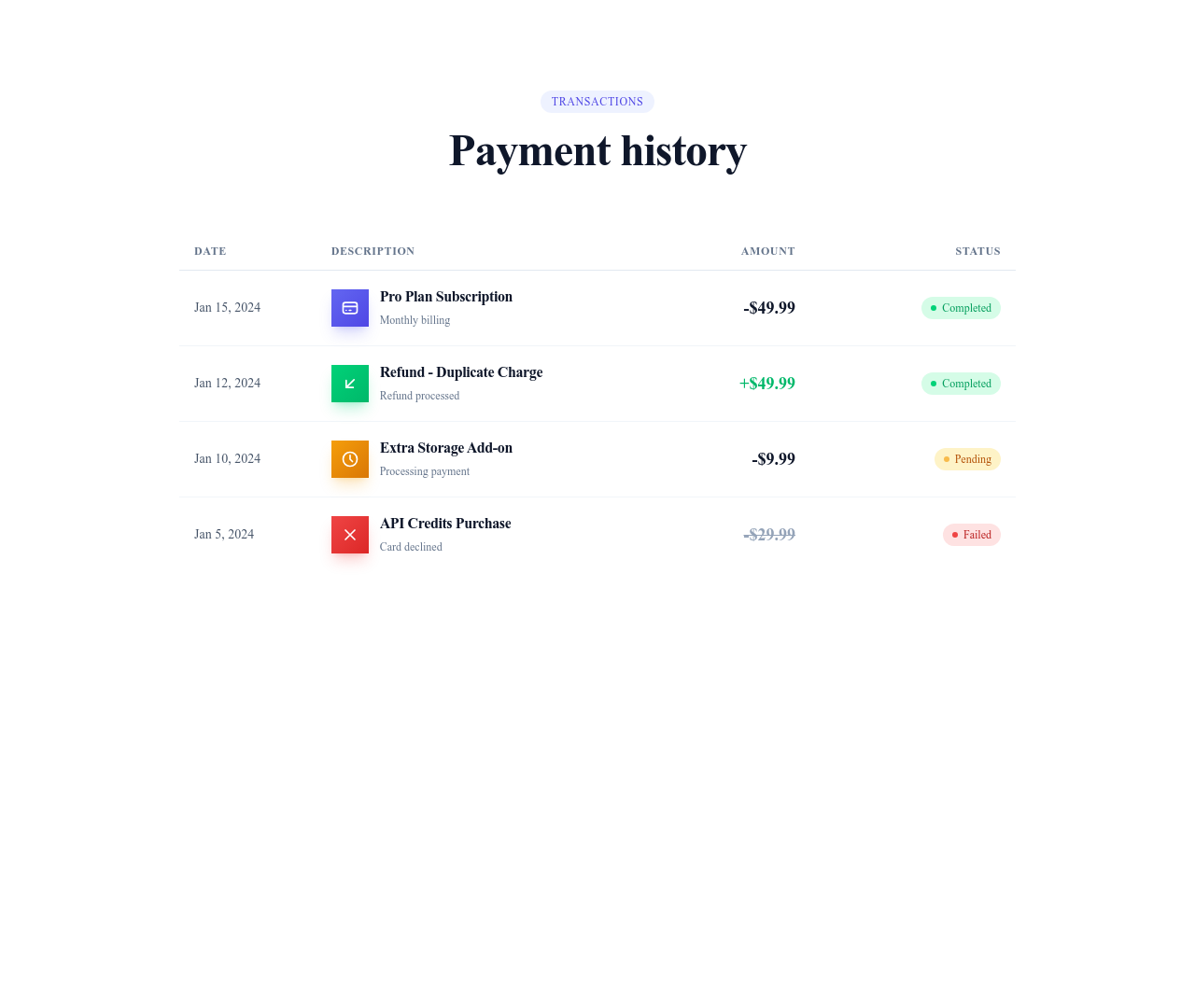
Transaction list with date, description, amount, and status

Lists

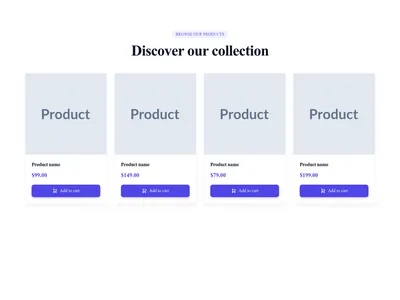
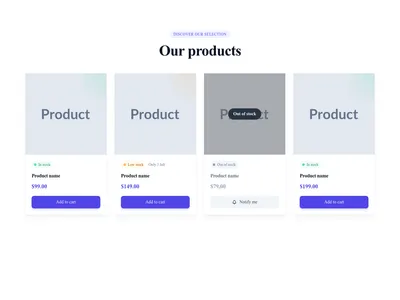
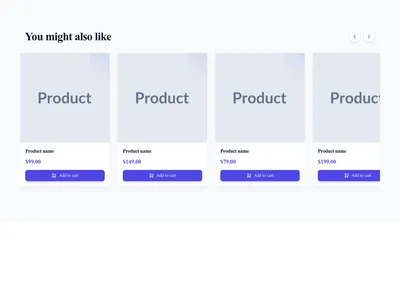
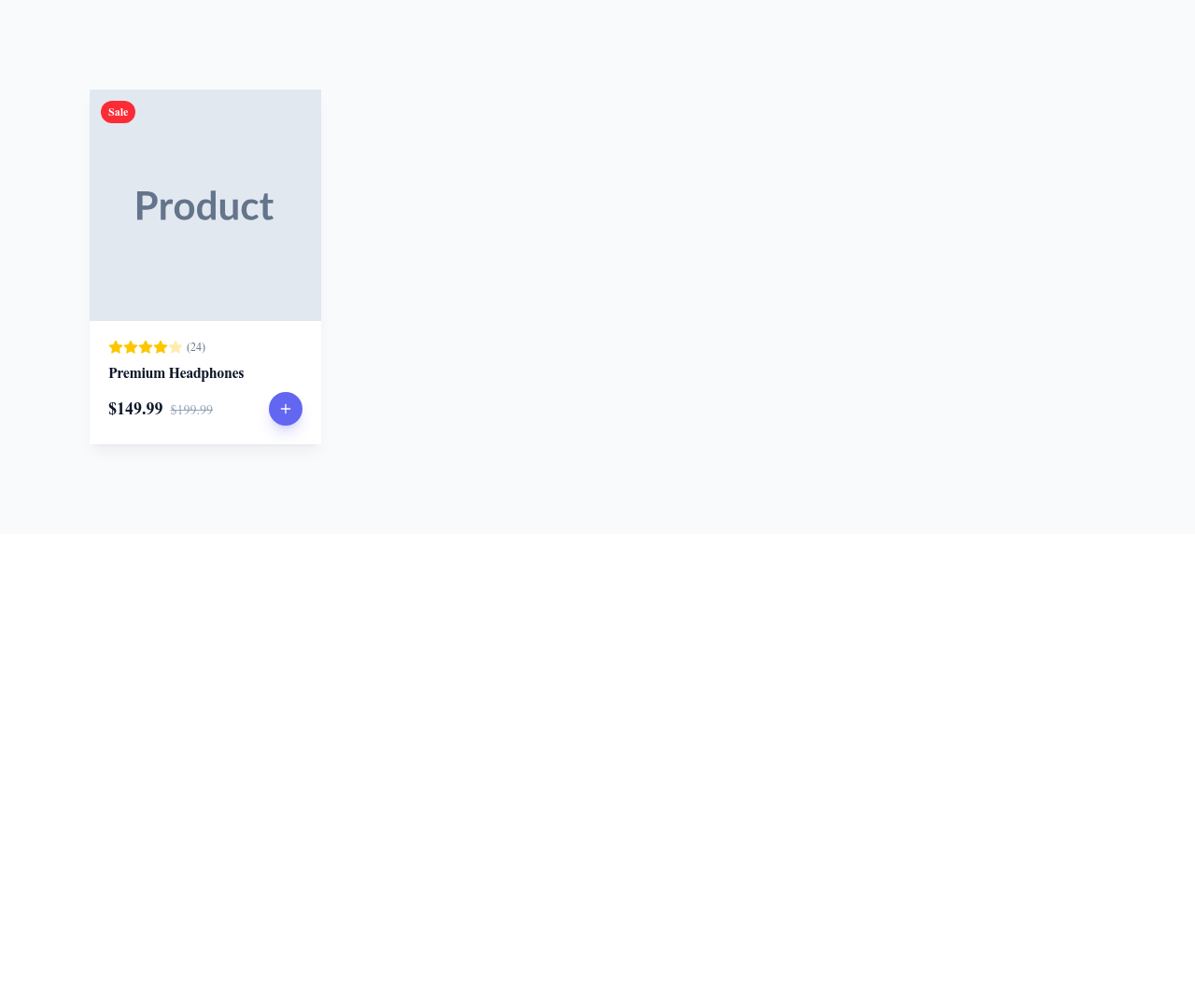
Screenshot of Card Product template

Card Product

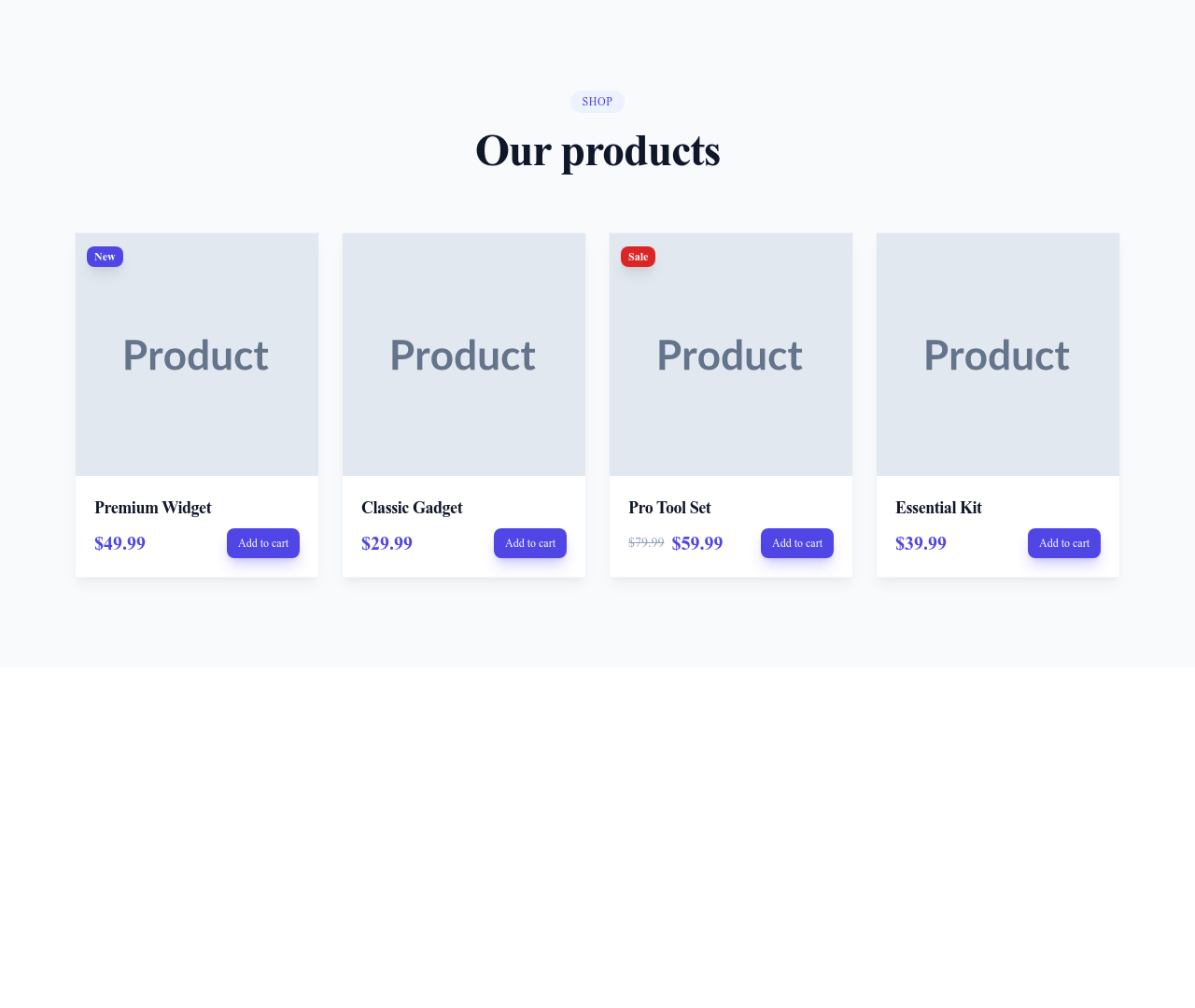
E-commerce product card with price and cart

Cards

Screenshot of Price Basic template

Price Basic

Simple price display for a product or service

Commerce

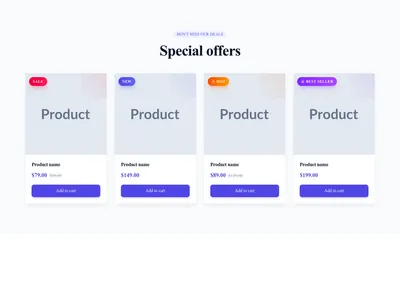
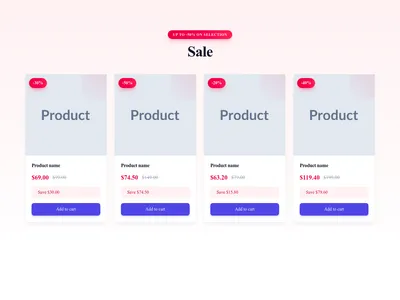
Screenshot of Price Sale template

Price Sale

Sale price display with the original price struck through next to the new one

Commerce

Screenshot of Price Range template

Price Range

Price range display showing the lowest and highest price of an offer

Commerce

Screenshot of Price Subscription template

Price Subscription

Subscription price display with the amount and its billing frequency

Commerce

Screenshot of Price Free template

Price Free

Free price badge that highlights an offer available at no cost

Commerce

Screenshot of Quantity Selector template

Quantity Selector

Quantity selector with minus and plus buttons around a number field

Commerce

Screenshot of Cart Button template

Cart Button

"Add to Cart" button with cart icon

Commerce

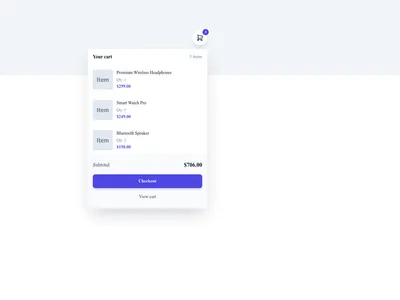
Screenshot of Cart Item template

Cart Item

Shopping cart line showing a product with its image, quantity and price

Commerce

Screenshot of Cart Summary template

Cart Summary

Cart summary with the subtotal, shipping cost and order total

Commerce

Screenshot of Wishlist Button template

Wishlist Button

Heart button that lets shoppers add or remove a product from their favorites

Commerce

Screenshot of Order Summary template

Order Summary

Order recap listing the purchased items and the totals before checkout

Commerce

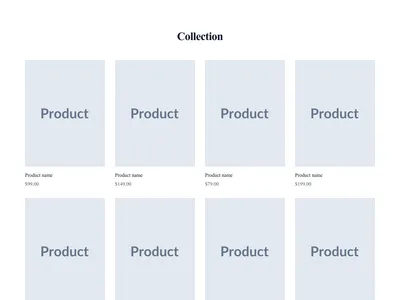
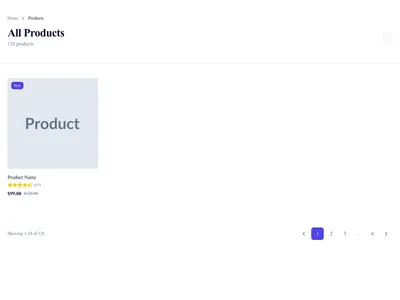
Screenshot of Products Grid page template

Products Grid

Product grid with filters and sorting

Content List · 3 sections

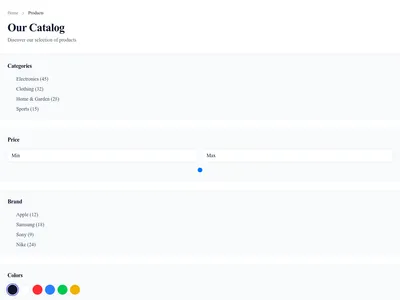
Screenshot of Product Catalog page template

Product Catalog

Complete product catalog with filter sidebar

Content List · 6 sections

Screenshot of Filtered Products page template

Filtered Products

Products with advanced filters and search

Content List · 6 sections

Screenshot of Pricing CTA page template

Pricing CTA

Pricing page with conversion-focused call to action

Conversion · 1 sections

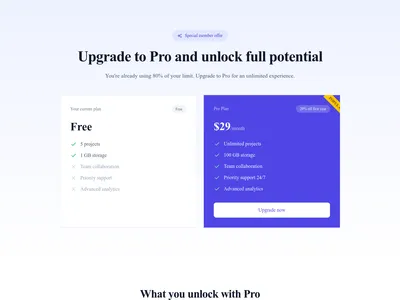
Screenshot of Upsell / Upgrade page template

Upsell / Upgrade

Upgrade page for existing customers with plan comparison

Conversion · 3 sections

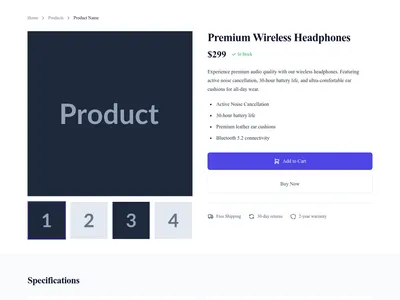
Screenshot of Simple Product page template

Simple Product

Simple product page with gallery, specs, and reviews

Detail · 4 sections

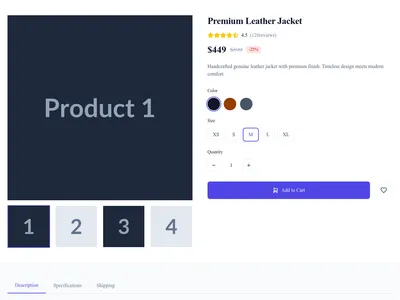
Screenshot of Full Product page template

Full Product

Full product page with gallery, variants, and reviews

Detail · 3 sections

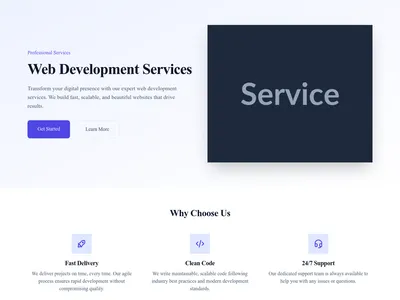
Screenshot of Service Page page template

Service Page

Service detail page with benefits and CTA

Detail · 4 sections

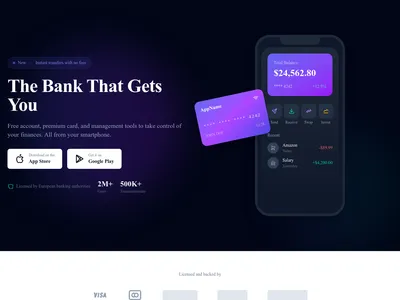
Screenshot of Fintech App page template

Fintech App

Landing page for fintech and banking app

Landing · 9 sections

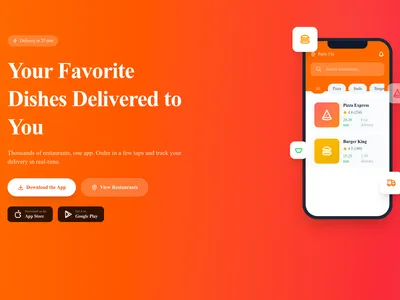
Screenshot of Delivery App page template

Delivery App

Landing page for delivery app

Landing · 9 sections

Screenshot of Fashion Store page template

Fashion Store

Homepage for fashion and clothing boutique

Landing · 10 sections

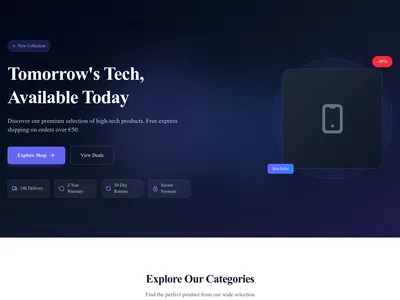
Screenshot of Electronics Store page template

Electronics Store

Homepage for electronics and high-tech boutique with modern style

Landing · 9 sections

Screenshot of Beauty Store page template

Beauty Store

Homepage for beauty and cosmetics boutique

Landing · 9 sections

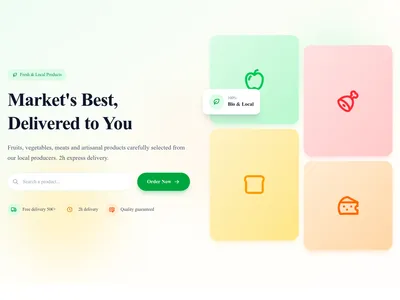
Screenshot of Food & Grocery page template

Food & Grocery

Homepage for food and grocery boutique

Landing · 9 sections

Screenshot of Luxury Brand page template

Luxury Brand

Homepage for premium luxury brand

Landing · 9 sections

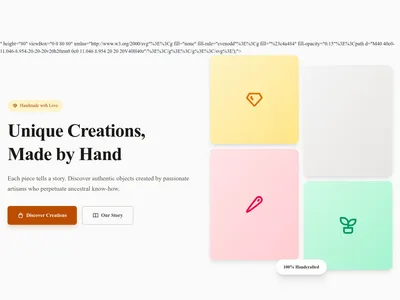
Screenshot of Handmade/Artisan page template

Handmade/Artisan

Homepage for artisanal and handmade products boutique

Landing · 9 sections

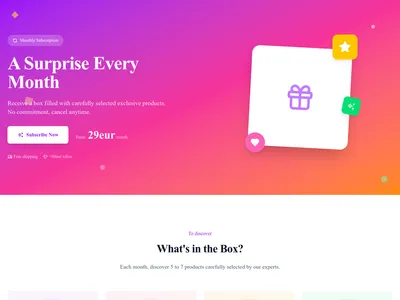
Screenshot of Subscription Box page template

Subscription Box

Homepage for subscription box service with discovery experience

Landing · 10 sections

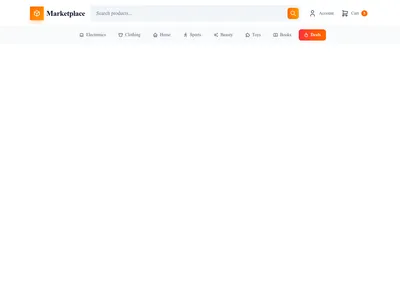
Screenshot of Marketplace page template

Marketplace

Homepage for multi-vendor marketplace with dual-side design

Landing · 10 sections

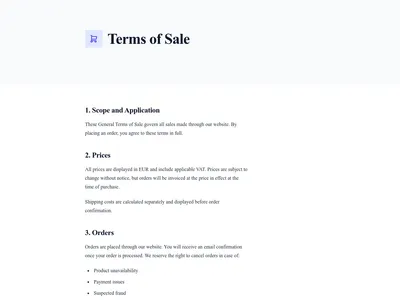
Screenshot of Terms of Sale page template

Terms of Sale

Terms of sale for e-commerce and services

Legal · 2 sections

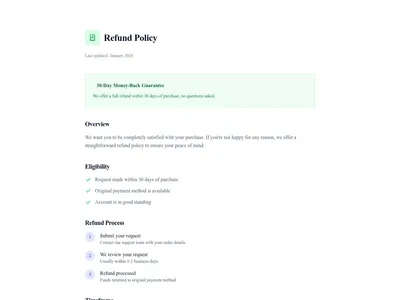
Screenshot of Refund Policy page template

Refund Policy

Refund and return policy page

Legal · 1 sections

Screenshot of Services module template

Services

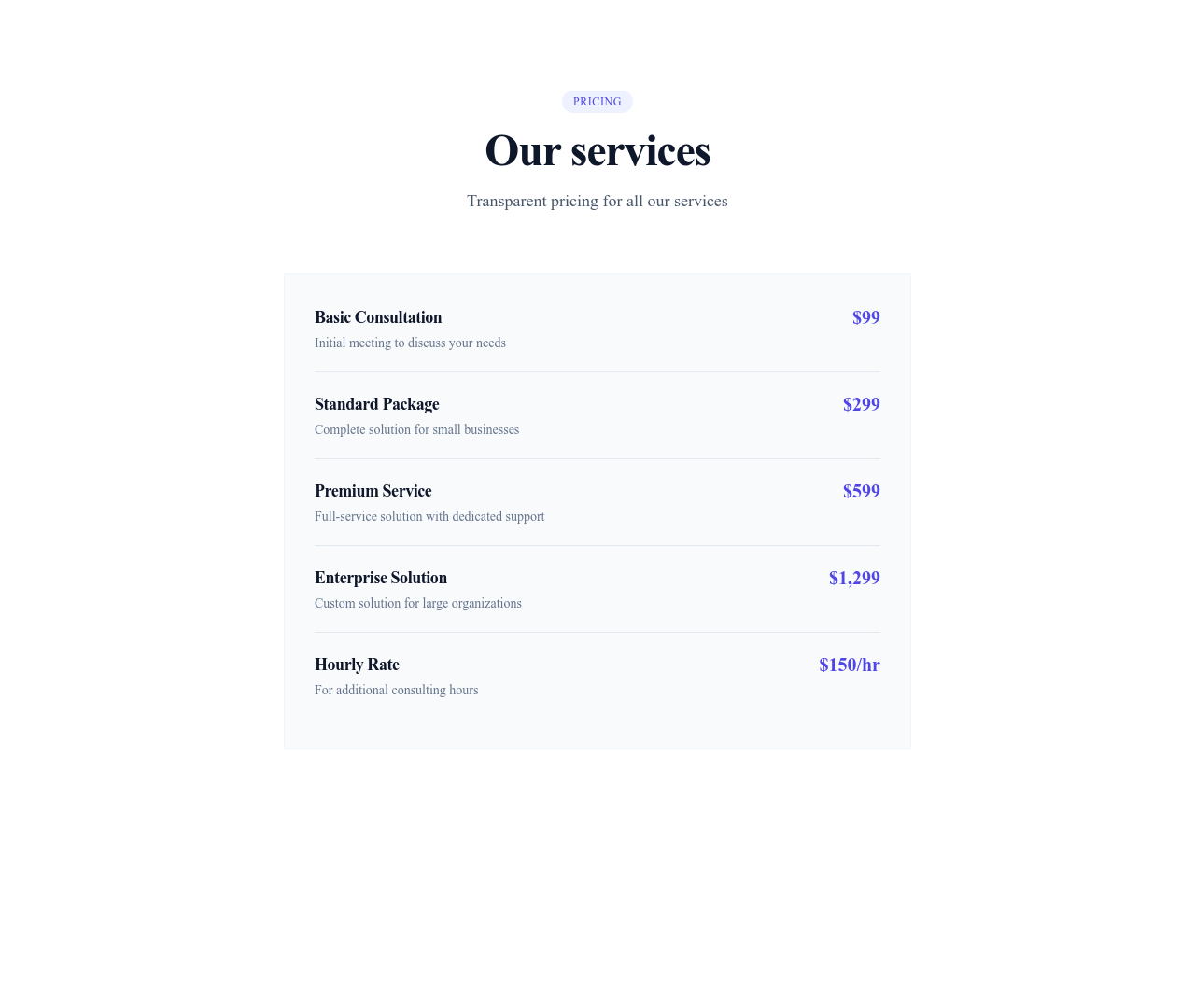
Showcase your services with detailed pages, pricing, and feature lists. Perfect for agencies and consultants.

3 designs · 2 pages

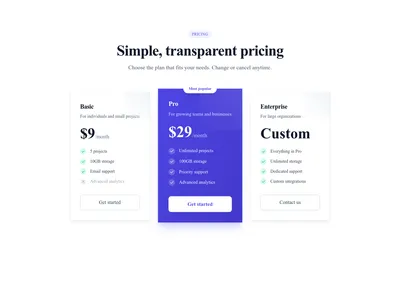
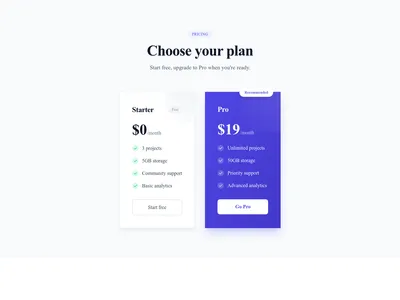
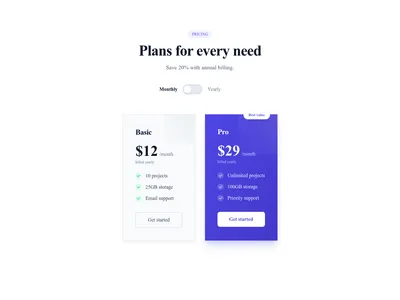
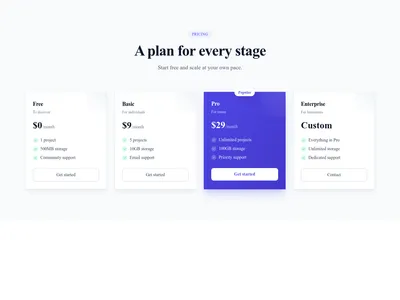
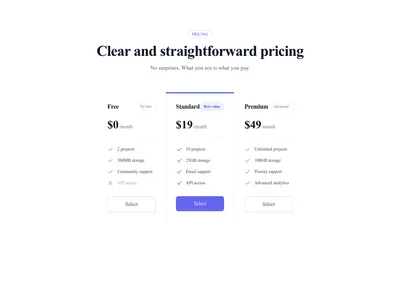
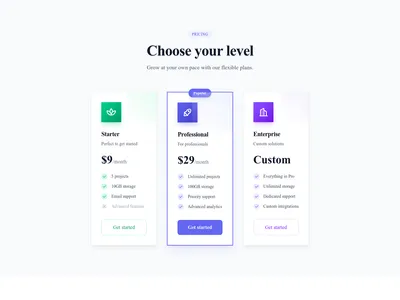
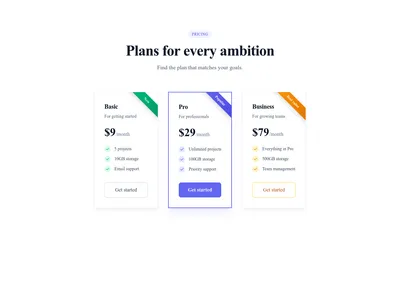
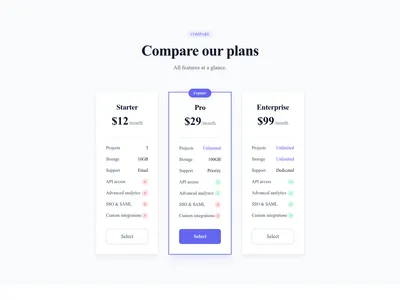
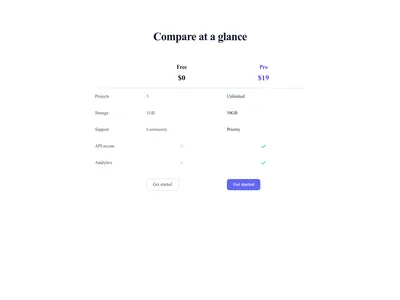
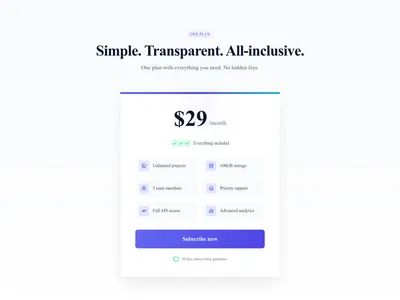
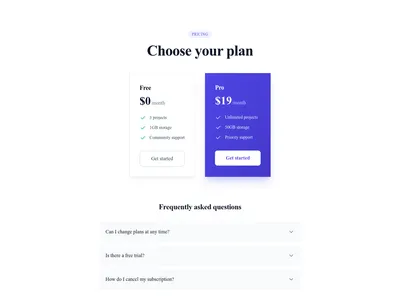
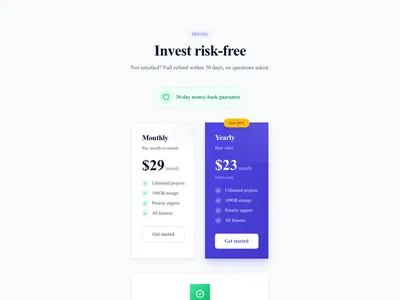
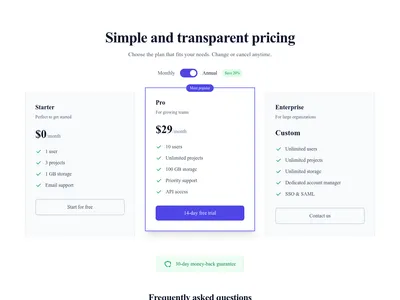
Screenshot of Pricing module template

Pricing

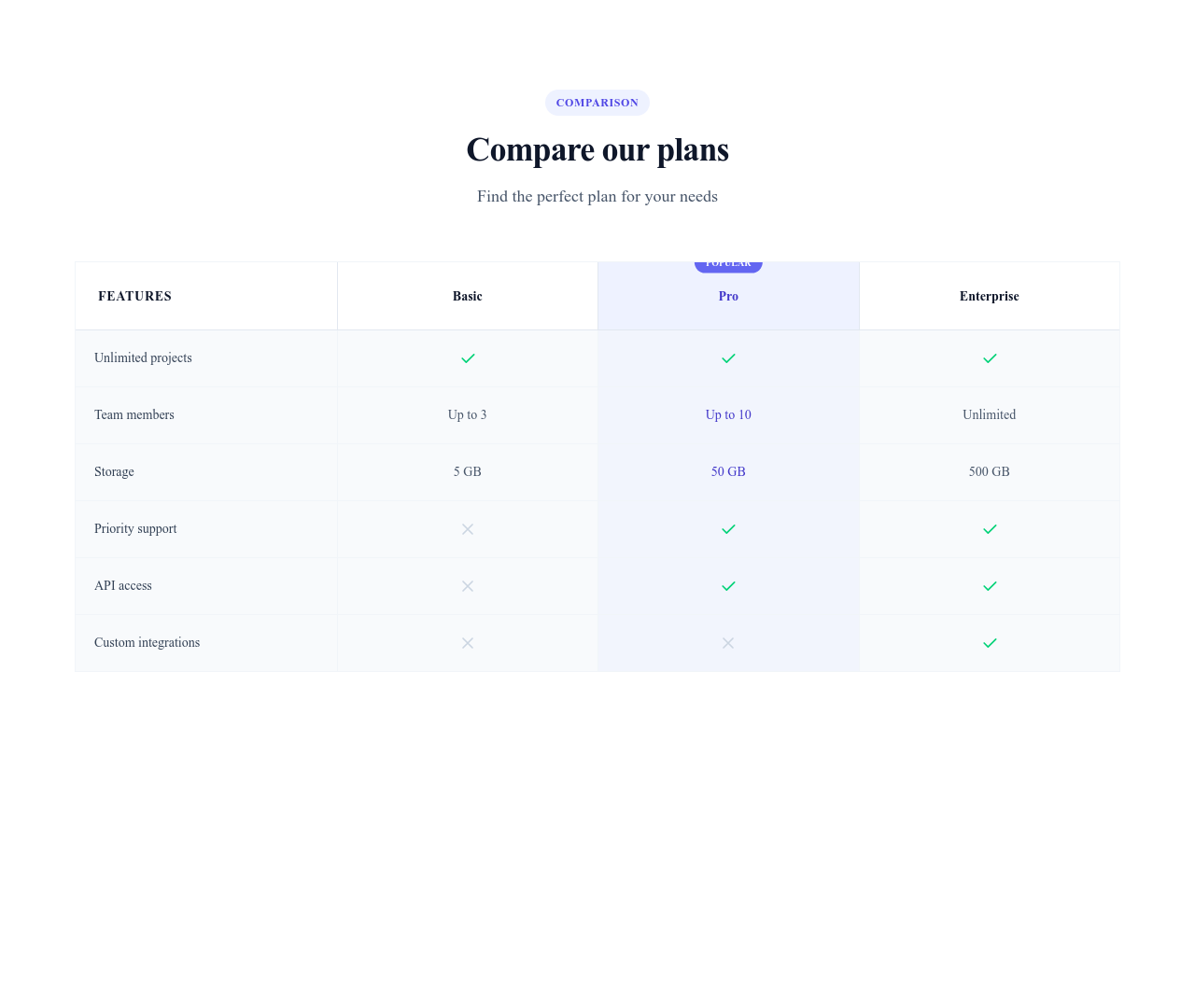
Display pricing plans with monthly/yearly toggle, feature comparison, and FAQ section. Perfect for SaaS and subscription-based products.

3 designs · 1 pages

Guide

Stripe is a widely used online payment provider. Communik uses it in precise places, always on your own Stripe account: the money goes straight to you, Stripe issues the receipts, and Communik collects nothing.

Booking Deposits and Payments

The booking module can ask for a deposit or a full payment when a customer books. Communik opens a Stripe-hosted payment page, waits for Stripe's confirmation, then confirms the booking. You connect your Stripe account in one click from the module settings, without copying secret keys. The client files module uses the same connection for paid downloads.

Payment Links on Any Button

Outside these modules, Communik has no cart or checkout. If you sell a service, a subscription, or a product, create a Payment Link in your Stripe dashboard and paste it on a button of your pricing table or call to action. The payment page is hosted by Stripe.

Pairing Stripe With Your Site

Combine a pricing section with testimonials and an FAQ section to answer questions before payment. To present products, the products module displays a catalog with prices, and each product can point to a Payment Link or a contact form. See also the SaaS templates and product catalog templates.

Questions

Do I need a Stripe account?

Yes. Payments go to your own Stripe account, and Stripe handles card processing, security, and receipts. Communik never holds the money.

Is paying through Stripe secure?

Card details are entered on a page hosted by Stripe and never pass through your Communik site. Stripe is certified PCI DSS Level 1.

Can I sell products with a cart?

No. Communik has no cart or checkout. Present your products with the catalog module and link a button to a Stripe Payment Link or to your contact form.

What can Stripe be used for in Communik?

Deposits and payments in the booking module, and paid downloads in the client files module. Anything else goes through a Payment Link you create in Stripe.

Your next site starts here.
Everything here is one click away.

Every section, component, page and module in this library is ready inside the Communik editor, styled with your brand.

Free to start. No credit card.