
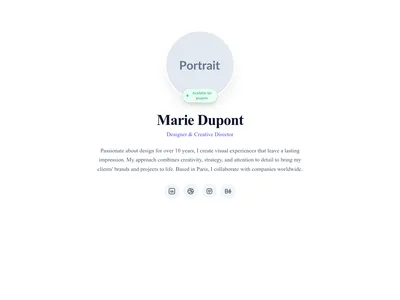
Templates · 64 items
Portfolio Templates for Designers, Photographers & Creatives
Showcase your best work with gallery grids, case study layouts, filterable project pages, and full-bleed image sections. Designed for visual impact.
Browse · Categories
Portfolio Templates for Designers, Photographers & Creatives
64 items
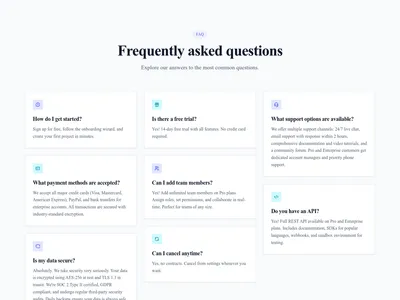
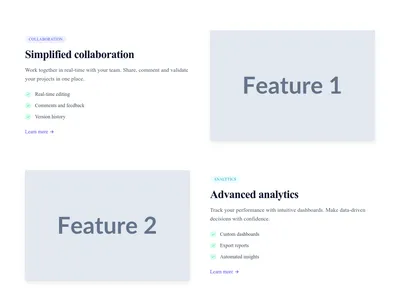
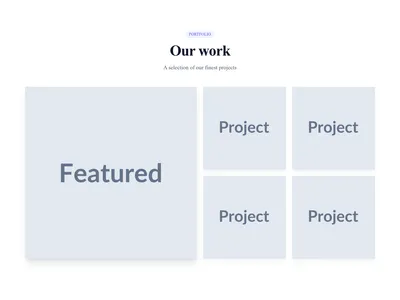
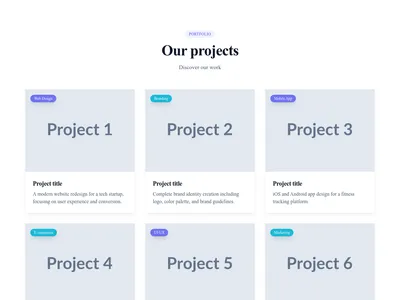
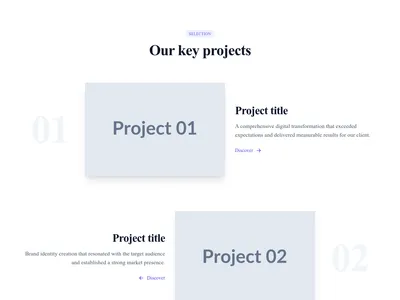
Portfolio Grid Cards
Portfolio with project cards including image, title, category, and description
Gallery
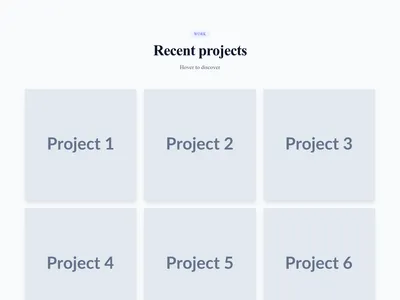
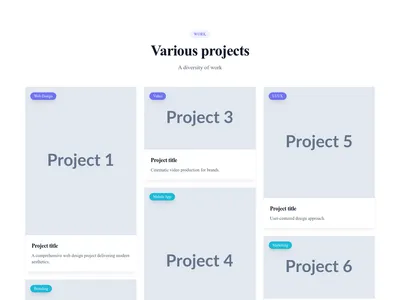
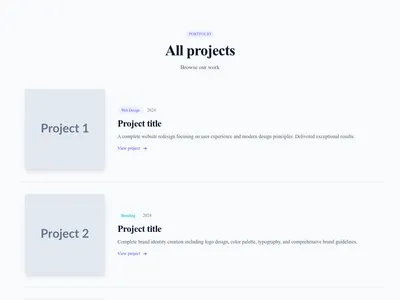



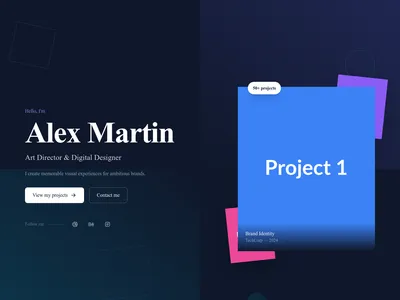


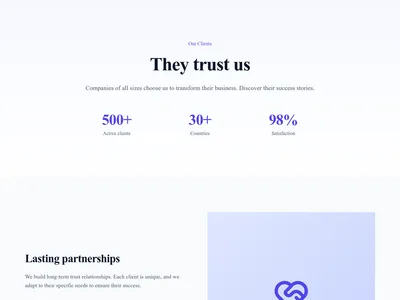
Clients & References
Client showcase page with logos, case studies, testimonials and satisfaction statistics
About · 8 sections
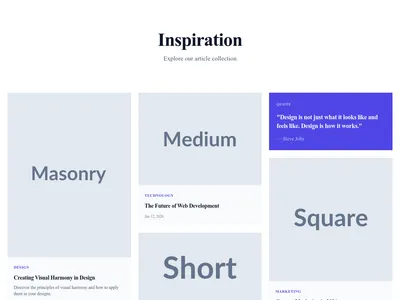
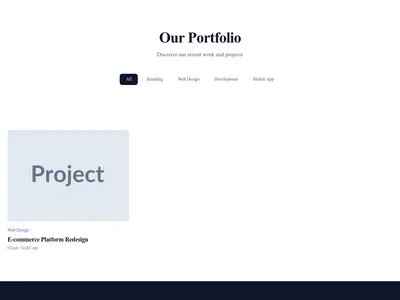
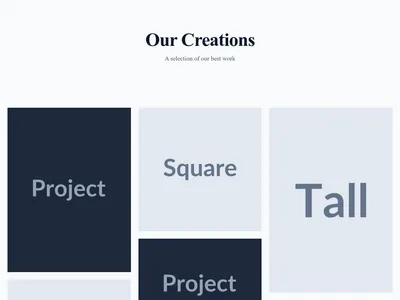
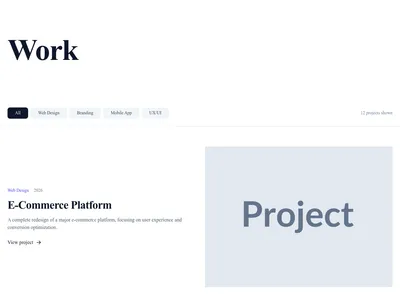
Portfolio Hover Effects
Portfolio with creative and interactive hover effects
Content List · 5 sections


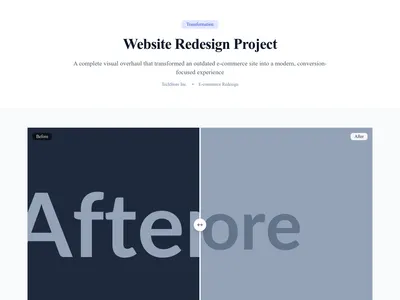



Agency Creative
Creative agency homepage with bold design and featured portfolio
Landing · 9 sections



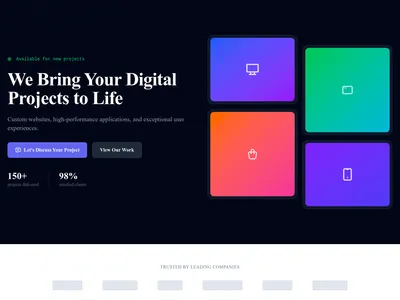

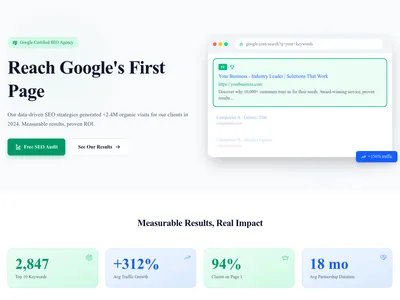
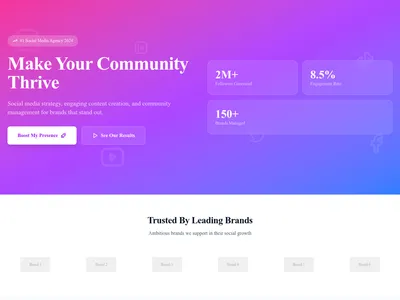

Advertising Agency
Landing page for advertising agency and performance marketing
Landing · 10 sections

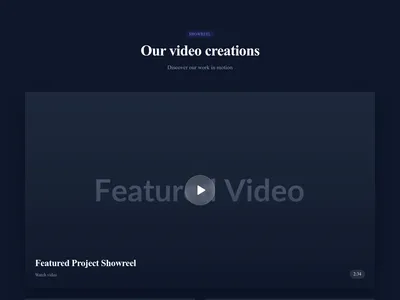
Video Production Agency
Landing page for video production agency with cinematic design
Landing · 10 sections


Case Studies
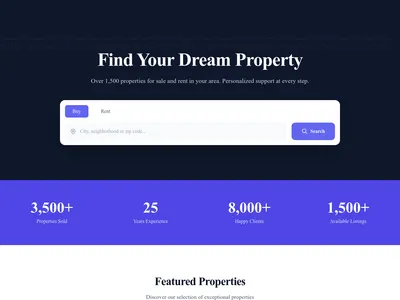
Showcase client success stories with industry filters, metrics, testimonials, and image galleries. Perfect for demonstrating expertise and results.
3 designs · 2 pages

Services
Showcase your services with detailed pages, pricing, and feature lists. Perfect for agencies and consultants.
3 designs · 2 pages

Portfolio
Showcase creative projects with category filters, client info, and image galleries. Perfect for agencies, designers, and developers.
3 designs · 2 pages

Gallery
Media gallery with albums, images, and videos. Perfect for visual showcase and portfolio.
3 designs · 2 pages
Photographer
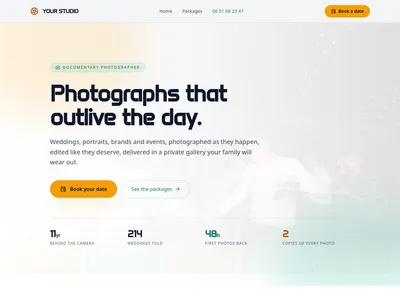
A complete photographer website: packages with prices and exactly what they deliver, a portfolio sorted by universe, the way a shoot unfolds from scouting to delivery, and a booking form that asks for the date first. Built for working photographers, not adapted from a generic portfolio.
5 designs · 4 pages

Products
Product catalog for showcasing your offerings. Perfect for showrooms, portfolios, and catalog websites without e-commerce.
3 designs · 3 pages
Nothing matches this filter.
Guide
A portfolio website is your most powerful marketing tool as a creative professional. It is where potential clients evaluate your skills, style, and experience before reaching out. Unlike a resume or a social media profile, a portfolio gives you full control over how your work is presented. Our portfolio templates are designed to let your work speak for itself — with layouts that maximize visual impact and minimize distraction.
Portfolio Layout Patterns
Masonry grids display projects in a Pinterest-like layout that accommodates varying image sizes and creates dynamic visual rhythm. Uniform grids enforce a clean, orderly appearance — great for consistent bodies of work like product photography or brand identity projects. Carousel portfolios present one project at a time for maximum drama and focus. Case study layouts pair images with detailed descriptions of your process, challenges, client brief, and measurable results.
Building Your Creative Portfolio
Start with a full-bleed hero featuring your strongest piece or a striking self-portrait. Follow with a filterable gallery section organized by category (branding, web design, photography, illustration). Add an about section that tells your story and builds personal connection with potential clients. Include a client testimonials section with logos of companies you have worked with — social proof from recognizable brands is extremely persuasive. End with a contact form that makes hiring you effortless and frictionless.
Portfolio Best Practices
Show 8-12 of your best projects — quality always beats quantity, and curating shows judgment. Use consistent image processing (all color, or all black-and-white) for a cohesive feel across the grid. Write 2-3 sentences per project explaining the brief, your approach, and the result. Optimize images for web to keep load times fast — our templates use lazy loading and responsive srcsets automatically. Consider a minimal design style that lets your work take center stage, or a dark theme for dramatic contrast that makes images pop. The blog module is valuable for sharing process insights that attract organic search traffic.
Questions
How many projects should I show in my portfolio?
Show 8-12 of your strongest projects. Clients rarely look at more than a dozen pieces. Quality always beats quantity — remove older work as you add new projects to keep the portfolio fresh and representative of your current skill level.
Should I include case studies or just images?
Both. Use a gallery grid for quick browsing, then link to detailed case study pages for key projects. Case studies should explain the brief, your process, and the result. They demonstrate thinking, not just execution.
What image size and format should I use?
Export images at 2x the display size for retina screens: 1600-2400px wide for hero images, 800-1200px for grid thumbnails. Use WebP with JPEG fallback for photos and SVG for logos. Our templates handle responsive sizing automatically.
Your next site starts here.
Everything here is one click away.
Every section, component, page and module in this library is ready inside the Communik editor, styled with your brand.
Free to start. No credit card.