
Sections · Features
Alternating Features (Zigzag)
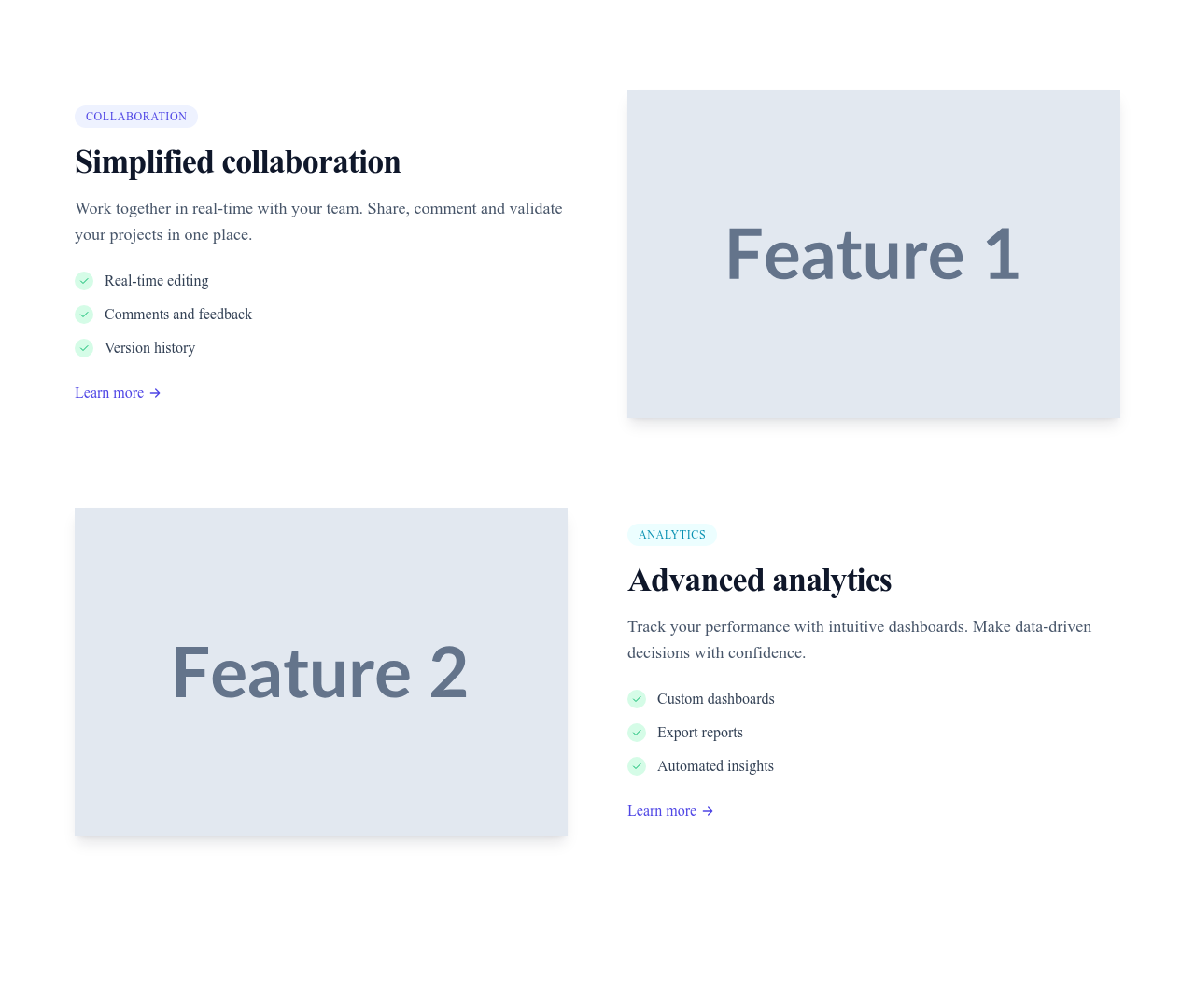
Image and text alternate sides as visitors scroll — the storytelling layout for walking through your three or four flagship capabilities.
What this block contains
Features Alternating is a section from the Features category made of 2 headings, 2 text paragraphs, 2 images, 8 icons and 2 links. On desktop its content is laid out in 2 columns, stacked on mobile. Its copy ships in 3 languages (German, Spanish and French).
- 2 headings
- 2 text paragraphs
- 2 images
- 8 icons
- 2 links
- 2-column grid
Details
- Category
- Features
- Type
- Section (full width)
- Editing
- Visual editor, no code
- Keywords
- alternatingzigzagimageshowcase
Use it in three steps
- 1 Open your siteCreate a free Communik site, or open one you already have.
- 2 Insert itIt lands on your page with your fonts and brand colors applied.
- 3 Make it yoursEdit text, images and colors visually, then publish when ready.
More in Features
See all Features
Guide
The zigzag is how you tell a product story: each feature gets a full row, a real screenshot, and enough text to explain the benefit — with sides alternating to keep the scroll rhythmic. It converts best with three or four flagship capabilities, each illustrated honestly.
Images are optimized automatically (responsive sizes, lazy-loading) and each row is an independent, editable element in the Communik builder: reorder rows, swap sides or add one without breaking the rhythm.
Open with a strong hero and let a features grid catch the long tail of smaller capabilities.
Questions
How many rows should the zigzag have?
Three or four. Beyond that, scrolling fatigue sets in — move the remaining features to a compact grid below.
What images work best?
Real product screenshots at natural scale beat abstract illustrations: they build trust and show exactly what buyers get.
Can I reorder the rows?
Yes — each row is an independent element: drag to reorder, the alternation adjusts automatically.
Keep exploring
About Sections
Browse about sections templates
Blog Sections
Browse blog sections templates
Call to action Sections
Browse call to action sections templates
Blog Module
Complete blog feature with multiple design variants
About Page Templates
Full page layouts in the about category
Templates for Restaurant
Templates designed for restaurant businesses
Google Analytics Templates
Templates with Google Analytics integration support
Your next site starts here.
Everything here is one click away.
Every section, component, page and module in this library is ready inside the Communik editor, styled with your brand.
Free to start. No credit card.