

Templates · 20 items
Dark Mode Templates for Bold, Modern Websites
Templates with dark backgrounds, vibrant accent colors, and high-contrast typography. Ideal for tech companies, gaming brands, creative agencies, and developer tools.
Browse · Categories
Dark Mode Templates for Bold, Modern Websites
20 items

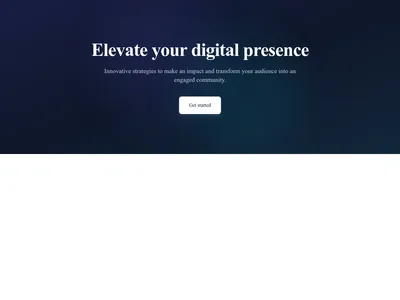

Dark Mode Toggle
Toggle button that lets visitors switch the site between light and dark mode
Utilities

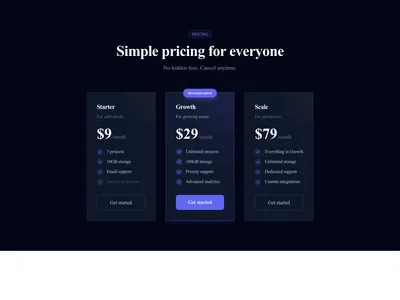
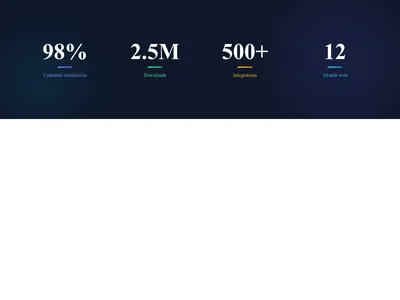
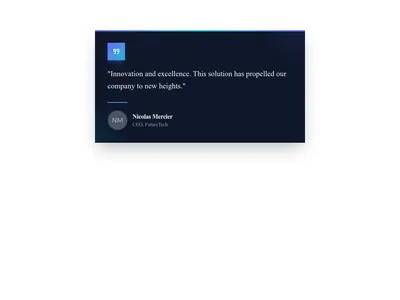


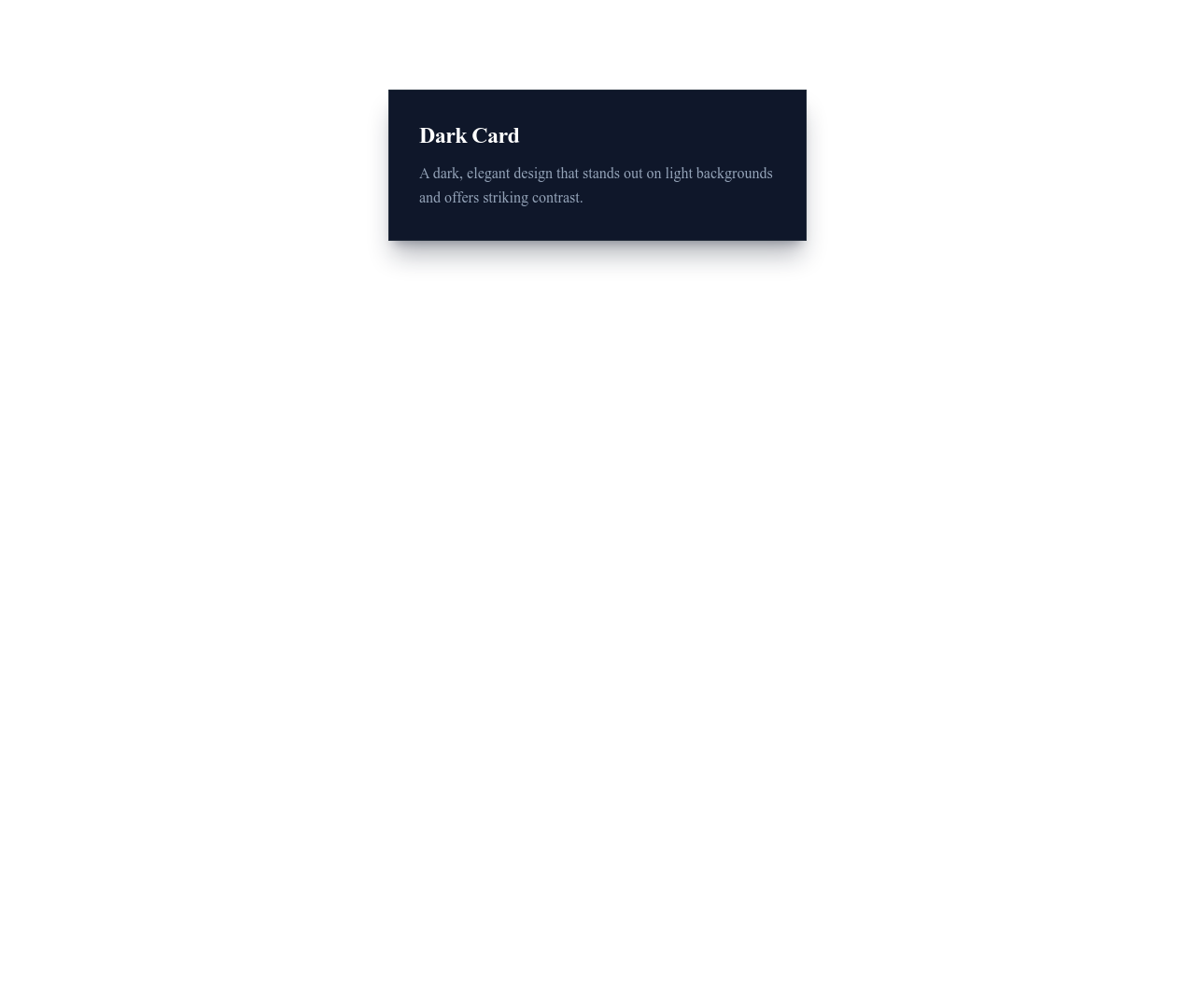

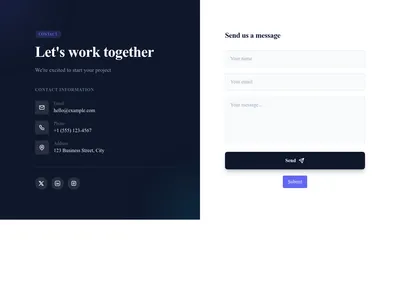
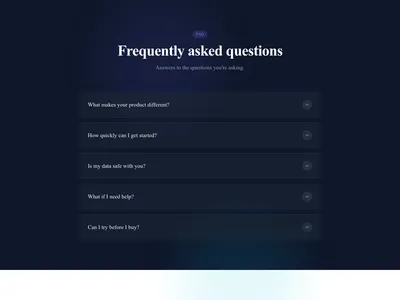
Section Dark
Section with a dark background for contrast and emphasis between lighter sections
Layout



Nothing matches this filter.
Guide
Dark mode is no longer a niche preference — it has become a design standard. Users increasingly choose dark interfaces for reduced eye strain during extended screen time, better focus on content, improved battery life on OLED screens (see Android's dark theme guidelines), and a premium aesthetic. Our dark mode templates deliver striking designs with deep backgrounds, luminous accent colors, and carefully balanced contrast ratios that meet accessibility standards.
When to Use Dark Mode
Dark themes work exceptionally well for tech products and SaaS dashboards, gaming and entertainment sites, photography and video portfolios where images pop against dark backgrounds, music platforms, nightlife venues, and luxury e-commerce brands. They create a sense of sophistication and modernity that is hard to achieve with light themes. Avoid dark mode for text-heavy content like long-form articles, legal documents, or educational resources where light backgrounds improve sustained reading comfort.
Dark Mode Design Principles
True black (#000000) is too harsh for most designs — our templates use dark grays (#0a0a0a to #1a1a1a) that are easier on the eyes and create a more refined appearance. Text uses off-white (#e5e5e5 to #f5f5f5) rather than pure white to reduce contrast glare. Accent colors — neon blue, electric purple, emerald green, warm amber — stand out dramatically against dark backgrounds. Subtle borders and elevated shadows create depth and separation between elements without overwhelming the content.
Dark Templates by Category
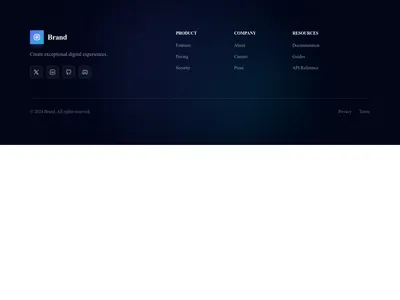
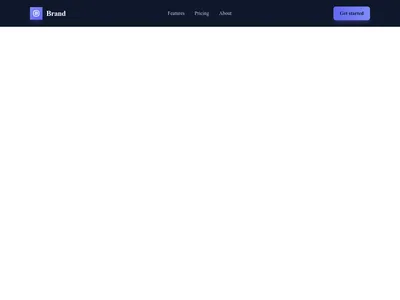
Browse dark hero sections with gradient overlays and glowing text effects, dark pricing tables with luminous plan highlights, and dark navigation headers that blend seamlessly with the page. Our footer templates include dark variants that maintain visual consistency. Combine dark sections with CTA blocks that use contrasting bright buttons for maximum click-through. See also our minimal templates for the opposite approach to clean design — sometimes less contrast is more effective.
Questions
Is dark mode better for SEO?
Dark mode has no direct SEO impact — search engines don't rank based on color schemes. However, dark mode can improve user engagement metrics (lower bounce rate, longer session duration) through better user experience, which indirectly benefits SEO.
Can I switch between dark and light mode?
Yes. Communik supports theme switching. You can offer visitors a toggle between dark and light modes, or set the default based on their system preference using the prefers-color-scheme media query.
What accent colors work best with dark backgrounds?
Bright, saturated colors work best: electric blue (#3b82f6), neon green (#10b981), vibrant purple (#8b5cf6), and warm amber (#f59e0b). Avoid using dark accent colors that blend into the background. Test contrast ratios for accessibility.
Do dark mode templates support accessibility standards?
Yes. All our dark templates maintain WCAG AA contrast ratios (minimum 4.5:1 for text, 3:1 for large text). Focus indicators and interactive states are visible against dark backgrounds. Screen readers are fully supported.
Your next site starts here.
Everything here is one click away.
Every section, component, page and module in this library is ready inside the Communik editor, styled with your brand.
Free to start. No credit card.