
Sections · FAQ
FAQ Accordion
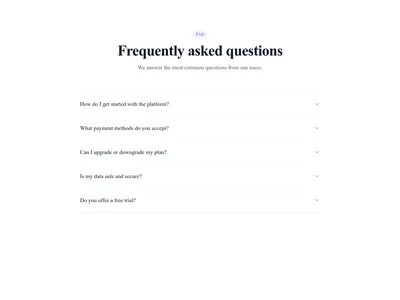
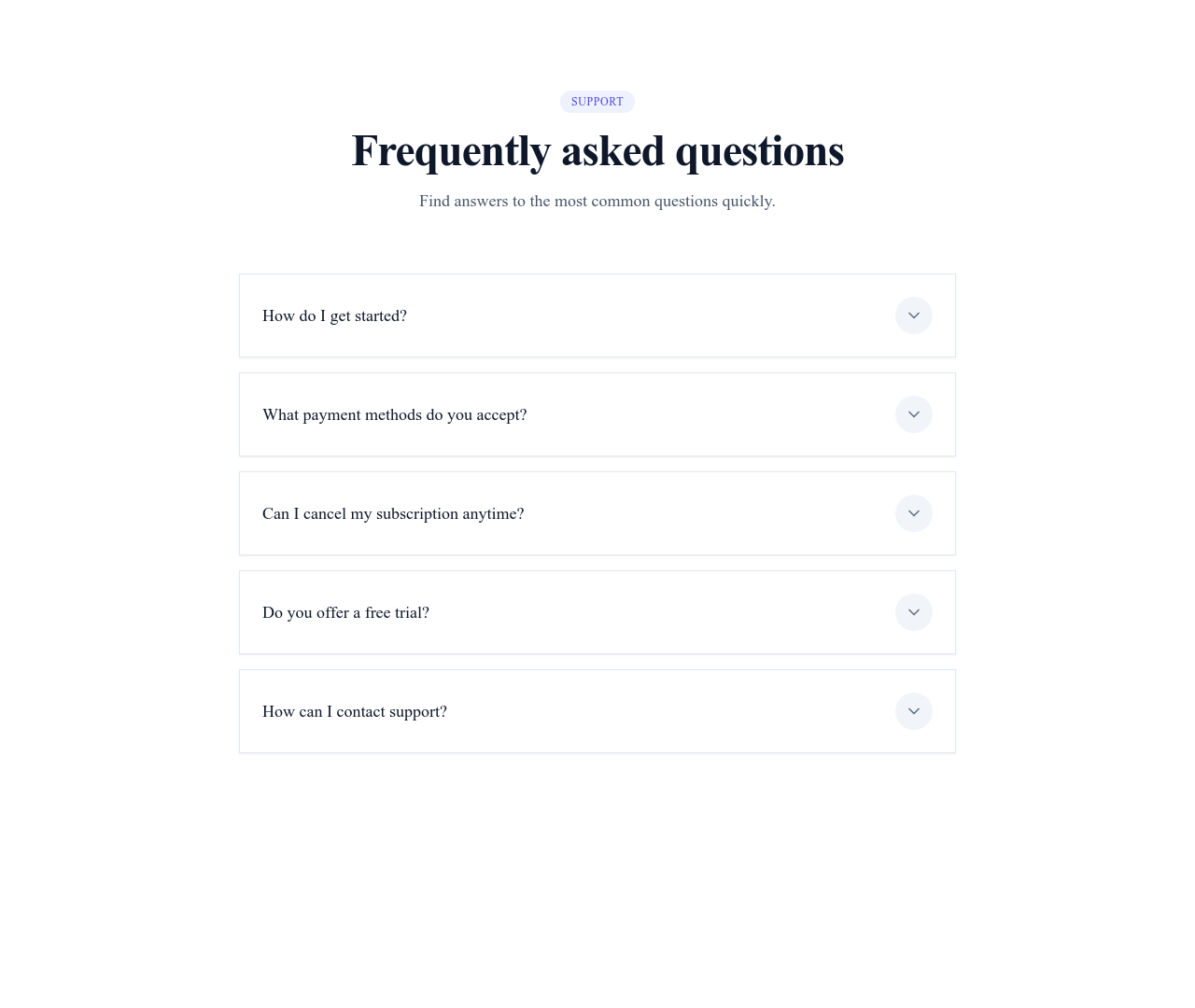
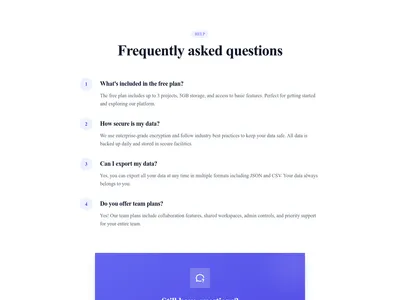
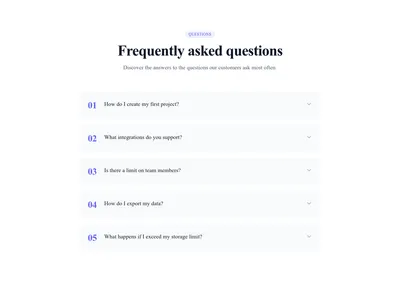
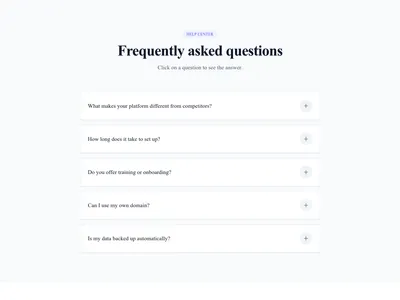
The classic expandable FAQ: questions stay scannable, answers appear on demand with a smooth animation.
What this block contains
FAQ Accordion is a section from the FAQ category made of 1 heading, 6 text paragraphs, 5 buttons and 5 icons. It includes expandable panels (accordion). Its copy ships in 3 languages (German, Spanish and French).
- 1 heading
- 6 text paragraphs
- 5 buttons
- 5 icons
- expandable panels (accordion)
Details
- Category
- FAQ
- Type
- Section (full width)
- Editing
- Visual editor, no code
- Keywords
- accordionquestionssupportinteractive
Use it in three steps
- 1 Open your siteCreate a free Communik site, or open one you already have.
- 2 Insert itIt lands on your page with your fonts and brand colors applied.
- 3 Make it yoursEdit text, images and colors visually, then publish when ready.
More in FAQ
See all FAQ
Guide
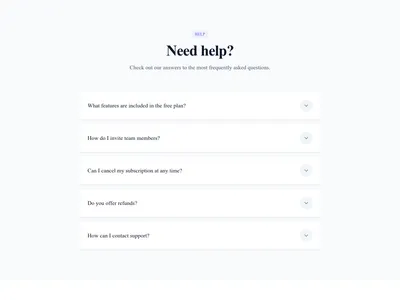
A good FAQ removes the last objections before purchase — and the accordion is its best-known form: visitors scan the questions, open only what concerns them, and never face a wall of text. The open/close animation is smooth out of the box.
Each question/answer pair is an editable element in the Communik builder: add, remove and reorder freely. FAQ content is also prime material for search engines' rich results.
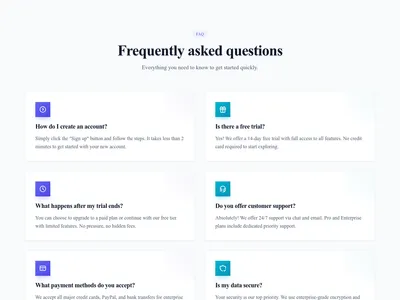
Place it under your pricing section where doubts peak, or explore other FAQ layouts like the two-column variant.
Questions
How many questions should a FAQ have?
Five to eight real questions beat twenty generic ones. Source them from actual support requests and sales objections.
Is the accordion good or bad for SEO?
Good: the content is in the HTML and indexable, and Google has confirmed collapsed content is fully weighted on mobile.
Can several items stay open at once?
Yes — the behavior (single-open or multi-open) is configurable on the block.
Keep exploring
About Sections
Browse about sections templates
Blog Sections
Browse blog sections templates
Call to action Sections
Browse call to action sections templates
Blog Module
Complete blog feature with multiple design variants
About Page Templates
Full page layouts in the about category
Templates for SaaS
Templates designed for saas businesses
WhatsApp Templates
Templates with WhatsApp integration support
Your next site starts here.
Everything here is one click away.
Every section, component, page and module in this library is ready inside the Communik editor, styled with your brand.
Free to start. No credit card.