
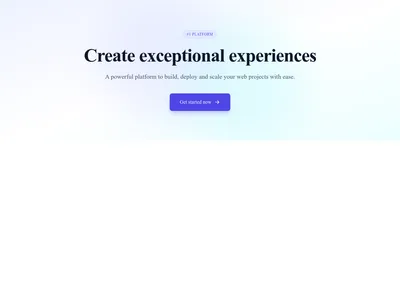
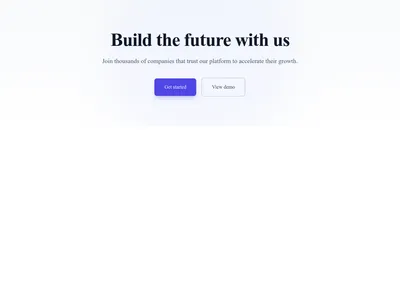
Hero Simple Centered
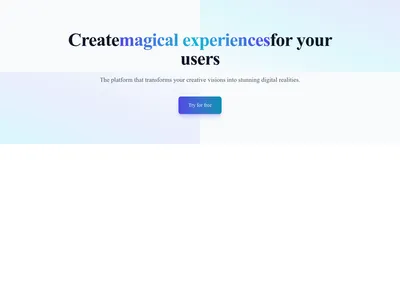
Centered hero with heading, subheading, and call-to-action button on a soft gradient
Hero
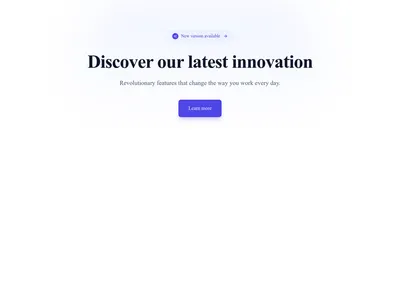
A hero aligned to the left with an optional badge and two call-to-action buttons — perfect for pairing “Start now” with “See a demo”.
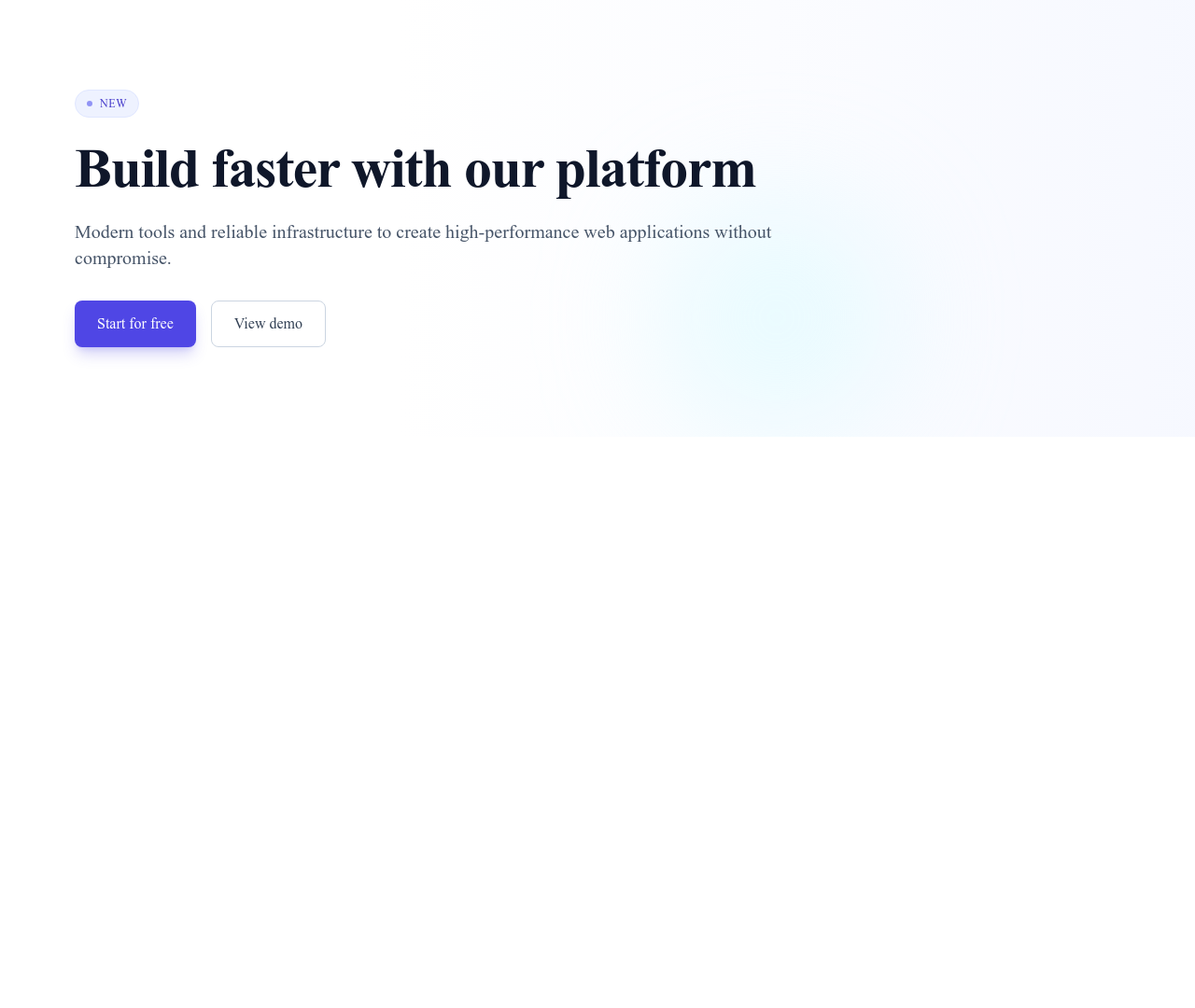
Hero Simple Left is a section from the Hero category made of 1 heading, 1 text paragraph, 2 buttons and 2 links. Its copy ships in 3 languages (German, Spanish and French).
Centered hero with heading, subheading, and call-to-action button on a soft gradient
Hero
Guide
Left-aligned heroes read like the start of a conversation: the eye enters at the headline, follows the subtitle and lands on two clear choices. That makes this layout ideal when your visitors split into two intents — those ready to sign up and those who first want to see a demo or learn more.
The optional badge above the headline is a proven spot for social proof or news (“New: AI assistant”, “Trusted by 500 agencies”). Every element is editable in the Communik builder, and the second button can be removed in one click if you only need one action.
Browse more hero sections or explore SaaS templates to complete your page.
When your audience has two clear intents — for example “Start for free” for ready visitors and “Watch a demo” for those still evaluating. Keep the primary action visually dominant.
Yes. The badge is a separate element: delete it or hide it in one click, the layout adjusts automatically.
Yes. All Communik blocks are included: building a site is free, you only pay to publish on your own domain.
Every section, component, page and module in this library is ready inside the Communik editor, styled with your brand.
Free to start. No credit card.