

Sections · Call to action
CTA with Image
A call-to-action paired with a visual — when you want the last thing visitors see to carry emotion, not just words.
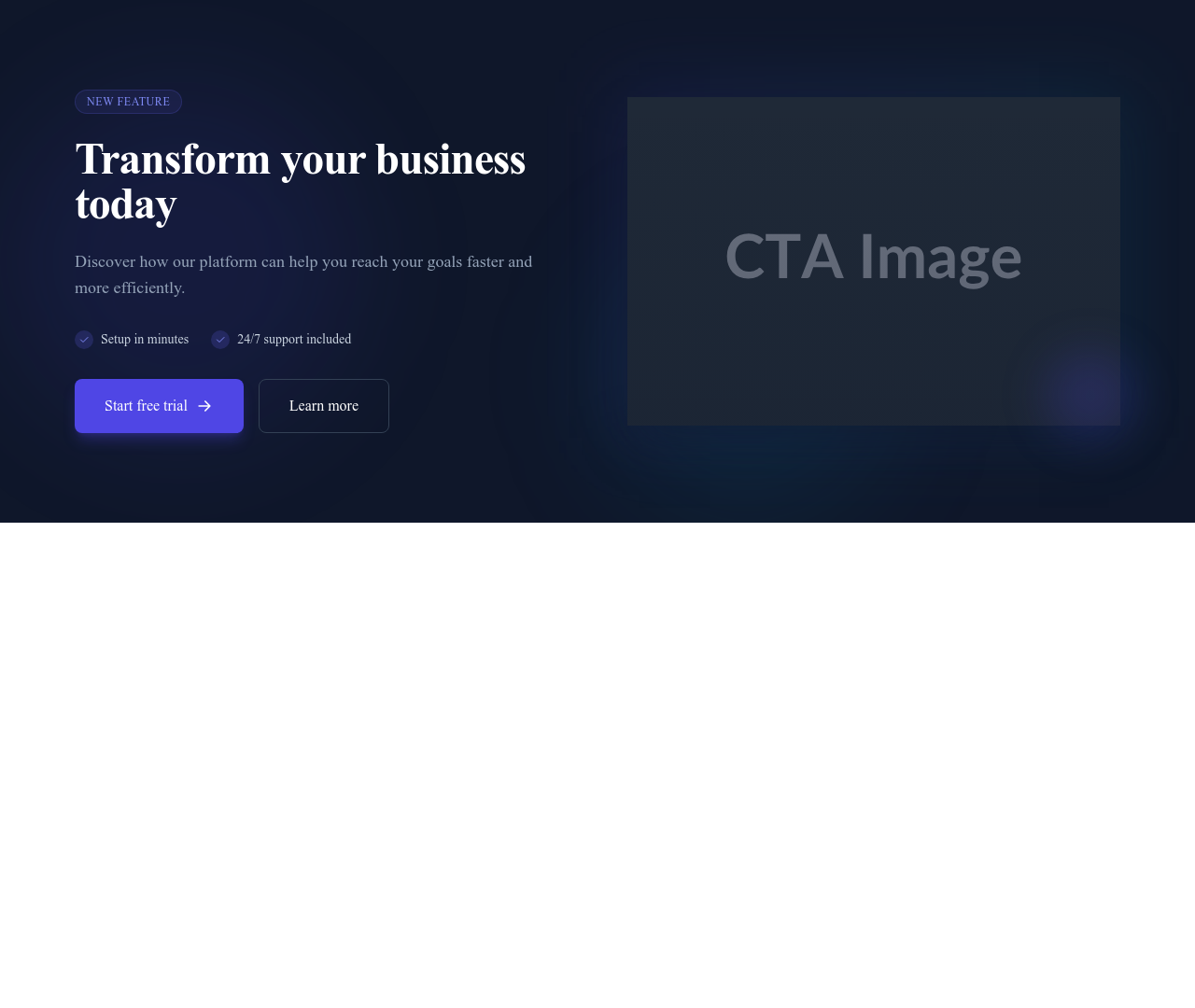
What this block contains
CTA with Image is a section from the Call to action category made of 1 heading, 1 text paragraph, 2 buttons, 1 image, 3 icons and 2 links. On desktop its content is laid out in 2 columns, stacked on mobile. Its copy ships in 3 languages (German, Spanish and French).
- 1 heading
- 1 text paragraph
- 2 buttons
- 1 image
- 3 icons
- 2 links
- 2-column grid
Details
- Category
- Call to action
- Type
- Section (full width)
- Editing
- Visual editor, no code
- Keywords
- imagesplitconversion
Use it in three steps
- 1 Open your siteCreate a free Communik site, or open one you already have.
- 2 Insert itIt lands on your page with your fonts and brand colors applied.
- 3 Make it yoursEdit text, images and colors visually, then publish when ready.
More in Call to action
See all Call to action


Guide
Sometimes the final push needs more than words. Pairing your call-to-action with an image — product shot, happy customer, evocative illustration — adds the emotional layer that pure text lacks, and gives the section enough presence to end a long page.
The image slot accepts any media from your library with automatic optimization; text and button sit beside it and reflow under it on mobile. Everything is editable in the Communik builder.
Compare with the minimal centered CTA or the newsletter variant when the goal is capturing emails.
Questions
What image should I choose?
Something that shows the outcome of saying yes: the product in use, a result, a happy customer. Decoration for its own sake dilutes the ask.
Does the image slow the page down?
No — Communik serves responsive optimized variants (WebP, lazy-loading), so the visual weight stays cheap.
Image left or right?
Both work; keep the text side aligned with your page's reading flow. You can mirror the layout in one click.
Keep exploring
About Sections
Browse about sections templates
Blog Sections
Browse blog sections templates
Commerce Sections
Browse commerce sections templates
Blog Module
Complete blog feature with multiple design variants
About Page Templates
Full page layouts in the about category
Templates for SaaS
Templates designed for saas businesses
Mailchimp Templates
Templates with Mailchimp integration support
Your next site starts here.
Everything here is one click away.
Every section, component, page and module in this library is ready inside the Communik editor, styled with your brand.
Free to start. No credit card.