
Components · Utilities
Back to Top
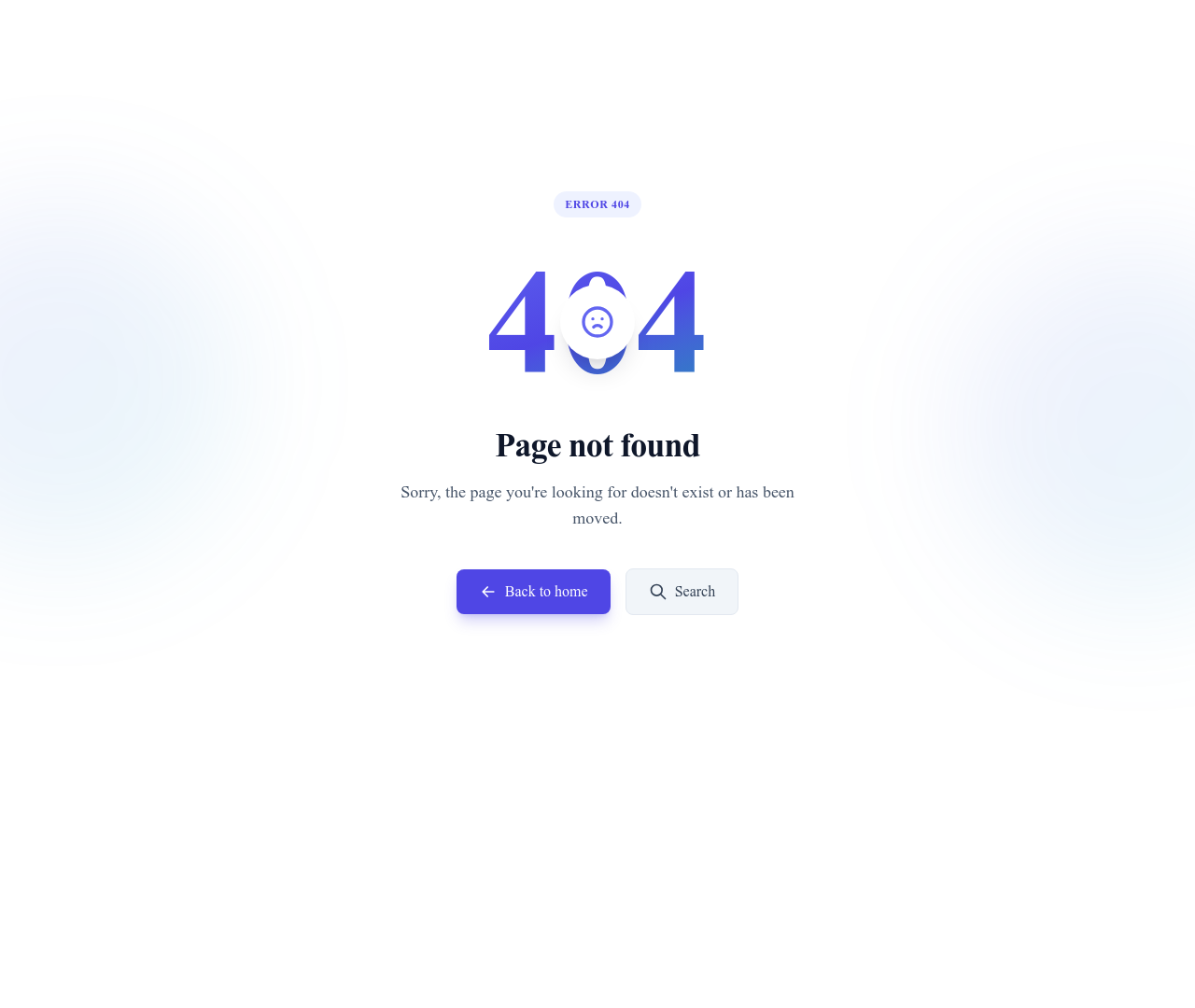
Floating back to top button

What this block contains
Back to Top is a component from the Utilities category made of 1 button and 1 icon.
- 1 button
- 1 icon
Details
- Category
- Utilities
- Type
- Component
- Editing
- Visual editor, no code
- Keywords
- back-to-topscrollbuttonfloating
Use it in three steps
- 1 Open your siteCreate a free Communik site, or open one you already have.
- 2 Insert itIt lands on your page with your fonts and brand colors applied.
- 3 Make it yoursEdit text, images and colors visually, then publish when ready.
More in Utilities
See all Utilities
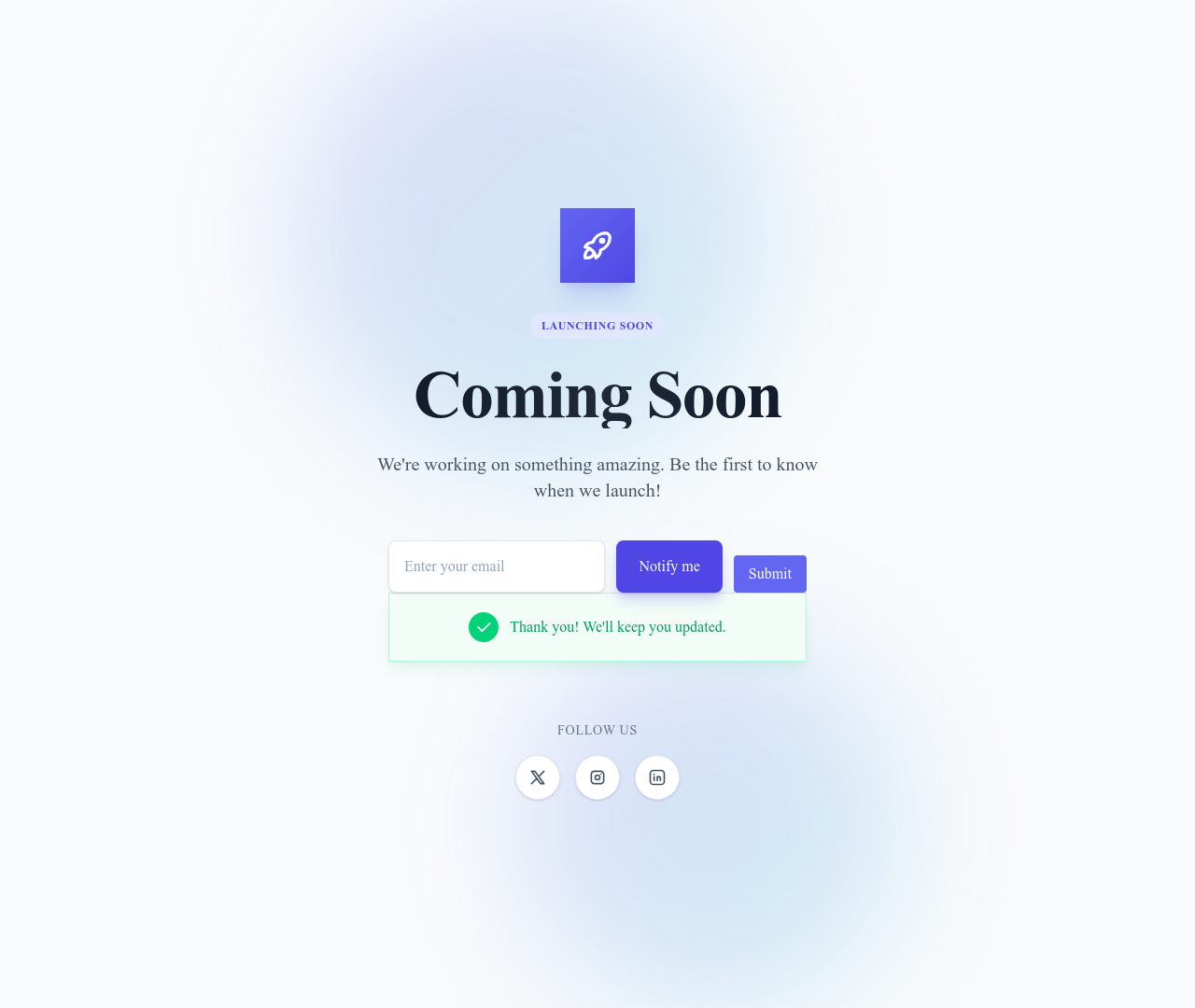

Dark Mode Toggle
Toggle button that lets visitors switch the site between light and dark mode
Utilities


Keep exploring
Accordions Components
Browse accordions components templates
Alerts Components
Browse alerts components templates
Avatars Components
Browse avatars components templates
Blog Module
Complete blog feature with multiple design variants
About Page Templates
Full page layouts in the about category
Templates for SaaS
Templates designed for saas businesses
Calendly Templates
Templates with Calendly integration support
Your next site starts here.
Everything here is one click away.
Every section, component, page and module in this library is ready inside the Communik editor, styled with your brand.
Free to start. No credit card.