
Understand collections, fields and records
The CMS is where you organise content that repeats: journal entries, projects, team members or testimonials. Prepare its structure once, then add content without rebuilding the presentation each time.
Willow Studio uses a journal collection. Each entry has a title, some text and any other information the studio needs.
1. Recognise the three parts
| Part | What it does | Studio example |
|---|---|---|
| Collection | Groups content of the same kind | Studio journal |
| Field, shown as a column | Defines one piece of information | Title, Summary, Duration |
| Record, shown as a row | Holds one complete item | Your first visit |
A collection is the container, a field describes what you store, and a record is the content you enter. Adding a field changes the structure for every record in that collection.
Could not play. Try the video controls.
2. Find your content
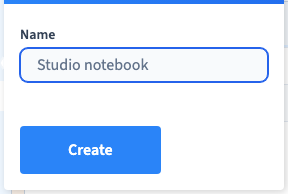
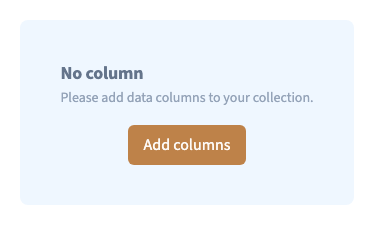
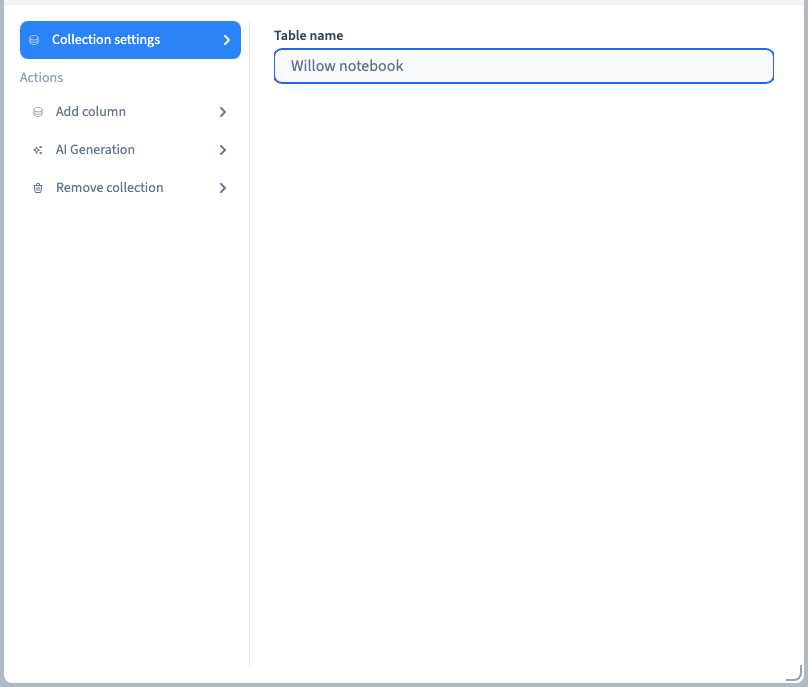
Open Data > Collection. Choose a collection in the sidebar. Its table shows existing records; Add row opens a form for a new one. Use Edit columns & collection to change the structure rather than the content of one record.
Collections supplied by an application belong to that application's operation. Start with a separate CMS collection when preparing your own journal or portfolio.
3. Keep content and design separate
Changing a record updates its stored information. It does not automatically add a new section to a page. In the page builder, connect a list or detail page to the collection and choose where its fields appear.
Likewise, changing a heading's font in the builder changes its presentation; it does not add another CMS field. This separation lets several page layouts reuse the same content.
4. Start in a useful order
Create the collection, add only the fields you need, enter two representative records, then connect a page to them. Check an unusually long title and a record without an optional image before filling the whole collection.