Choose and manage your Communik address
1. Check availability before sharing the address
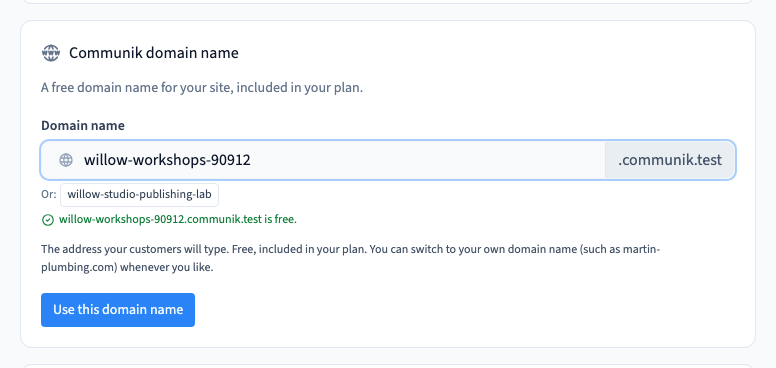
Open Site > Custom domain and find the Communik address settings. Enter a short, readable name without the Communik suffix. Wait for the availability check and reserve the available name.
Could not play. Try the video controls.
2. Publish and check it as a visitor
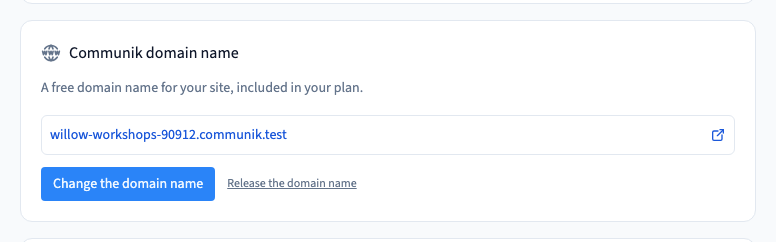
Open the main publishing panel, confirm the address and publish. Visit the result in a fresh tab without a preview token. The address reservation chooses the destination. Publication makes a version available there.
See also Publish your site to its public address.
3. Review the effect of changing an address
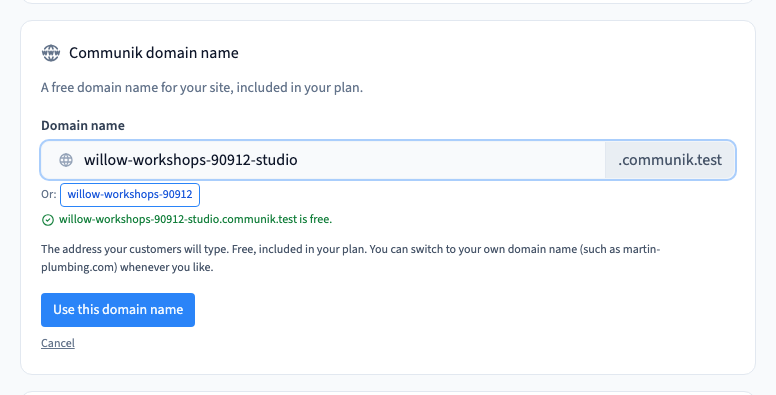
Use the change control and check the new name. Read the consequences before you confirm. Test the new address in a fresh tab and update links that used the previous address.
Could not play. Try the video controls.
4. Release an address you no longer need
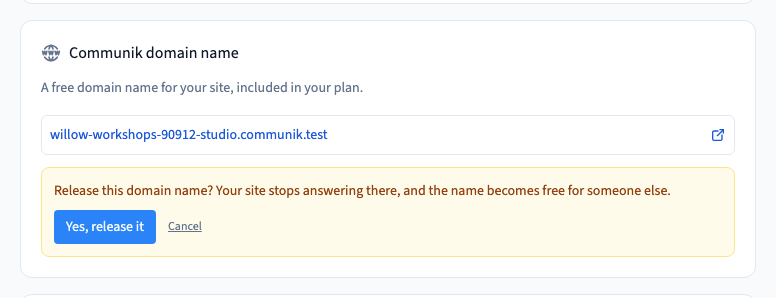
Use the release control only after checking the address shown in the confirmation. Once confirmed, the released name no longer serves this site. Revisit any old links people may still use.
Could not play. Try the video controls.