
Understand saved work, test versions and production
1. Save your work in the builder
Editing changes the work in progress. Wait for saving to finish before leaving the page. This keeps your work in the project. The versions that people can visit stay as they were until you publish.
2. Use a private test version for reviews
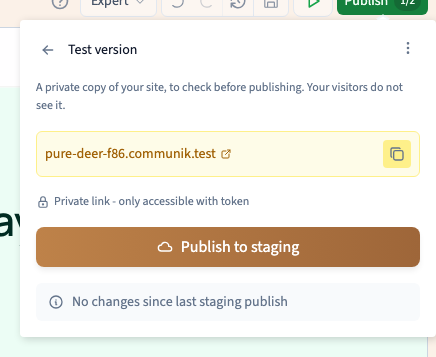
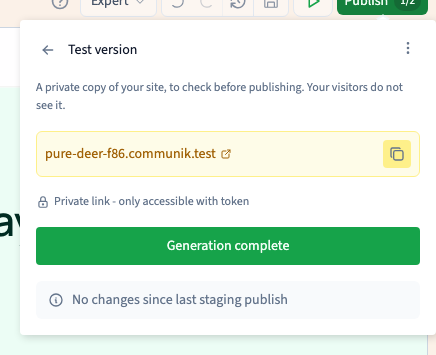
Click Publish, open More actions, then choose Test version. Publish to staging and wait for Generation complete. Open the link with its private access token. Reviewers with the complete link can see the result.
Could not play. Try the video controls.
See also Review your site and share a private preview.
3. Publish the version visitors should see
Use the main publishing panel for production. Check the public address and the site’s activation status. After a production publish, check that address in a fresh tab. Republishing the test version uses its own target.
4. Pick the right way to return to an earlier state
A generated version is what the site can serve. A backup is a point you can restore into the builder. Use a backup to recover editable work, then review and publish again when it is ready.
See also Create and find a project backup.