
Restore builder work from a backup
1. Check the date, name and data scope
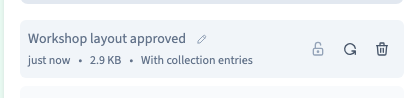
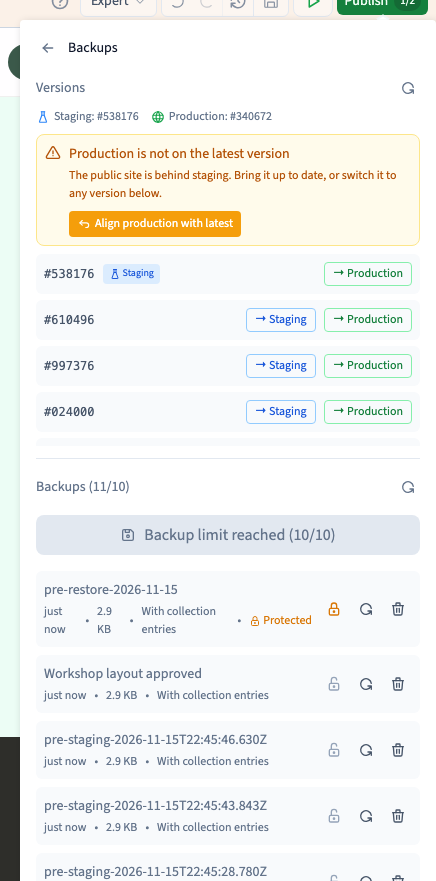
Open Publish > More actions > Backups. Find the point you want. Check whether the row says With collection entries or Without collection entries. A point that includes data can replace collection entries. A design-only backup keeps the current records.
2. Restore the selected point
Click Restore on the right row. Give the operation time to finish and the builder time to reload. Before it replaces your work, Communik creates a safety backup with data, named pre-restore-…. If that point cannot be created, the restore stops.
Could not play. Try the video controls.
3. Check the result before publishing
Reopen the affected pages, review styles and images, and check records and relationships if the point included data. Look for the safety backup in the list. The published site still serves its existing version. Generate a test version of the recovered work, check it and then publish to production when ready.
See also Publish and open a staging preview.