
Review your site and share a private preview
1. Choose pages and actions to check
Start with your home page, an important service page and a page with an action. Check headings, prices, contact details and images on a wide and a narrow screen. For a form, booking or checkout, exercise the action using test data and verify the result at its destination.
2. Generate the version you want reviewed
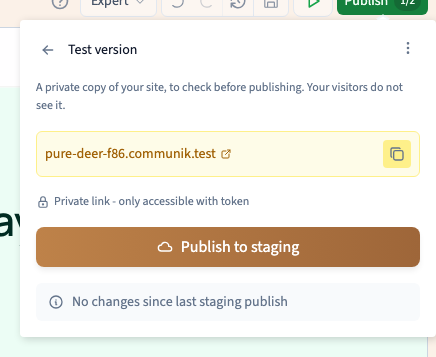
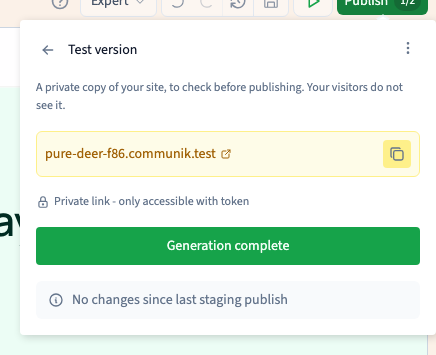
Save your changes. Click Publish > More actions > Test version, then Publish to staging. Keep the panel open until generation finishes. If it fails, keep the previous link for reference and review the error before telling someone the changes are ready.
Could not play. Try the video controls.
3. Open it like a reviewer
Open the generated preview in a fresh browser session. Check the page you changed and follow links to the next pages. The complete URL contains an access token. Copy it from the interface and share it only with the people reviewing the site.
See also Share a staging preview and renew its access.
4. Repeat after a correction
Save the correction and publish the test version again. Reopen the preview and check the corrected step along with the steps immediately before and after it.