
Set site ownership verification and check the sitemap
1. Enter the ownership verification value
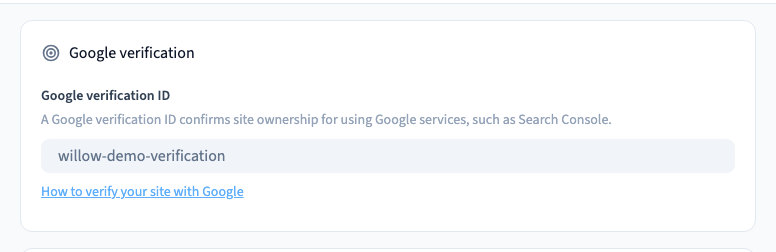
In Site > SEO, find Google verification ID. For HTML-tag verification, paste the value from the tag’s content attribute. Save and publish, then check the public page’s HTML for the verification tag before asking Google to confirm ownership. The demo uses a test value to check the generated tag.
2. Choose automatic or manual generation
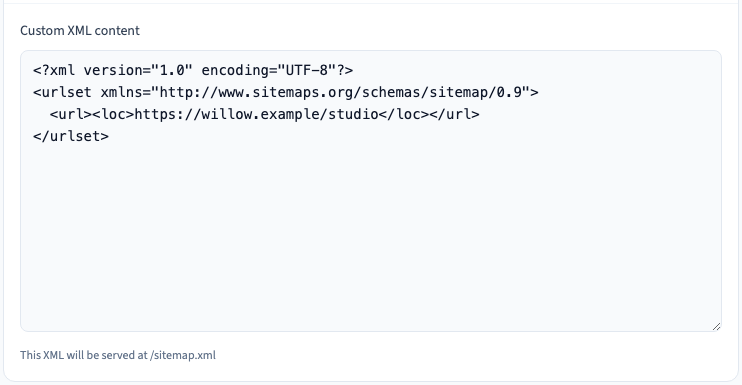
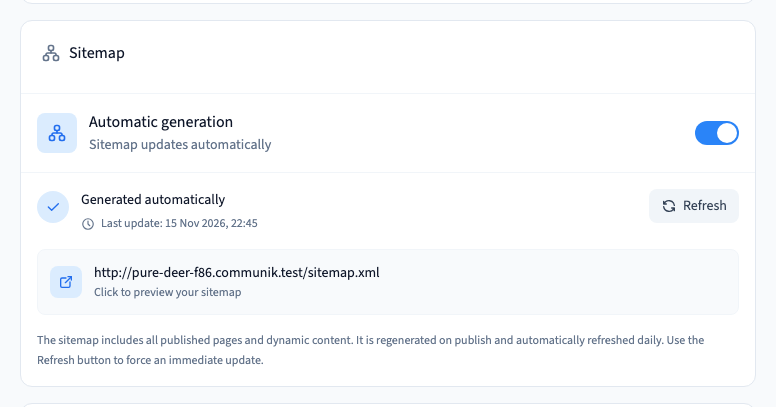
Enable Automatic generation to let Communik produce the sitemap for your published pages. If you need manual control, turn it off and supply a complete, valid XML document with absolute URLs. Review it when you add, move or retire pages.
Could not play. Try the video controls.
3. Open the generated sitemap
Publish before opening /sitemap.xml at the site’s address. Check that it returns XML and that the expected URLs open. Use the automatic refresh control where available. Once the live XML is correct, submit the public sitemap address in your search tool.