
Find the site identity and search settings
1. Set defaults in Site
Open Site > General for identity, favicons and the default social image. Set site-wide ownership verification and sitemap preferences in Site > SEO.
2. Set page-level metadata in Design
Open the relevant page in Design. Give it a distinctive title and a description, then check its publishing and indexing options. Set a page-specific social preview where the default image and wording are too broad.
Could not play. Try the video controls.
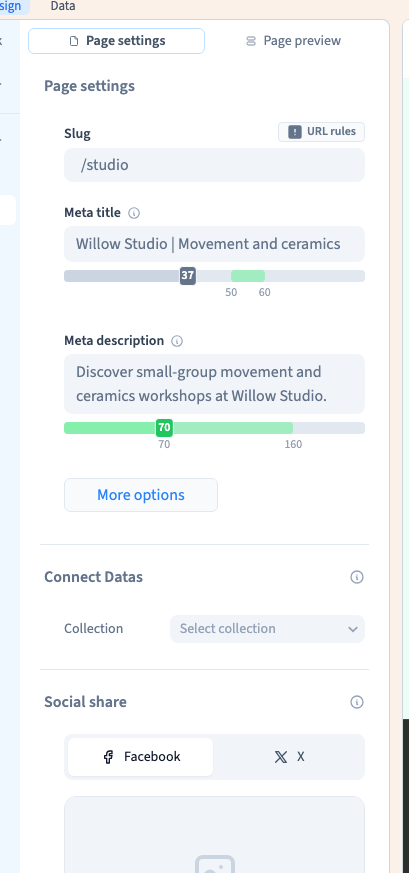

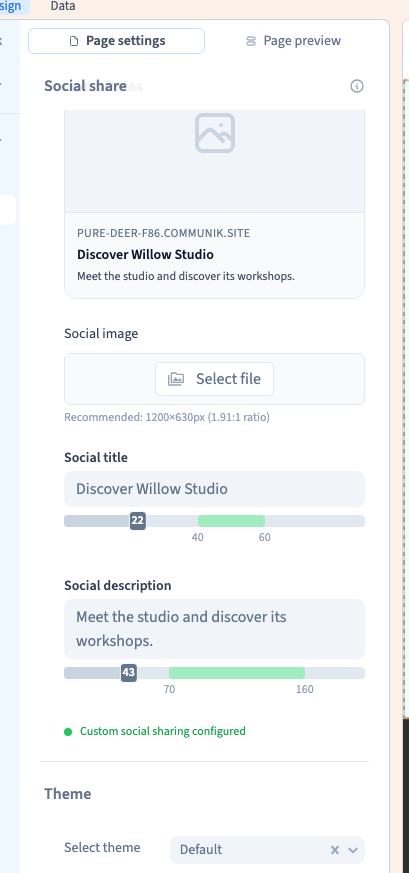
See also Set a page title, description and social preview.
3. Check site verification and sitemap after publishing
Use the site’s SEO panel to save the exact verification value you were given. Choose automatic sitemap generation unless you need to maintain your own XML. Verify the served HTML and the generated sitemap before submitting it to a search service.
Could not play. Try the video controls.
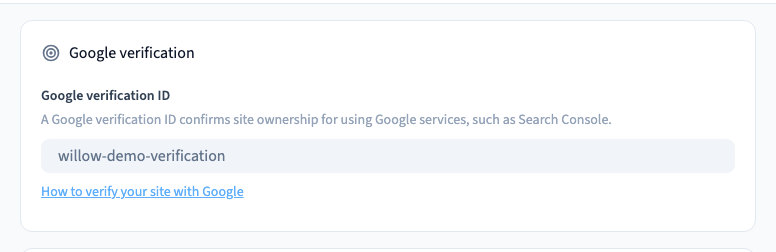
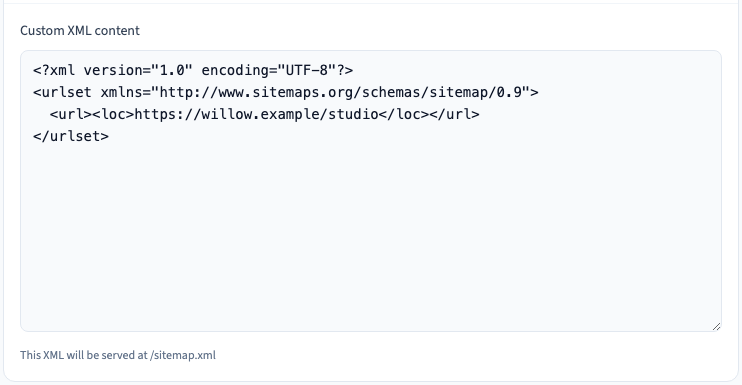
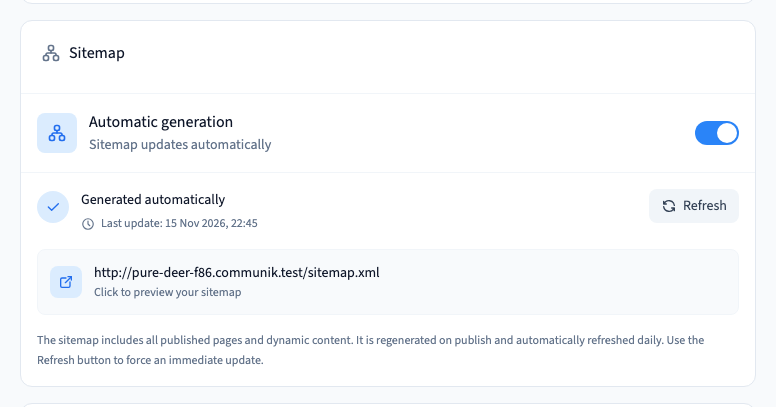
See also Set site ownership verification and check the sitemap.
4. Repeat for public pages and their translations
Open representative pages, including a published CMS detail page if you use one. Check addresses, titles, descriptions and the social preview in the intended language. Repeat on mobile and confirm the public page is the one you intend to index.