
Choose the record used in the builder preview
The preview record tells the builder which content to show while you edit a dynamic page. It changes neither the CMS record nor the record selected by a visitor's address.
1. Find the preview selector
Open a dynamic page already connected to a collection. In its data connection settings, find the preview record selection. A disconnected page has no collection records to offer.
Choose an entry from the list. It uses a record title when available, otherwise another text value or its identifier. In the demonstration, the current selection is also available from the record selector above the preview.
2. Compare records in the same template
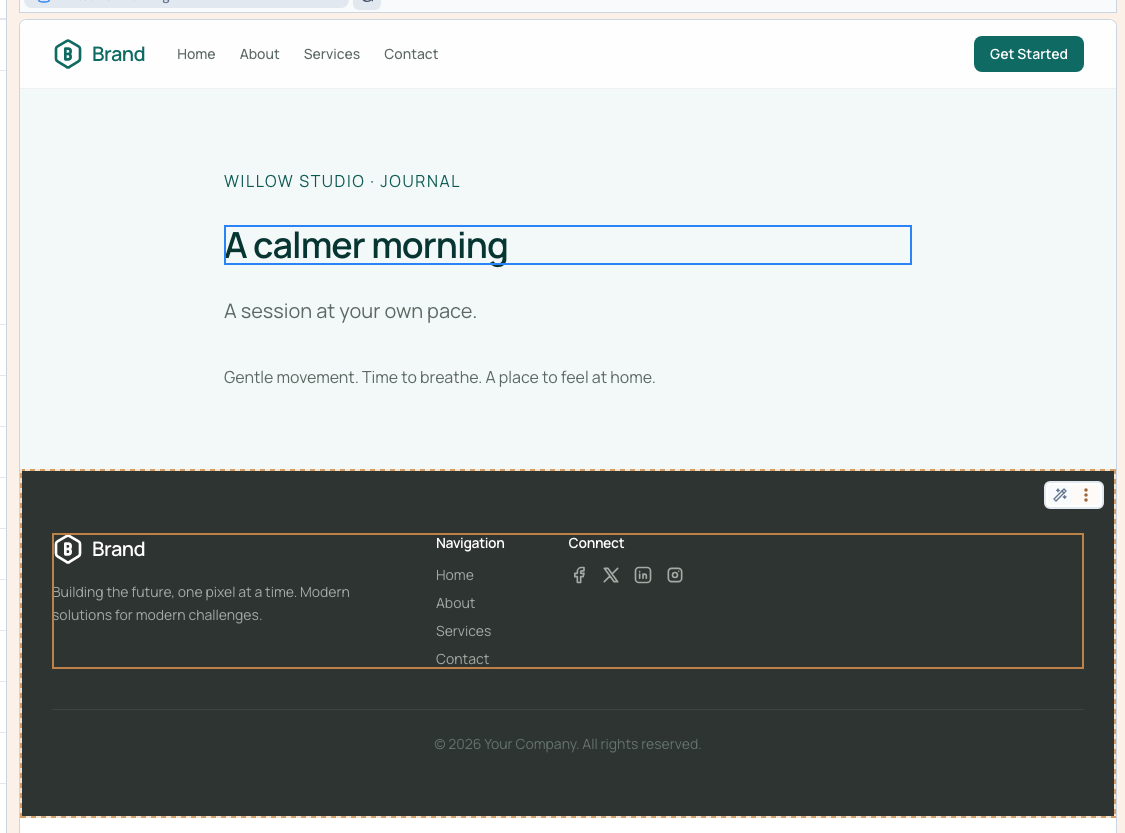
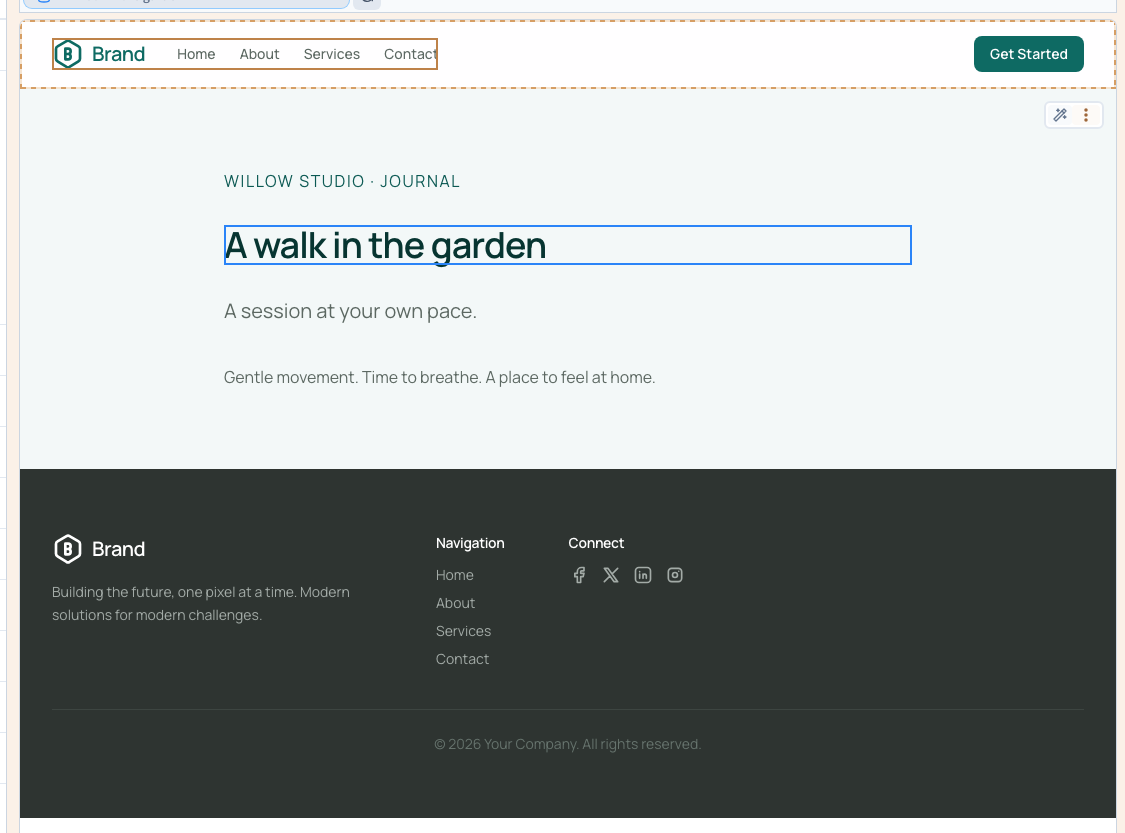
Choose A calmer morning, then A walk in the garden. The same heading displays the selected title. You have neither duplicated the page nor edited those titles in the CMS.
Compare short and long content, then records with empty optional fields. This reveals layout assumptions before publication.
Could not play. Try the video controls.
3. Understand data-dependent visibility
An element can have a condition based on the current record. If it disappears or is marked as hidden, check that record's fields before assuming the element has been deleted.
The builder can keep a conditionally hidden element available for editing while the published site removes it. The preview record provides the data used to evaluate the existing condition; it does not create the condition or fill an empty field.
4. Save and reload the selection
A populated collection needs a preview record for editing. The builder selects an initial record when none has been chosen; you can replace it, but the selector does not offer a way to clear that required choice.
Save, reload and confirm the selection. This saves a template setting, not a new version of the CMS record. If the collection is empty, add a record in Data first. A loading error does not prove that records have been removed.
The list offers up to 100 entries. On a larger collection, a missing entry in this selector does not mean the record no longer exists.
5. Check the real visitor addresses
Open each complete dynamic-page address. Its URL must select the correct record regardless of the builder's preview choice.
The checks compare both journal addresses at desktop and phone widths, preserve the collection and slug mapping, reload the saved selection and confirm unchanged CMS records. Check translated content separately: choosing another preview record does not translate it.