Translate page addresses and check language links
1. Read the language prefix and the page path
A secondary language’s prefix comes from URL slug in the language settings. The rest comes from the page path. With prefix fr and translated path /atelier, the public URL is /fr/atelier. The English default path remains /studio.
2. Translate one page path
In Translations, select the target language, open the page and enter a path under Address. Include a leading slash. Leave the field to apply the value and save. Publish and open both addresses directly.
Could not play. Try the video controls.

3. Translate a CMS address in two parts
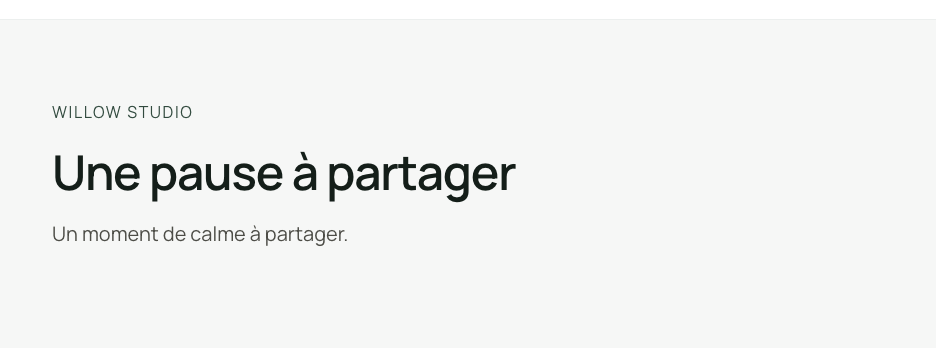
Translate the path of the detail page, keeping a placeholder such as [slug] exactly as written. Then translate the individual record’s slug in its collection. For example, /journal/[slug] can become /carnet/[slug], while shared-moment becomes pause-a-partager. The French record URL joins the prefix, template and slug.
Could not play. Try the video controls.


See also Translate a CMS record and its address.
4. Check the language switch in both directions
On the published site, go to a page or CMS record and click the other language. Confirm the new path and the correct content. Switch back to check that you return to the same page or record. Review old shared links and set any redirect you need if an existing URL will change.
Could not play. Try the video controls.

Could not play. Try the video controls.