
Understand automated site traffic
Use the Bots report to see which automated clients read your pages.
Published on 11/15/20261. Open the report for automated traffic
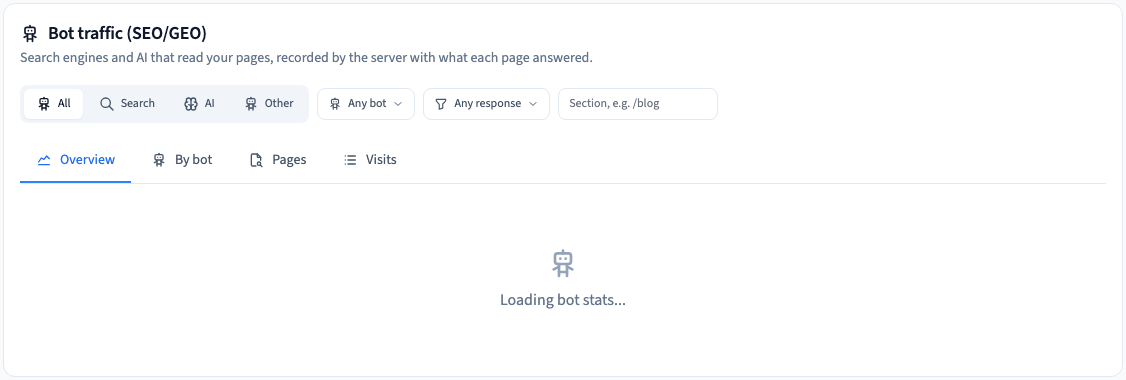
In Site > Analytics, choose Bots and set the period. This report shows requests that the server identified as automated, including search crawlers and some AI traffic.
2. Read categories, pages and responses
Filter by the kind of traffic you want to inspect. Compare the crawlers and the pages they reached. The filters show data known to Communik for the selected period. A crawl does not tell you that a person saw the page or that it appeared in search results.
Could not play. Try the video controls.
3. Use the report when you change site access
Check the pages and response status. When something unexpected is returned, verify the current public address and indexing settings before changing any rule. Compare the visitor dashboard separately.
See also Read site visitor statistics.