
Define and track a conversion goal
1. Choose the action worth measuring
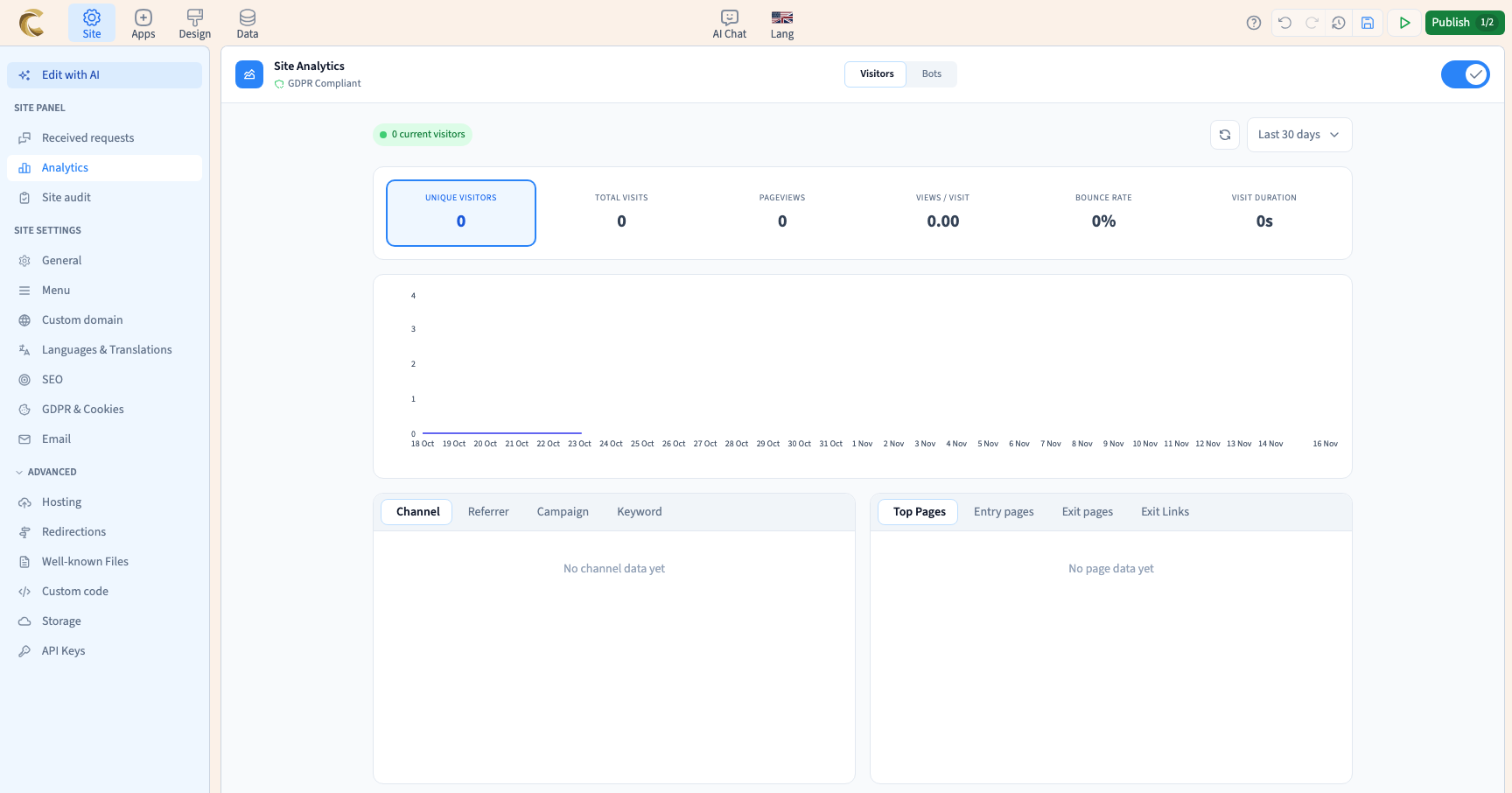
Decide which result you want to count, such as requesting workshop information. Enable analytics in the site settings before testing. Keep the goal name distinct so you can find it in the results.
Could not play. Try the video controls.
2. Attach the goal to the visitor action
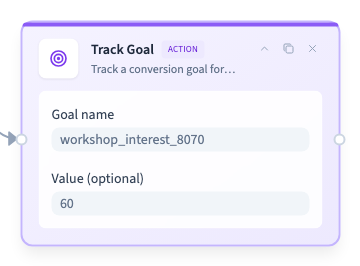
Open the element workflow. Connect the event you want to measure to the goal tracking action. Set its name and an optional value. Use a trigger that matches the outcome you want to count.
Could not play. Try the video controls.
3. Publish and perform a real test action
Generate a private test version and open it as a visitor. Perform the action once, check the result and compare the goal report after processing. Repeat at a narrow width or with a separate session if you need to check both.
4. Read the resulting counts
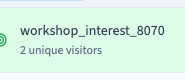
Find the goal by name and verify the period, reported count and value. Treat the configured value as a measurement you define. If you want completed sales, check the actual orders as well.
Could not play. Try the video controls.
See also Read site visitor statistics.