
Read site visitor statistics
1. Choose what you are measuring
Open Site > Analytics. Pick the period you want to compare and check which traffic and device filters are active. Review an equivalent time span when you compare changes.
2. Use the right metric
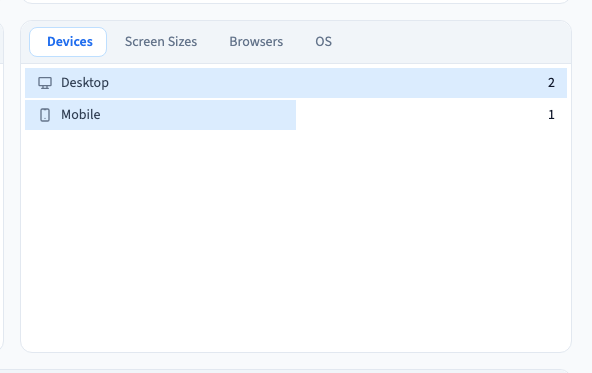
Use Unique visitors to compare distinct visitors, and Pageviews to see page loads. A visitor can open more than one page. Examine the device and page reports when you need to understand where totals came from.
Could not play. Try the video controls.

3. Check before drawing a conclusion
Check the active dates, the published site and whether the changed page has actually received visits. Use a real test session to confirm data collection. Give processing time to complete before comparing newly recorded traffic.
4. Review automated traffic separately
Open Bots when you want to see automated requests. Keep that analysis separate from what visitors do on the site.
See also Understand automated site traffic.