
Link your privacy policy and export consent records
Add the privacy policy and contact details, then check that the consent choices appear in the exported records.
Published on 11/15/20261. Link the right policy page
Open Site > GDPR & Cookies. Enter the privacy policy address under Privacy policy link. Add the relevant contact name and email. Use a policy that accurately describes the site and its services.
2. Check the link and create test choices
Save and publish privately. Open the policy link from the visitor view, check the page it reaches and repeat on mobile. Use separate sessions for test consent choices so they create distinct entries.
Could not play. Try the video controls.

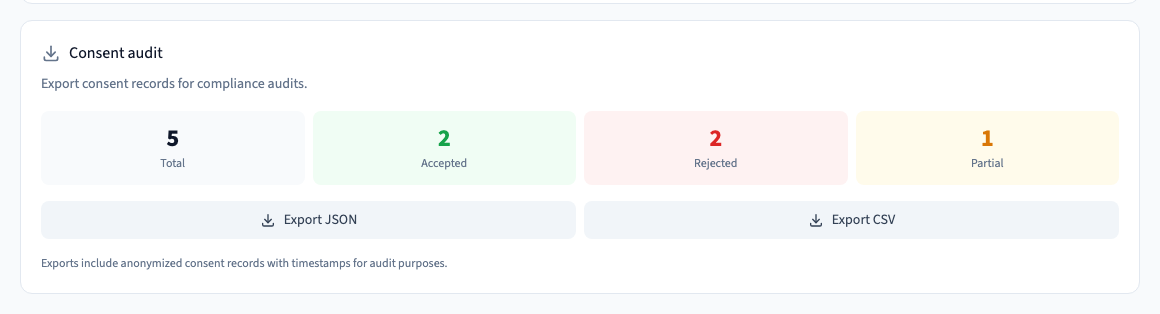
3. Download the records you need
Return to Consent audit. Choose Export JSON to inspect the data structure or Export CSV to open it in a spreadsheet. Check the timestamps and recorded choice types. The test verifies that the exported file records rejected, accepted and custom choices.
See also Set up and test the site consent banner.