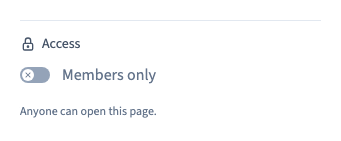
Restrict a page to signed-in site members
1. Prepare the site’s member sign-in
Set up the members module so visitors have a sign-in page. Check that the intended user can reach that page. Open the page you wish to protect.
2. Enable member access on the page
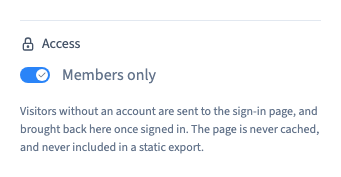
Open the page settings and turn on the member restriction. Save, reopen the settings to confirm the choice, then generate a test version.
Could not play. Try the video controls.
3. Try both visitor experiences
Open the tested page in a fresh session and verify that a guest is directed to sign-in. Sign in with a test member and check that the page opens. Test on desktop and mobile. Check separate files and module access rules where the page offers them.
4. Return the page to public access when needed
Turn the restriction off and publish again. Open the page in a fresh guest session to confirm that it is public. Keep the settings of any linked restricted content aligned with what you intend to share.
Could not play. Try the video controls.