
Check CMS content and dynamic pages before publication
Before publishing a CMS website, check three things: the stored records, the displayed lists and the real detail addresses. A good-looking record in the builder does not prove that every public address works.
Use your test site to correct content, links and incomplete records before visitors encounter them.
1. Choose representative records
Include a complete record, one with an empty optional field, a long title and, where used, a record linked to other content. Check titles, slugs, images, text and relations in the collection.
Saving CMS data does not by itself prove that the published page displays it correctly.
2. Inspect the list and its order
Compare the actual titles, order and record count with your expectation. With a filter, check both an included and an excluded record.
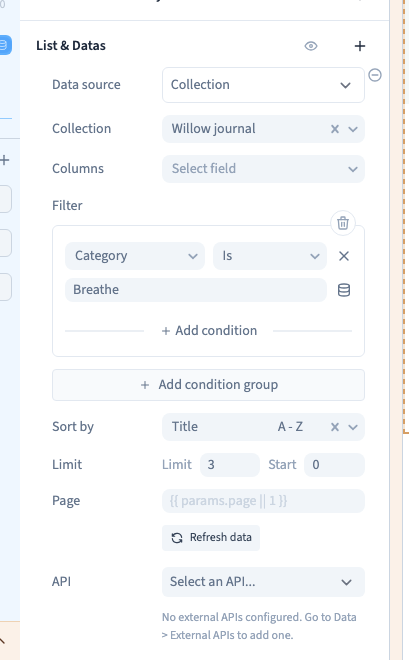
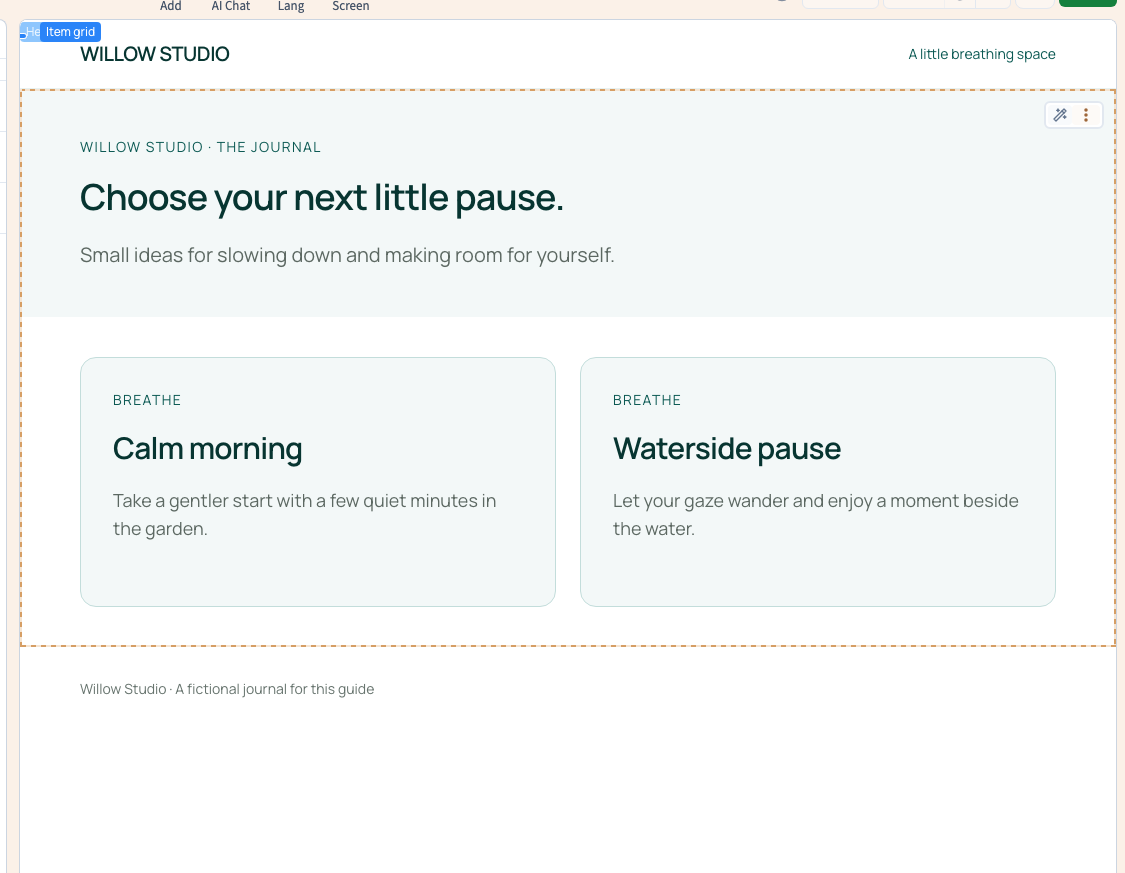
The Willow example's Category Is Breathe keeps Calm morning and Waterside pause. Expected content is a stronger check than the absence of an error message.
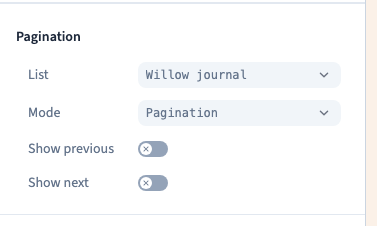
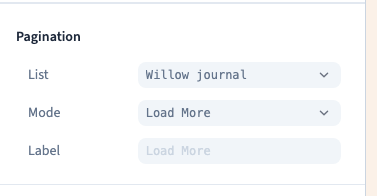
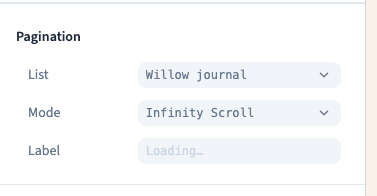
If the list is paginated, try the next page and the end. Progressive loading must append new entries while keeping the earlier ones available.
Could not play. Try the video controls.
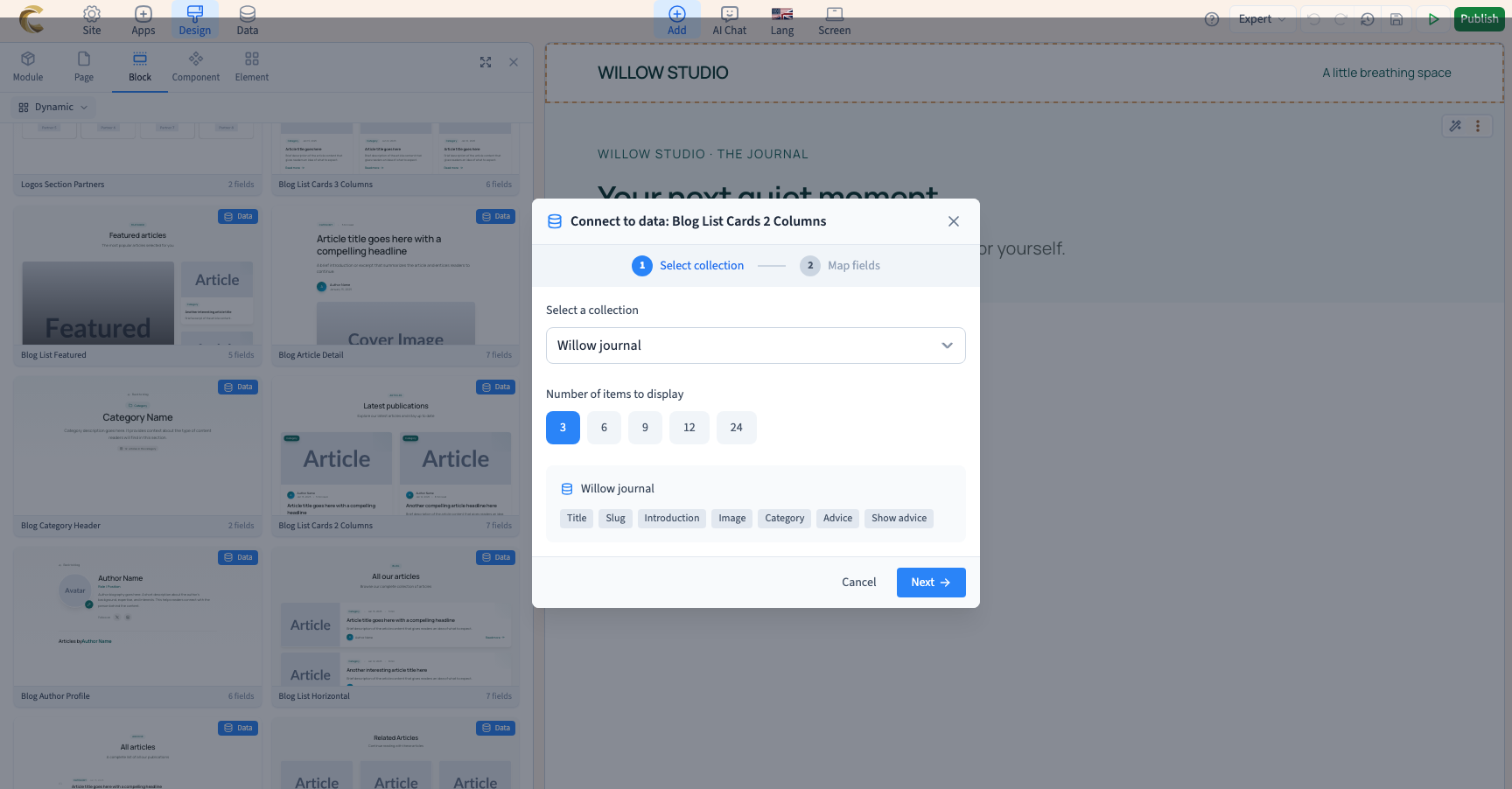
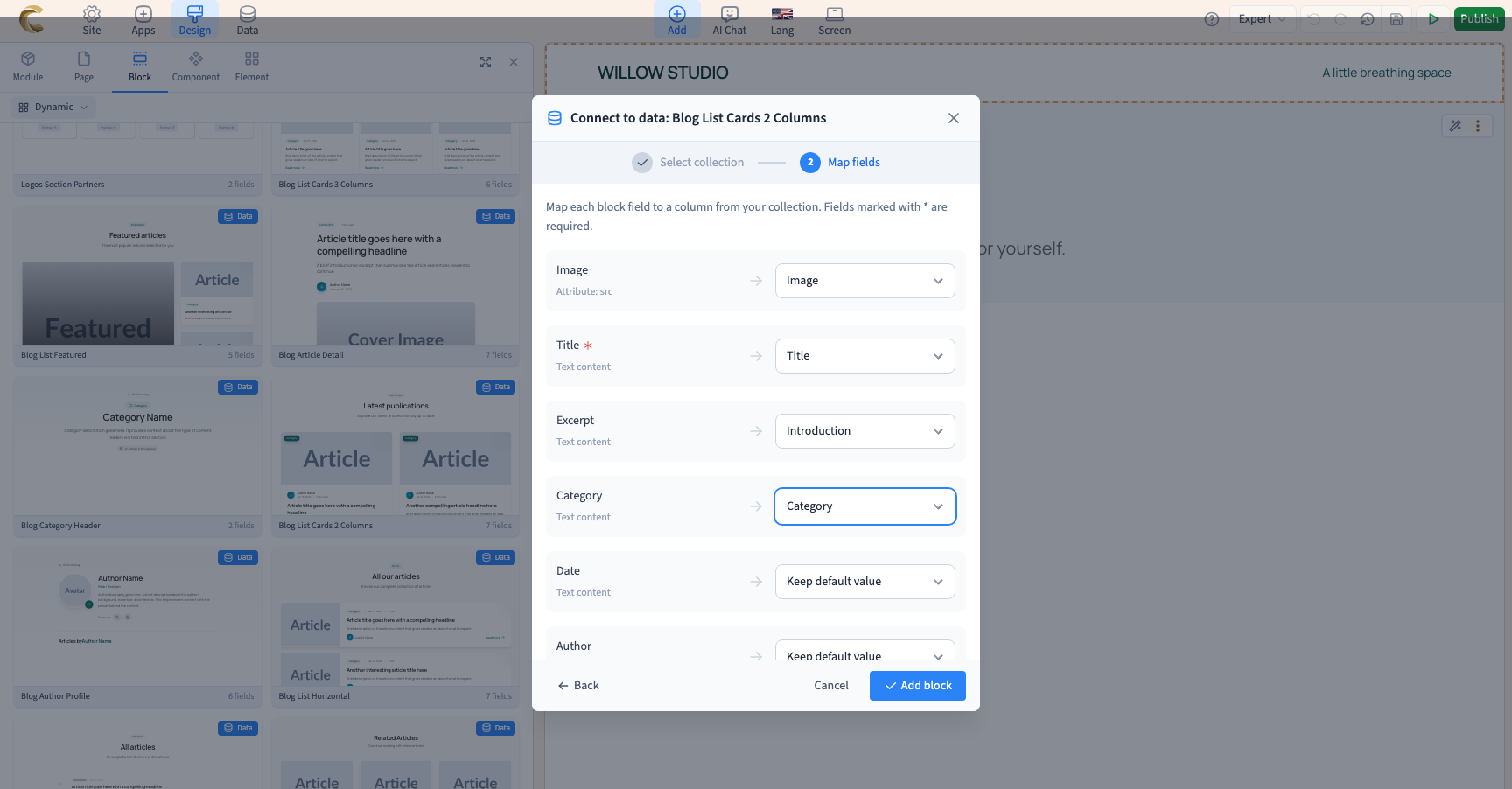
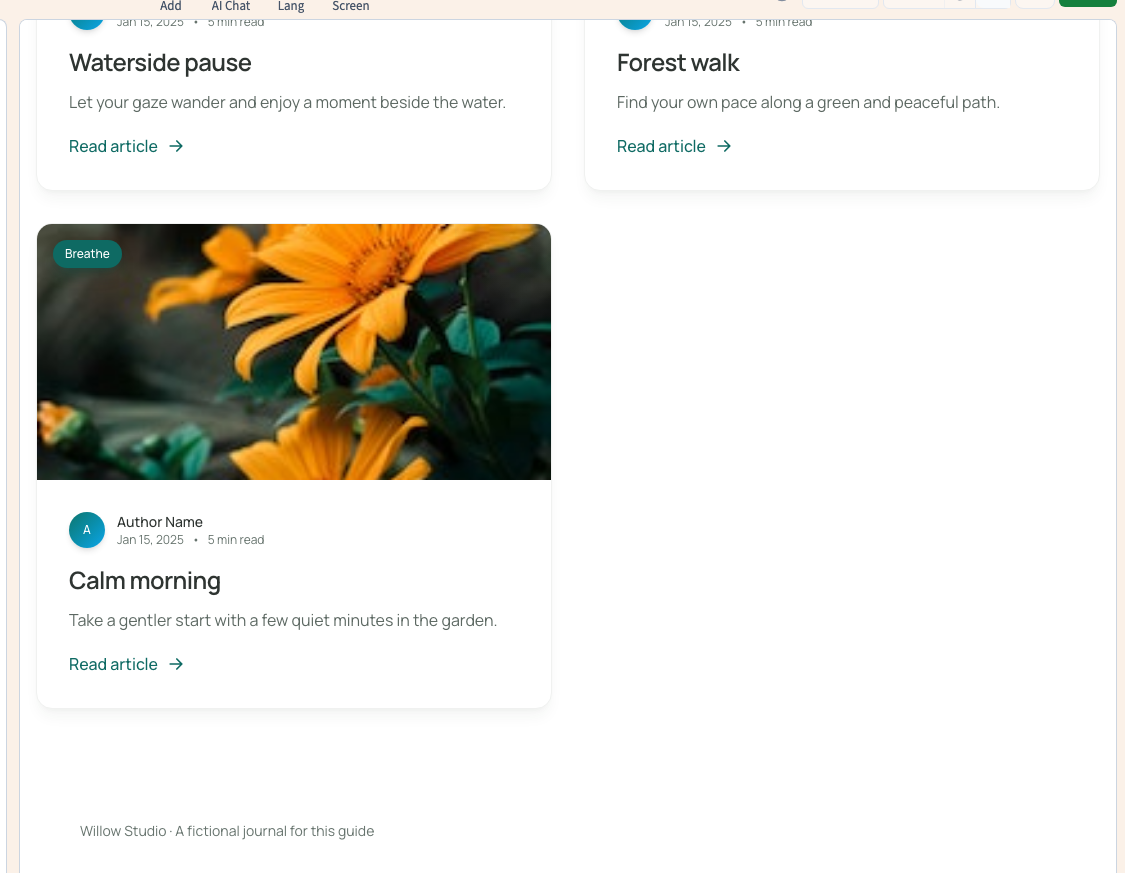
Could not play. Try the video controls.
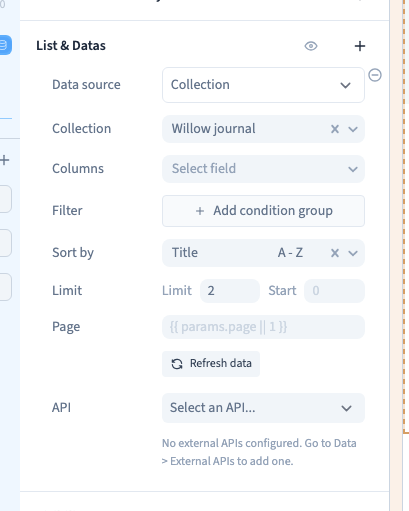
Could not play. Try the video controls.
3. Follow the links and open direct addresses
Open a record from the list, check its title, image and content, return and open another. Each selection must reach the matching entry.
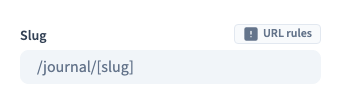
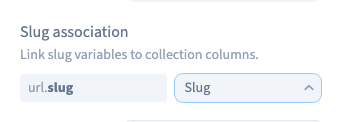
Copy a complete detail address into a new tab and reload it. It should work without a prior visit to the list. Check return links and related-content links as well.
For relations, test a record with several links and one without any. An absent relation must not lead to an unrelated record.
Could not play. Try the video controls.
4. Inspect incomplete content
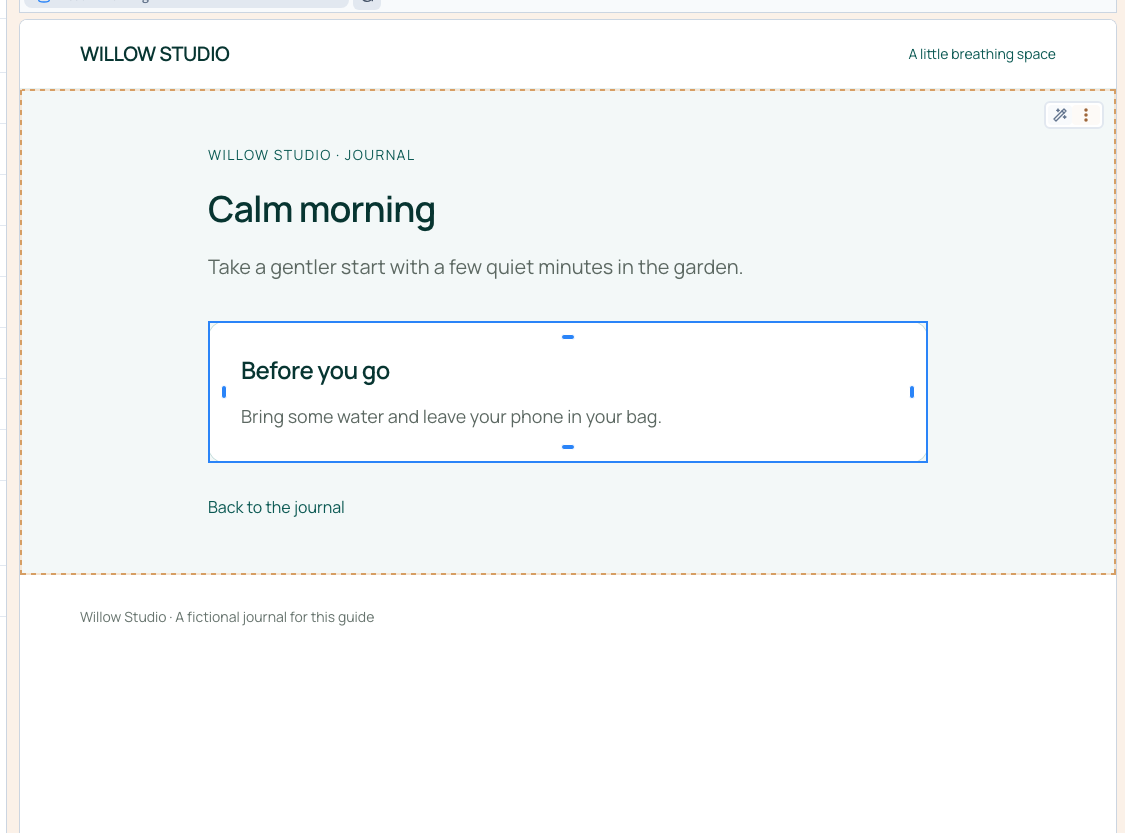
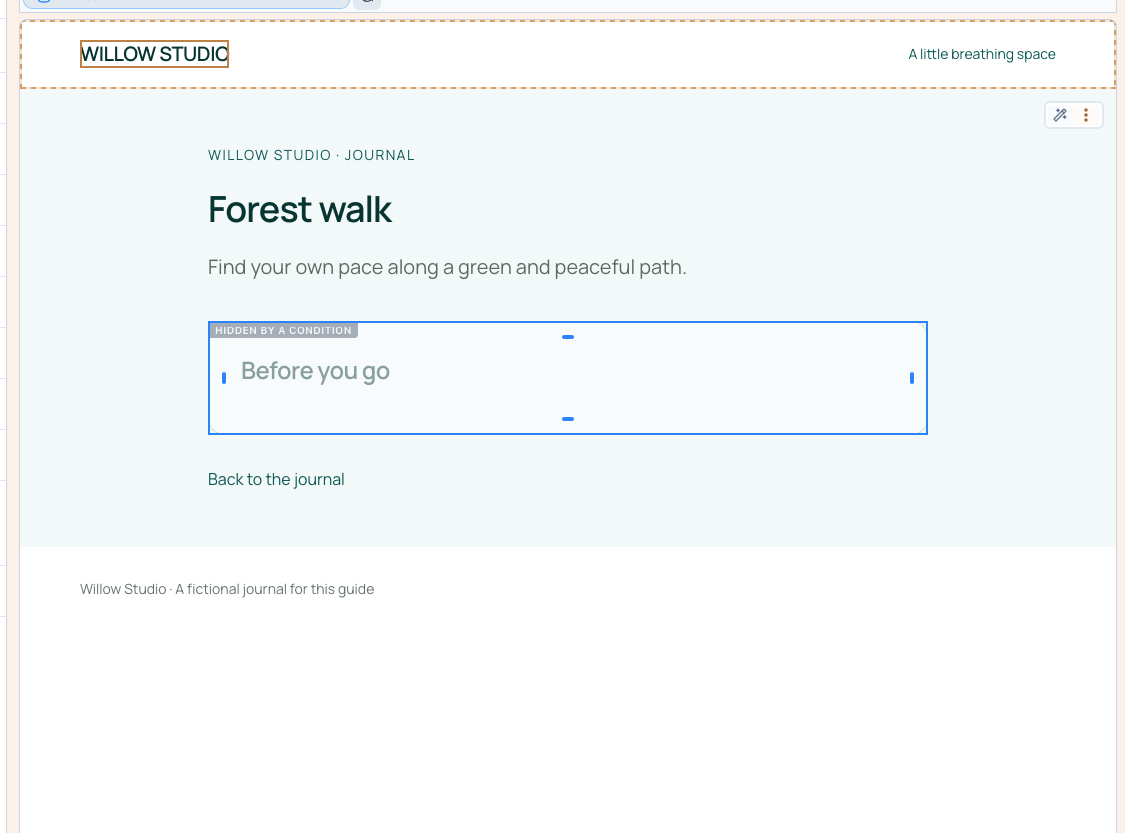
Open the entry with an empty optional field. There should be no orphan heading, action without a destination or unnecessary box.
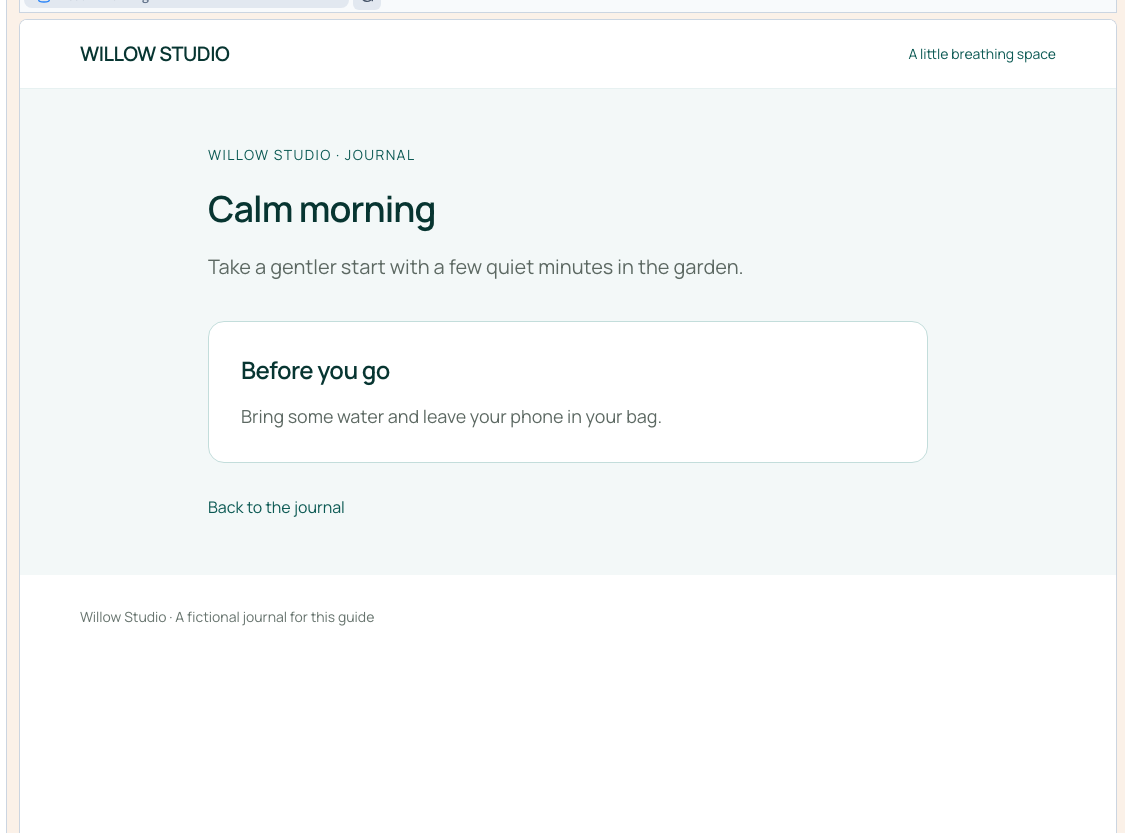
In the example, Calm morning shows its advice and Forest walk hides the complete advice box. The builder's grey editing marker is useful for editing; the test site confirms what visitors actually see.
Complete required information before publication. For optional data, decide whether to hide its element or provide an intentional fallback.
Could not play. Try the video controls.

5. Compare desktop and phone widths
Inspect the list and at least two detail pages. Long titles must remain readable, images need suitable framing and actions must be easy to use.
Side-by-side builder frames help compare layouts. Also open the published site and use its actual links and controls at phone width.
6. Check the site's languages
Repeat with the same records in every offered language. Inspect text, links, addresses and empty fields; longer translations may alter the layout.
This guide's demonstrations use English content. They do not certify every translation of your own project, its relation configuration or every possible query.
7. Publish to the test site and decide
Save and publish, then reload the served pages. A change visible only in the editor is insufficient.
Before public release, confirm:
- Expected entries appear in the right order.
- Links reach matching entries and direct addresses work.
- Incomplete records remain understandable.
- Relations, filters and later pages behave as intended.
- The site remains usable at phone width and in its offered languages.
If something fails, record the address, record, width and exact action. Fix it and repeat that check rather than restarting the whole website review.
Configure list queries · Configure optional visibility · Connect detail pages