
Build a surf school website that fills your lessons at every tide
They arrived at the campsite last night. This morning the children are already asking for a surf lesson, and the parents type the name of the beach and the word surf into their phone, standing in the car park. They want to know three things before they call: from what age, how many children per instructor, and when the next lesson starts. Communik builds a surf school site that answers all three on the first screen, and takes their request while they are still on the sand.
Describe your business.
The AI writes your site.
Free to build. No card. Hosting included.
Live previewMake it yours, live.
Make it yours, live.
Colours, fonts, your name: the preview follows.
- 5Create your site
- 6Go live
Add more to your site. Each extra ships with its pages, sample content and a link in your menu, and adapts to your colours.
BookingAdd
Online appointment scheduling with availability, reminders and calendar sync Premium module: from €19/month with a yearly plan, billed with your Communik subscription.
FAQAdd
Complete FAQ section with categories and accordion-style questions. Perfect for help centers and support pages.
TestimonialsAdd
Showcase customer testimonials with ratings, photos, and optional video testimonials. Build trust with social proof.
GalleryAdd
Media gallery with albums, images, and videos. Perfect for visual showcase and portfolio.
BlogAdd
Complete blog with articles, categories, and authors. Includes every page and sample data so you can start right away.
Anything else (optional)
Your name and phone show up in the preview straight away. The rest is used to rewrite the site after you create your account.
Next: create your free account. Your site goes online at its own address, and the AI rewrites it with what you just told us.
Create my site · free, no cardLive preview of the chosen designLoads on the published page. This grey area is the preview slot.
Steps 4 and 5 happen after you create your account: the site is generated with your answers, then you publish it on your own domain when you are ready.
Ready-made designsSee your site before you sign up.
See your site before you sign up.
Designs already written for your trade.
Open a demo, click around, then use the one you like.
The chatRun your site from the chat.
Run your site from the chat.
A photo, an address, a page: no expert to pay.
Write what you want changed, the way you would send a text. The chat makes the change on your site.
ChatYour site
Change our address: 14 rue des Lilas, Nantes.
Done. The new address is on the home page, the contact page and the footer.
Add this photo to my gallery.
Drop it here, I will put it in the gallery.
Create a page for the kids club page.
The page is ready, with a link in your menu.
In the editorEasy mode: you click, you change it.
Easy mode: you click, you change it.
The AI does what you do not know how to do.
École de Surf des Dunes06 12 34 56 78
Surf lessons on the beach, at the tide that suits.
Edit the text
Easy mode
Click a text or a picture in the preview of your site and change it right there.
Rewrite my page for the kids club page in a warmer tone.
The AI rewrites the page
The AI does the rest
Rewrite a page, add a section, change the colours: describe it, the AI builds it.
See it in actionOne minute to see how it works.
One minute to see how it works.
From the first sentence to the site online.
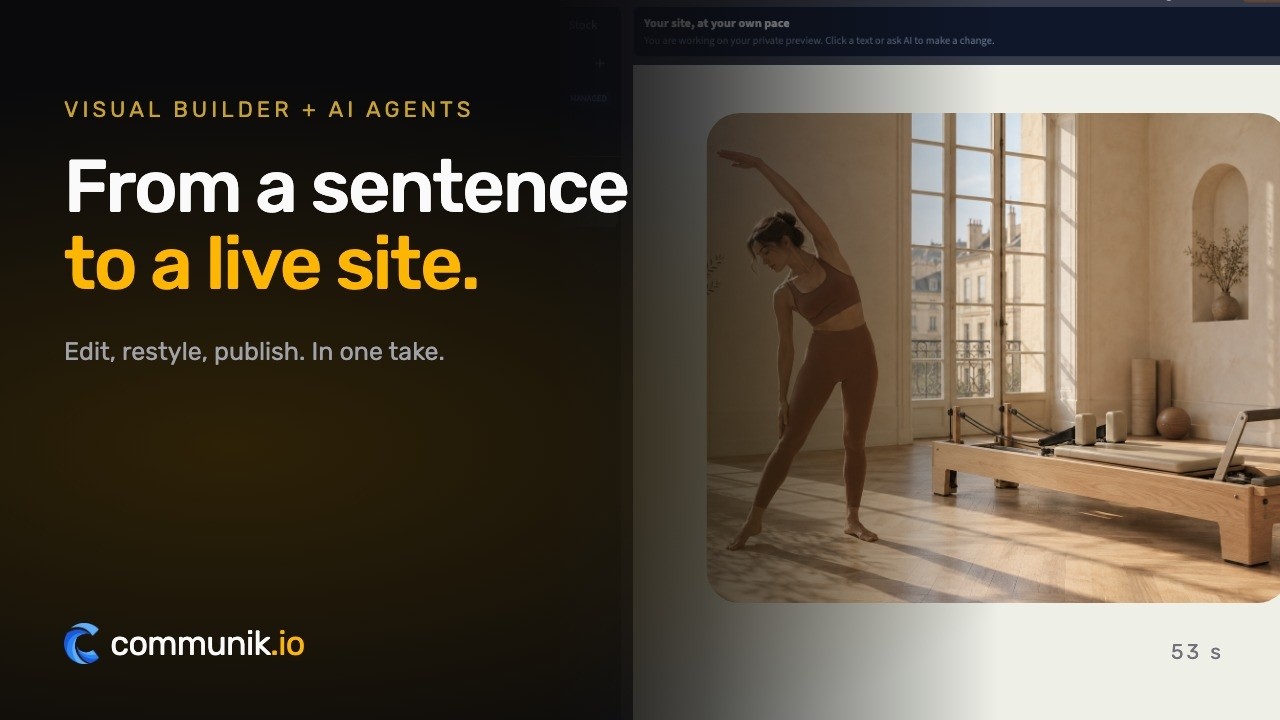
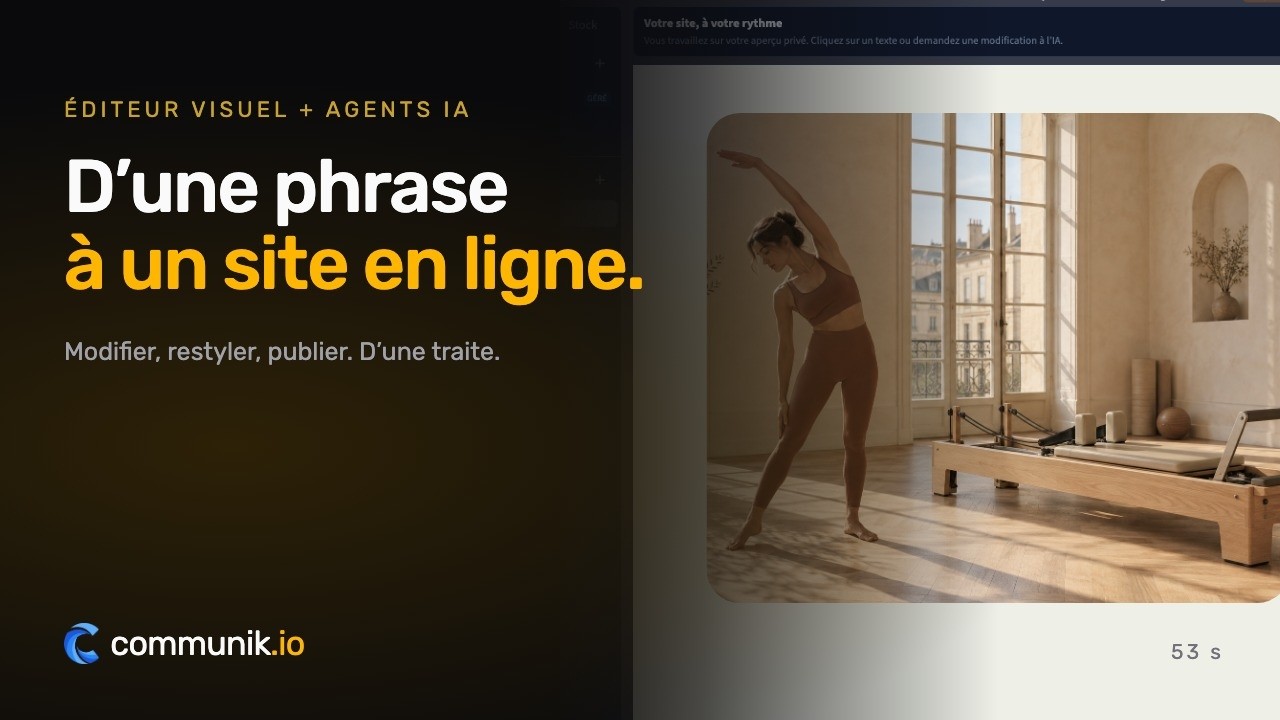
Real product captures, staged pointer and typing.
Online bookingYour customers book online.
Your customers book online.
A discovery lesson, a five-day course, a place in the kids club.
You set your hours, customers pick a slot on your site, the booking lands in your calendar.
From €19/ month, as an option
Book an appointment
Mon 6Tue 7Wed 8Thu 9
8:3010:0014:0015:3016:3018:00
Confirm Tuesday at 14:00What you get
A site that works while you work.
Four things that turn a visitor into a customer, in place from the first day.
Lessons written for parents, not for surfers
Age, level, children per instructor, length and price on every lesson, so a parent who has never surfed can choose in the car park.
The tide explained once, instead of on every call
Why times move each day and what happens with a flat sea or a red flag: the two questions every school answers twenty times a week.
Requests that already include the ages
Dates, the age of each surfer and a line on swimming: you can place a child in the right group before calling back.
Five beach atmospheres to try with your school's name
Tide Table, Beach Hut, Board Rack, Surf Journal or Flag Zone: type the name of your school on this page and watch your lessons appear in each.
The pages you get
Not an empty template to fill in: pages already written and already linked to each other, with example content you correct instead of writing from scratch.
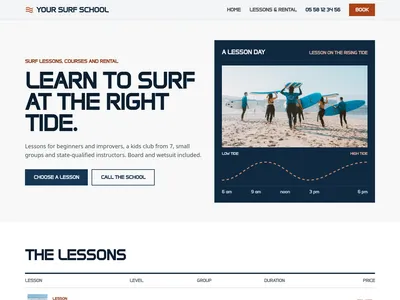
/Surf school on the beach: lessons, courses, kids club and board rental
Home page: the lessons and courses, the school commitments, how a lesson goes, the tide, rental prices, questions, reviews and the booking form
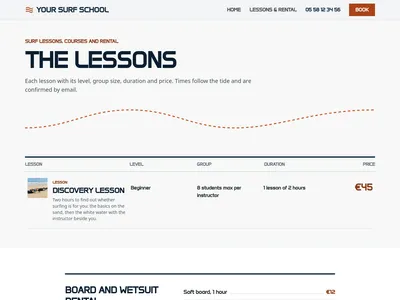
/lessonsSurf lessons, courses and rental prices: levels, group sizes and durations
All the lessons, the rental prices, the questions and the booking form

/lessons/[slug], surf lesson: level, group, duration and price
One page per lesson or course: what you learn, for whom, the group size, the duration, the price and the booking form
What is added to your project
Ready-to-use databases. Edit one row and every page that shows it updates.
Lessons
11 columns · 6 rowsLesson name, Slug, In one line, Full description, Type, Level, Group size, Sessions and length, Price, Photo, Order
Rental
3 columns · 6 rowsEquipment and duration, Price, Order
Questions
3 columns · 6 rowsQuestion, Answer, Order
The checklist
What your websitemust contain.
The sections that actually bring in enquiries, and the ones you can skip.
The age and level for every lesson
Kids club from 7, adult groups, improvers beyond the foam.
The number of students per instructor
The figure parents look for first, written on each lesson.
Why the times move with the tide
One clear paragraph and a reply by email with the times.
Diplomas and professional cards stated plainly
BPJEPS surf or former BEES, no invented label.
The swimming rule before the first wave
Swim 25 metres, head under water, checked on day one.
Board and wetsuit rental by the hour and the day
For surfers who can already manage alone.
01Budget
What it reallycosts.
Real figures, including what you pay elsewhere and what you no longer pay here.
Building the school's site
Choosing a design, writing your lessons, filling in the rental prices and seeing it all in the preview is free, with no card number asked.
Online with your own domain
Publishing costs €14 excl. VAT a month, billed yearly, with hosting and the SSL certificate included. Online booking of lessons is an option from €19 excl. VAT a month; parents pay on your own Stripe account and Communik takes no commission. FAQ, reviews, gallery and blog modules can be added.
What stays with the school
Your instructors' professional cards and diplomas, your professional liability insurance, the declaration of your sports establishment, the beach permit from the town hall, and the boards and wetsuits themselves.
02To avoid
The mistakes thatcost you clients.
Seen on hundreds of sites in this trade, and each one is cheap to fix.
Fixed lesson hours that the tide contradicts
Families turn up at 10 when the lesson is at 2.
No word on how many children per instructor
The first question of every parent stays unanswered.
A federation label the school does not hold
Easy to check, and it costs trust.
Big-wave photos on a beginners' site
They scare the people you want to teach.
No plan for flat days and red flags
A lost lesson ends in a refund dispute.
A surf school is chosen in a few minutes, often on the first morning of the holidays. Parents type surf lessons with the name of the beach, adults look for a five-day surf course, and teenagers ask where to rent a board for the afternoon. The school that appears with clear answers, an age, a group size and a price, gets the call. The one that only shows a sunset over the waves gets skipped.
Beginner, child or improver: who is this lesson for?
Everyone who contacts you arrives with the same doubt: is this lesson right for me? Write each lesson for that person. The discovery lesson for someone who has never stood on a board, the five-day course for those who want to ride the foam alone by Friday, the kids club with its age band and its groups of six, the improver course for surfers ready to paddle past the breaking waves. Give each one its length, its group size and its price. A family lesson where one instructor takes parents and children together answers a request you probably receive every week.
The tide decides the time, so say it before they ask
Nothing confuses holidaymakers more than a lesson that was at 10 yesterday and is at 3 today. Explain it once on the site: beginners learn in the white water, the white water depends on the tide, and the school sets each lesson at the tide that suits the spot. Then let the request form ask for dates, not for a time slot, and reply with the times. Add what happens with a flat sea, a storm or a red flag: the lesson is moved to another day of their stay. Those two paragraphs remove a large share of the calls that interrupt you on the beach.
Who is in the water with my child?
In France, teaching surfing for pay requires a diploma listed in the sports code, the BPJEPS surf or the former BEES, and the professional card issued by the prefecture. Say it plainly on every page, without inventing a label: if your school holds the federation label, mention it, and if it does not, nothing is lost. Add the size of your groups and your swimming rule, for instance swimming 25 metres and putting the head under water, checked on the first day. A parent reading this from a surf school in Biarritz or anywhere else on the coast decides with more confidence than any photo could give.
A surf school website that works from the car park
Most of your visitors read the site on a phone, in the sun, sometimes with sand on the screen. Each design keeps the phone number at the top of every page and the request form on every page, with three questions: the lesson and the dates, the age of each surfer, and a free line on level and swimming. Tide Table lays the lessons out like a tide almanac, Beach Hut puts the kids club first for families, Board Rack speaks to teenagers, Surf Journal tells adult courses day by day, and Flag Zone opens with safety for holiday camps and school groups.
Rental prices in a grid, not on the phone
Soft board by the hour, board and wetsuit by the half day or the day, stand-up paddle: a short grid answers before anyone asks, and reminds people that rental is for surfers who already manage alone. Schools that only teach can hide it with one switch. A questions block completes the page: what to bring, from what age, what happens if there are no waves.
Type the name of your school in the preview and see your lessons, your beach and your tide note in the design that looks like your hut.
Pricing€14 a month, once your site is live.
€14 a month, once your site is live.
Building it costs nothing.
Prices excluding VAT. €14 a month billed yearly, or €19 month to month. Cancel whenever you like.
SolopreneurOne site, online and looked after
€14/ month
- Your site on your own domain name
- Hosting and SSL certificate included
- The chat and the AI: 2,000 credits a month
Online booking
Option, add it whenever you want
No card to start. You choose your plan when you publish.
Done for youNo time? We do it all for you.
No time? We do it all for you.
From €1,200 excl. VAT.
Your showcase site and your modules installed: we create every page that presents your services and put the site online. You send us your photos, texts and business details, and that is what makes a site accurate.
- Every service you offer, with its own page
- Your modules installed and set up, online booking included
- Your domain name connected, the site published
- Everything stays editable afterwards
Starting at
€1,200 excl. VAT
An exact quote after a first conversation. You provide the photos, texts and information about your business.
Tell us about your projectWe get back to you to scope it together. No obligation.

A person answers you
A question? Write to me, I will answer.
I founded Communik and I read every request. Tell me about your business: we look at it together and I tell you plainly what you need, whether you build the site yourself or we build it for you.
Questions
Before you start.Everything else, just ask.
What people ask before they get going.
My lesson times change every day with the tide. How does the site handle that?
The site never shows fixed hours for lessons. A short block explains that beginners learn in the white water and that the time depends on the tide, and the request form asks for dates rather than a time slot. You reply by email with the times for those days.
Can I show that my instructors are qualified without listing every diploma?
Yes. Each design states that lessons are taught by state-qualified instructors (BPJEPS surf or the former BEES) holding a professional card, which is what French law requires for paid teaching. You can add names and training on the school page if you wish.
We are a federation-labelled school. Can we say so?
Yes, if it is true: you mention the label during setup and it is added to your texts. No design displays a label by default, so a school without one is never shown with it.
Can parents book the kids club online and pay a deposit?
With the online booking option, from €19 excl. VAT a month, you open sessions and parents reserve a place; payments go to your Stripe account with no Communik commission. Without it, the form sends you each request by email with the children's ages.
Do I have to show rental prices?
No. The rental grid is an option: switched off, it disappears from every page. Schools that only teach keep a site about lessons, and those that rent boards show prices by the hour, half day and day.
What happens on the site when the season ends?
You edit the opening months in the footer and the season text in a few seconds. The lessons stay online, so people planning next summer's holiday still find your school in the winter.
Try it for real, the risk is on us
You saw your site above. Creating the account just makes it yours.
Free to build
Your site is generated and online at its own address at no cost. You pay only when you publish it on your own domain.
No commitment
Monthly subscription, cancel whenever you want. No setup fee, no 12-month contract, no sales call.
Everything included
Hosting, SSL, updates, contact and quote forms, reviews and local SEO structure. Nothing to install.
More trades
Another trade?
Each one comes with its own live demo site you can browse before you start: same editor, same price, content already written for that job.