
Store numbers, dates and choices
Use structured fields for values you need to compare, filter or reuse. A numeric duration is more useful than text such as “about forty-five minutes”.
1. Choose the family
Use Number without decimal for whole quantities, Decimal number for fractional values, True/False or Switch for yes-or-no answers, a date editor for calendar information, and a choice field for a controlled list of answers.
A field type does not decide its public display format or currency label.
2. Enter numbers and explicit answers
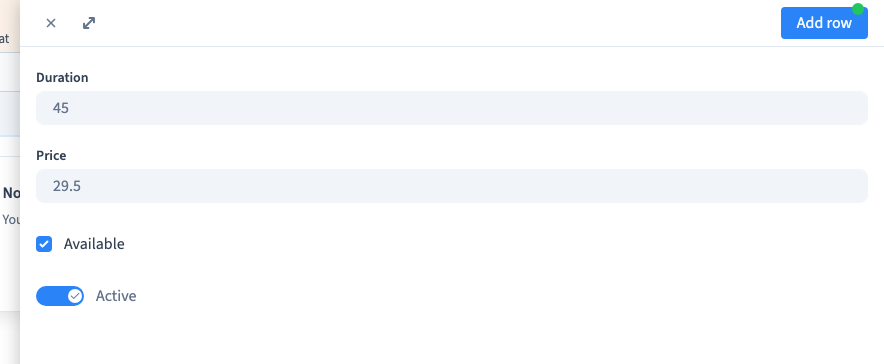
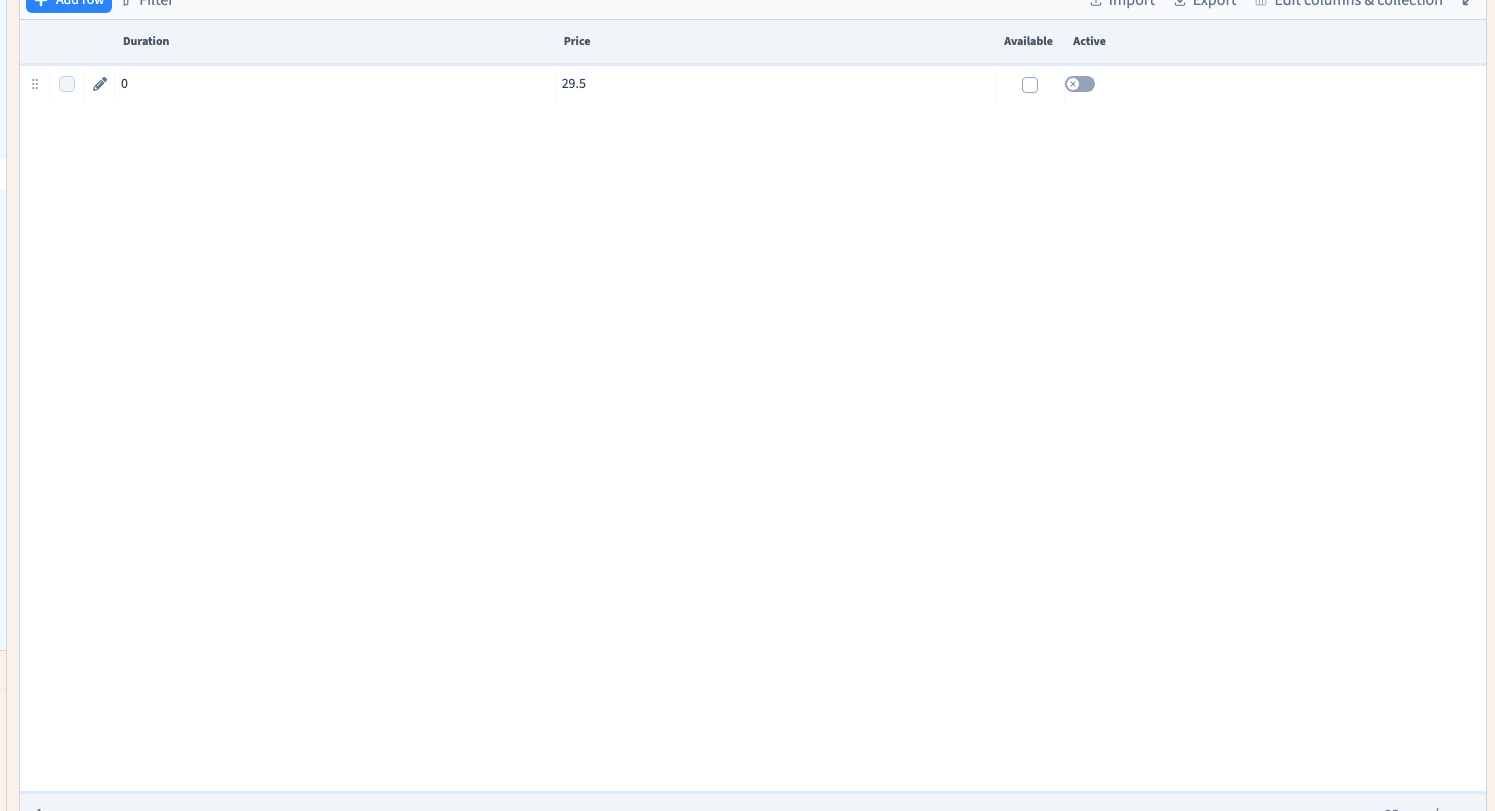
Add a record and enter its numbers. The example saves a duration of 45 and a price of 29.5, with both availability controls enabled. It then reopens the record, changes duration to 0 and saves both answers as false.
Zero is a value. False is a negative answer. Neither should be confused with a missing value.
Could not play. Try the video controls.
3. Enter dates in the displayed format
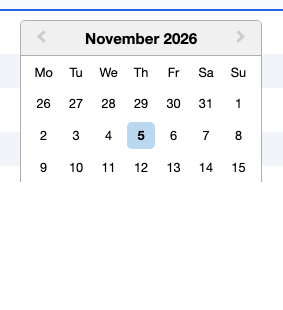
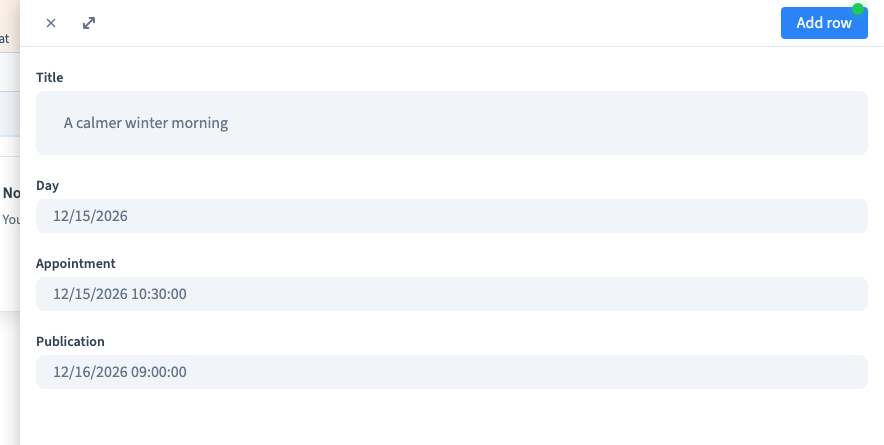
Date stores a calendar day. Date and time includes a time. Published at stores a publication timestamp used by the relevant content features.
Use the calendar and follow the date format shown by the editor. Reopen the saved record and compare the day and time. Check timezone assumptions when a precise moment matters. A publication timestamp alone does not prove that every connected public query is scheduled or filtered correctly.
Could not play. Try the video controls.
4. Prepare choice options
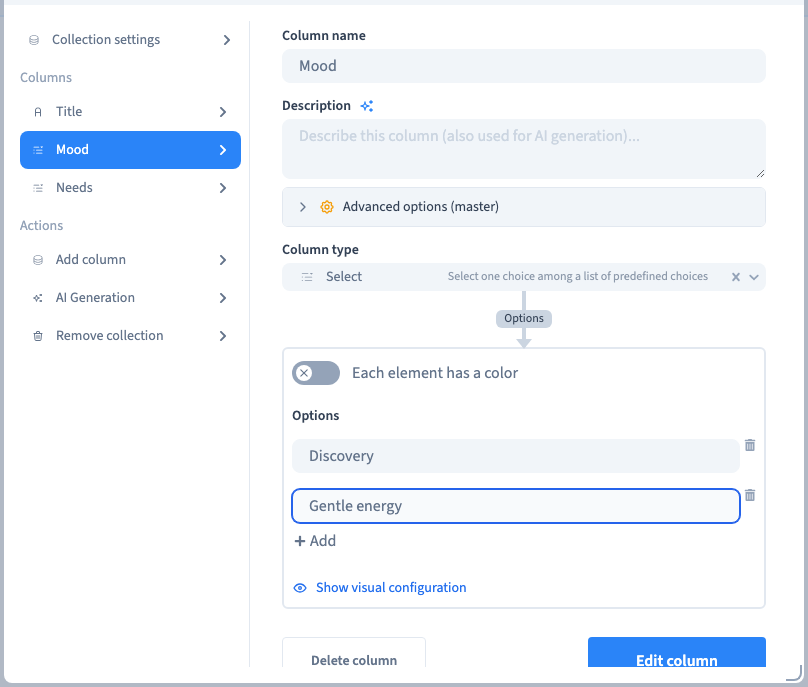
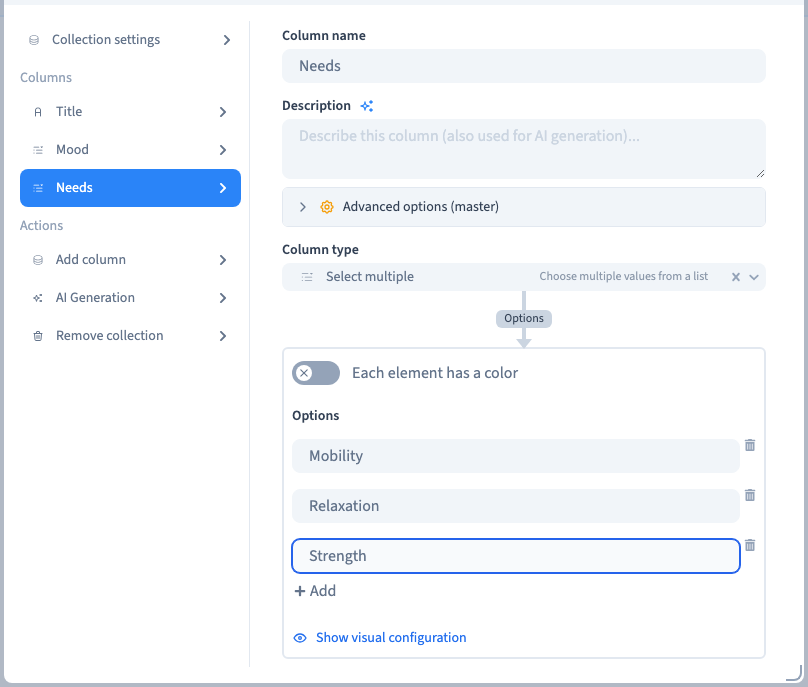
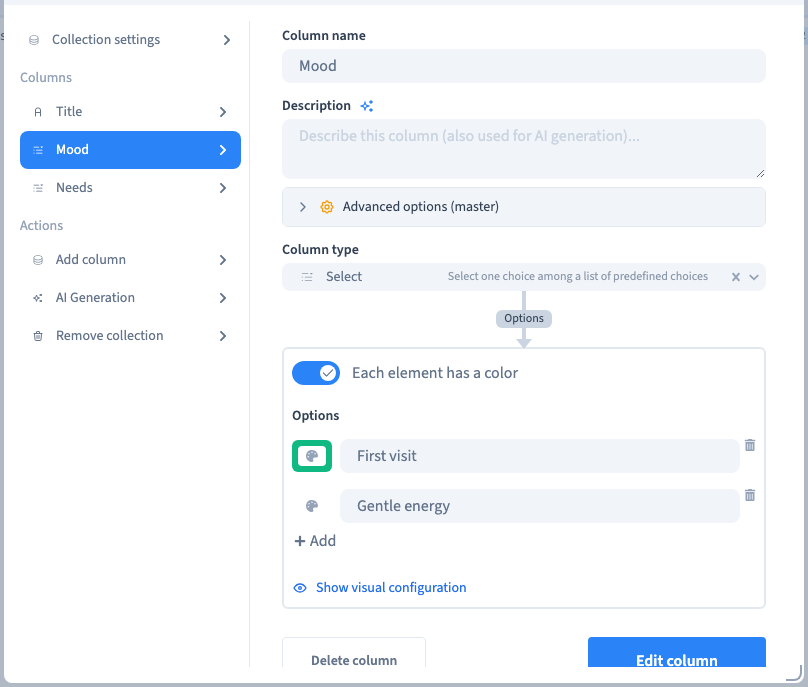
Configure the choices in the field settings before entering records. Use a single-choice field for one category and multiple choice when several answers may apply. Keep labels distinct and useful.
Could not play. Try the video controls.
5. Choose and recheck the answers
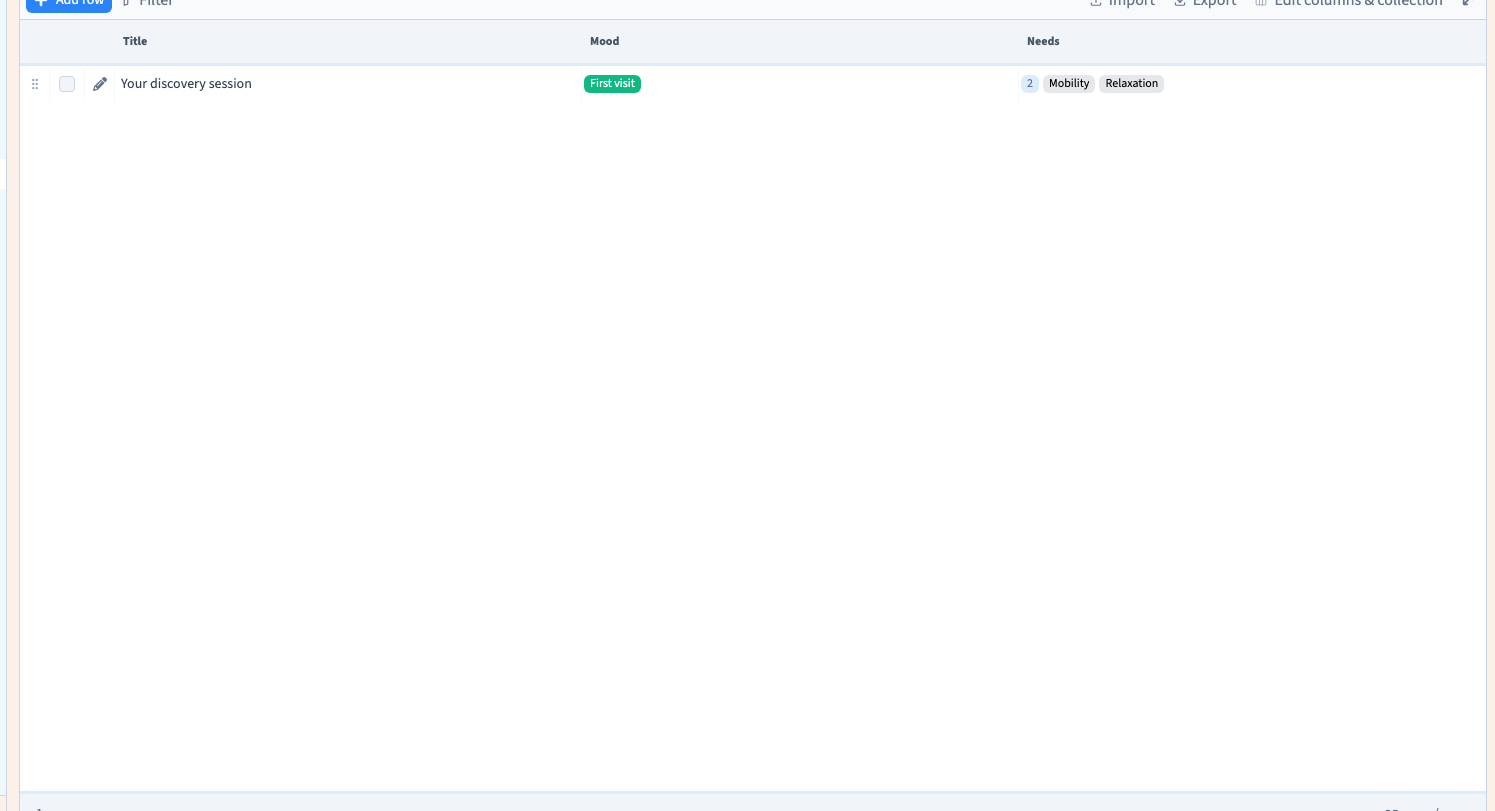
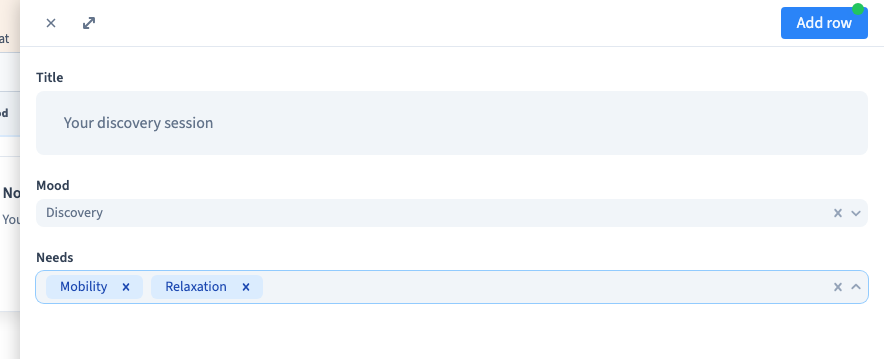
Select one answer in the single-choice field and several in the multiple-choice field. Save, reopen the record and check that the selections remain. Rename an existing option in place when its meaning remains the same.
6. Verify the consuming feature
Check both saved values and their use. A number may feed a filter; a date may appear in a list; a switch may control visibility. Test the consuming page separately, including zero, false and missing optional values.