
Find an element you cannot select or edit
1. Return to editing
If a click follows a link, check whether the builder is in visitor preview. Exit preview and open Design. Check the selection mode for the kind of element you want to edit.
2. Find the exact layer
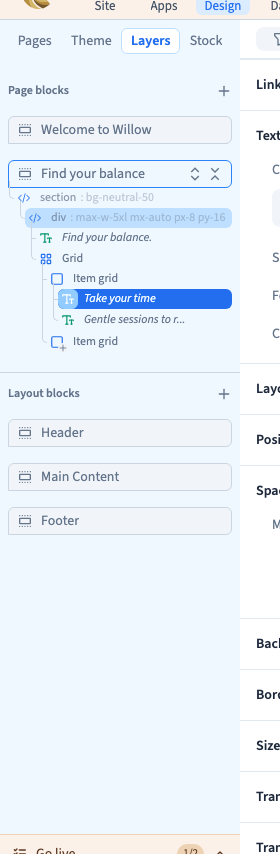
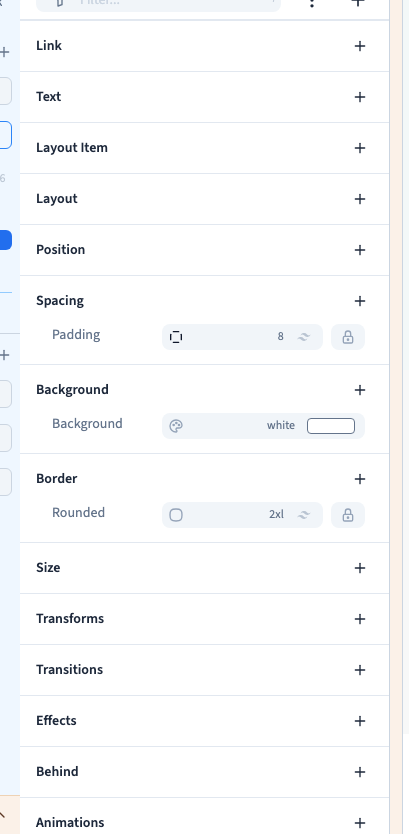
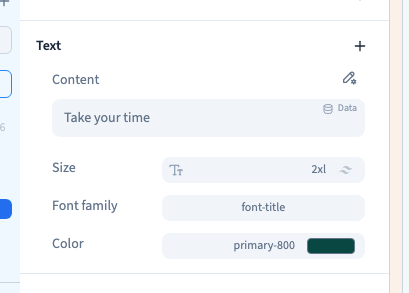
Open Layers and expand the container. Select the precise child or parent you want. The controls change with the selected layer. Check its name and the settings panel before editing. See how to use Layers.
Could not play. Try the video controls.
3. Check where the content comes from
For a component instance, look for the options exposed by its author. Edit the source component only when you intend the shared change. For a module screen, open the module settings and check where its content comes from.
4. Capture the useful context
If selection still fails, include the page, mode, selected layer and the result you expected. A screenshot with Layers open shows which element the builder selected.