
Find a change that seems to be missing
1. Check which version you are looking at
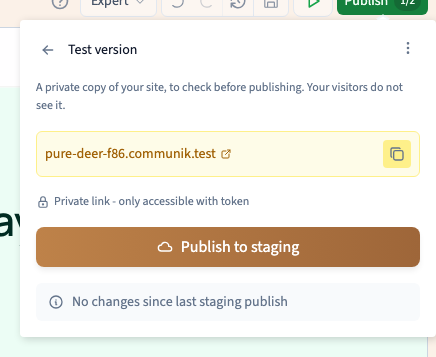
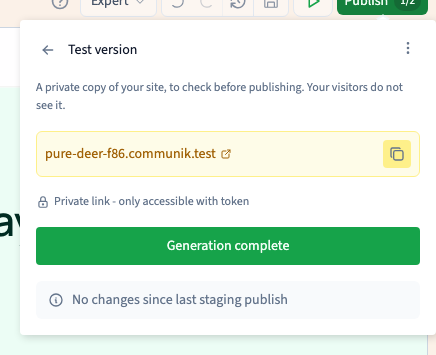
Open the builder on the affected page. If the change is visible there but missing from the test site, wait for saving to finish and publish the test version again. Reopen the complete preview link. For changes meant for regular visitors, verify production separately.
Could not play. Try the video controls.
See also Understand saved work, test versions and production.
2. If saving still shows an error
Keep the tab open while the latest change is pending. Note the exact message and check your connection before retrying. Wait for confirmation before reloading. A form submission or new CMS record is a separate action and may create a duplicate if repeated.
3. If only one change is missing
Confirm the page, language, selected element, screen condition and state. You may be looking at a different context from the one you edited. Use the builder’s session history to check recent changes before considering a project backup.
See also Restore builder work from a backup.
4. Write down the failing step
Record the page, language, exact action and the save status. Say whether the issue is visible in the builder, staging or production.