
Find why a form, email or booking did not complete
1. Start where a visitor sees the problem
Open the correct test or public version. Use test data in a private preview. Check required fields and the message after submitting. Record the error if the visitor cannot continue.
2. Find the stored result
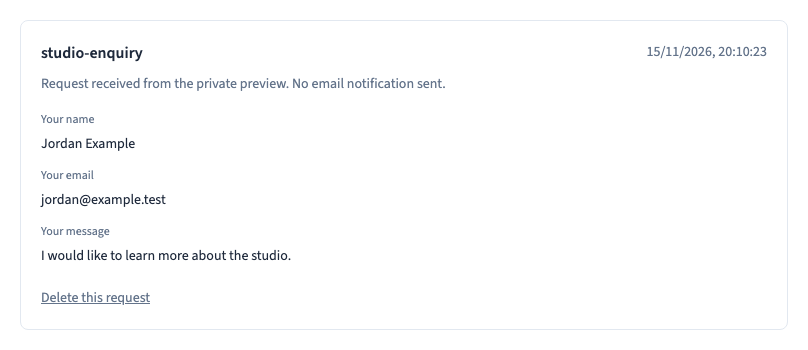
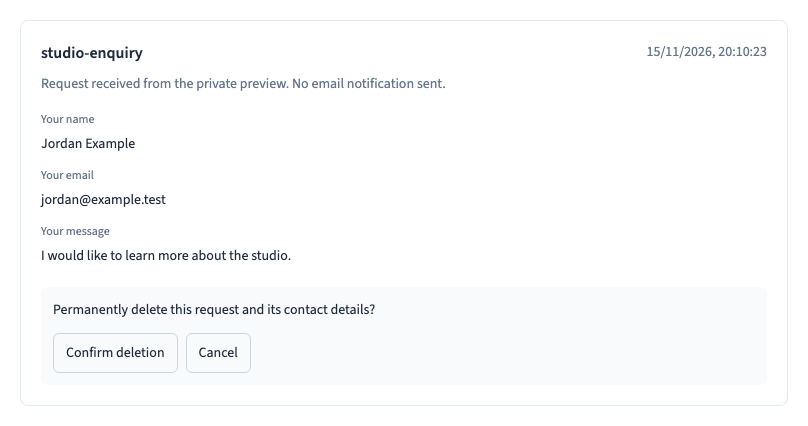
Check Received requests, the target collection or the booking list, depending on what the action is designed to do. Note the test time. If the request is stored, you can focus on the next step instead of repeating the submission. See how to check received requests.
Could not play. Try the video controls.

3. Check delivery or booking separately
For email, confirm how the site sends notifications, who should receive them and whether the message reached that mailbox. For a booking, check availability, time zone and the status of the reservation or payment before retrying.
4. Use one test at a time
Write down the target, result and time. Check that any cleanup affects only the test request. Share the first failing step and redact personal data.