
Find why AI or MCP cannot perform an action
1. Check the connection you are using
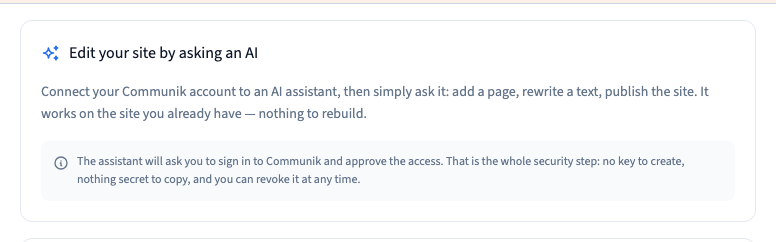
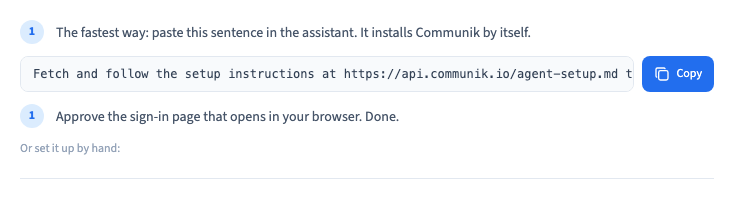
For an external assistant, go to Site > Edit with AI and find the instructions for that assistant. The builder chat and an external MCP connection have separate access. You can check the connection without making a change to the site.
Could not play. Try the video controls.
2. Ask the assistant to verify its context
Specify the project, page or collection, the language and the result you want. Ask it to read that context before editing. Check the account’s permissions and that the relevant module is available.
3. Check discovery and the exact error
Ask the assistant to look up the available tool and its supported inputs. Separate an unavailable tool from a permissions issue or provider quota error. After a timeout, check whether the first action succeeded before retrying.
4. Try one limited action
Use a small reversible change or a read-only check, then verify the result in the builder. If the issue persists, keep the error and timestamp and redact keys, tokens and other private data.