
Send a support request someone can reproduce
1. Identify the context
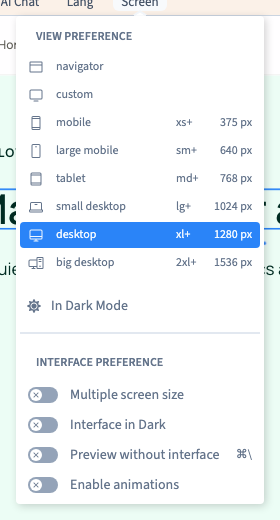
Write down the project, page or application, language, editing mode, browser and relevant width. Say whether the problem happens in the builder, a test version or production.
Could not play. Try the video controls.
2. Write the smallest sequence that shows the problem
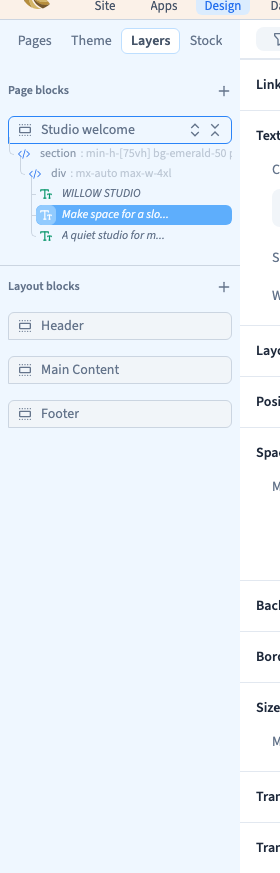
List the actions from a recognisable starting point. For example, open a page, select a named layer, choose a screen rule, change a value and save. Describe both the expected result and what actually happened.
3. Attach evidence you can share
Include the exact error, time and a screenshot showing the active layer or rule. A short video can help when the click order matters. Use demo data and redact keys, preview tokens and personal information.
4. Send the request with the checks already done
Use the Communik contact page or the support conversation for your account. Include what you already tested and the result. If support needs to enter the project, use Communik’s access controls.