
Choose how a container lays out its children
A container holds other elements: a row of buttons, a card or a group of services. Its Display determines how those children are arranged.
1. Select the container
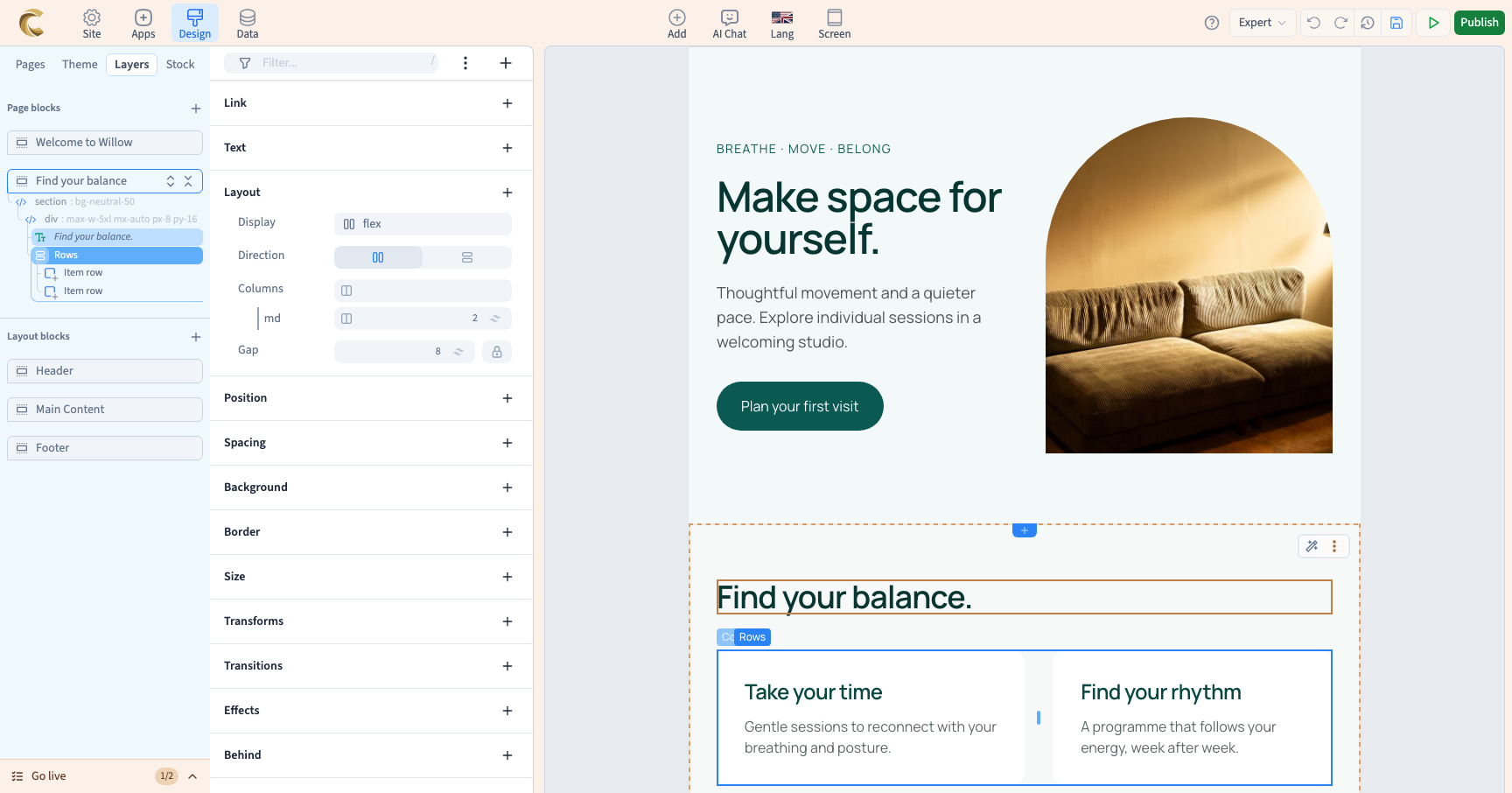
Select the group you want to arrange. If a click selects its text or button, open Layers and select their parent instead. In Expert, find Layout → Display. These are visual controls; you do not need to enter code.
Changing the parent layout is different from changing each child separately.
2. Choose a display type
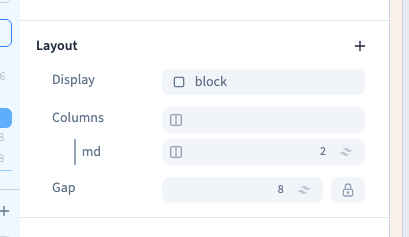
Open the Display value and choose a type. Watch the preview as you change it.
| Choice | Purpose | Example |
|---|---|---|
| Block | Let the children follow normal flow | A text area and its paragraphs |
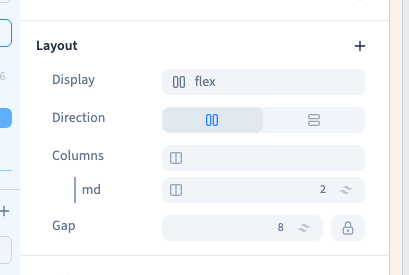
| Flex | Arrange children along one axis | A row of buttons or a column of cards |
| Grid | Arrange children in columns and rows | Services or product cards |
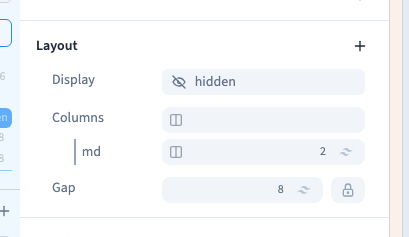
| Hidden | Hide the container and its children | A section hidden for a particular condition |
The Inline, Inline Block, Inline Flex and Inline Grid variants appear beneath the active type. They are useful when an element should participate in a line with its neighbours. For a first section or card grid, start with the main type.
Could not play. Try the video controls.
3. Finish the layout
With Flex, continue with direction, wrapping and alignment. With Grid, choose columns and gaps. A group shortcut can apply several settings at once, so inspect the resulting lines in the panel.
Changing type can remove settings that no longer apply. Switching from Flex to Block and back does not guarantee that every previous Flex setting returns. Use Undo when you only wanted to compare an idea.
4. Hide and recover a container
Hidden removes the container and its children from the visible layout and does not reserve their space. It does not delete their content. To recover it, select the container in Layers and change Display. If you just hid it accidentally, Undo is quicker.
Hiding content is not access control. Use the site's access settings for private information.
5. Check other widths
The base value applies unless another matching rule overrides it. A screen condition can choose a different display. Changing the preview frame only lets you inspect the result; it does not create such a rule.