
Find why a CMS page or list is empty
1. Check that the source contains the record
Open Data and confirm you are using the intended collection. Find the item and check its visibility or publication state, slug, language and any fields required by the page.
2. Check the connected template
Open the dynamic page and preview a known record. Confirm the template uses the right collection and check a second record to distinguish a record-specific problem from a template issue.
Could not play. Try the video controls.
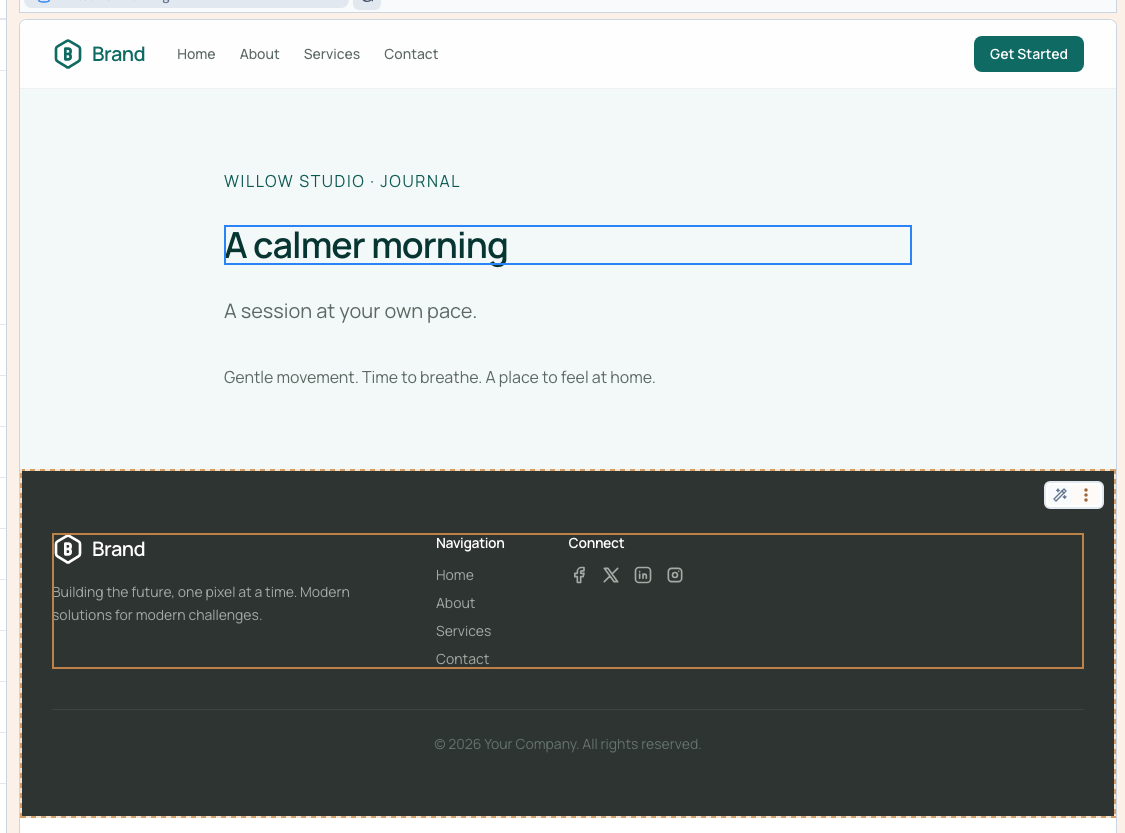
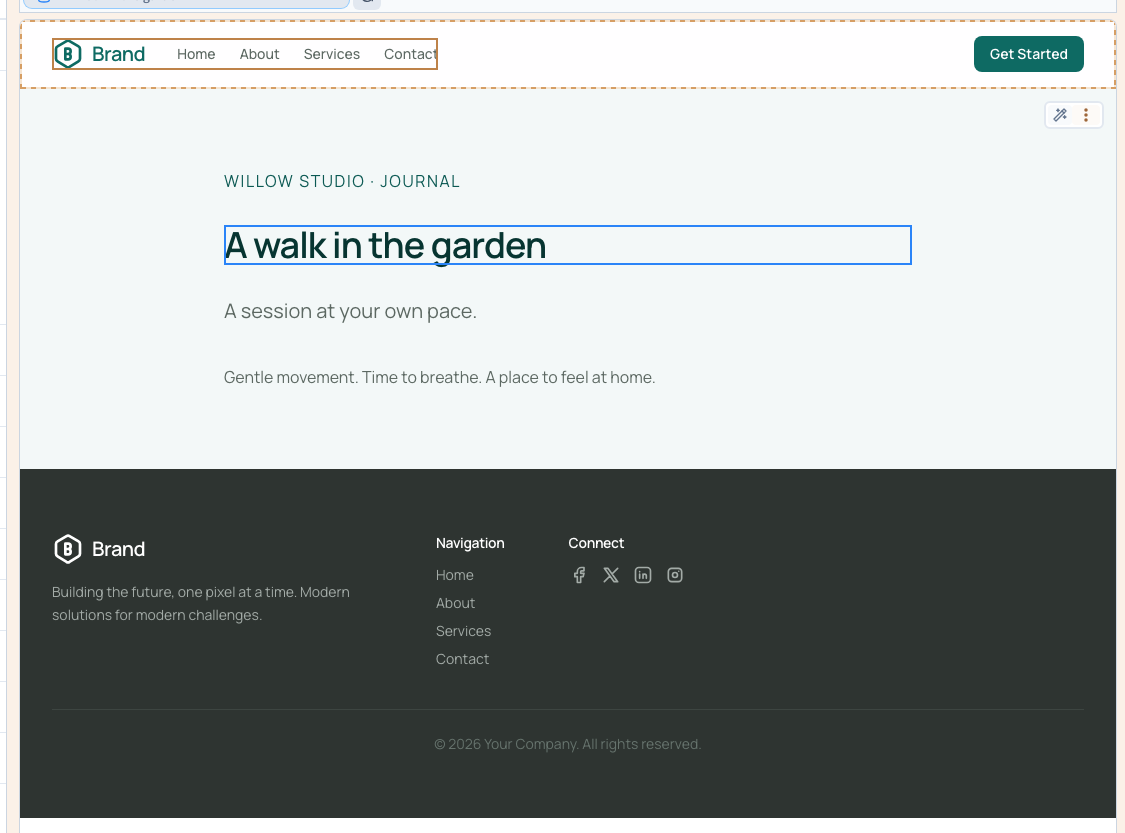
3. Check a list’s rules and layout
Review filters, sorting, limits, relations and conditions that can hide items. Test one known match. Look for empty bound fields and compare what changes when you disable one condition in a private test. Follow the CMS verification checklist if several parts of the page depend on the same record.
4. Open the generated page directly
Save and publish the test version, then open the actual record path. If the builder preview works and the published URL is empty or missing, record both addresses, the language, the selected item and the first rule where the output differs.
See also Publish and open a staging preview.